GTA 6 Buck Me Walkthrough
How to complete Buck Me in GTA 6. Meet Lucia at the Fleeca bank, try to open an account, set up BuckMe, then deposit your cash stash at an ATM.
Jump to the walkthroughMission quick facts
- Chapter
- Chapter 1
- Playable
- Jason
- Mission giver
- Lucia
- Location
- Fleeca bank off the highway, Key Lento, then Jason's house
- Time to beat
- 10 min
- Difficulty
- Easy
Rewards
- $100 BuckMe welcome bonus
Unlocks
- BuckMe app
- Deposit Cash Into BuckMe
- Save for the Future
- ATM deposits
Lucia’s case officer wants her to have a bank account, and it turns out Jason has never had one. Brian pays him in cash and he doesn’t pay rent. Buck Me is a short mission at a Fleeca branch that ends with Jason on the BuckMe app instead of a real account. It also unlocks two follow-up tasks that teach you how to move your cash stash into the app.
Quick version: take Lucia’s call → get in the truck → drive to the Fleeca off the highway → ask about setting up a bank account → follow the manager → cutscene → open BuckMe and select your checking account → take cash from your stash → deposit it at an ATM (Deposit Cash Into BuckMe) → Save for the Future.
Take Lucia’s call
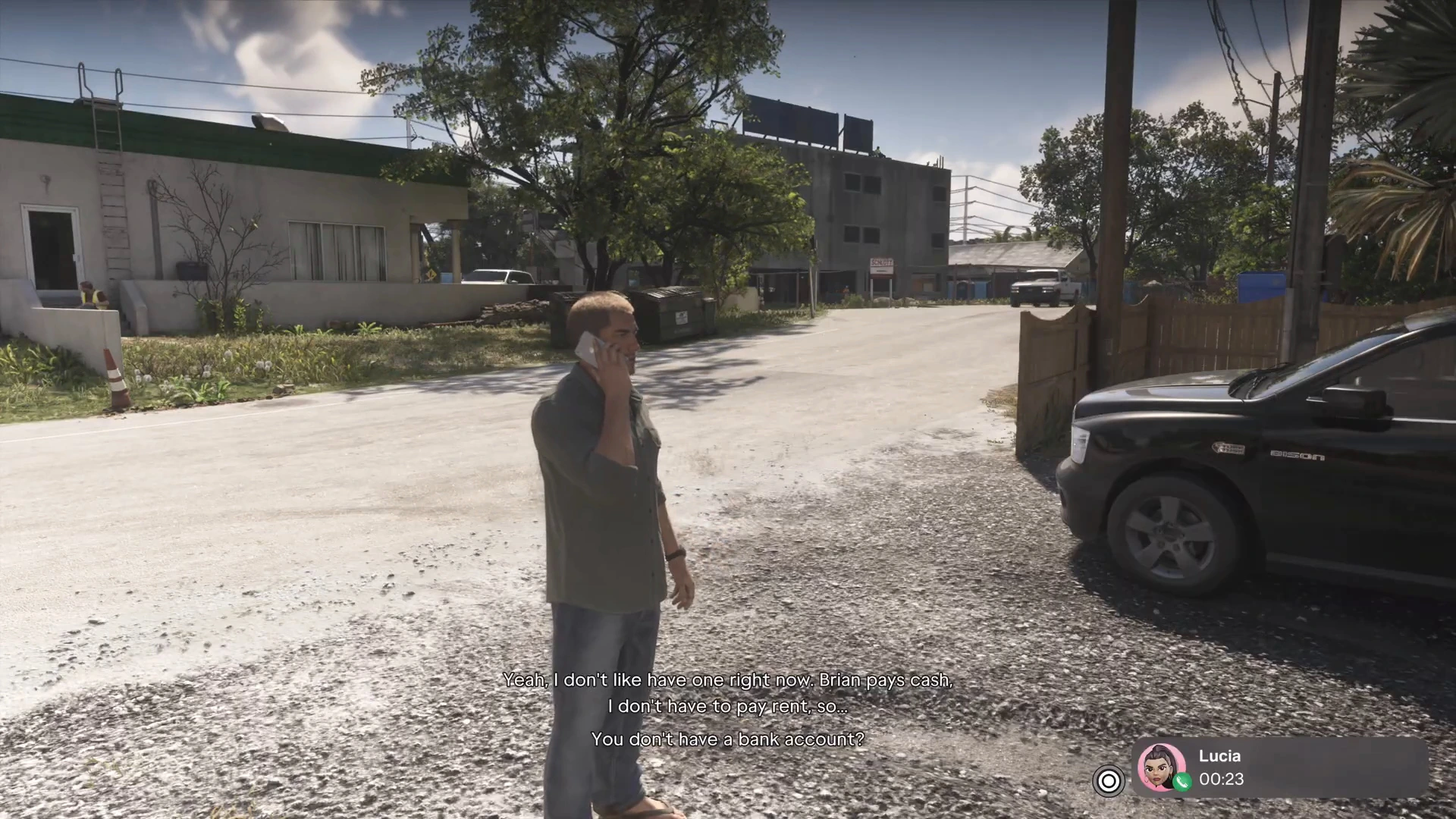
After Find Donnie’s Package, Lucia calls Jason. Her case officer is pressing her about a bank account and she needs somewhere to send her pay, “like, two bucks an hour.” She asks to use his. Jason admits he doesn’t have one, because once you’re in the system “they know everything you’re doing.” Lucia tells him to meet her at the Fleeca off the highway and text her when he’s there.
Drive to the Fleeca bank
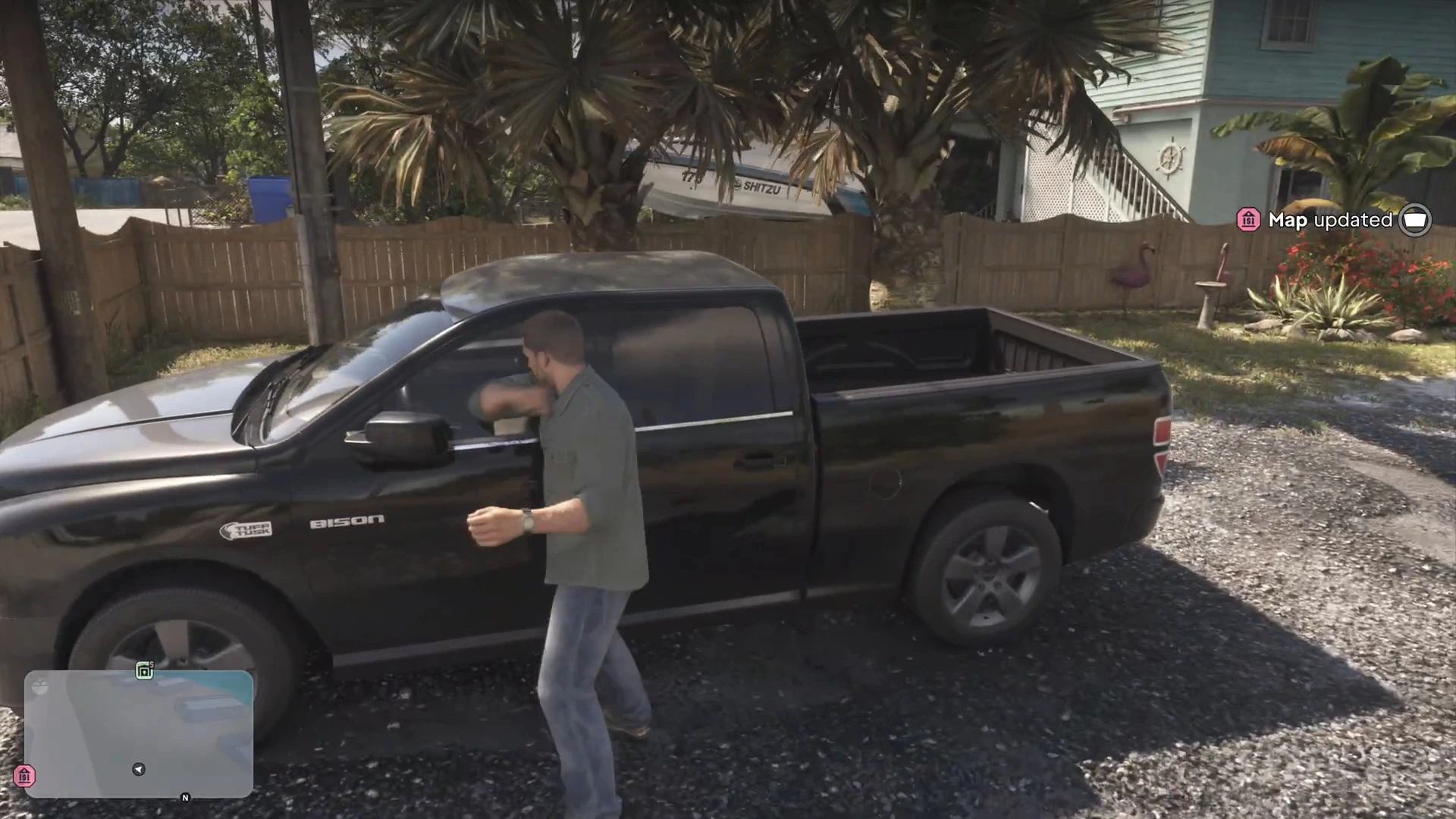
The map updates with the bank. Get in the truck parked outside and follow the GPS. The Buck Me title appears as you walk up to the branch. Jason texts Lucia, and she replies that she’s on her way and he should get started without her.
Ask about setting up a bank account
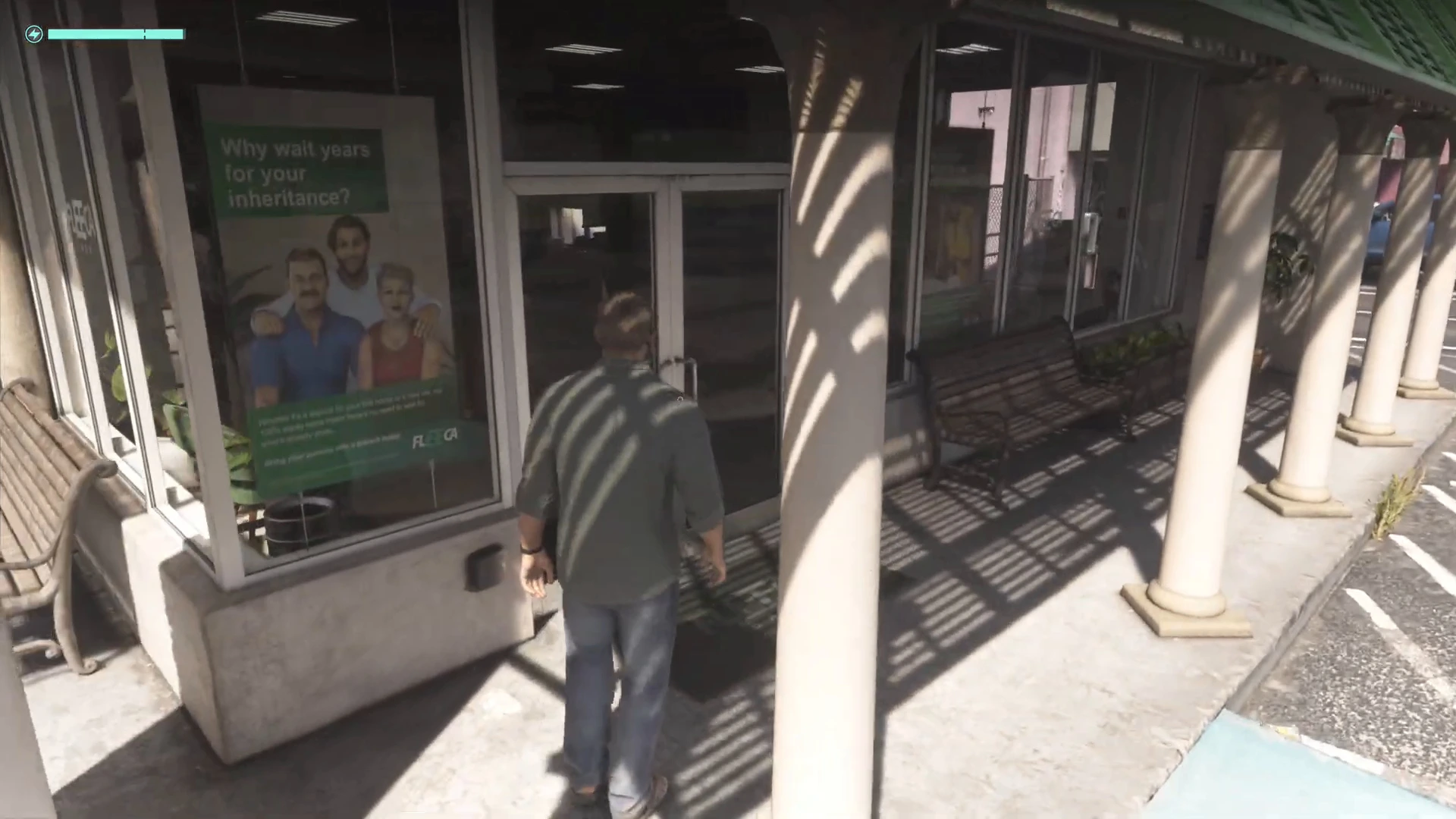
Inside, follow Ask about setting up a bank account. The teller says the manager is “right over there by the desk.” Jason asks if someone can help him set up a new account.
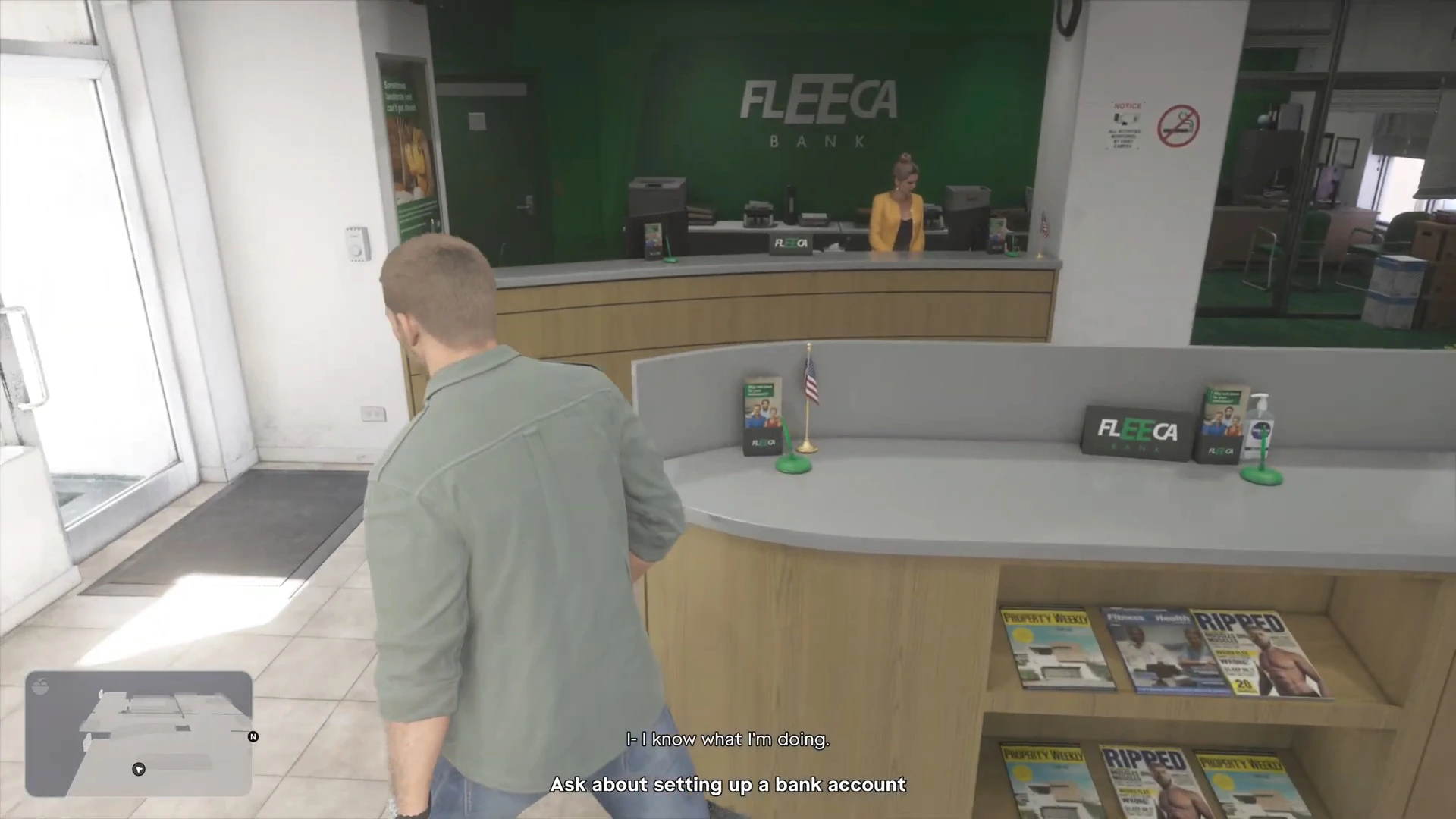
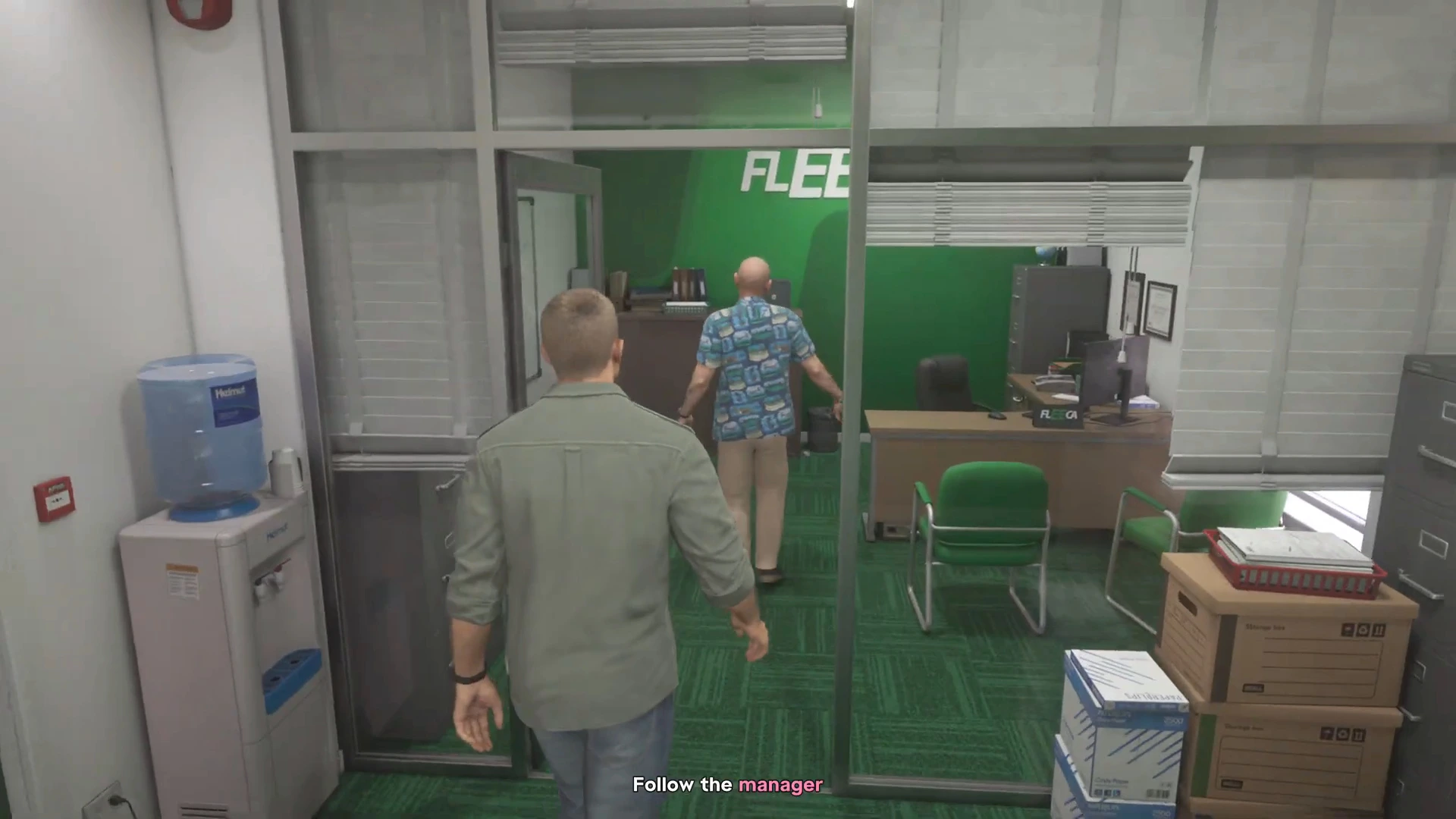
Follow the manager
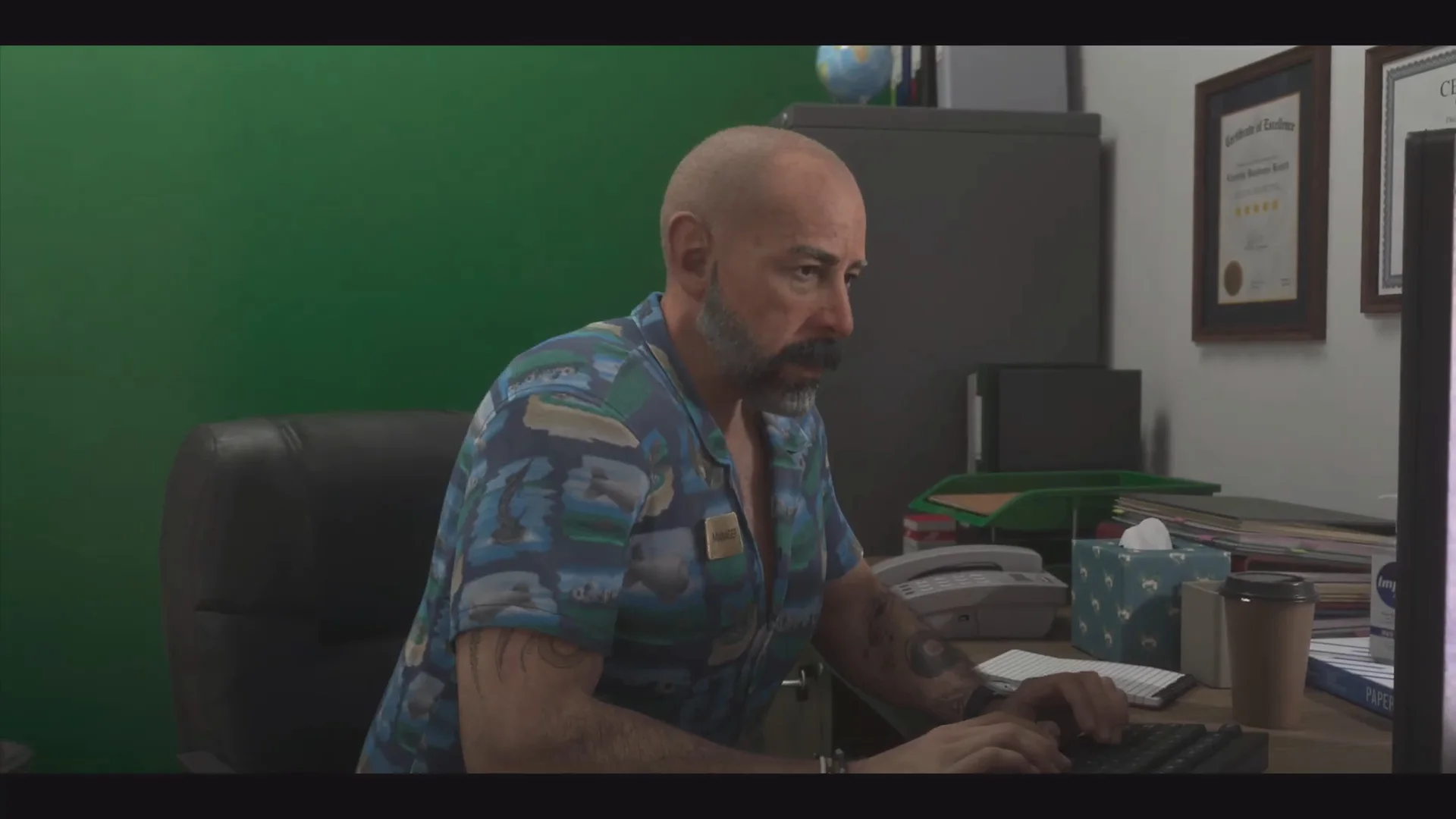
The objective is Follow the manager. Walk with him to his glass office at the back and sit down. Lucia arrives partway through in her orange work-release vest.
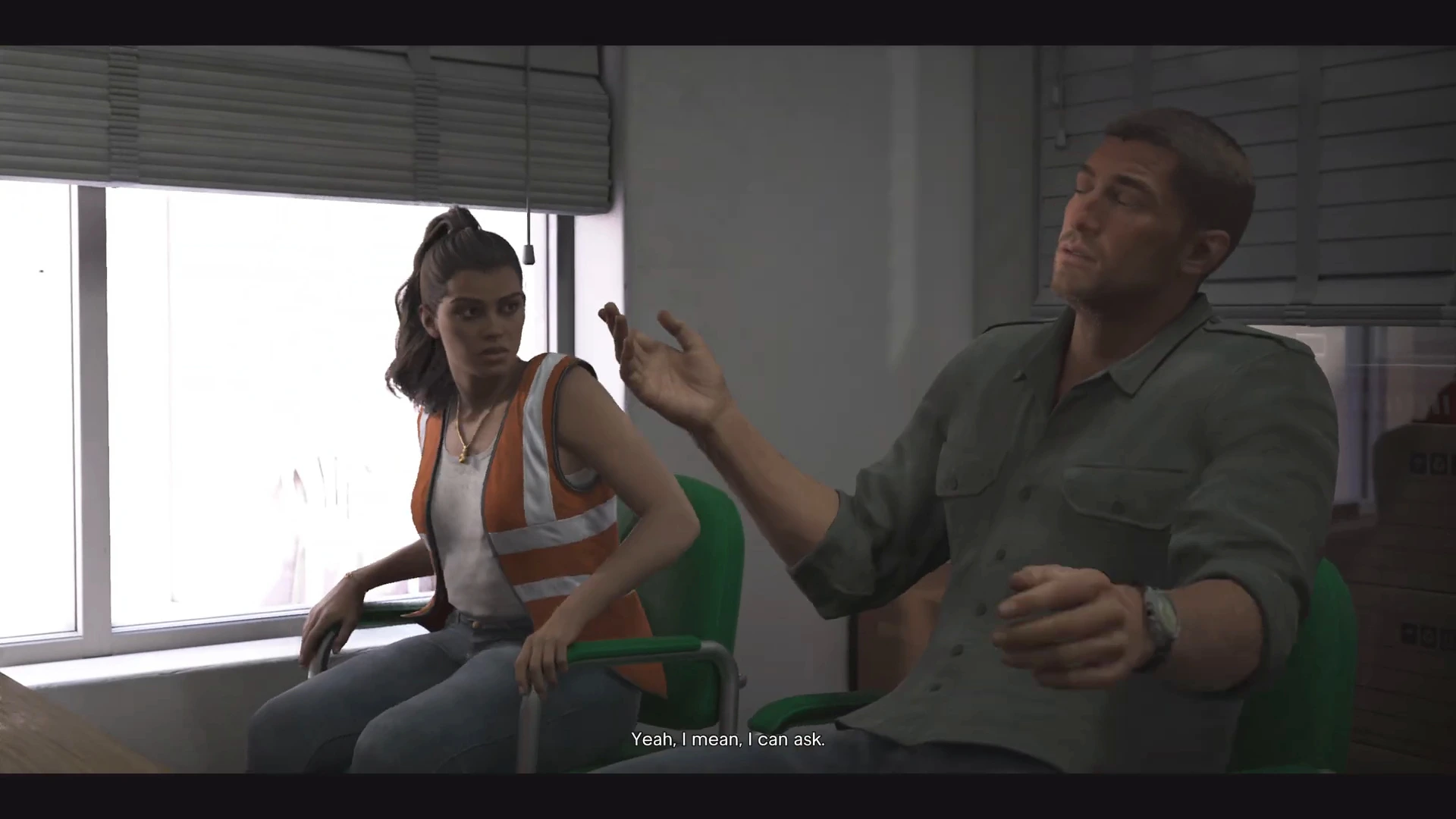
The manager asks about a deposit, then suggests a veteran’s loan. Jason says he got in trouble in the Army. The manager says his credit is terrible and that he won’t qualify for loans or “one of our mortgage products.” The best he can offer is a pair of BuckMe accounts, which come with transaction limits. Lucia isn’t impressed, but they take it.
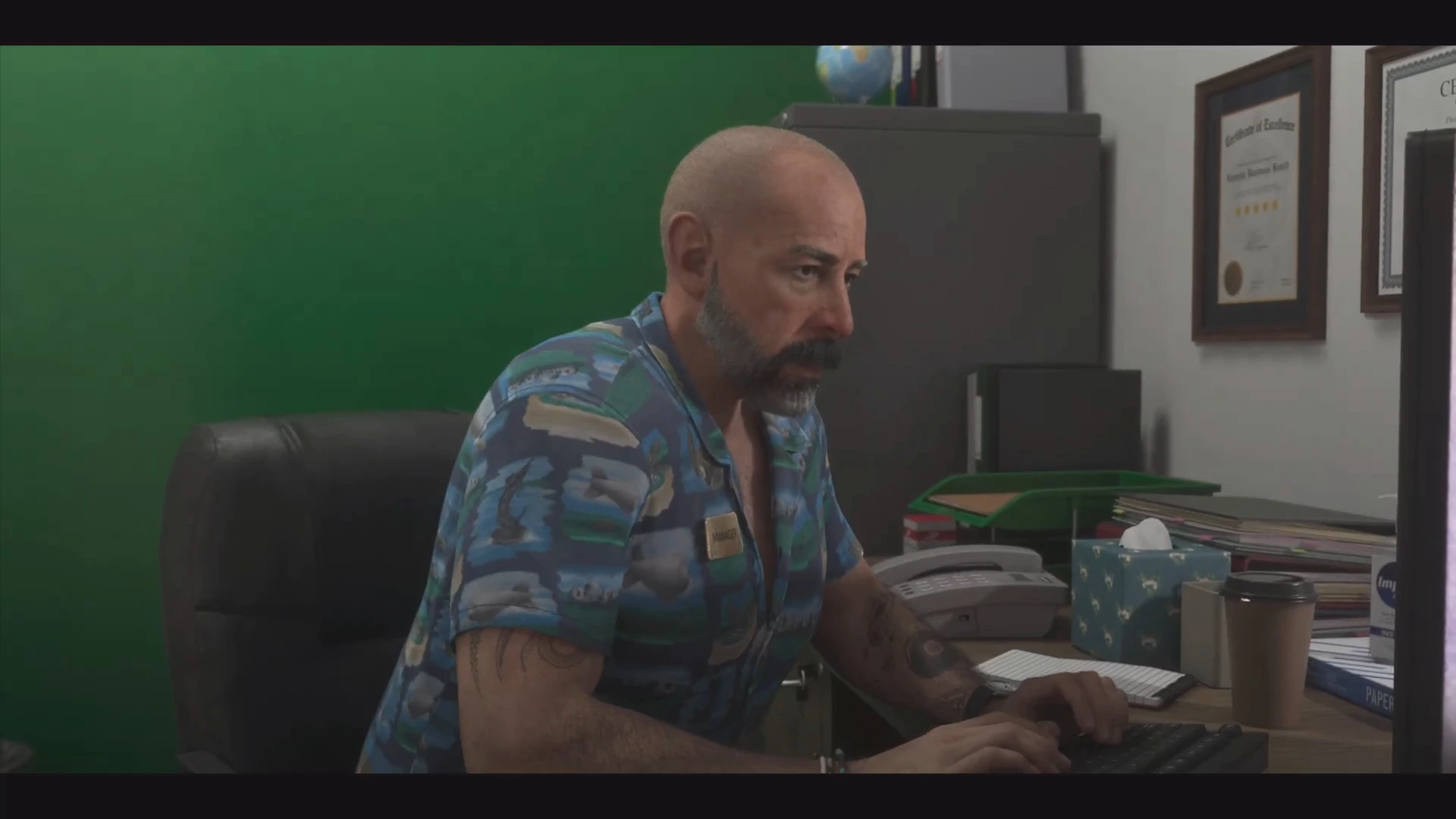
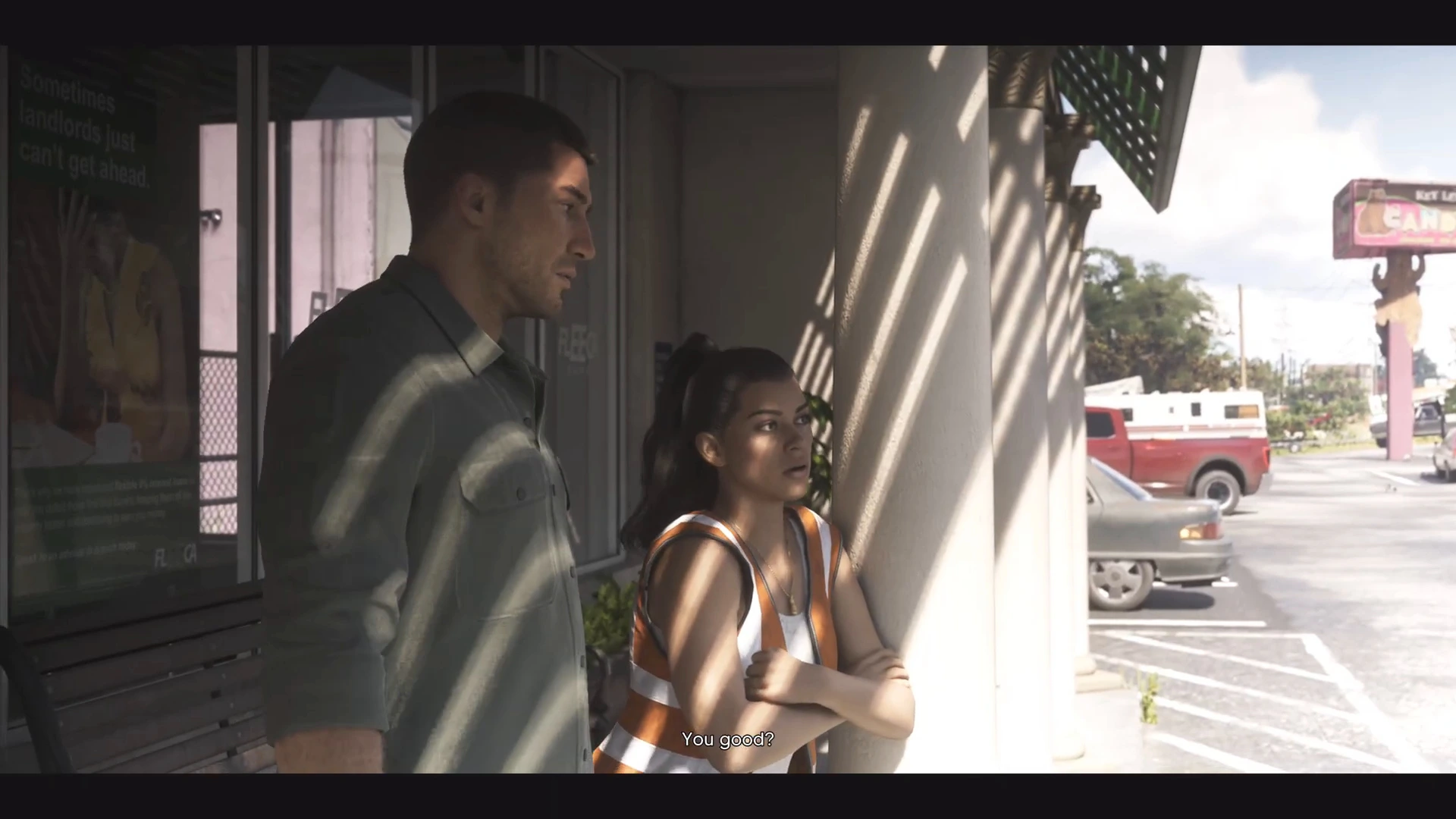
Outside, Lucia offers Jason some pizza. Later they talk about Tommy, who is “getting so big.”
Set up BuckMe
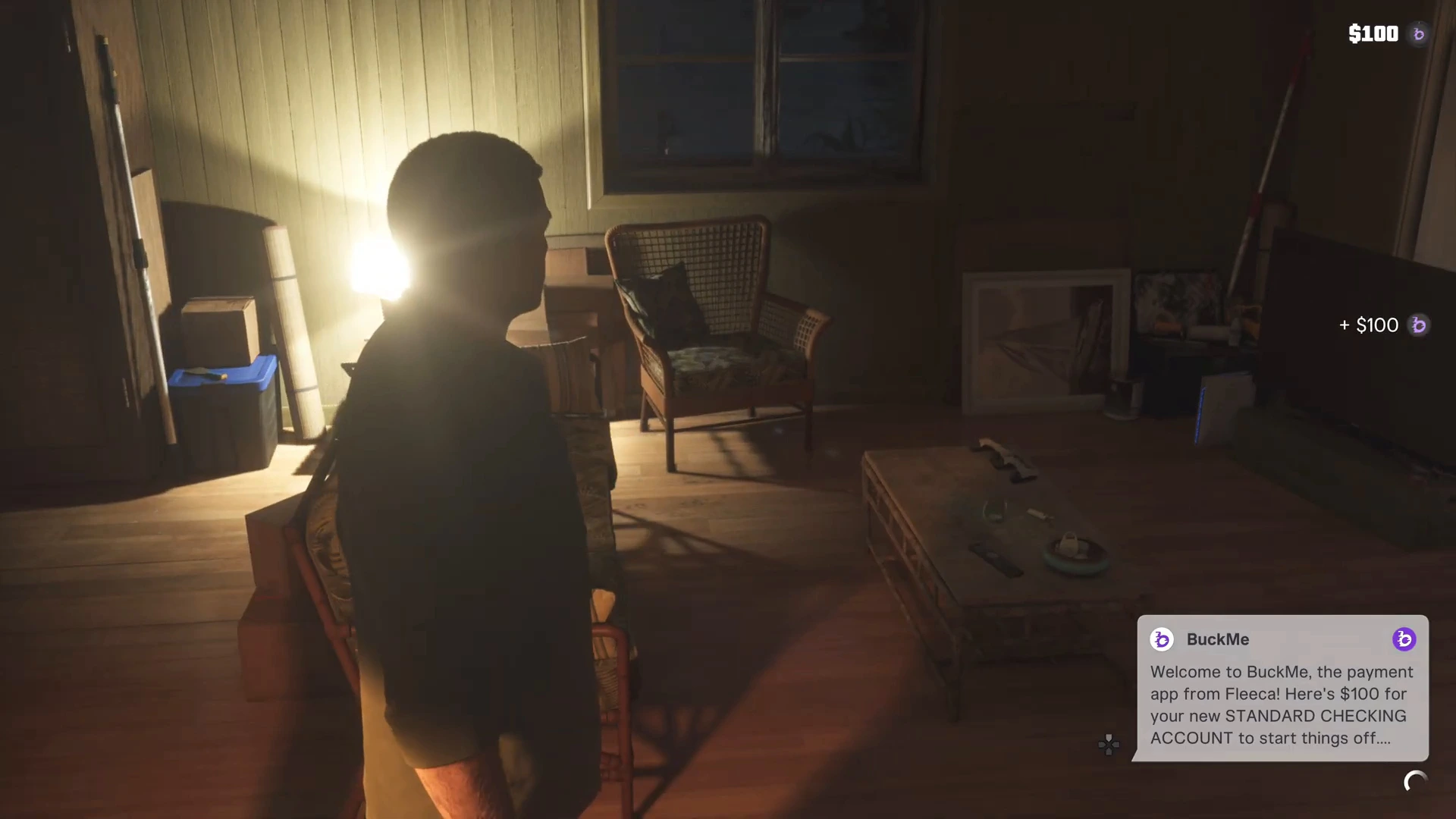
Back home that evening, a BuckMe notification arrives: “Welcome to BuckMe, the payment app from Fleeca! Here’s $100 for your new STANDARD CHECKING ACCOUNT.” The $100 is added to your balance.
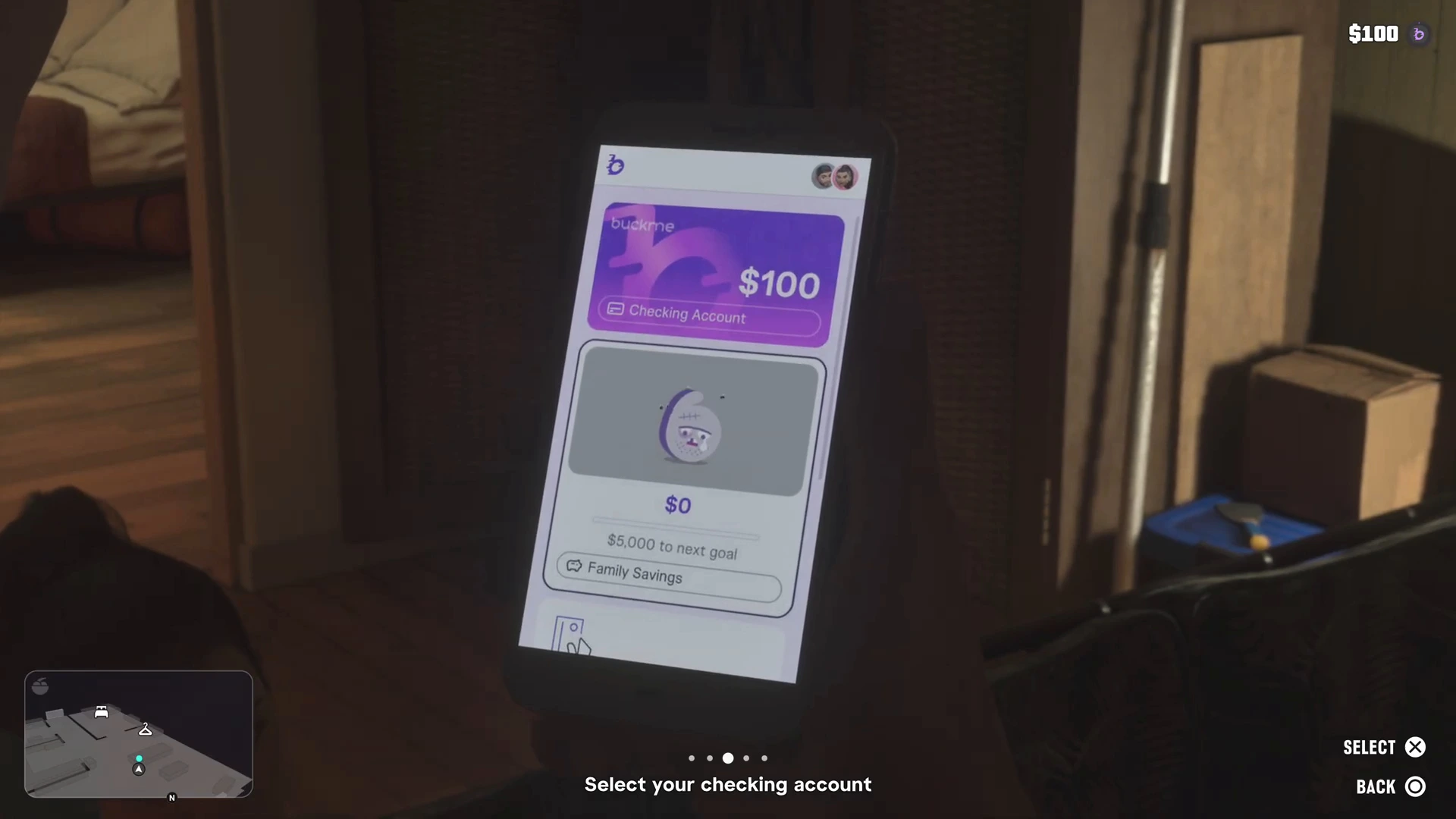
Open the app on your phone and follow Select your checking account. The app shows the $100 checking balance and a Family Savings account with $0 next to a goal.
Deposit Cash Into BuckMe
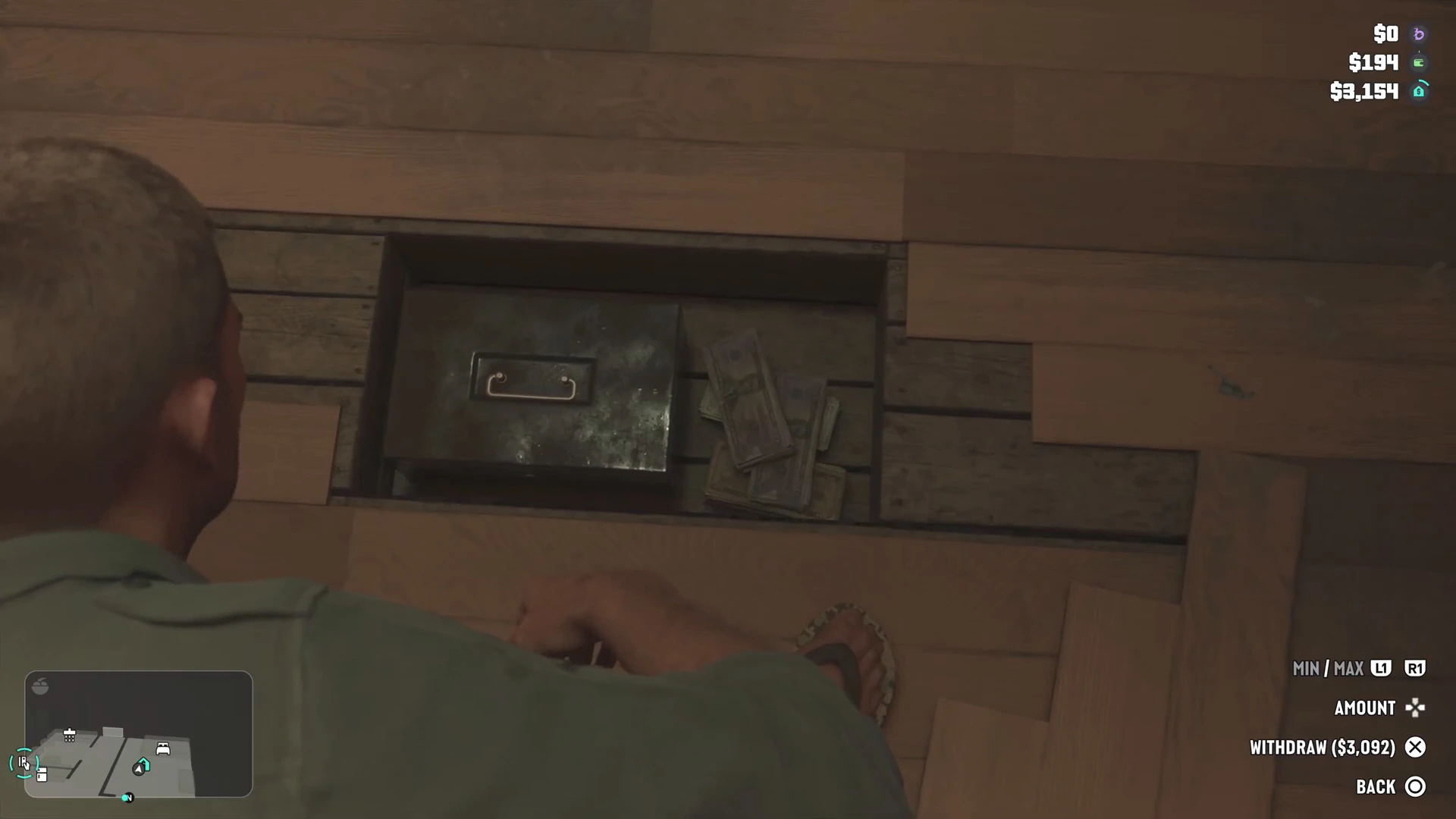
A new task, Deposit Cash Into BuckMe, appears under Earn Money: “Use the index or BuckMe to find nearby ATMs. Make a cash deposit into your BuckMe checking account at an ATM.” First take money from Jason’s cash stash under the floorboards. The stash menu lets you set an amount or withdraw all of it. In our run the stash held $3,092.
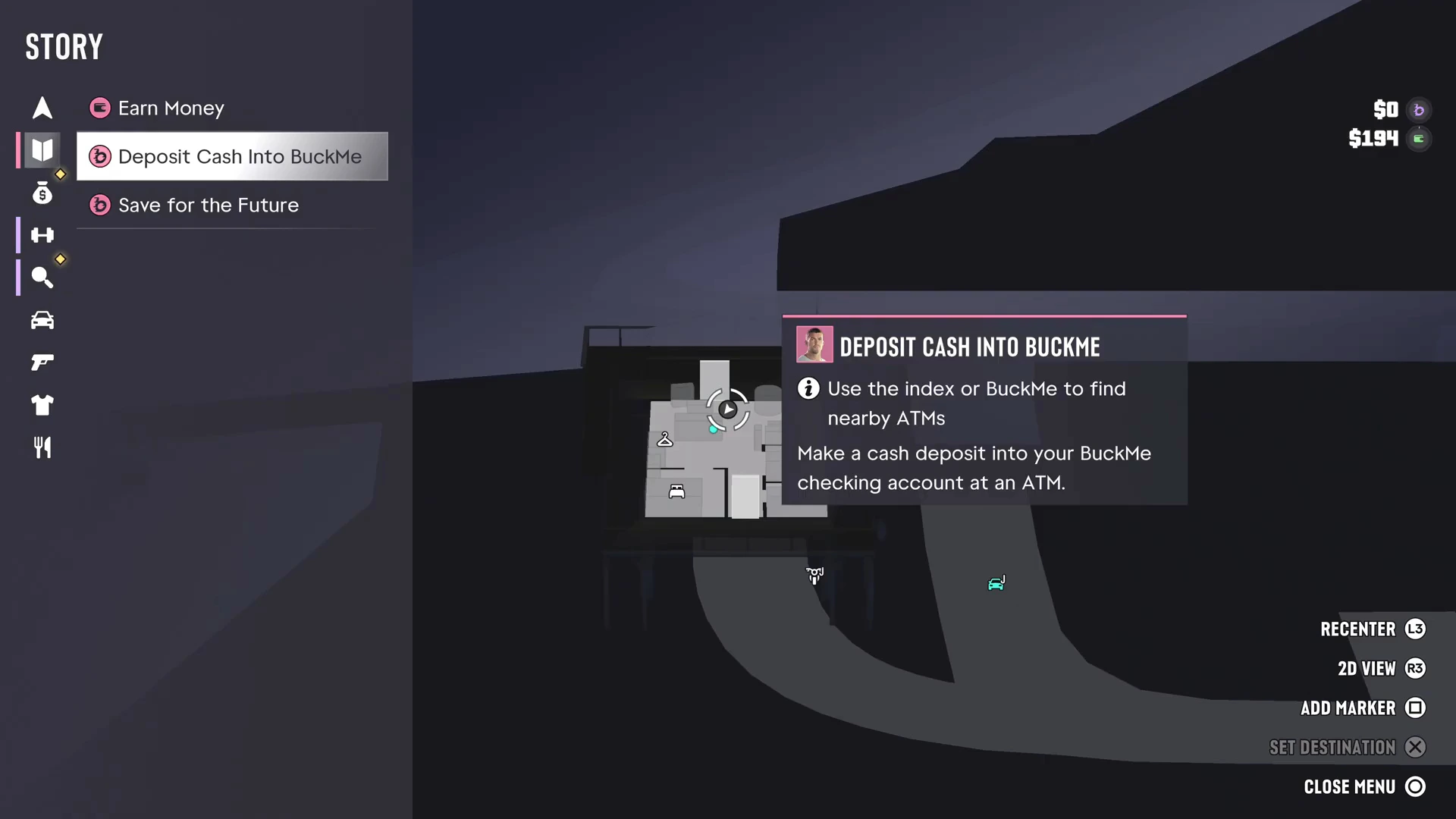
Drive to the nearest ATM and use it to deposit the cash. A tip says you can now deposit cash into BuckMe at an ATM instead of using your stash. Another tip says you can order a ride with the RydeMe app, but in our run the balance was too low for one.
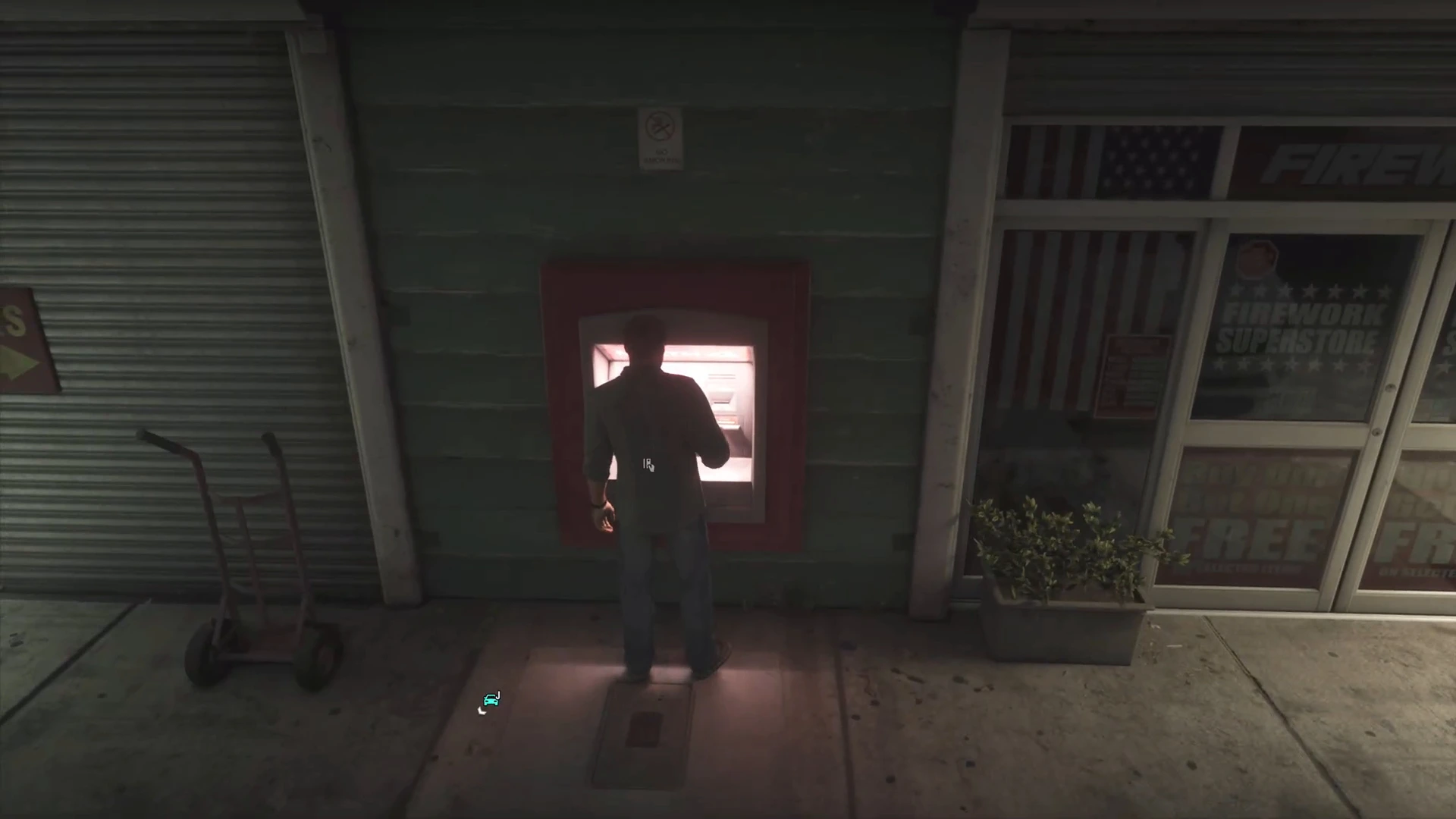
For the full ATM walkthrough, including the BuckMe ATM Finder, the deposit screen and the $15,000 account limit, see how to find an ATM and deposit cash in GTA 6.
Save for the Future
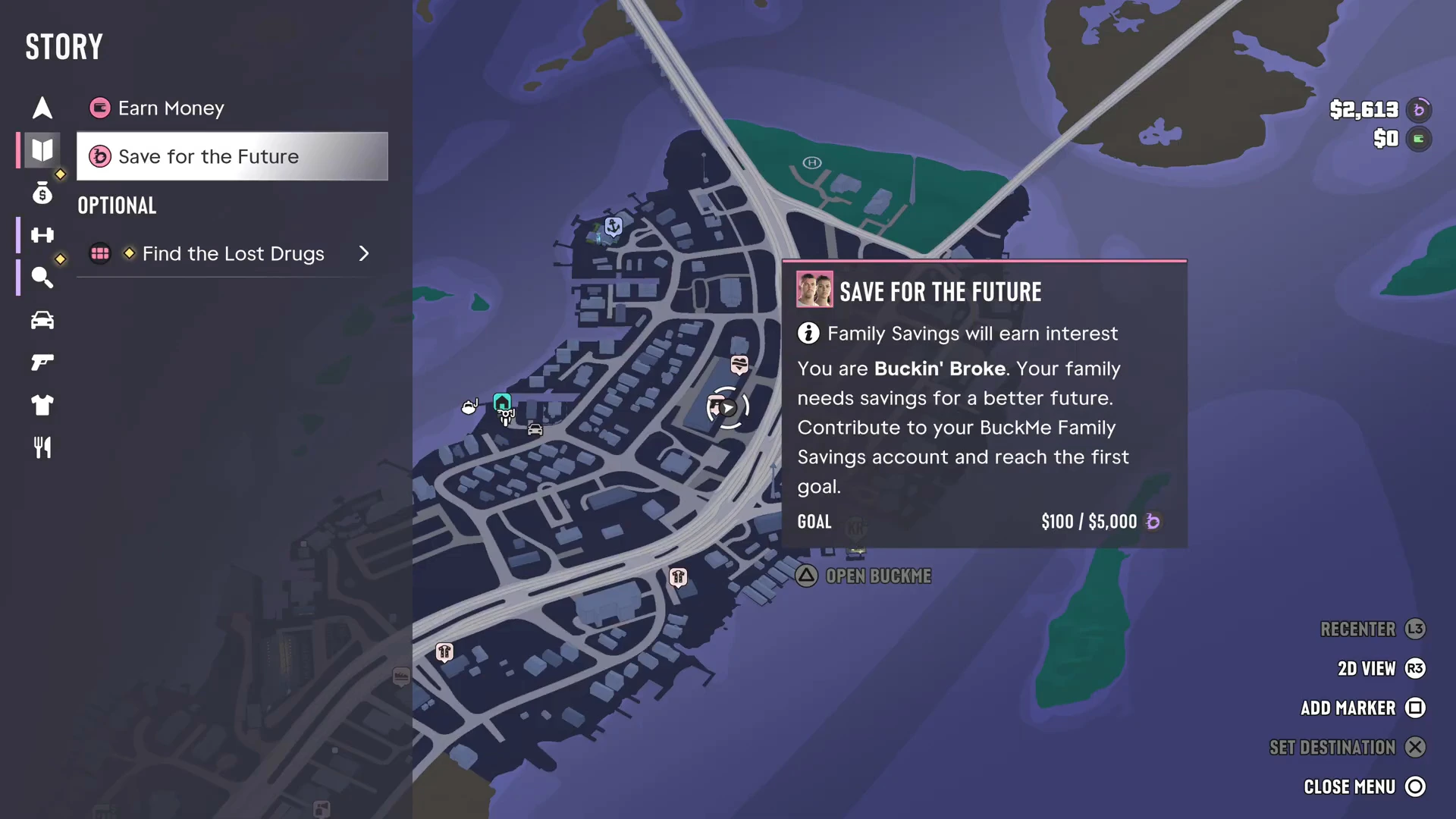
The next task is Save for the Future: “Family Savings will earn interest. You are Buckin’ Broke. Your family needs savings for a better future. Contribute to your BuckMe Family Savings account and reach the first goal.” The first goal is $5,000, and the bar showed $100 / $5,000 in our run. Move money into Family Savings from the BuckMe app whenever you can.
What’s next
Cal texts that he’s picking up signals for more “packages” in Pelican Valley and will send Jason the details. That adds the optional Find the Lost Drugs task. The map also shows a Robbery Opportunity at the Sunrise RV Park, which the Kingfishers gang uses for cocaine shipments. The previous mission is Find Donnie’s Package. See the full GTA 6 mission list for what comes next.
Buck Me FAQ
What is BuckMe in GTA 6?
A payment app from Fleeca. After Buck Me you have a standard checking account and a Family Savings account in the app, and you can deposit cash at ATMs.
How do you deposit cash into BuckMe?
Take cash from your home stash, then use any ATM. The Deposit Cash Into BuckMe task says to use the map index or the BuckMe app to find a nearby ATM.
Do you get money from Buck Me?
Yes. BuckMe gives you a $100 welcome bonus in your new standard checking account.