How to Play 8 Ball Pool in GTA 6: Controls, Rules and Winnings
How 8 ball pool works in GTA 6: the Aim and Adjust Cue prompts, solids assignment, turn order, cue ball fouls, the $10 winnings and the $5 retry cost.
Skip to the guideGTA 6 has a proper game of 8 ball pool. In a dim bar with a stage, neon lights and a green lamp over the table, you take turns with an opponent, sink your group of balls, then pocket the 8-ball to win a small cash prize. This page covers the controls shown on screen, the order of play, what the banners mean and how much a win pays, based on a full game in the footage we checked. It also notes what we could not confirm.
Quick version: wait for your turn · hold Aim (LT on Xbox) to line up the cue · Adjust Cue (Y) changes the cue position · a left stick ring sets the power · the first legal pot assigns Solids or stripes · pocketing the cue ball passes the turn · sink the 8-ball last to win · the prize in the clip was $10 and a retry cost $5.
Where the table is
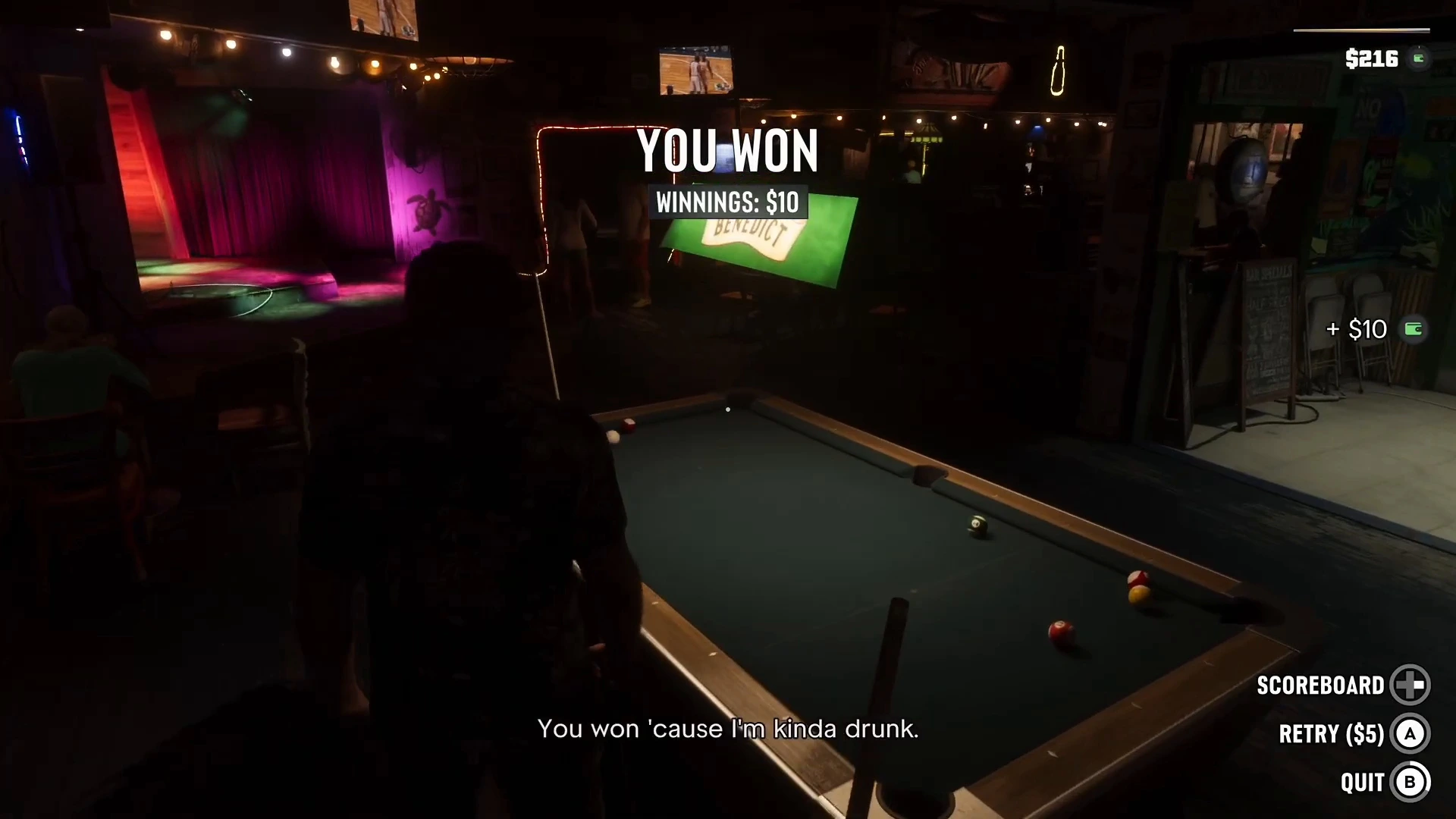
The footage opens in a bar with wooden walls covered in framed photos, a shark jaw mounted near the table, a chalkboard of bar specials and a small stage lit in purple and red. A green lamp over the table reads Benedict, and televisions above the bar show basketball. Other customers stand around with cues, which tells you the table is shared with the room. The footage does not show a place name, so we cannot say which bar it is, and we have not confirmed whether other bars have tables. If you find another, tell us what it is called.
For more ways to spend time and cash in the city see our best side activities and shops and services guides.
Taking turns
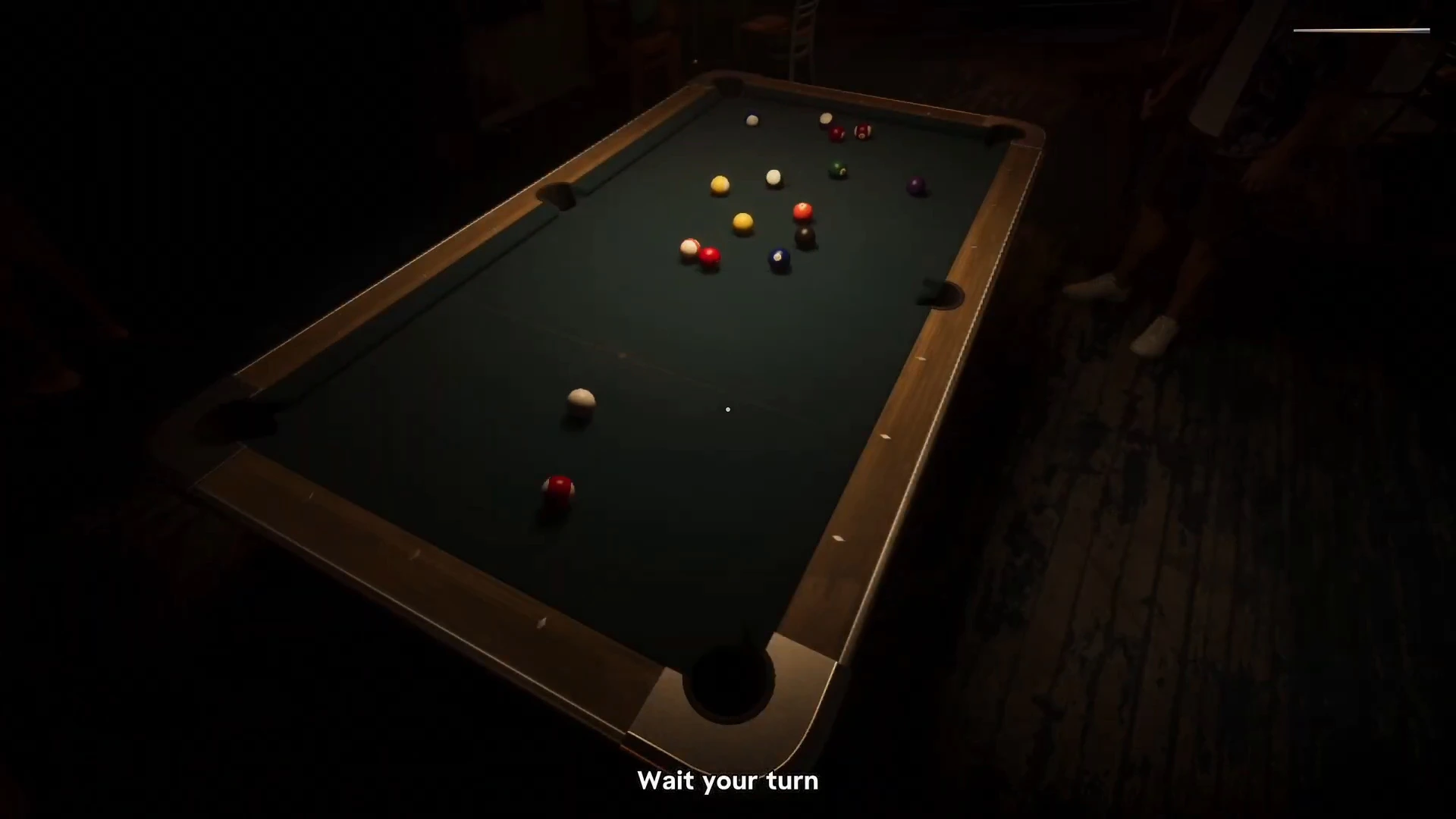
The game uses a short prompt at the bottom of the screen to tell you whose turn it is. When it is the opponent’s, the text reads Wait your turn and the camera sits above the table so you can follow the balls.
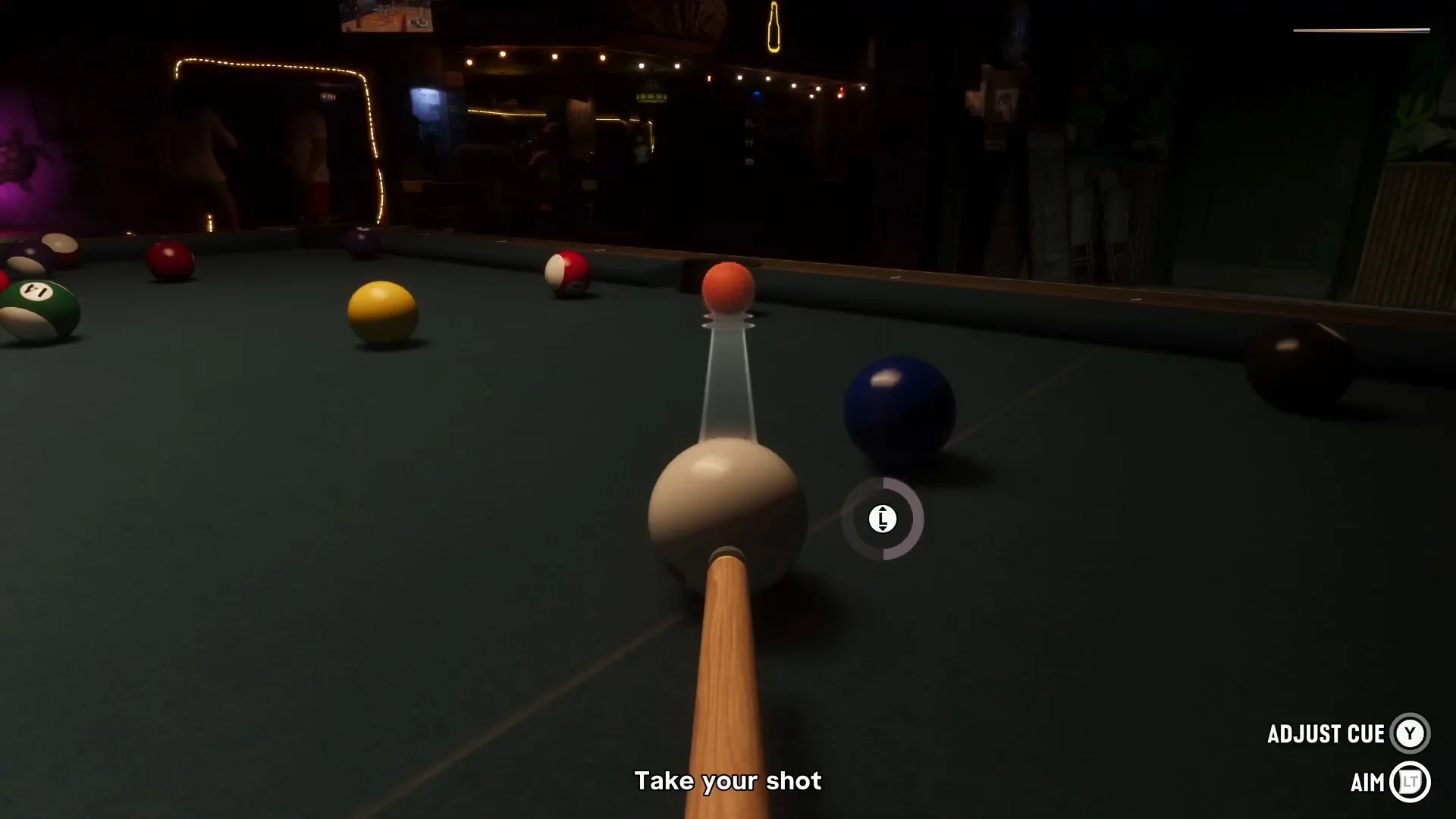
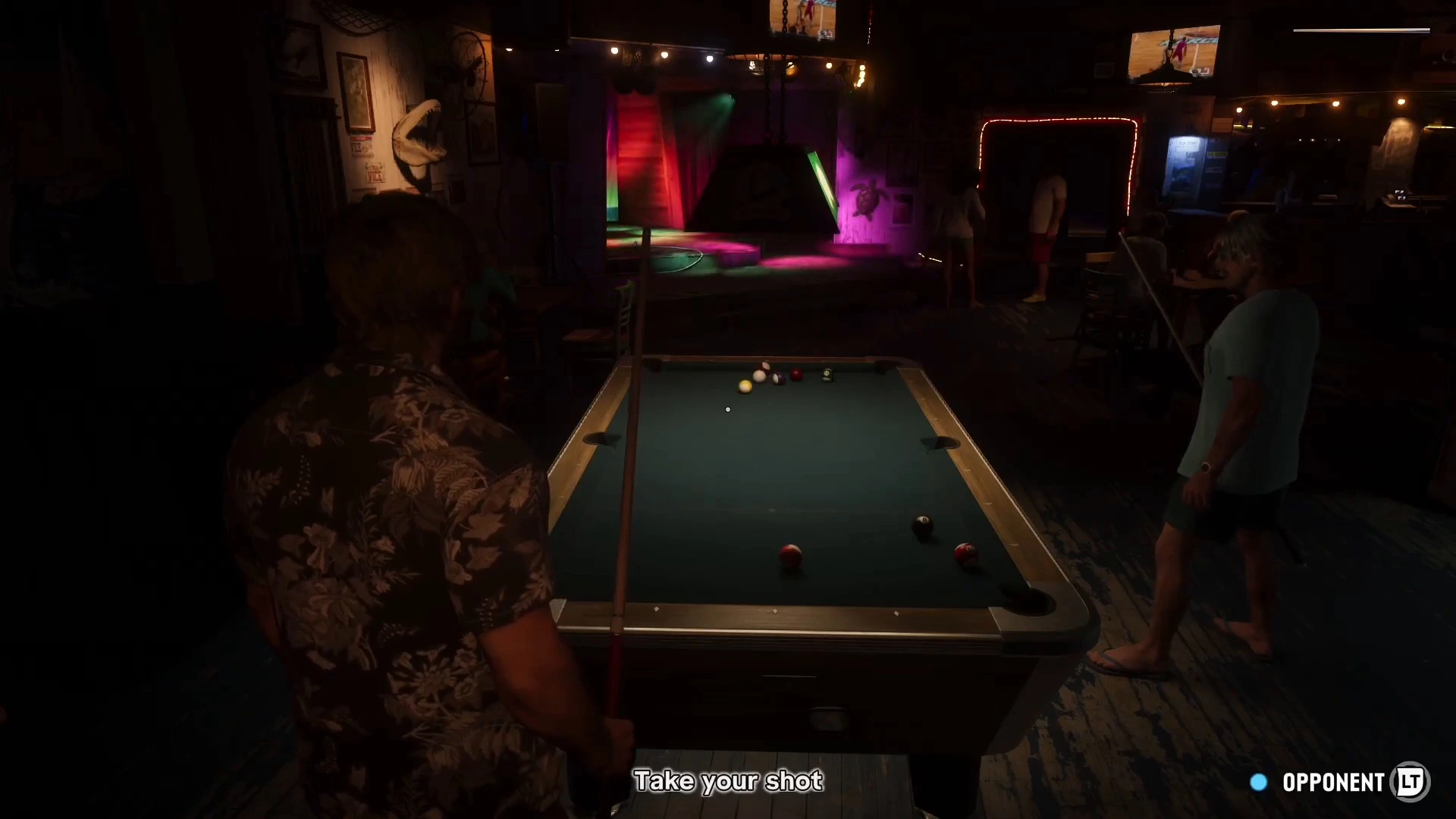
When it is yours, the prompt changes to Take your shot, and the view moves down to the cue ball. The control hints in the bottom right are Adjust Cue (Y) and Aim (LT). The video used Xbox icons, so we have not confirmed the PlayStation or keyboard layout.
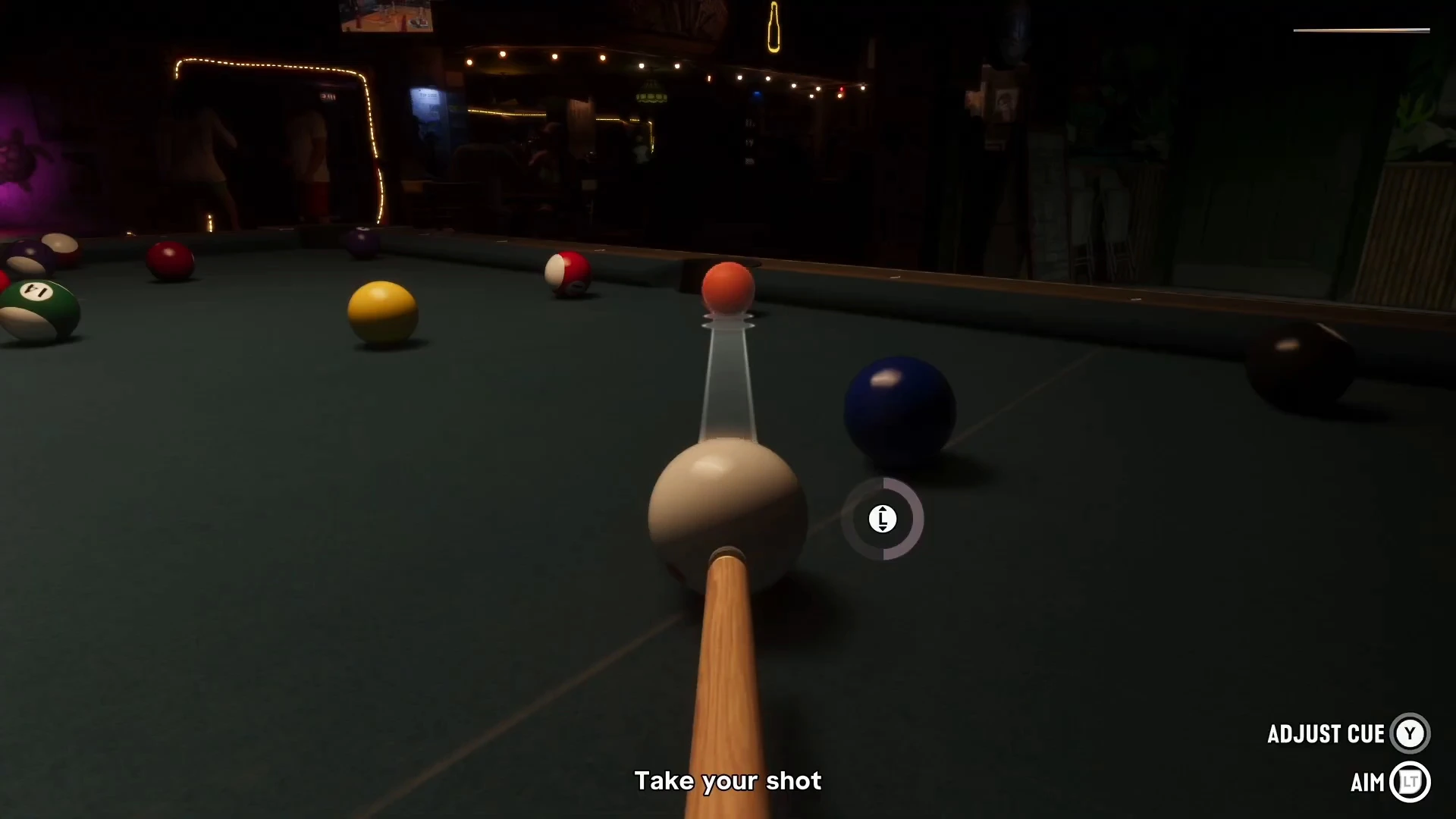
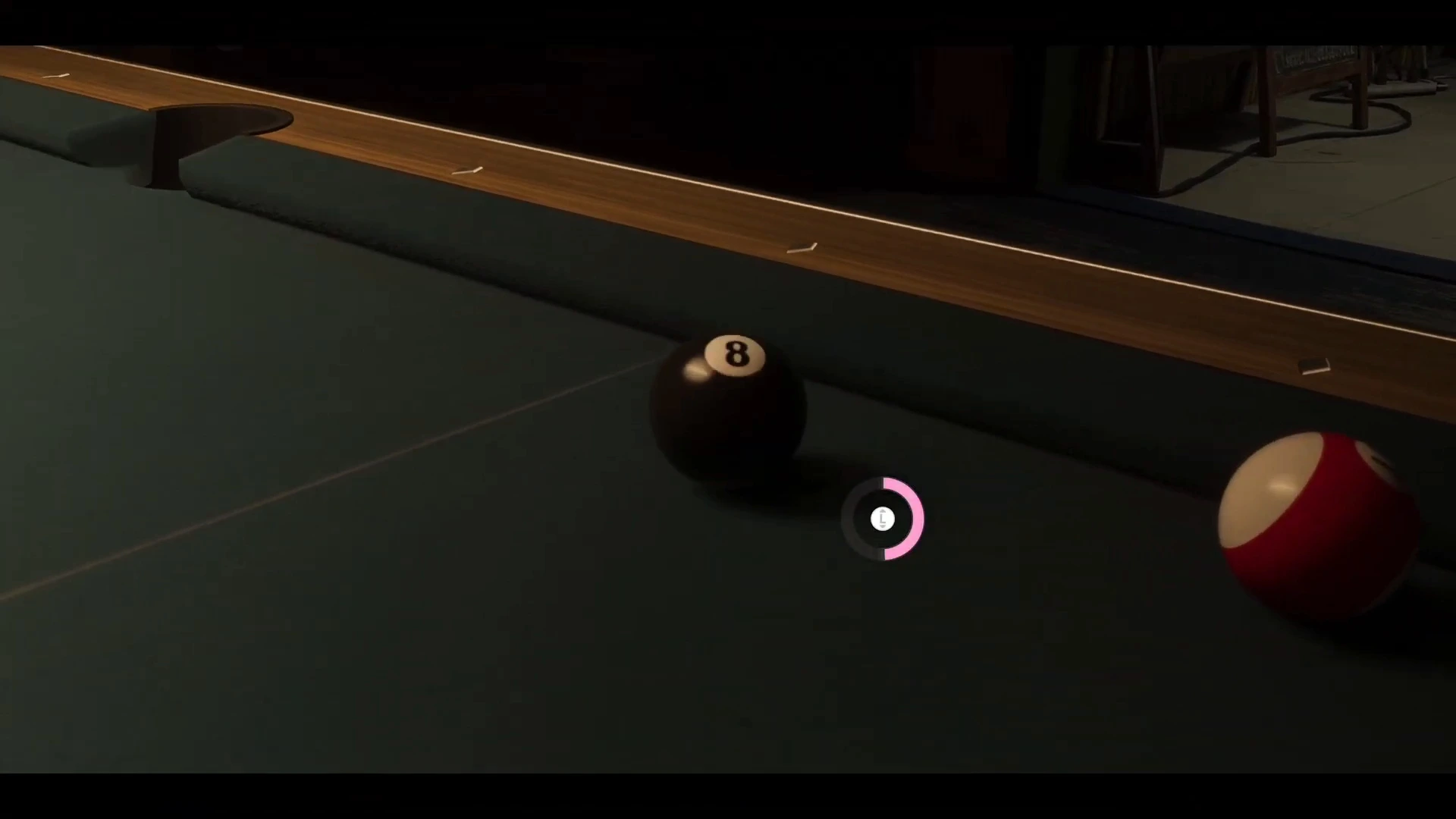
A translucent guide runs from the cue ball to the first ball it will hit. Beside the cue ball sits a small ring with a left stick icon. In a later shot the ring is half filled in pink, which looks like the shot power meter. We have not confirmed how spin works.
Solids, stripes and the opponent
After the first legal pot, a banner appears at the top: Solids Assigned. A smaller notice on the right confirms each ball with Solid pocketed. We did not see a call-your-pocket step in the clip, so any legal ball seems to count.
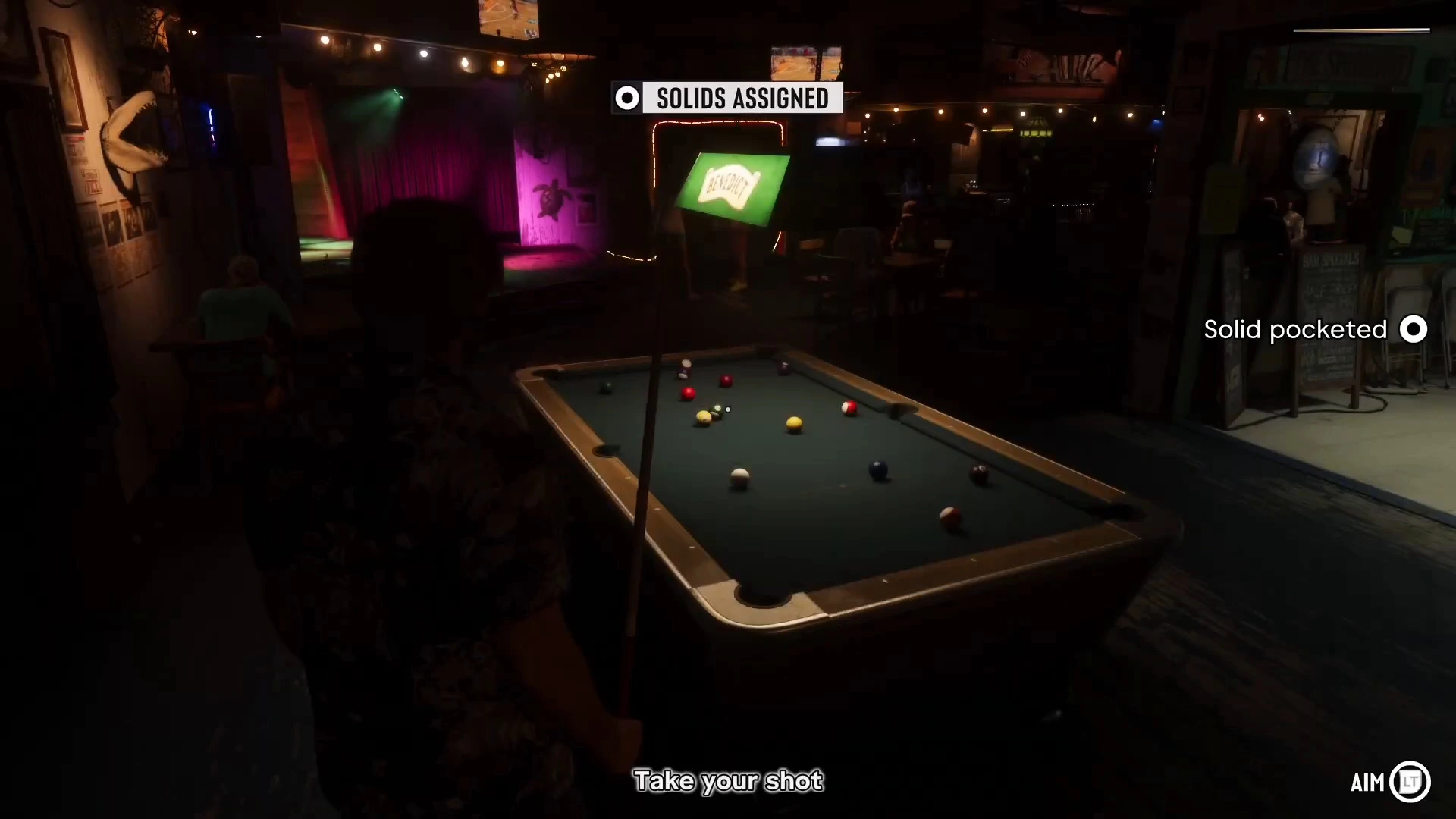
When you are the one aiming, a blue dot with the label Opponent and an LT icon appears in the corner. In this shot the prompt sits next to Take your shot, and another customer waits on the right with his own cue. We think the label shows whose group you are playing against, but we have not verified what the button does.
Fouls: the cue ball
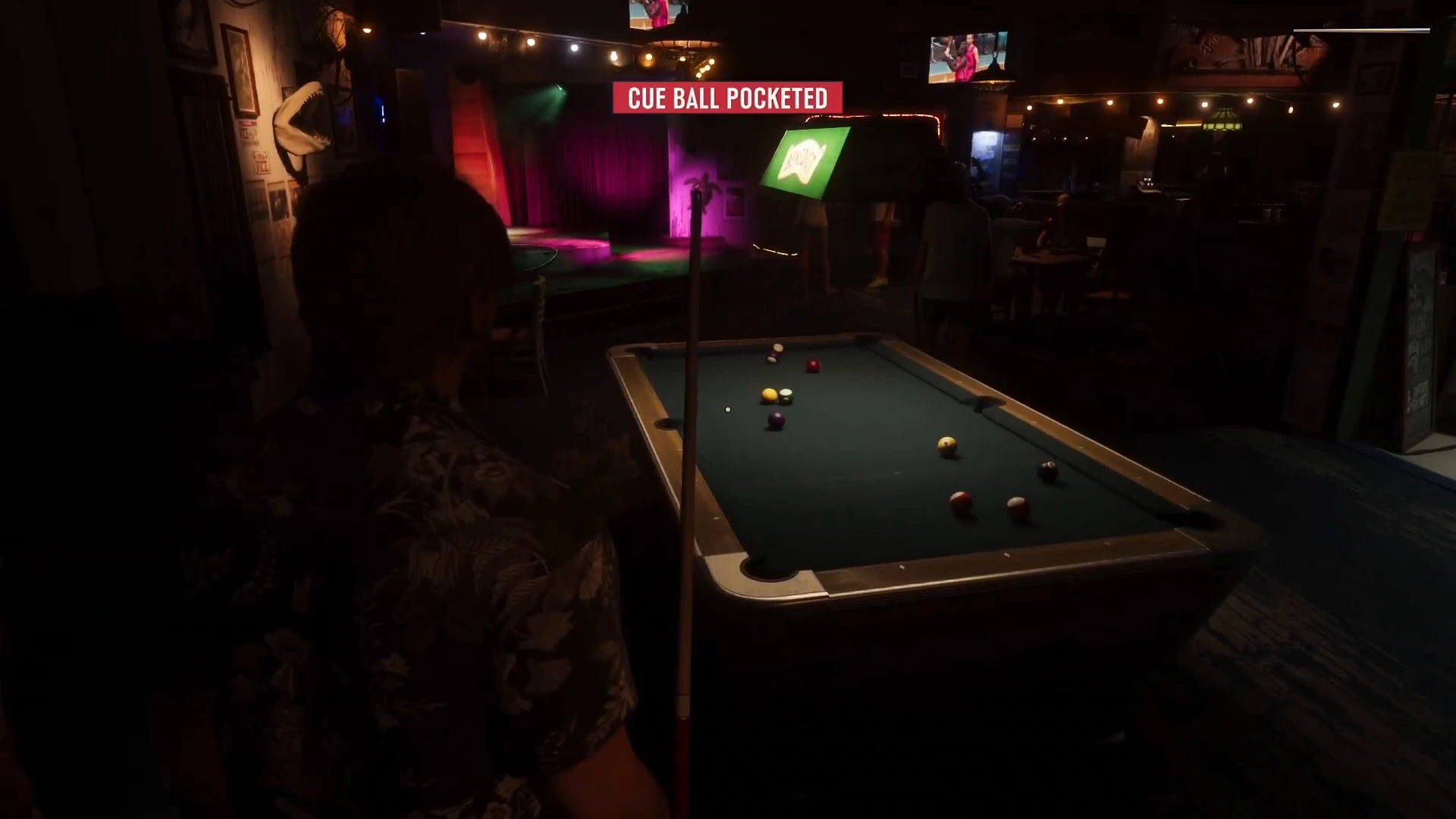
If the cue ball drops into a pocket you get a red Cue Ball Pocketed banner and the turn passes. The footage does not show a penalty beyond losing your turn, but it does not show a second pot being returned or the opponent placing the ball either, so treat the details as unconfirmed.
Winning with the 8-ball
Once your group is clear you aim at the 8-ball. In the clip the camera moves in close on the 8-ball, and the power ring is about two thirds full while the player lines up the shot.
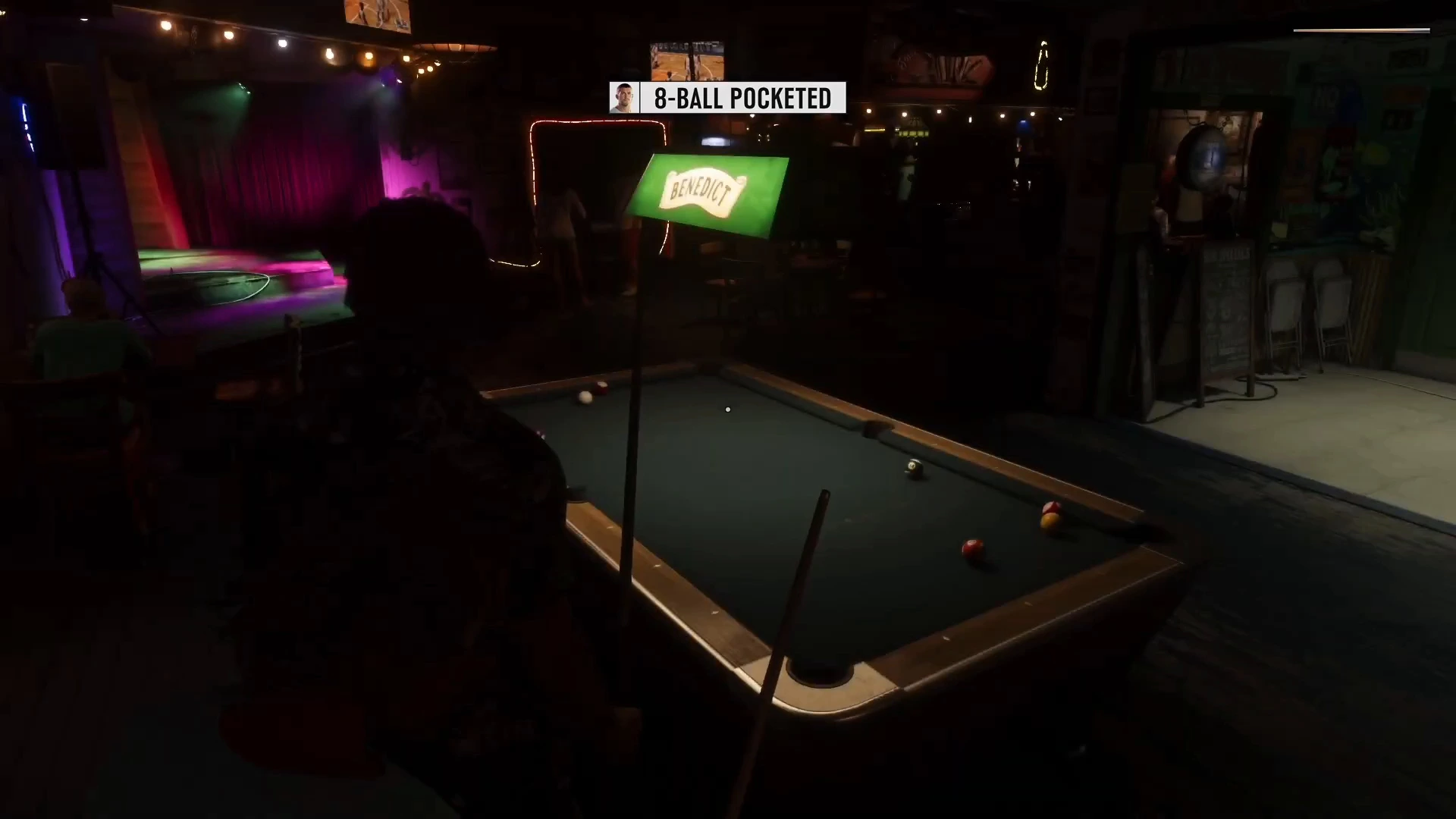
When the ball drops, a banner reads 8-Ball Pocketed next to a portrait of the player who sank it, and the game ends.
The win screen shows You Won with Winnings: $10, plus a +$10 cash popup. Three options appear: Scoreboard (D-pad), Retry ($5) (A) and Quit (B). So a rematch costs $5 and the prize is $10, which makes the net profit $5 per win. The opponent’s drunken line, “You won because I’m kinda drunk,” is the only commentary in the clip.
What we have not confirmed
- The bar and map location. The footage shows the room but not its name.
- The stake to start a game. Only the $5 retry was shown.
- Whether stakes can be raised, or if a bigger prize exists against tougher opponents.
- PlayStation and PC controls. The clip used Xbox button icons.
- Whether other pool tables exist elsewhere in the city.
More GTA 6 guides
- GTA 6 best side activities
- GTA 6 money guide
- GTA 6 how to get rich
- GTA 6 controls
- GTA 6 how to make friends
- GTA 6 things you missed