GTA 6 Send Money to Lorena Walkthrough
How to complete Send Money to Lorena in GTA 6: open BuckMe, pick Pay Someone, send Lorena $5,000 from your checking account and hear her call afterwards.
Jump to the walkthroughMission quick facts
- Chapter
- Chapter 3
- Playable
- Lucia
- Mission giver
- Lorena (unlocked after Mami Knows Best)
- Location
- Anywhere in Vice City (done from the phone)
- Time to beat
- 2 min
- Difficulty
- Easy
Unlocks
- Send More Money to Lorena
Send Money to Lorena is a short phone task that Lucia gets in Chapter 3. Her aunt Lorena is looking after Lucia’s son, and the story menu says Lorena is “struggling after her husband lost his job.” The job is to send her $5,000 through the BuckMe app. There is no driving, shooting or timer, and it takes about two minutes once you have the cash in your checking account.
Quick version: open the Story tab → select Send Money to Lorena → Open BuckMe → Pay Someone → pick Lorena ($5,000) → Buck ’Em → take Lorena’s call.
When Send Money to Lorena unlocks
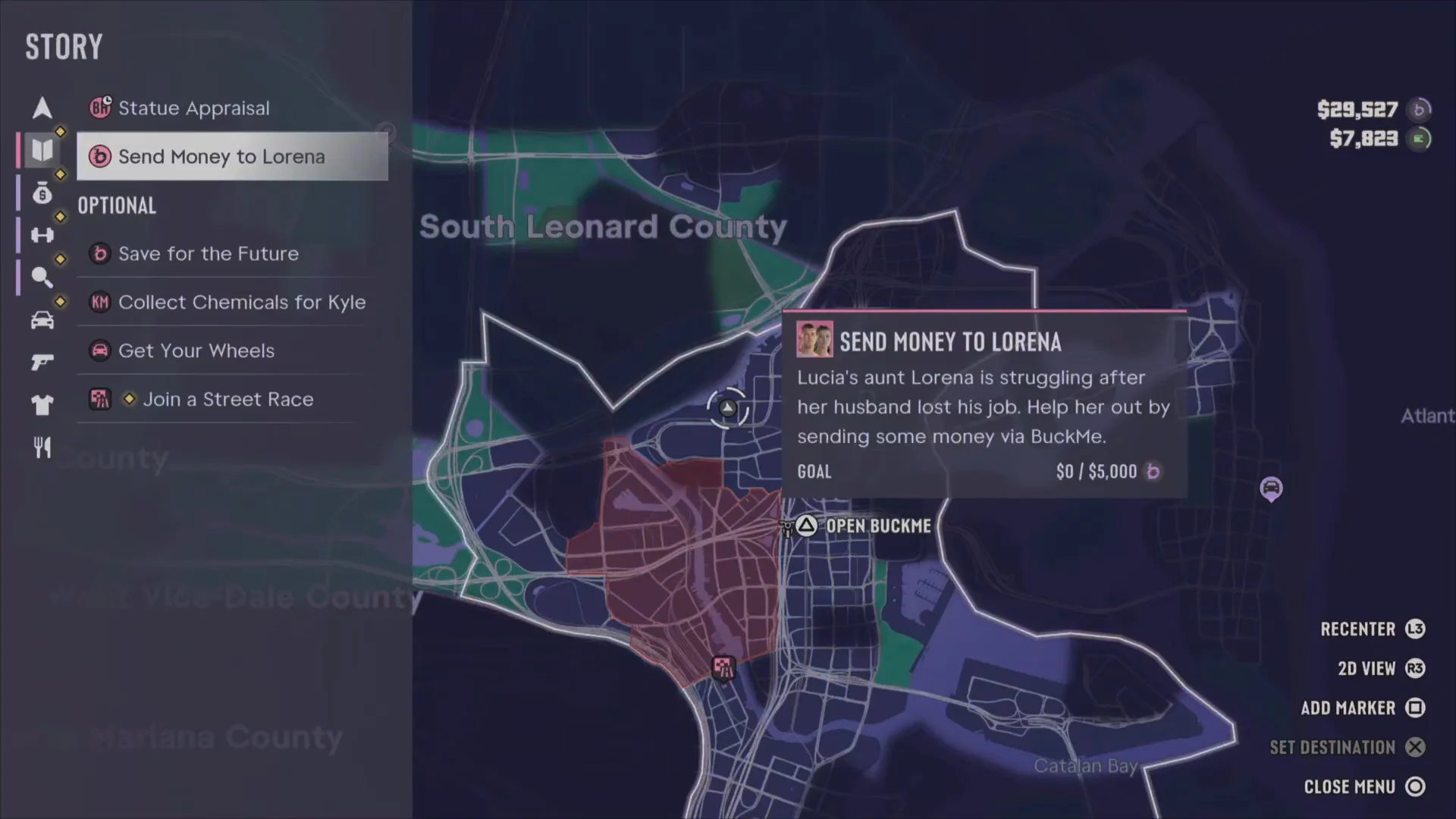
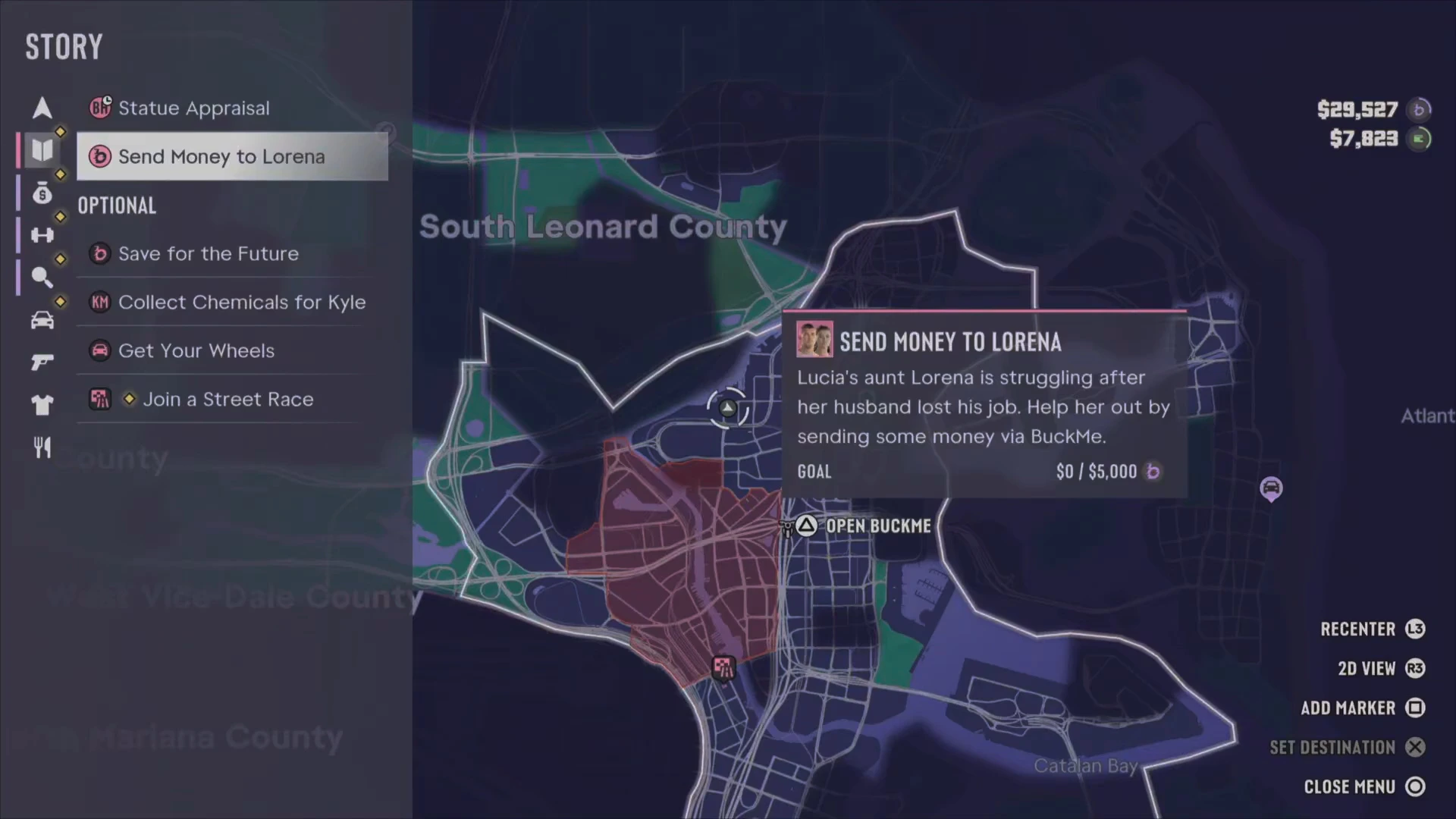
The entry appears after Lucia’s call with Lorena at the end of Mami Knows Best, where she promises to send money if she finds some. The Story menu then lists the task, and Car Service also mentions it as a new map entry once the car delivery is done. In the footage the entry sits in the main Story list under Statue Appraisal, above an Optional list that shows Save for the Future, Collect Chemicals for Kyle, Get Your Wheels and Join a Street Race.
The description reads “Lucia’s aunt Lorena is struggling after her husband lost his job. Help her out by sending some money via BuckMe.” The goal reads $0 / $5,000, and the prompt at the bottom of the card is Open BuckMe.
Open BuckMe and choose Pay Someone
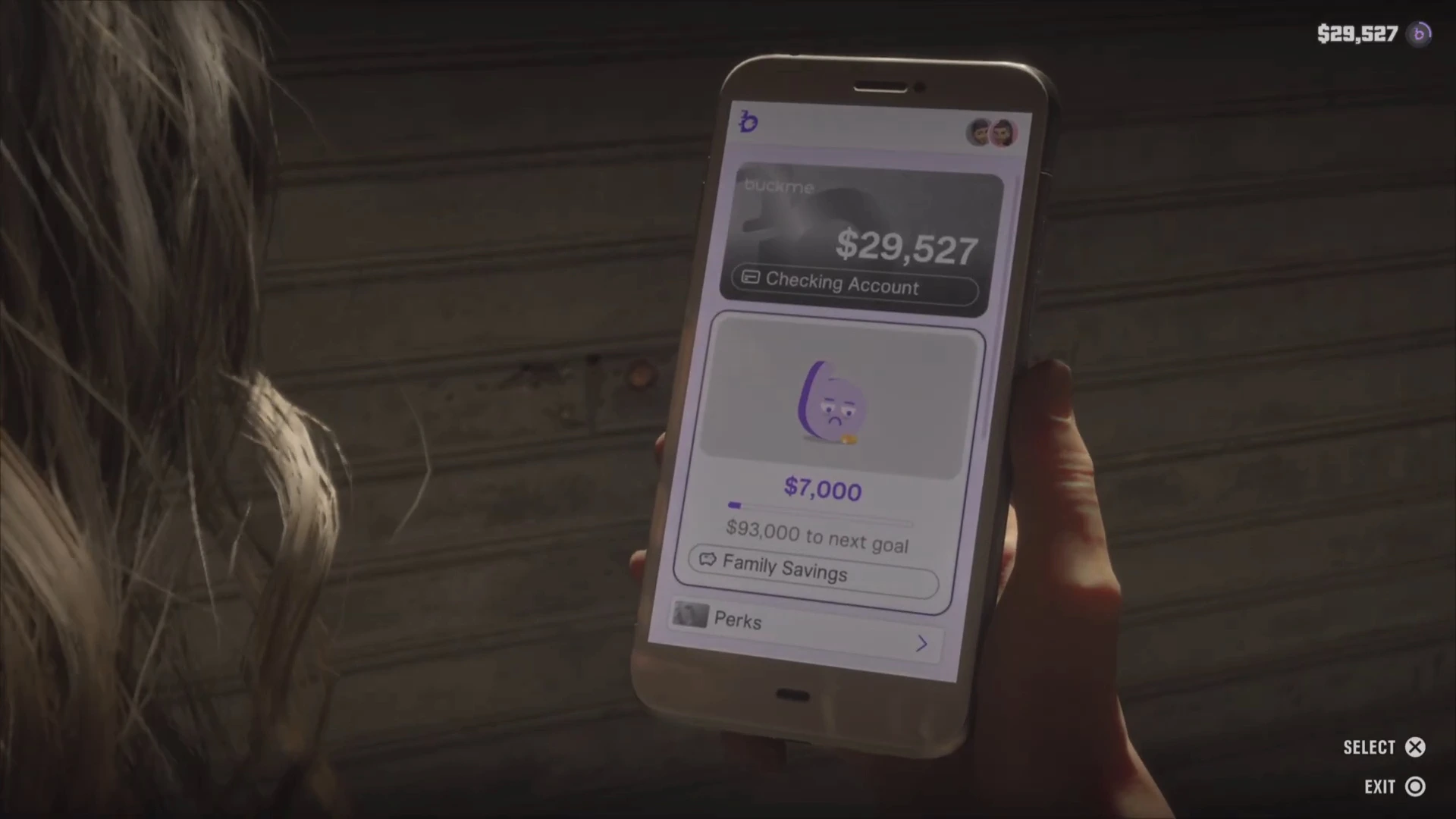
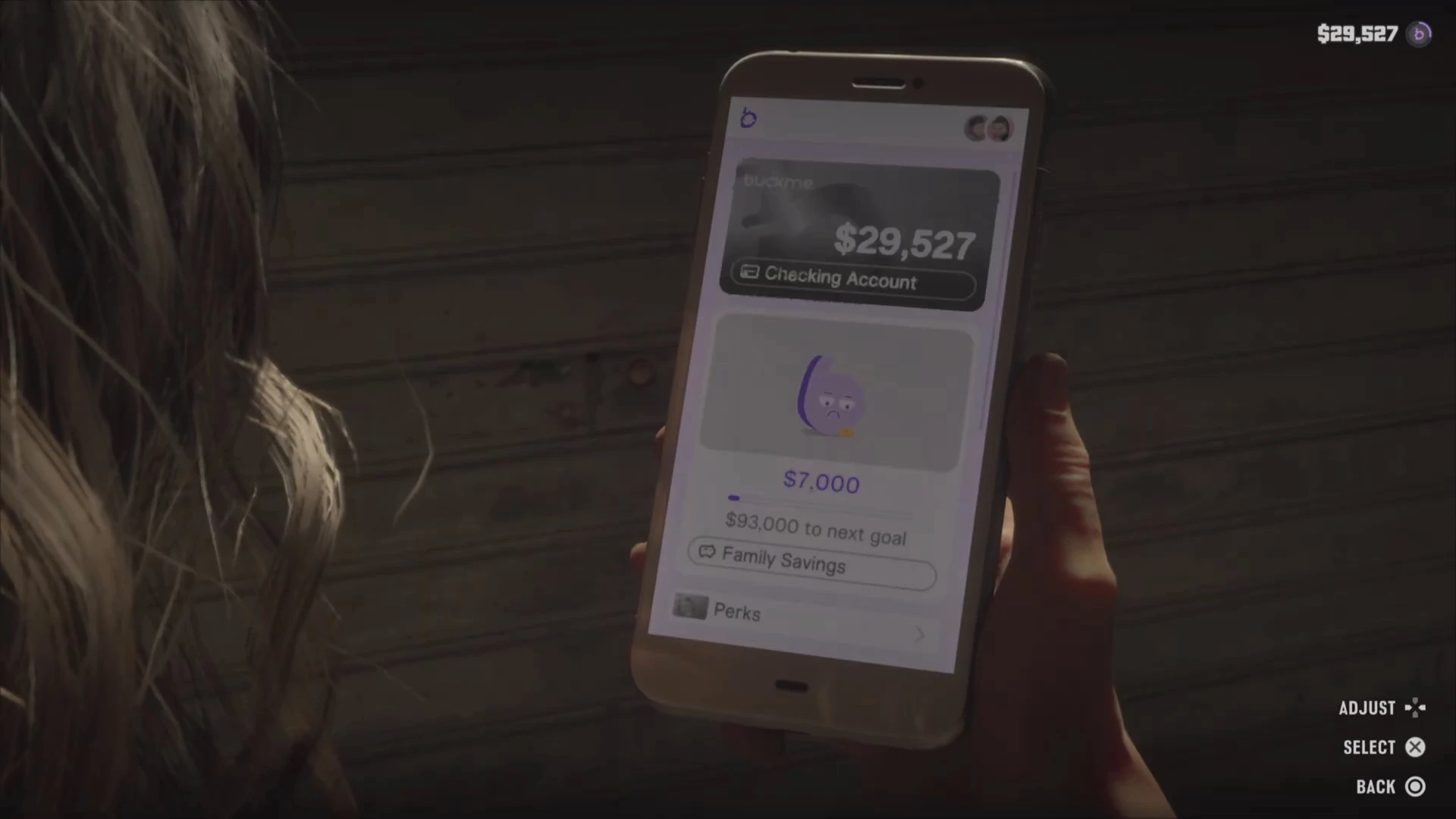
Pressing the Open BuckMe prompt (or opening the app from the phone) takes you straight to the Checking Account screen. In the footage the balance is $29,527, and the Family Savings box under it shows $7,000 with $93,000 to the next goal. The amount screen later draws from this checking account, so if your cash is still in your pockets, deposit it at an ATM first. The ATM deposit guide shows the quickest way, and the BuckMe savings guide explains the Family Savings box.
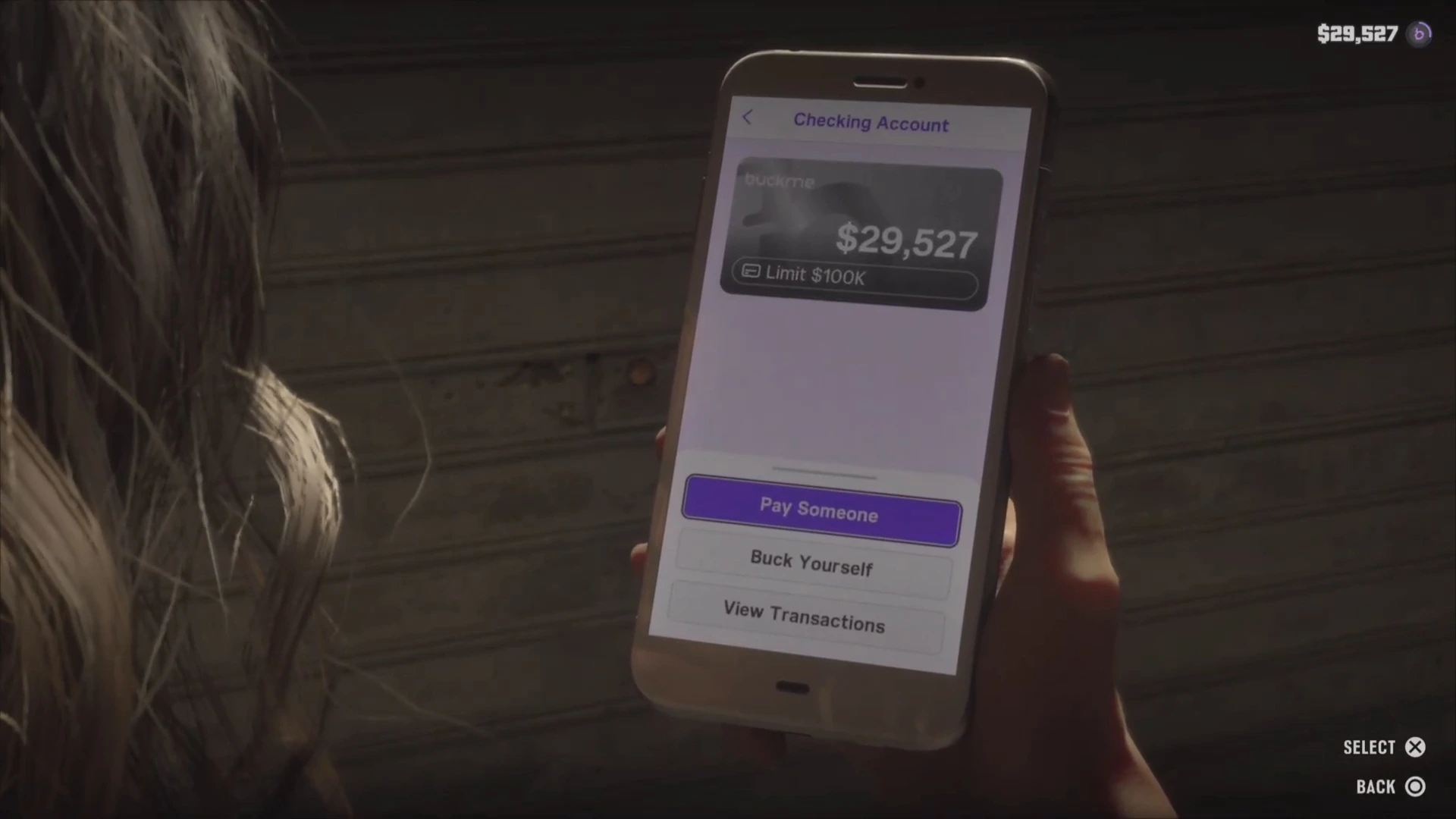
The options on the account screen are Pay Someone, Buck Yourself and View Transactions. Choose Pay Someone.
Send $5,000 to Lorena
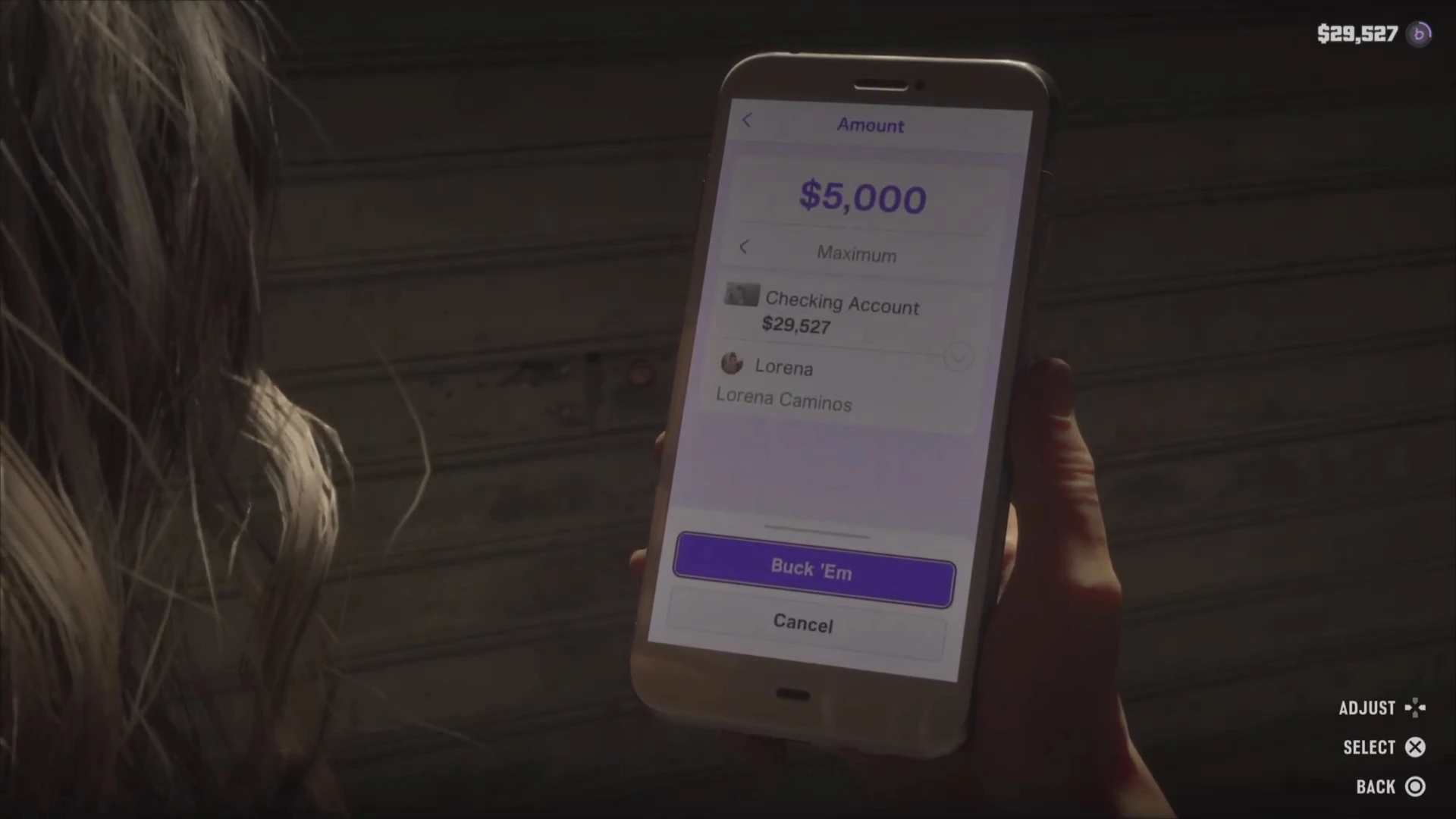
The Pay Someone screen lists a Suggested contact: Lorena Caminos, already filled in with $5,000. Select her, check the amount screen and then press the purple Buck ’Em button. The controls shown at the bottom right are Adjust, Select and Back, so the amount can be changed, but the task goal is the full $5,000.
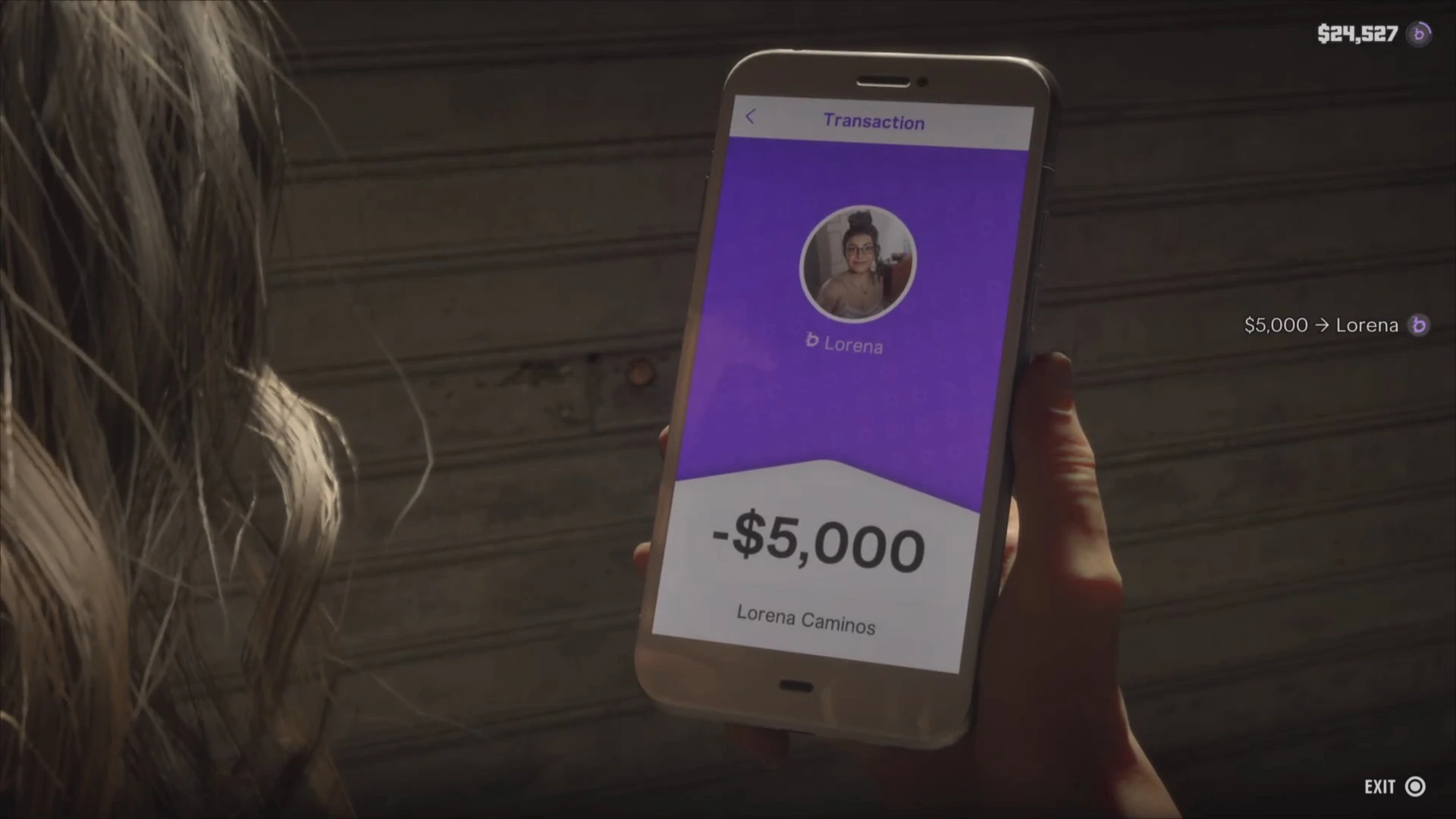
A purple Transaction screen follows, with Lorena’s photo and -$5,000. A line on the right of the HUD reads “$5,000 → Lorena”, and the balance in the top right drops from $29,527 to $24,527. Exit the phone to finish.
Lorena’s call
Back on the street, Lorena rings straight away. She says Lucia didn’t need to do that, but thanks her. Lucia answers that she and Jason are grateful for what Lorena is doing, looking after the boy and giving him a good life. Lorena says the children in the house run around all day, and that Lucia’s son is the one who never gets tired and always has a smile. Lucia says she wishes she could be there. Lorena tells her to come and see them, and Lucia promises “not right now, but soon.”
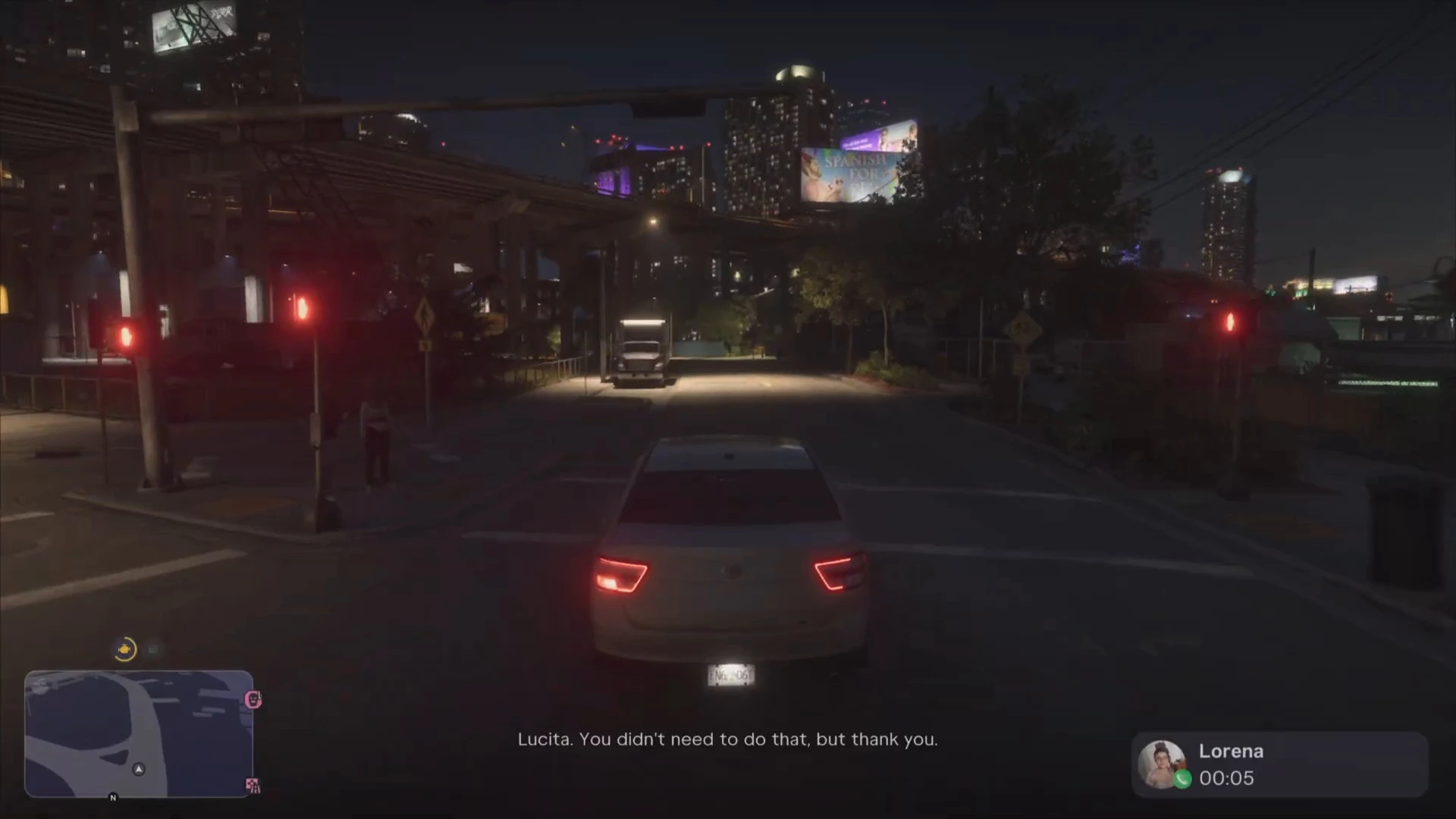
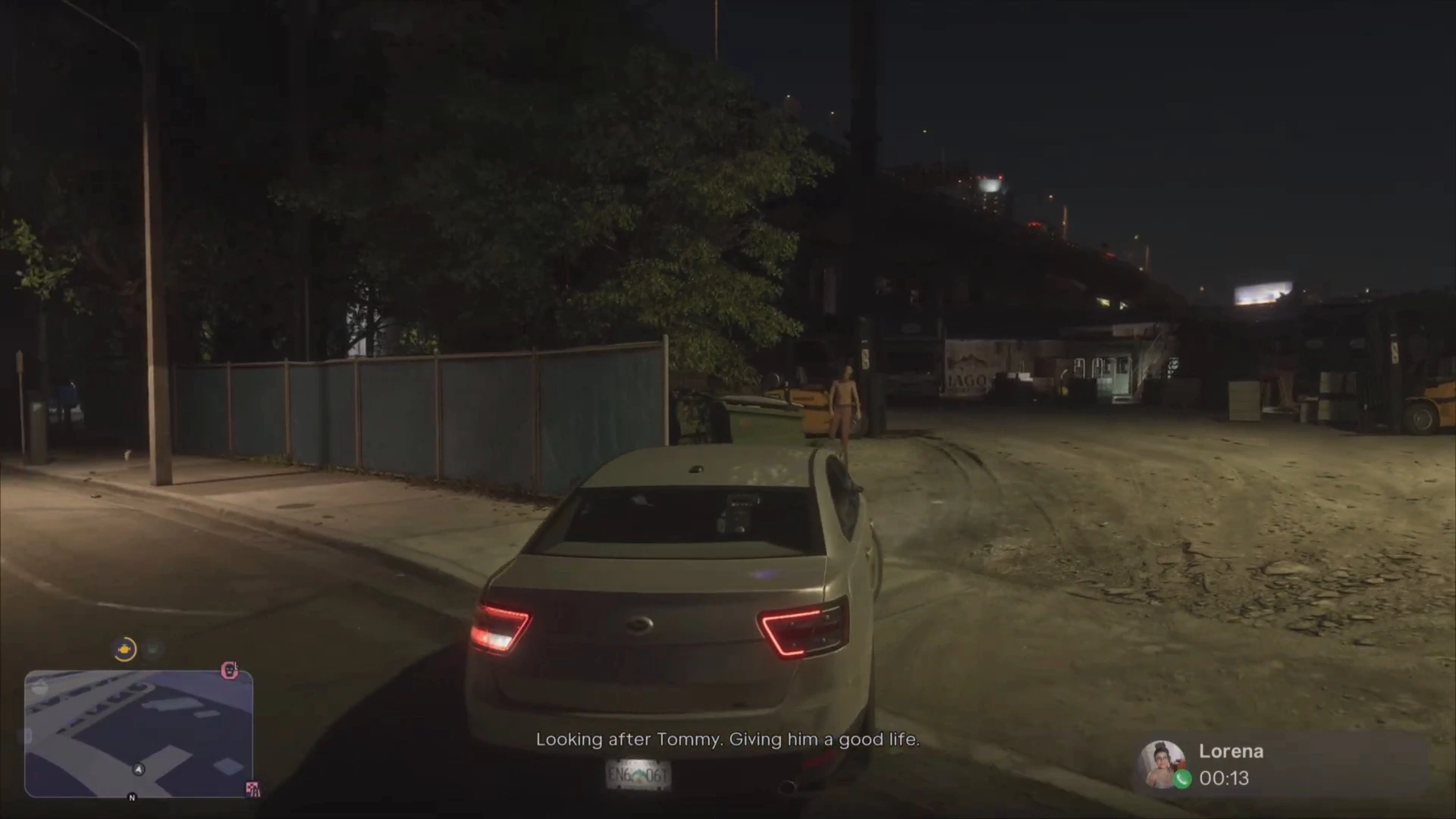
The call plays while you drive, so there is nothing to answer or choose. It ends by itself.
Tips
What’s next
Later in the chapter a follow-up appears, Send More Money to Lorena, which asks for a second $5,000. In story order the next entries are Encrypted Hard Drive and the dinner at Effluvia. See the Chapter 3 mission list or the full GTA 6 mission list. Lucia’s side of the family is covered in the GTA 6 phone contacts guide.
Send Money to Lorena FAQ
How much money do you send in Send Money to Lorena?
The goal on the map reads $0 / $5,000, and the BuckMe amount screen offers $5,000 as the suggested payment to Lorena Caminos. You need that much in your checking account.
How do you start Send Money to Lorena in GTA 6?
Open the Story tab of the pause menu, select Send Money to Lorena and use the Open BuckMe prompt. You can also open the BuckMe app on the phone yourself and choose Pay Someone.
Do you get anything for sending money to Lorena?
No reward or trophy is shown. The task costs you $5,000, and Lorena calls Lucia to thank her while you are driving. A second task, Send More Money to Lorena, appears later.
Can you fail Send Money to Lorena?
Nothing in the footage can go wrong. It is a menu task, so the only requirement is having the money in the checking account when you press Buck 'Em.