GTA 6 Send More Money to Lorena Walkthrough
How to complete Send More Money to Lorena in GTA 6: open BuckMe, pay Lorena another $5,000, and hear her call about the bank asking where the money came from.
Jump to the walkthroughMission quick facts
- Chapter
- Chapter 3
- Playable
- Lucia
- Mission giver
- Lorena (follow-up to Send Money to Lorena)
- Location
- Anywhere in Vice City (done from the phone)
- Time to beat
- 2 min
- Difficulty
- Easy
Send More Money to Lorena is the follow-up to Send Money to Lorena. Lucia’s aunt Lorena is looking after Lucia’s son, and the Story card says she “still needs a hand with her situation.” The task is a second $5,000 transfer through BuckMe. It plays out entirely on the phone, so it is one of the quickest Chapter 3 entries.
Quick version: open the Story tab → select Send More Money to Lorena → Open BuckMe → Pay Someone → Lorena ($5,000) → Buck ’Em → take Lorena’s call.
Find the task on the Story menu
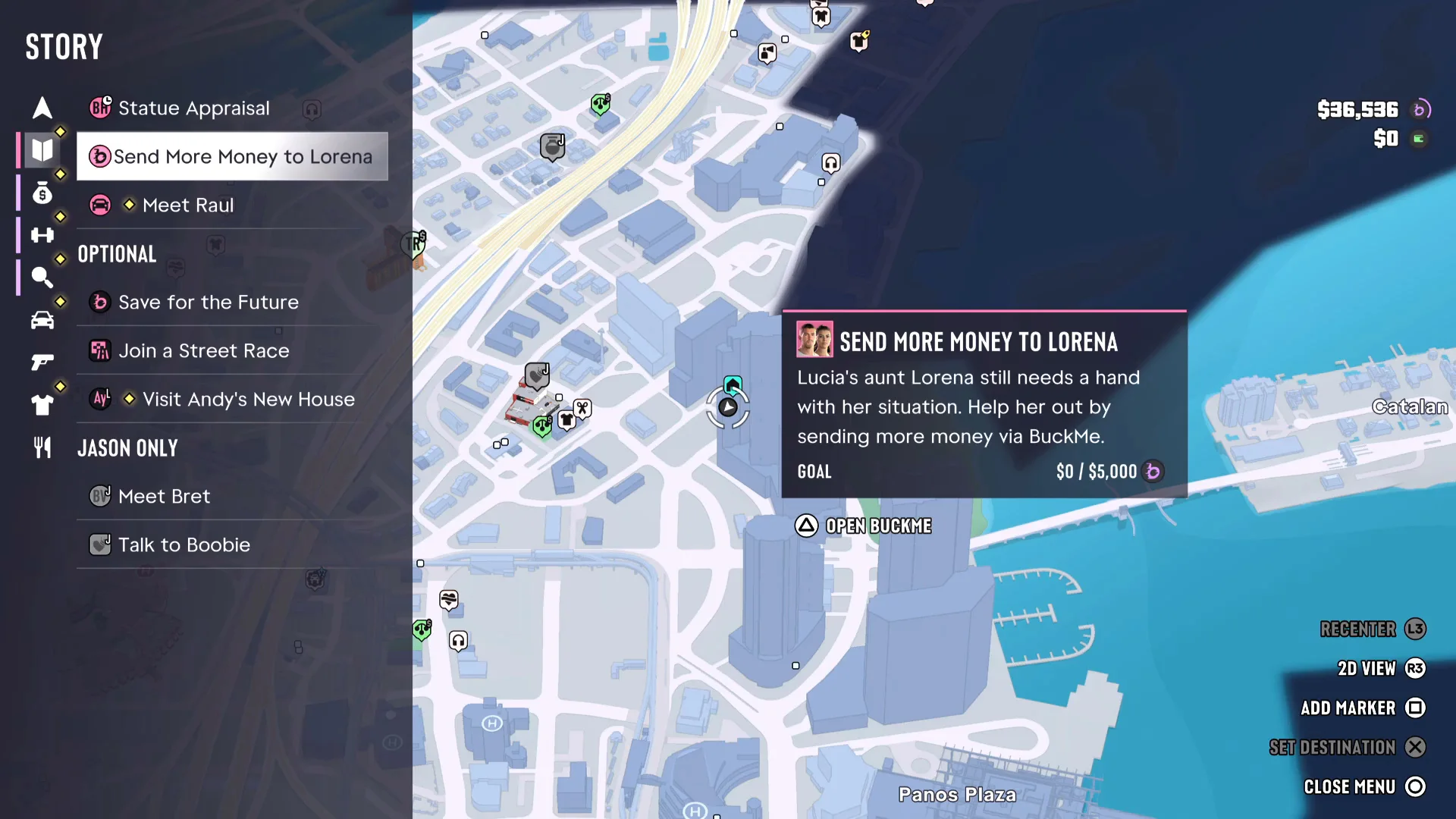
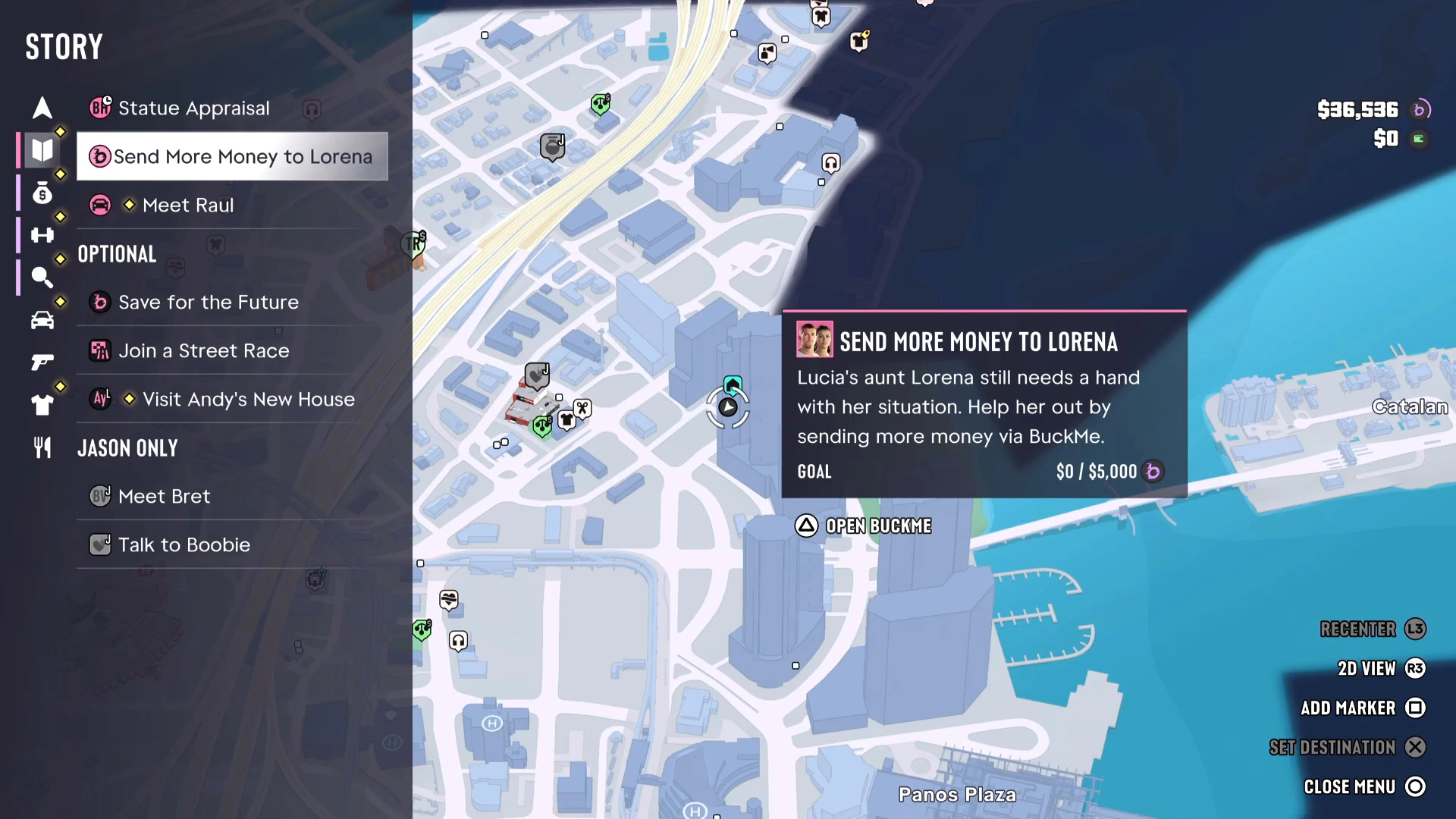
The entry sits at the top of the Story list, just under Statue Appraisal. In the footage the next story entry below it is Meet Raul. The Optional list at that point shows Save for the Future, Join a Street Race and Visit Andy’s New House, and a separate Jason Only list holds Meet Bret and Talk to Boobie. The description reads “Lucia’s aunt Lorena still needs a hand with her situation. Help her out by sending more money via BuckMe.” The goal is $0 / $5,000 and the prompt is Open BuckMe.
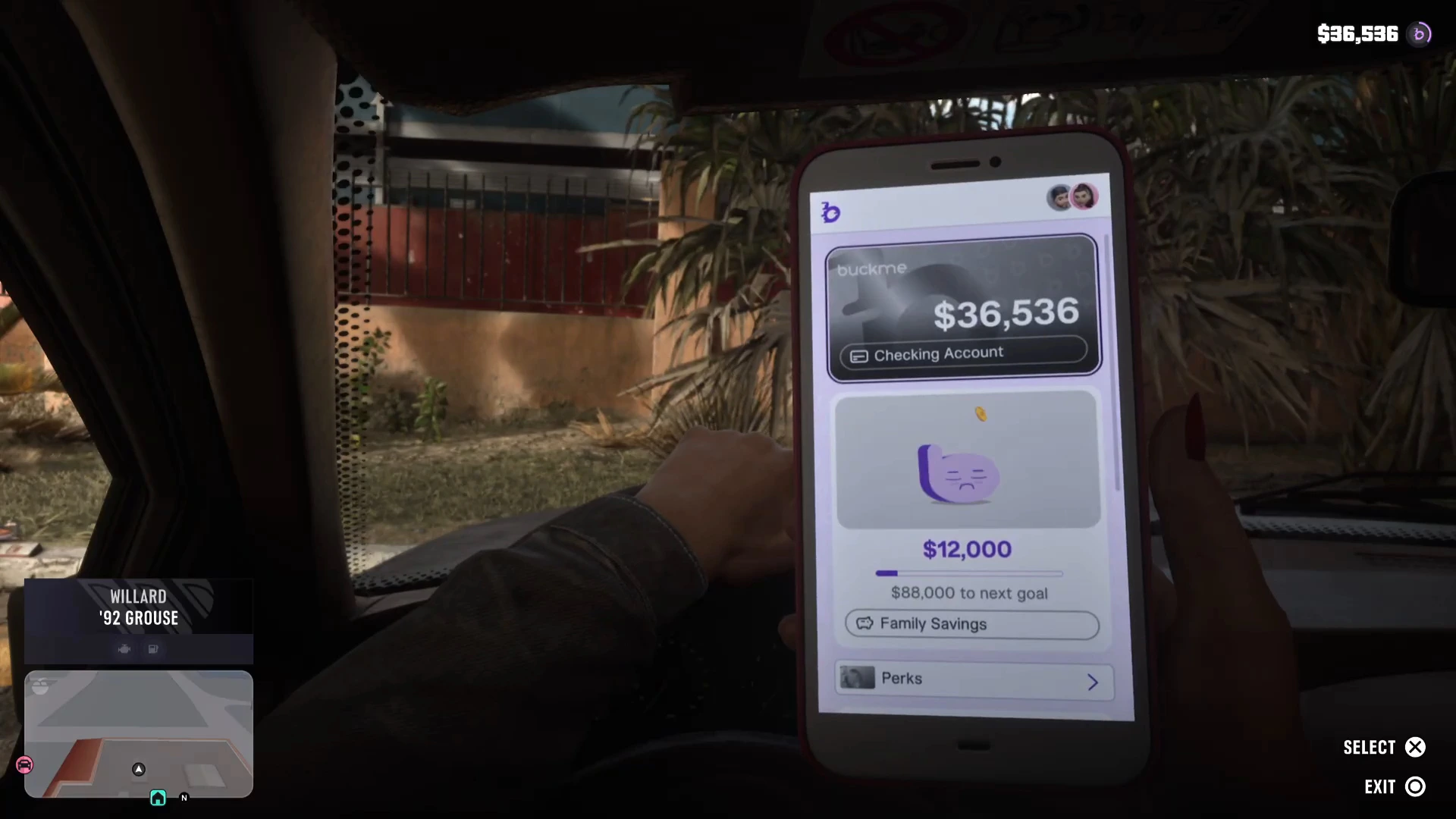
You need $5,000 in the checking account before you start. In this recording the balance was $36,536, with Family Savings at $12,000, so there was plenty. If your cash is still in your pockets, use an ATM first. The ATM deposit guide covers it, and the BuckMe savings guide explains the Family Savings box.
Open BuckMe and pay Lorena
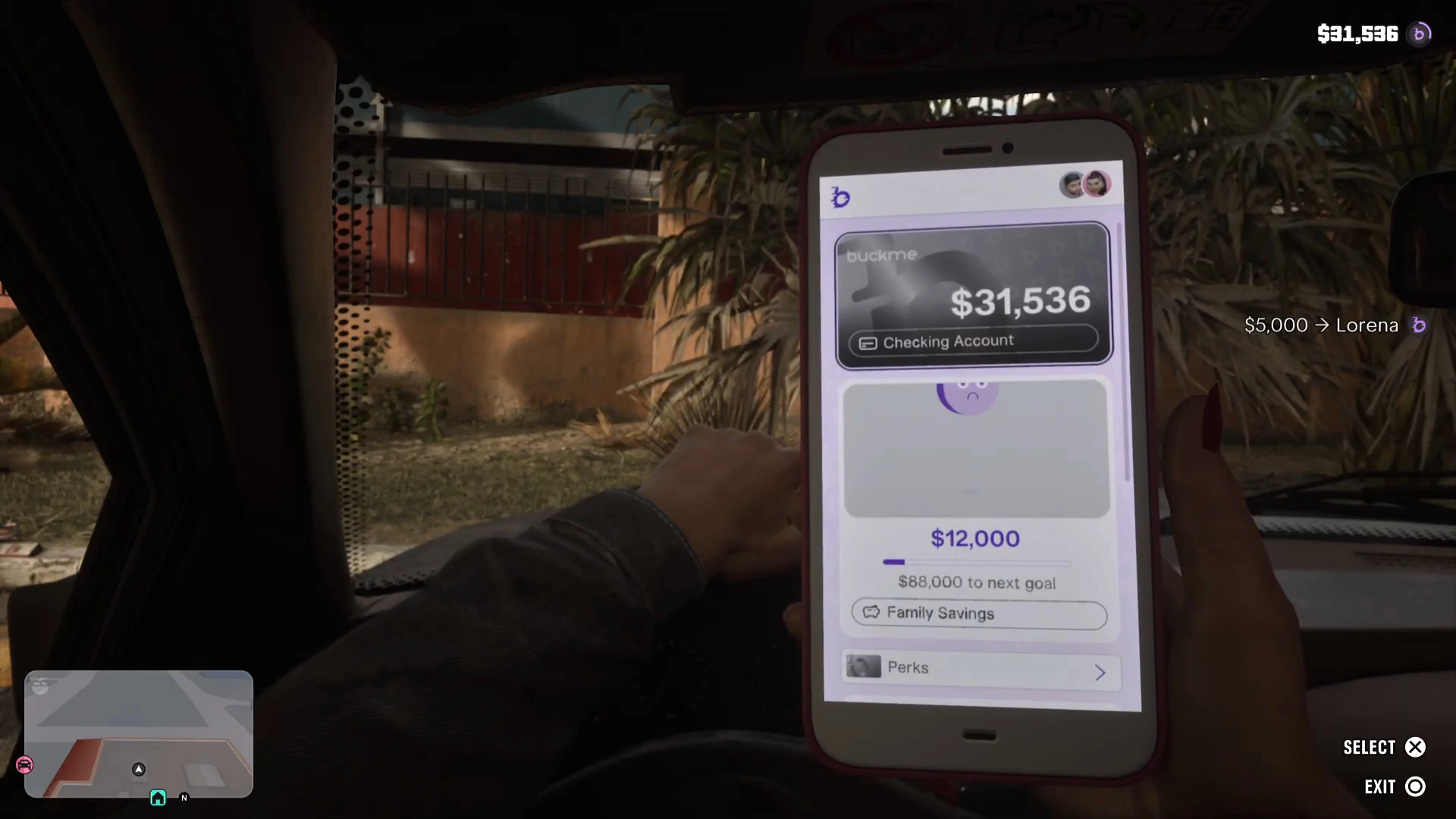
Pressing Open BuckMe brings up the phone. The app opens on the Checking Account card, with the balance at the top and the Family Savings box under it.
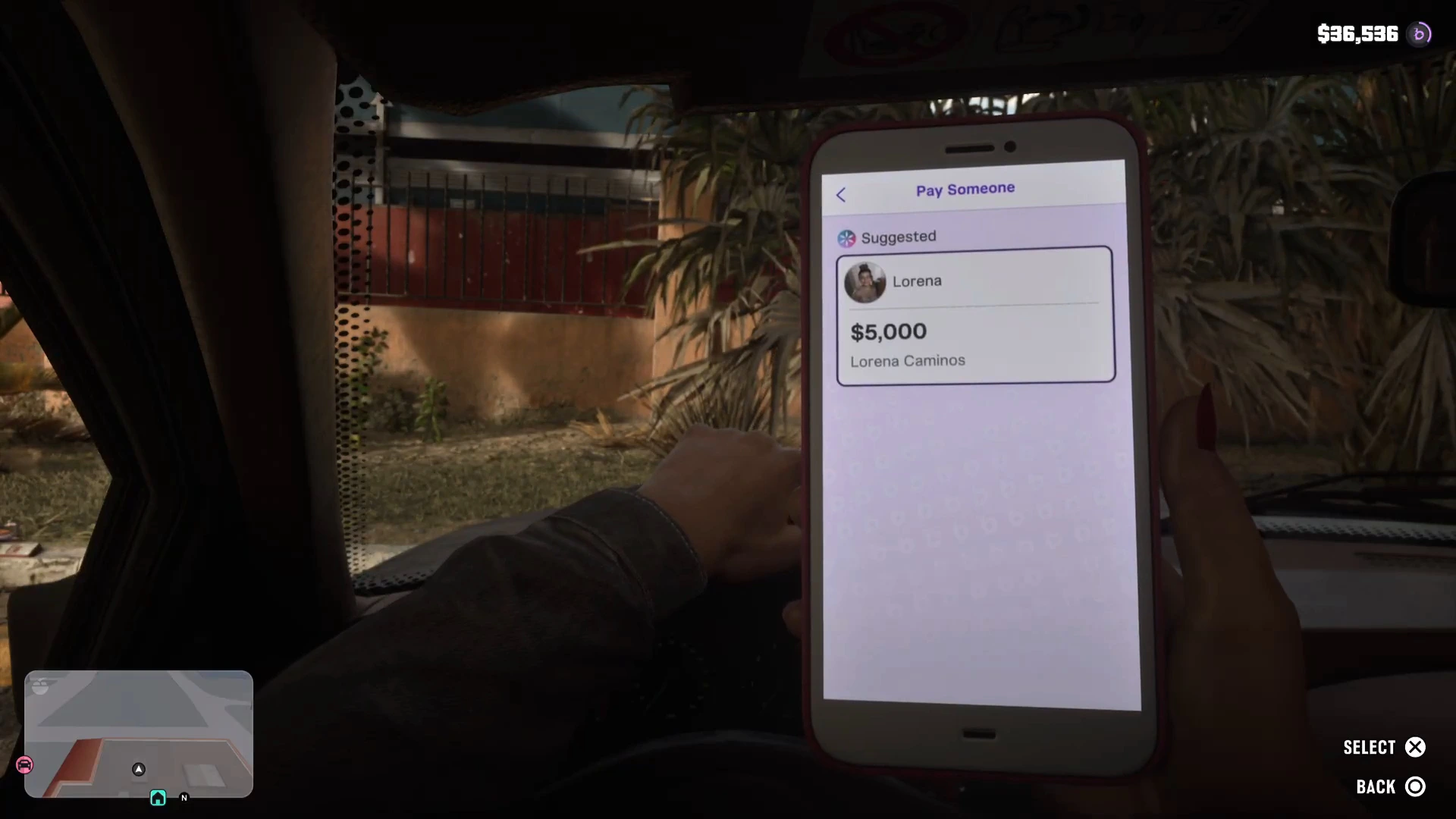
Open Pay Someone. The first thing on the screen is a Suggested contact, Lorena Caminos, with $5,000 listed under her name.
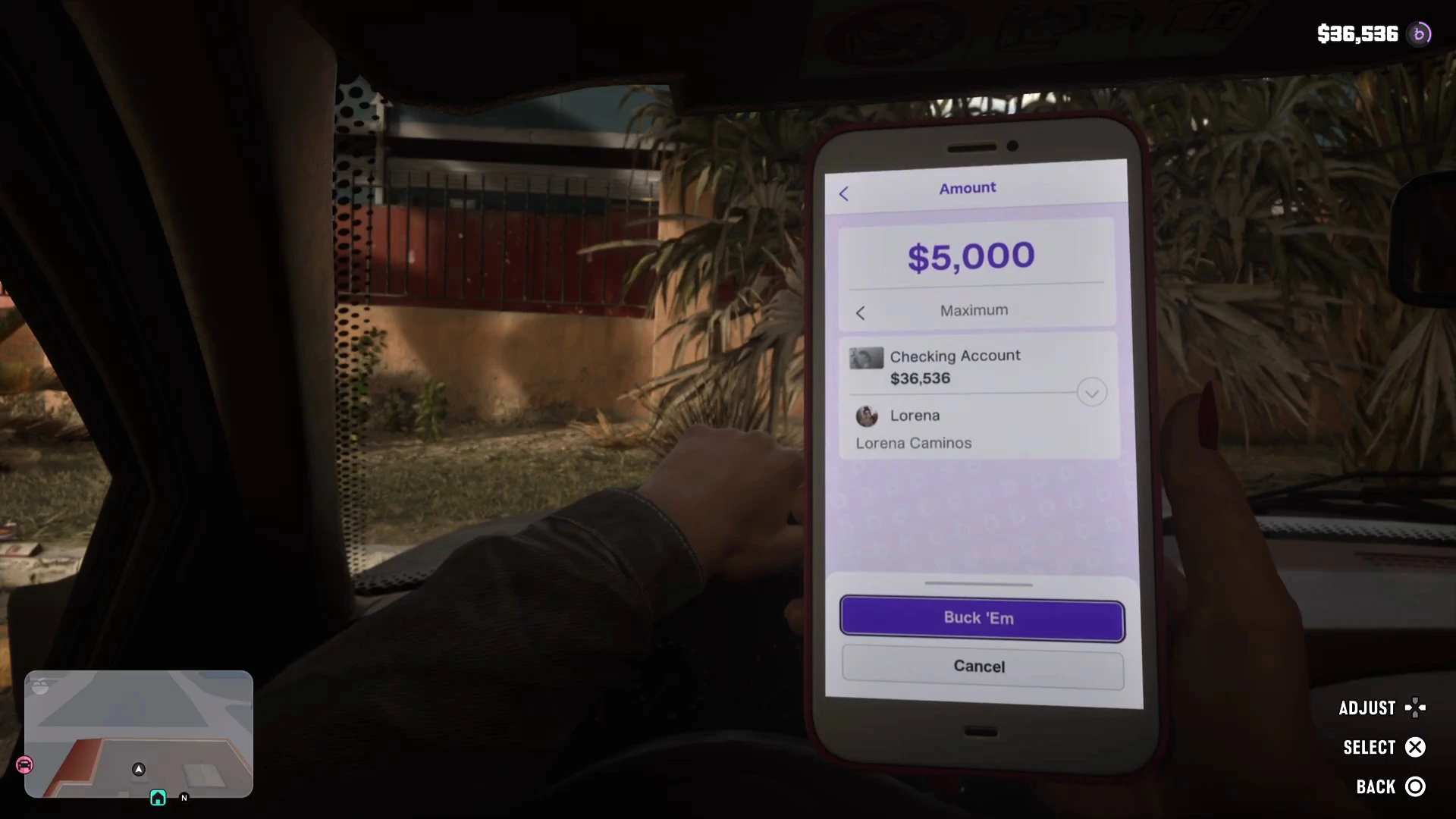
Select her and the Amount screen shows $5,000 over the checking account and Lorena’s name, with the purple Buck ’Em button and a Cancel button below. The prompts in the corner are Adjust, Select and Back. Press Buck ’Em.
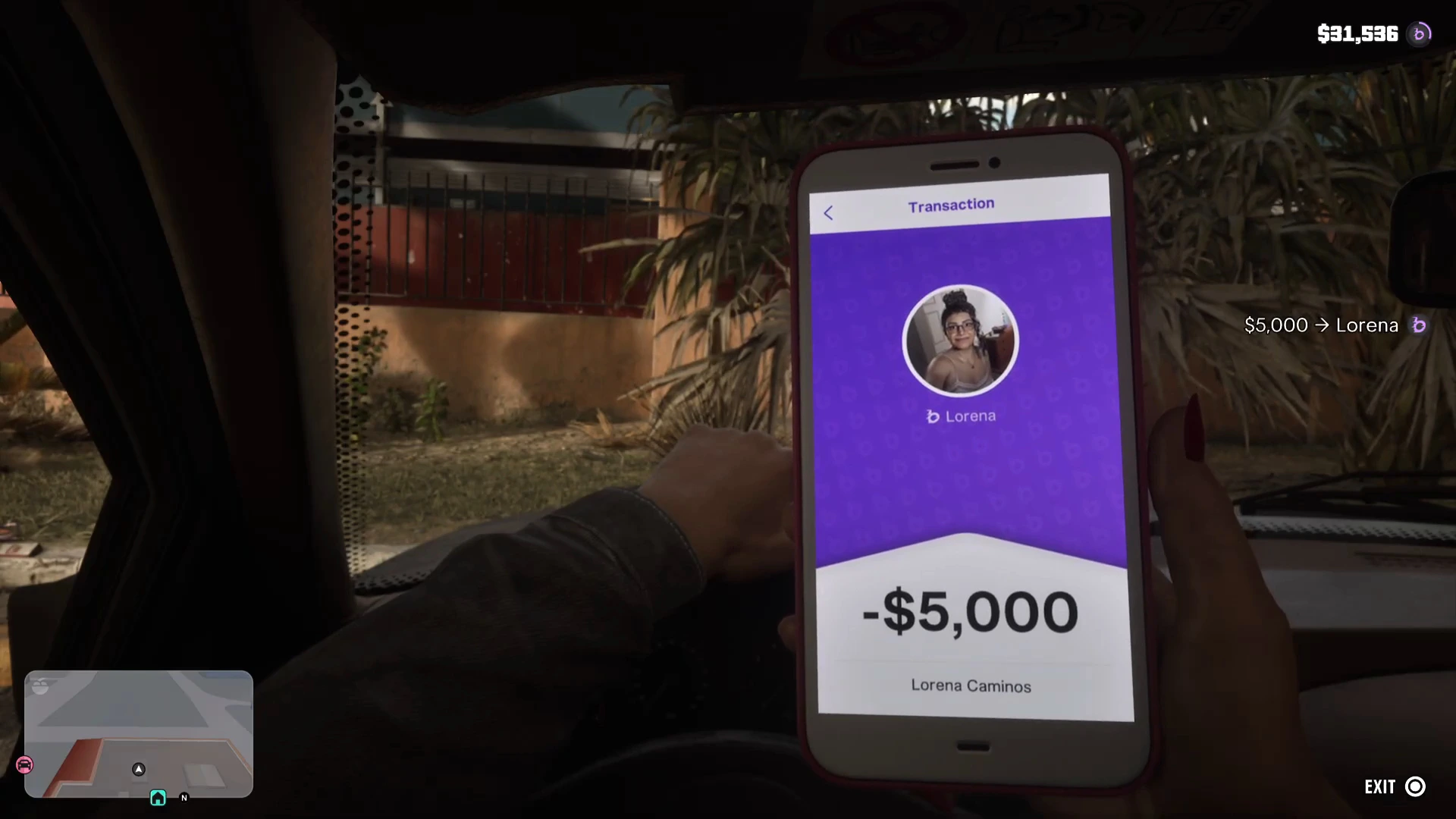
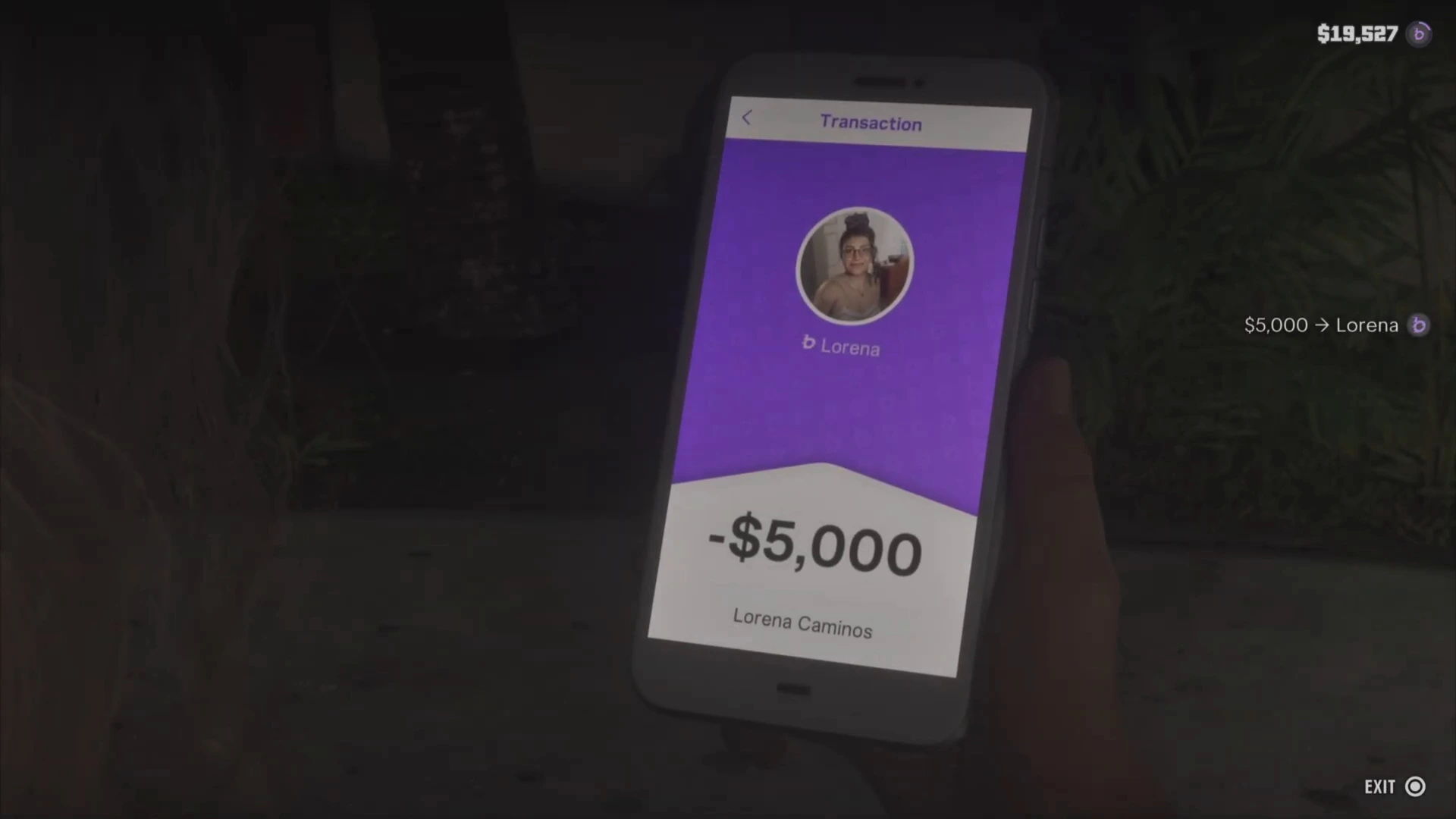
The purple Transaction card follows with Lorena’s photo and -$5,000. A line at the right of the HUD reads “$5,000 → Lorena”. After you back out, the balance in the top right has fallen from $36,536 to $31,536.
Lorena calls about the bank
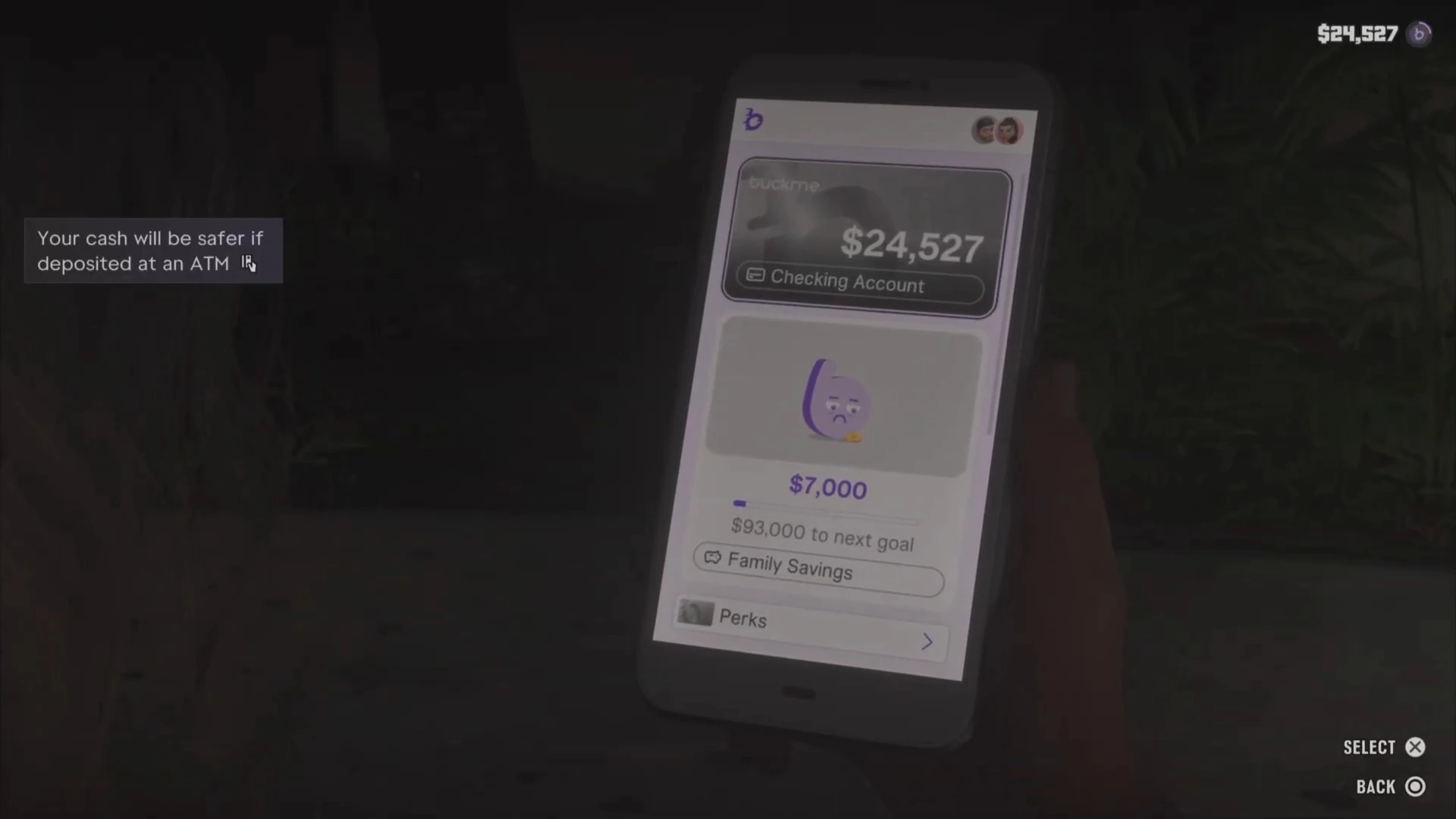
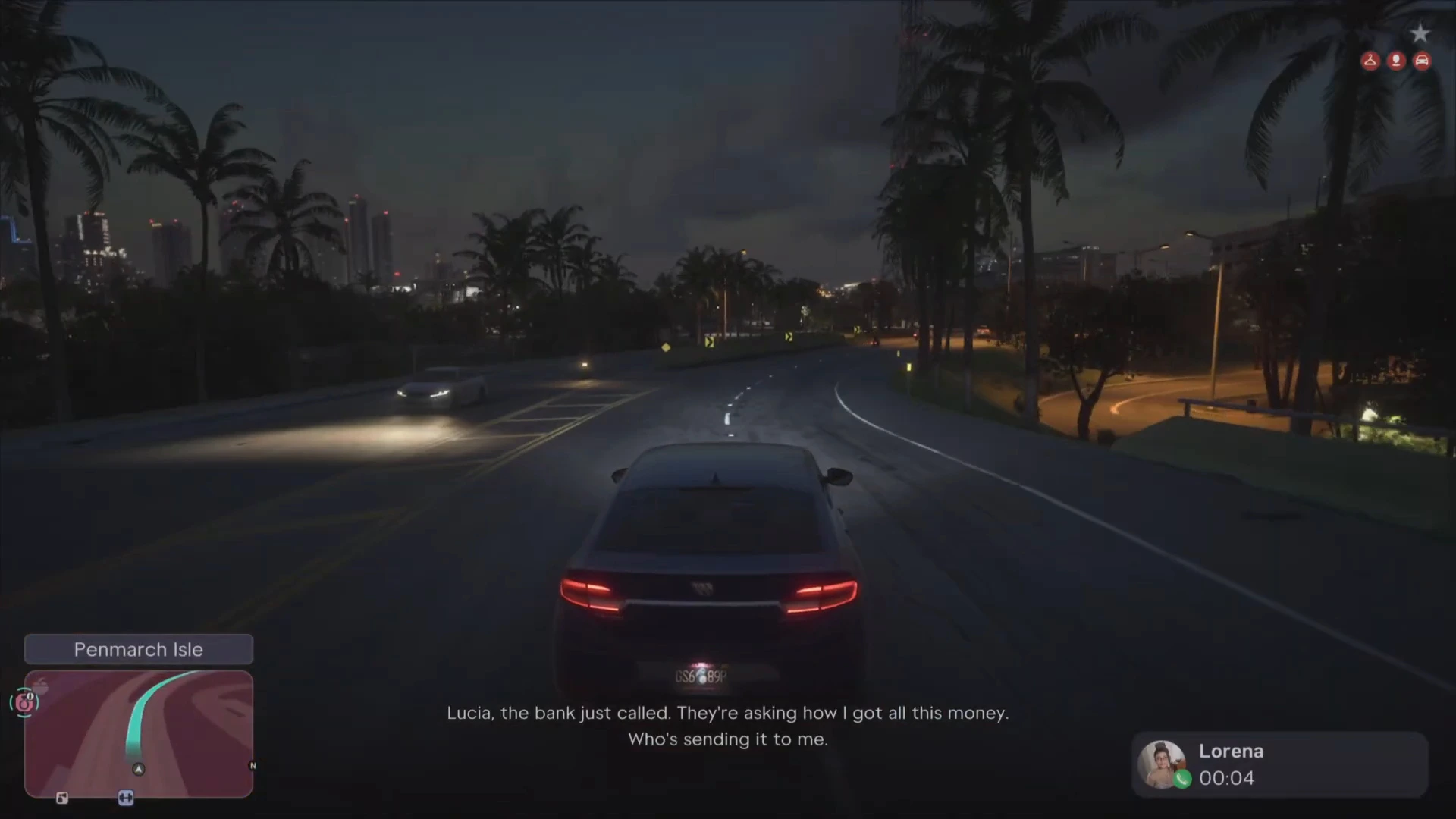
Once the money is sent, Lorena calls Lucia while she is driving. In a separate recording where a second $5,000 payment follows the first, the same BuckMe screens appear. This time a tip pops up on the left when you open the app: Your cash will be safer if deposited at an ATM. The balance falls from $24,527 to $19,527.
Lorena’s call (spoilers)
Lorena says the bank has just called her and is asking how she came by all this money and who is sending it. Lorena says she told them she won the numbers, and she is not sure they believe it, but it made them go away. Lucia says that is good. Lorena adds that the money has helped them a lot, but that Lucia should keep some for herself for when she is out of this trouble. Lucia says she is glad it helps and sends love to her son.
Tips
What’s next
The Story list moves on to First Impressions, where Raul asks Lucia to pick up the car she delivered, and then to Top Billing. Go back to Yasmani’s Jewelry Jobs if you are doing the chapter in order. See the Chapter 3 mission list and the full GTA 6 mission list for everything else.
Send More Money to Lorena FAQ
How much do you send in Send More Money to Lorena?
The goal on the Story card reads $0 / $5,000. The BuckMe payment screen suggests Lorena Caminos at $5,000, so it is a second payment of the same size as the first.
Do you have to do Send Money to Lorena first?
The card calls this a request to send "more money", and the first payment is the task that comes before it in the list. The steps are identical, so do Send Money to Lorena first if it is still on your map.
What happens after you send more money to Lorena?
Lorena calls Lucia. In the footage she says the bank phoned to ask how she got all this money, and that she told them she won the numbers. She says the money has helped a lot.
Does Send More Money to Lorena give a reward?
No cash, item or trophy is shown. The $5,000 simply leaves your checking account.