Best Budget Headset for GTA 6
Cheaper gaming headsets that still sound good in GTA 6 on PS5 and Xbox, from the wired Razer BlackShark V2 X to the wireless Turtle Beach Stealth 600.
Skip to the guideDisclosure: As an Amazon Associate I earn from qualifying purchases. Buying through our links costs you nothing extra. How we pick products.
If you want better GTA 6 audio without paying for a premium headset, get the Razer BlackShark V2 X for a wired set that plugs straight into your controller, or the Turtle Beach Stealth 600 if you want wireless. On PS5 with a PC as well, the Logitech G733 is a light wireless option. All three work with the console’s free 3D audio modes, which is where most of the improvement over TV speakers comes from.
Why a cheap headset is still worth it in GTA 6
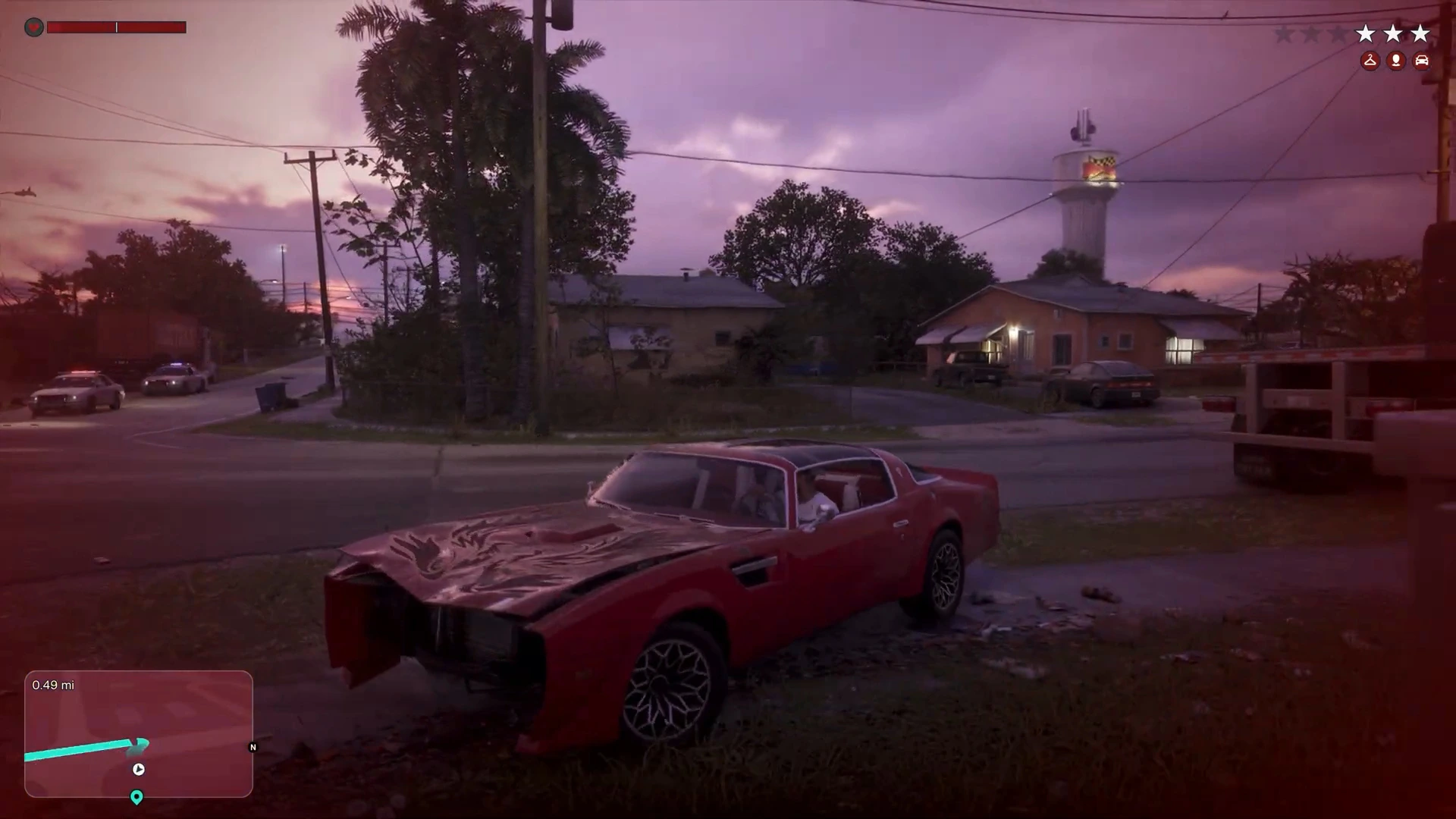
GTA 6 mixes a lot of sound together: the car radio, police scanner chatter, pedestrians talking, and gunfire from every side in a shootout. TV speakers flatten most of that. A headset puts the sound right next to your ears, and the console’s virtual surround turns plain stereo drivers into positional audio, so you can hear which side a siren or a gunshot came from.
You don’t need an expensive headset for that. The 3D audio work is done by the console:
- PS5: Settings, Sound, Audio Output, then turn on 3D Audio for Headphones.
- Xbox Series X|S: Settings, General, Volume and audio output, then set Headset audio to Windows Sonic, which is free.
Any decent stereo headset benefits from these settings, which is why the picks below are good value.
Best budget headsets for GTA 6
Razer BlackShark V2 X
A wired headset with a 3.5 mm plug, so it works in the jack on the DualSense or the Xbox controller with no dongle, pairing or battery. It uses Razer's 50 mm TriForce drivers and has a detachable mic for party chat.
- Works on PS5, Xbox and PC through the controller jack
- Nothing to charge
- Light
- Cable runs to the controller
- No wireless option
Turtle Beach Stealth 600
A wireless headset sold for Xbox that also works on PS5 and PC. It is the easiest way to sit back from the TV for a long session without a cable across the room.
- Wireless on both consoles
- Works with Windows Sonic and Tempest 3D Audio
- Flip-to-mute mic
- Needs charging
- Buy the Xbox version if you might switch consoles
Logitech G733 Lightspeed
A light wireless headset with a stretchy suspension headband that spreads the weight, which helps over a long evening in Leonida. It connects through a USB receiver and works on PS5 and PC.
- Very light
- Comfortable suspension headband
- Blue VO!CE mic filters
- Not for Xbox
- Smaller ear cups than most
Which one should you buy?
Pick the BlackShark V2 X if you want the cheapest reliable upgrade and don’t mind a cable. It works on every console because it uses the controller’s headphone jack, so it is also the safest choice if you own both a PS5 and an Xbox.
Pick the Stealth 600 if you play from a sofa and want no wire. Buy the Xbox version: it works on Xbox, PS5 and PC, while PlayStation-only headsets usually don’t work on Xbox.
Pick the G733 if you play on PS5 or PC and comfort matters most. It doesn’t work on Xbox, so skip it if you play there.
If you can spend more, Sony’s Pulse Elite is the step up on PS5. Our best headset for GTA 6 guide covers it along with the premium SteelSeries and the official Xbox headset.
Set it up for GTA 6
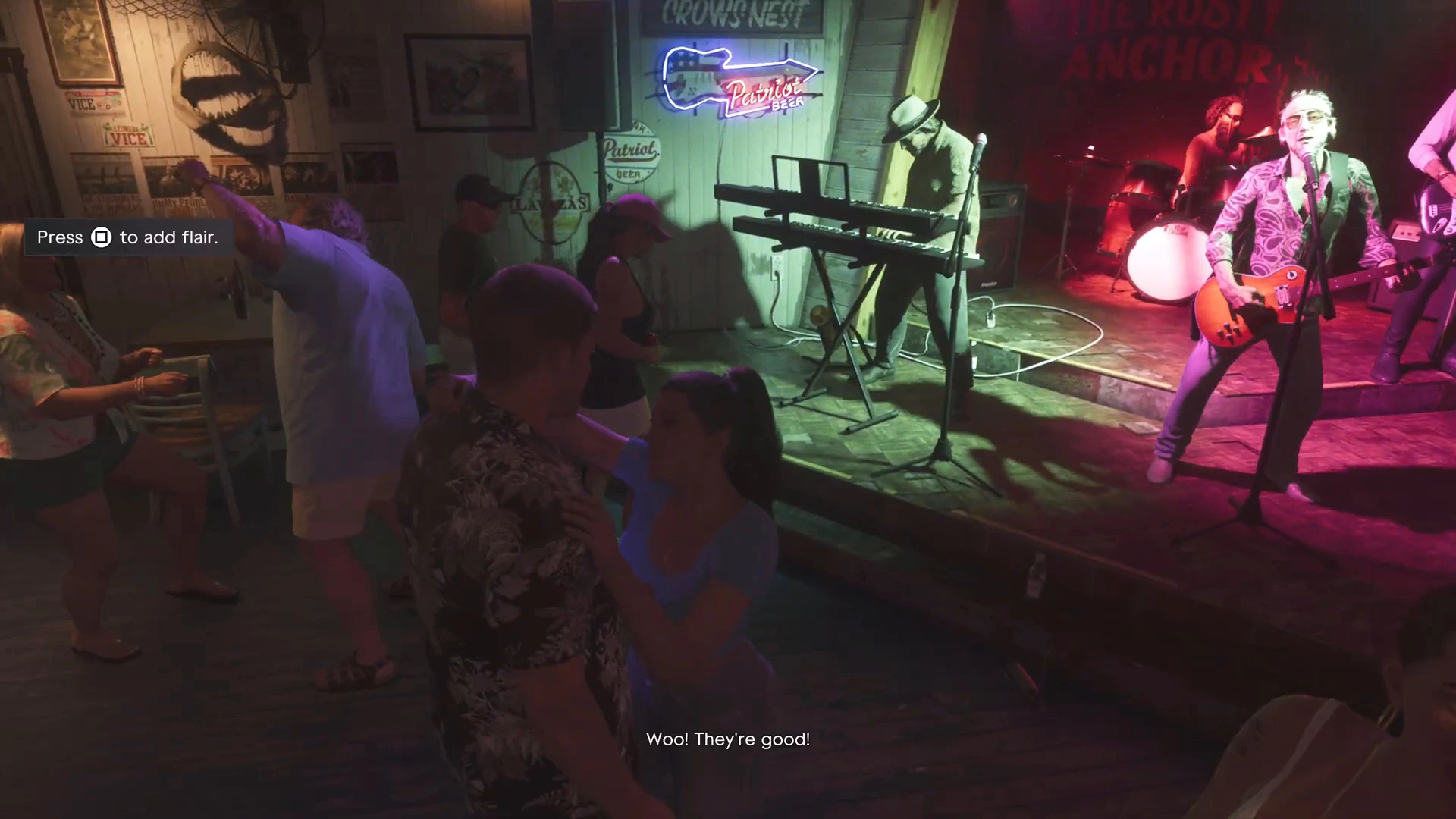
After turning on the console’s 3D audio, open GTA 6’s audio settings and lower the music volume a notch below dialogue. Radio stations are loud by default, and mission dialogue in cars is easy to miss. If you use a wired headset in the controller jack, raise the controller’s headphone volume in the console’s quick menu, since it often starts low.
More GTA 6 gear guides
- Best headset for GTA 6
- GTA 6 headset vs soundbar
- Best budget upgrades for GTA 6
- Best controller for GTA 6
- All GTA 6 guides