Best Headset for GTA 6
The best gaming headsets for GTA 6 on PS5 and Xbox, from Sony's Pulse Elite to SteelSeries' Arctis Nova Pro, plus how to set up 3D audio for Leonida.
Skip to the guideDisclosure: As an Amazon Associate I earn from qualifying purchases. Buying through our links costs you nothing extra. How we pick products.
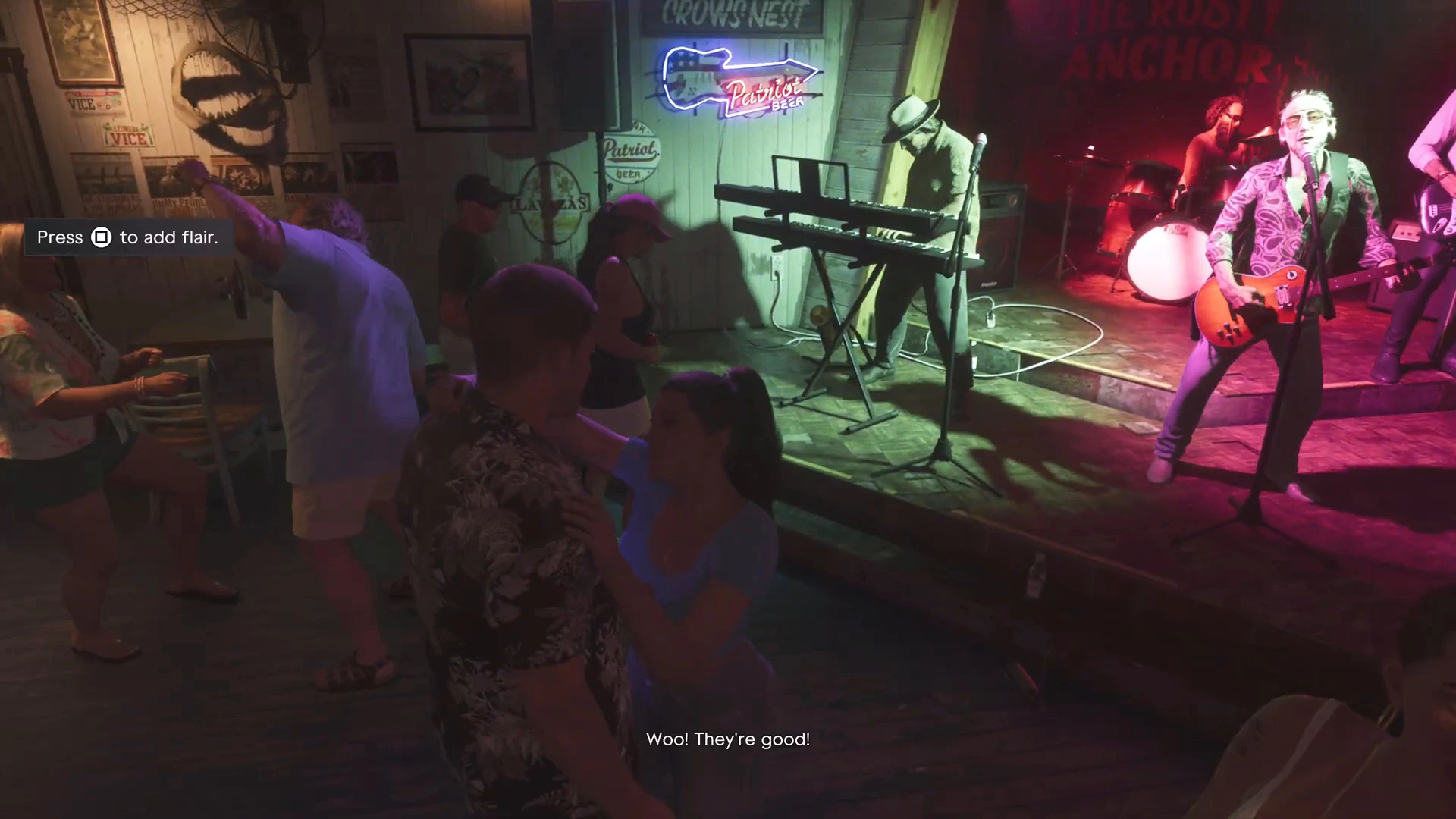
GTA 6’s audio does a lot of work: the in-game radio, police scanner chatter, overheard pedestrian conversations that hint at side activities, and gunfire that tells you where enemies are. A good headset with 3D audio makes Leonida feel much bigger and helps in firefights.
Compared at a glance
| Product | Best for | Works on | Connection | Key features | Link |
|---|---|---|---|---|---|
| Sony Pulse Elite | PS5 | PS5 | PS Link, low latency | Planar magnetic drivers, Tempest 3D Audio | Check on Amazon: Sony Pulse Elite |
| Arctis Nova Pro Wireless (Xbox) | Both consoles | Xbox and PS5 | Wireless | Hot-swappable batteries, ANC | Check on Amazon: Arctis Nova Pro Wireless (Xbox) |
| Official Xbox Wireless Headset | Xbox simplicity | Xbox Series X|S | Direct Xbox wireless, no dongle | Windows Sonic, Dolby Atmos, DTS | Check on Amazon: Official Xbox Wireless Headset |
Our editorial summary; check the live Amazon listing for current price and availability.
What to look for
- 3D audio support: PS5’s Tempest 3D Audio or Xbox’s Windows Sonic / Dolby Atmos. Positional sound helps you place sirens and gunfire.
- Wireless with low latency: use the console’s own dongle or link (PS Link, Xbox Wireless), not plain Bluetooth, which lags.
- Comfort: GTA 6 sessions run long. Light clamping force and breathable pads matter more than specs.
Best headsets for GTA 6
Sony Pulse Elite Wireless Headset
Sony's own headset with planar magnetic drivers and lossless, low-latency PS Link. It's tuned for Tempest 3D Audio, so it's set up for PS5 out of the box.
- Made for PS5 3D audio
- PS Link low latency
- Planar drivers
- Best features are PlayStation-only
SteelSeries Arctis Nova Pro Wireless (Xbox)
Works on Xbox and PS5, with hot-swappable batteries so a long GTA 6 session never dies mid-mission, and active noise cancelling.
- Hot-swap batteries
- Works on PS5 and Xbox
- ANC
- Expensive
Official Xbox Wireless Headset
Microsoft's own headset connects directly to Series X|S with no dongle and supports Windows Sonic, Dolby Atmos and DTS. It's the simplest good-sounding option on Xbox.
- No dongle needed
- Spatial audio formats
- Fair price
- Not as detailed as premium picks
Set up 3D audio for GTA 6
- PS5: Settings › Sound › Audio Output › turn on 3D Audio for Headphones, then run Adjust 3D Audio Profile.
- Xbox: Settings › General › Volume & audio output › Headset audio › choose Windows Sonic (free) or Dolby Atmos.
More GTA 6 gear guides
Then head back to the GTA 6 walkthrough.