Best TV for GTA 6
The best TVs for GTA 6 on PS5, PS5 Pro and Xbox Series X. What actually matters for a 30fps game, and our picks from OLED to budget mini-LED.
Skip to the guideDisclosure: As an Amazon Associate I earn from qualifying purchases. Buying through our links costs you nothing extra. How we pick products.
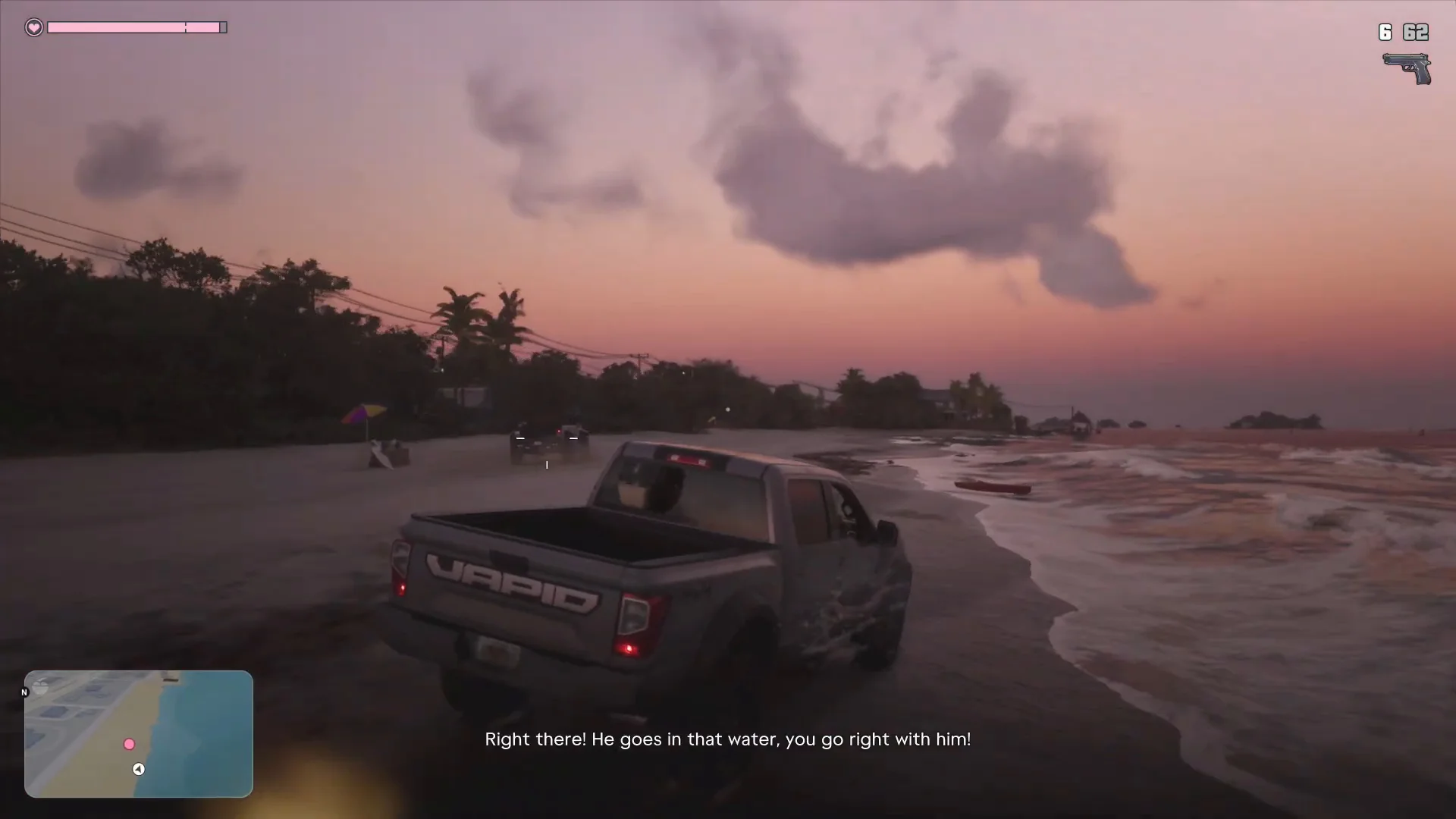
GTA 6 is built around light: neon Vice City nights, Leonida sunsets and bright beaches. A good TV makes a bigger difference here than in almost any other game. But because GTA 6 runs at 30fps on every console, the usual “120Hz gaming TV” advice matters less. Contrast, HDR brightness and VRR matter more.
Compared at a glance
| Product | Best for | Panel | Gaming features | Link |
|---|---|---|---|---|
| LG C6 OLED (2026) | Best overall | OLED | Four HDMI 2.1 ports, VRR, ALLM | Check on Amazon: LG C6 OLED (2026) |
| Samsung S90H OLED | Bright rooms | QD-OLED | Full VRR support | Check on Amazon: Samsung S90H OLED |
| TCL QM8 mini-LED | Value | Mini-LED | VRR and Game mode | Check on Amazon: TCL QM8 mini-LED |
| Sony Bravia 8 II | PS5 owners | OLED | PS5 Auto HDR Tone Mapping | Check on Amazon: Sony Bravia 8 II |
Our editorial summary; check the live Amazon listing for current price and availability.
What matters for GTA 6
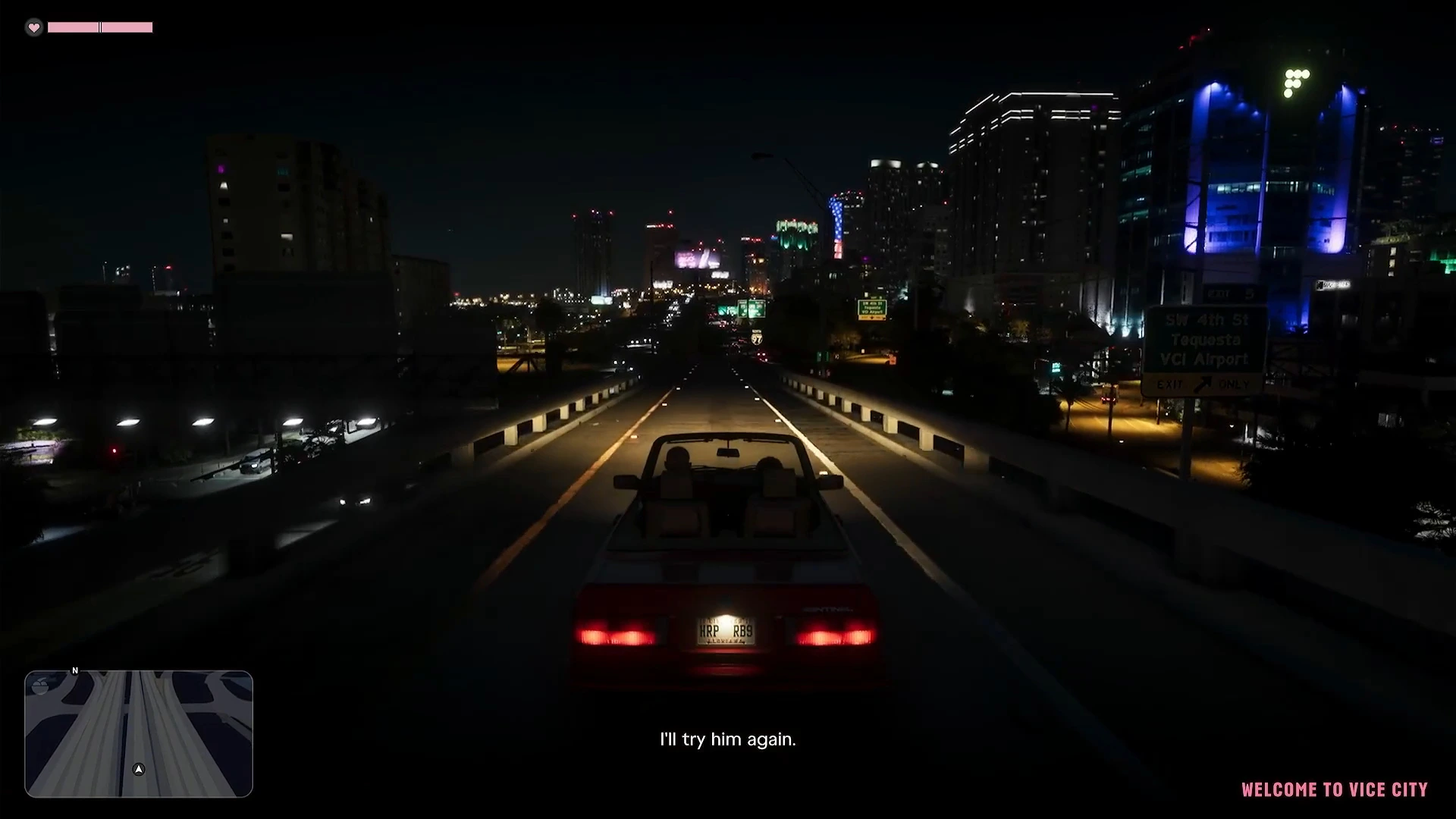
- Contrast and HDR. Night driving and sunsets are where GTA 6 looks its best. OLED gives perfect blacks; mini-LED gets brighter for daytime beaches.
- VRR (variable refresh rate). Useful, but less than you’d expect at 30fps. Console VRR usually works from 48Hz upward, so it only steps in below that on TVs that support low frame rate compensation. It’s still worth having for other games and any future performance mode.
- Low input lag in Game mode. 30fps already adds delay to driving and aiming, so you don’t want the TV adding more.
- 4K if you have a PS5 Pro. The Pro’s PSSR upscaling outputs a near-4K image. A 4K panel shows that detail; on a 1080p screen you lose most of the Pro’s advantage. See PS5 vs PS5 Pro for GTA 6.
- HDMI 2.1 isn’t essential for GTA 6 itself at 30fps, but it future-proofs the TV for 120Hz games and any later performance patch.
Our picks
LG C6 OLED (2026)
The most recommended gaming TV of 2026. Perfect OLED blacks for night driving, four HDMI 2.1 ports, VRR and ALLM so the console switches it to Game mode automatically.
- Perfect contrast for night scenes
- 4x HDMI 2.1, VRR, ALLM
- Very low input lag
- Not as bright as mini-LED in sunny rooms
Samsung S90H OLED
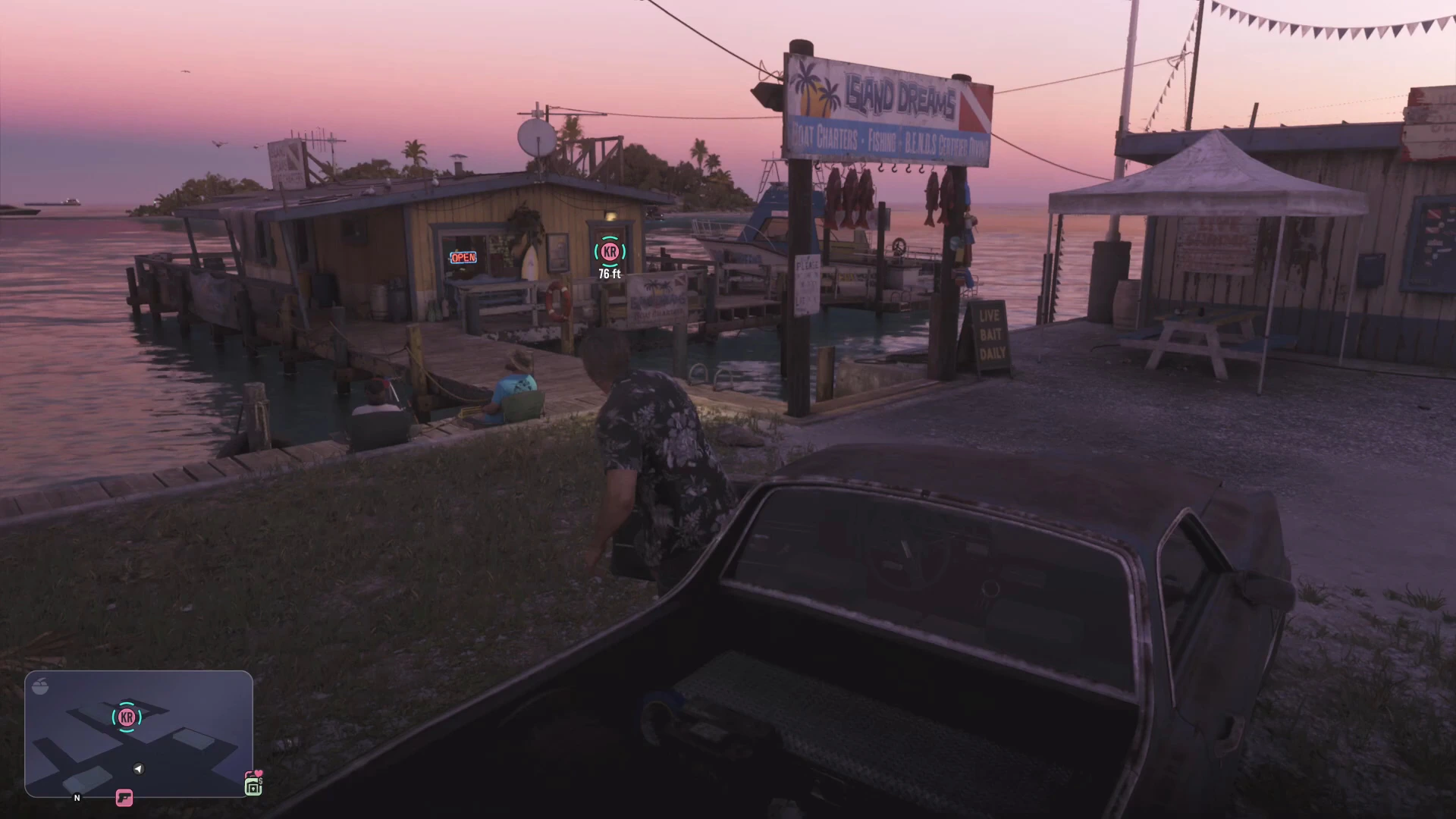
A QD-OLED with brighter colors than most OLEDs, which suits GTA 6's saturated beaches and sunsets, plus full VRR support.
- Vivid, bright colors
- Good HDR highlights
- VRR support
- No Dolby Vision on Samsung TVs
TCL QM8 mini-LED
A very bright mini-LED for the money. It handles HDR daytime scenes well and supports VRR and Game mode, making it a big step up from an older LED TV.
- Very bright HDR
- Big screens for the price
- VRR + Game mode
- Some blooming around bright objects at night
Sony Bravia 8 II
Sony's OLED has excellent picture processing and PS5-specific features like Auto HDR Tone Mapping, which sets up HDR correctly for PlayStation automatically.
- PS5 Auto HDR Tone Mapping
- Natural, accurate picture
- Fewer HDMI 2.1 ports than LG
Quick setup tips for GTA 6
- Turn on Game mode (or let ALLM do it).
- Enable VRR on both the TV and the console.
- Run the console’s HDR calibration (PS5: Settings › Screen and Video › Adjust HDR; Xbox: HDR Game Calibration app).
- Turn off motion smoothing and noise reduction. They add lag and smear the image at 30fps.
Also worth upgrading
- Storage: GTA 6 needs over 200GB. See GTA 6 file size.
- Controller: see the best controllers for GTA 6.
Then start playing with the GTA 6 Prologue walkthrough.