Best Capture Card for GTA 6
Do you need a capture card to record GTA 6? When the console's built-in capture is enough, and our picks, the Elgato 4K S and HD60 X, if you edit or stream.
Skip to the guideDisclosure: As an Amazon Associate I earn from qualifying purchases. Buying through our links costs you nothing extra. How we pick products.
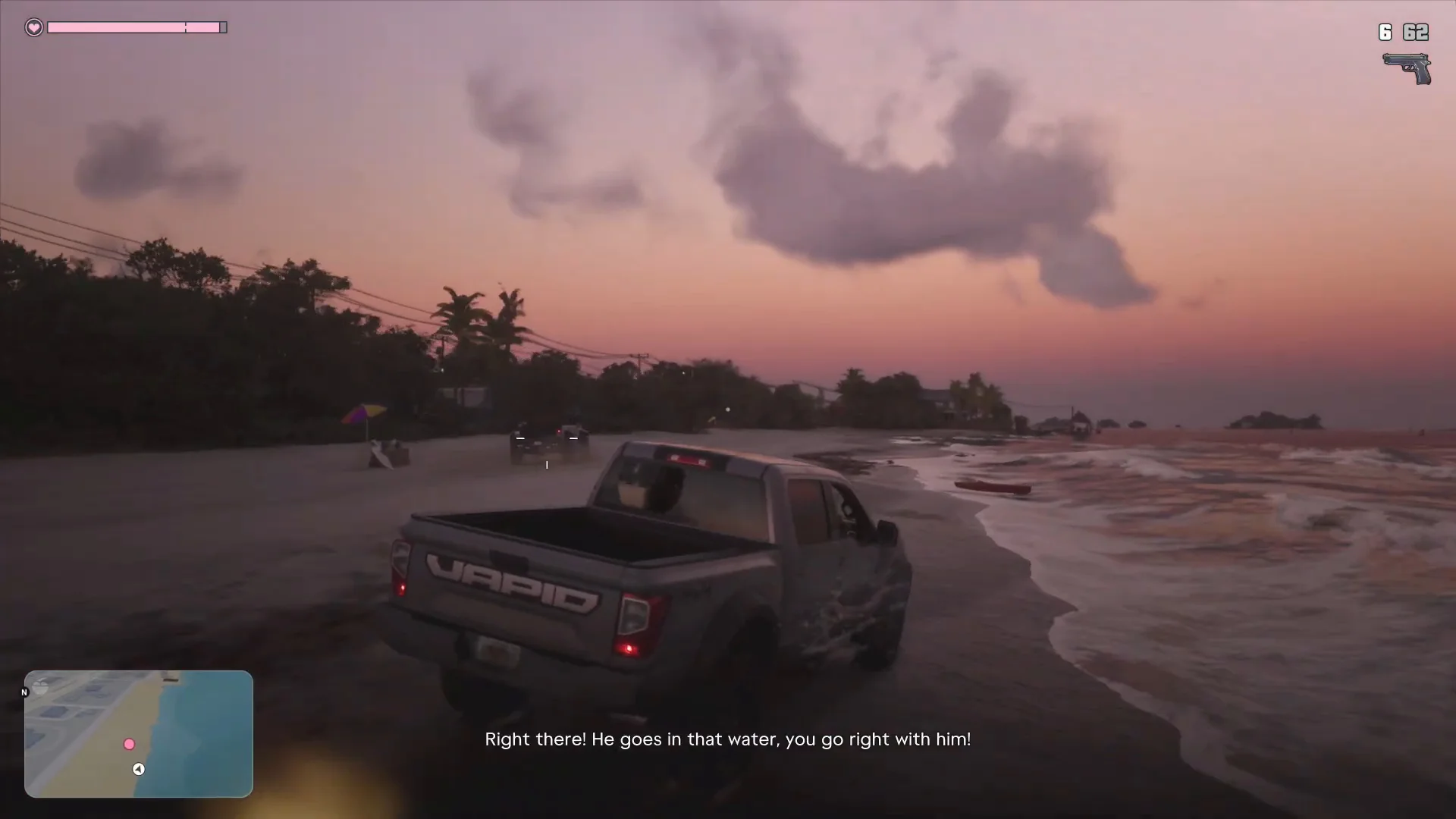
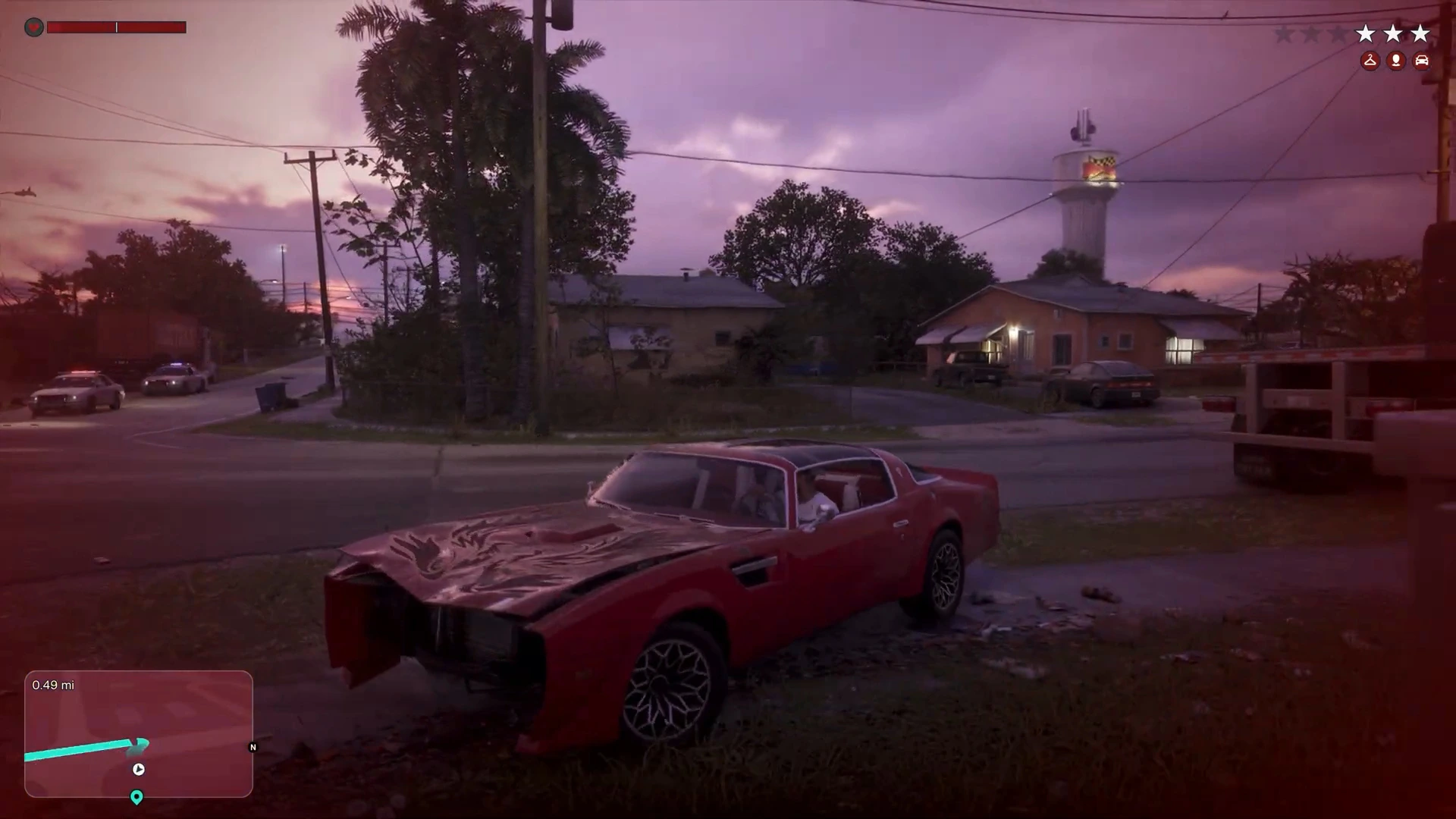
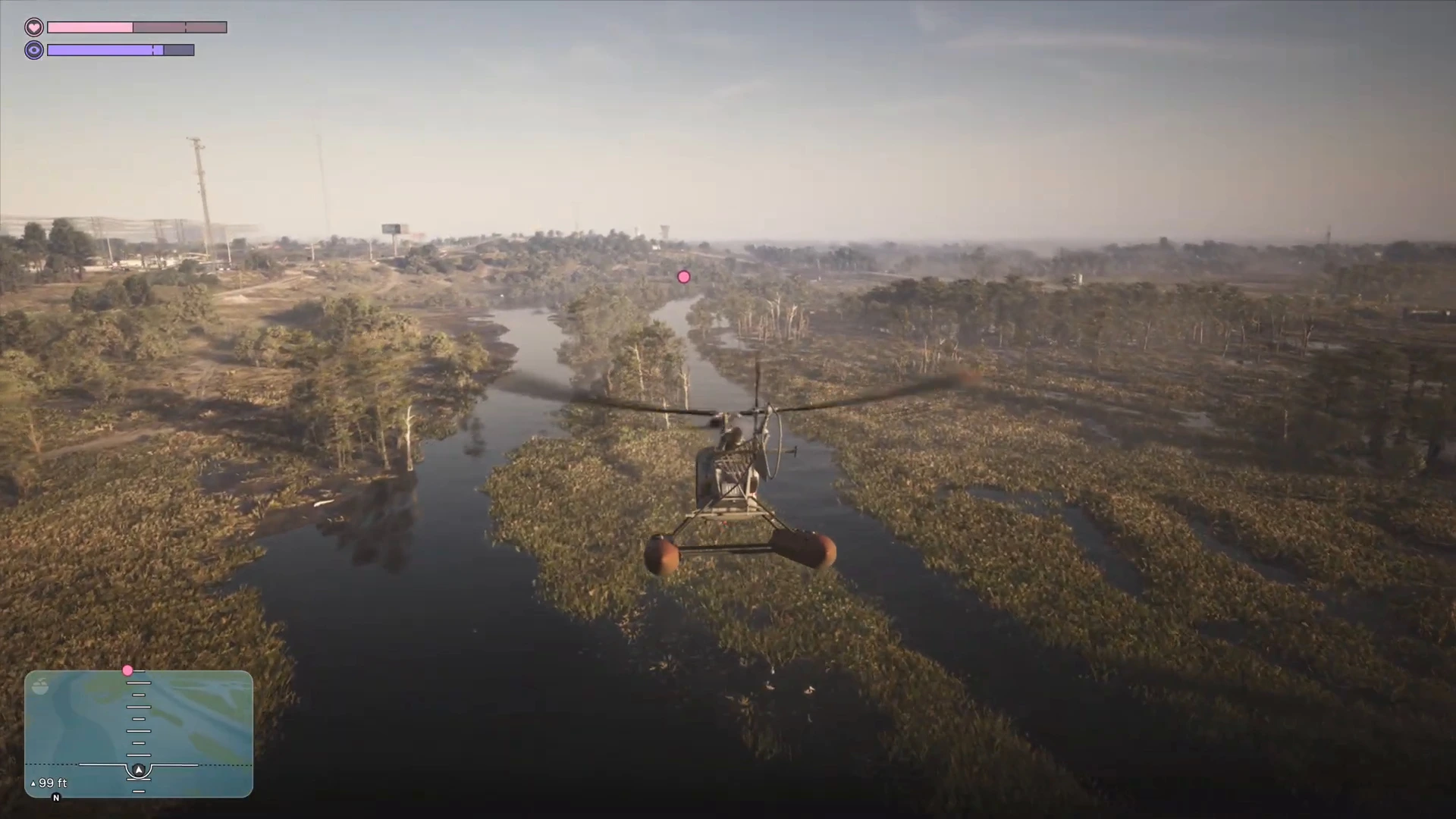
GTA 6 is a game people want to clip: a perfect getaway, a ridiculous chase, a helicopter landing in the swamp. You may not need a capture card at all. Both consoles record clips on their own. A capture card makes sense when you want cleaner video files, a PC or Mac for editing, or to stream live. This guide helps you decide, then covers the cards worth considering.
Compared at a glance
| Product | Best for | Capture | Passthrough | Connection | Link |
|---|---|---|---|---|---|
| Elgato Game Capture 4K S | 4K clips and streams | Up to 2160p60 (HDR10 up to 1080p60, Windows) | Up to 2160p60, VRR, HDR10 | USB-C | Check on Amazon: Elgato Game Capture 4K S |
| Elgato Game Capture HD60 X | 1080p value | 1080p60/120, 1440p60, 4K30 | Up to 4K60 (HDMI 2.0) | USB-C 3.2 Gen 1 | Check on Amazon: Elgato Game Capture HD60 X |
Specs from Elgato's product pages. Check the live Amazon listing for price and availability.
Do you need a capture card for GTA 6?
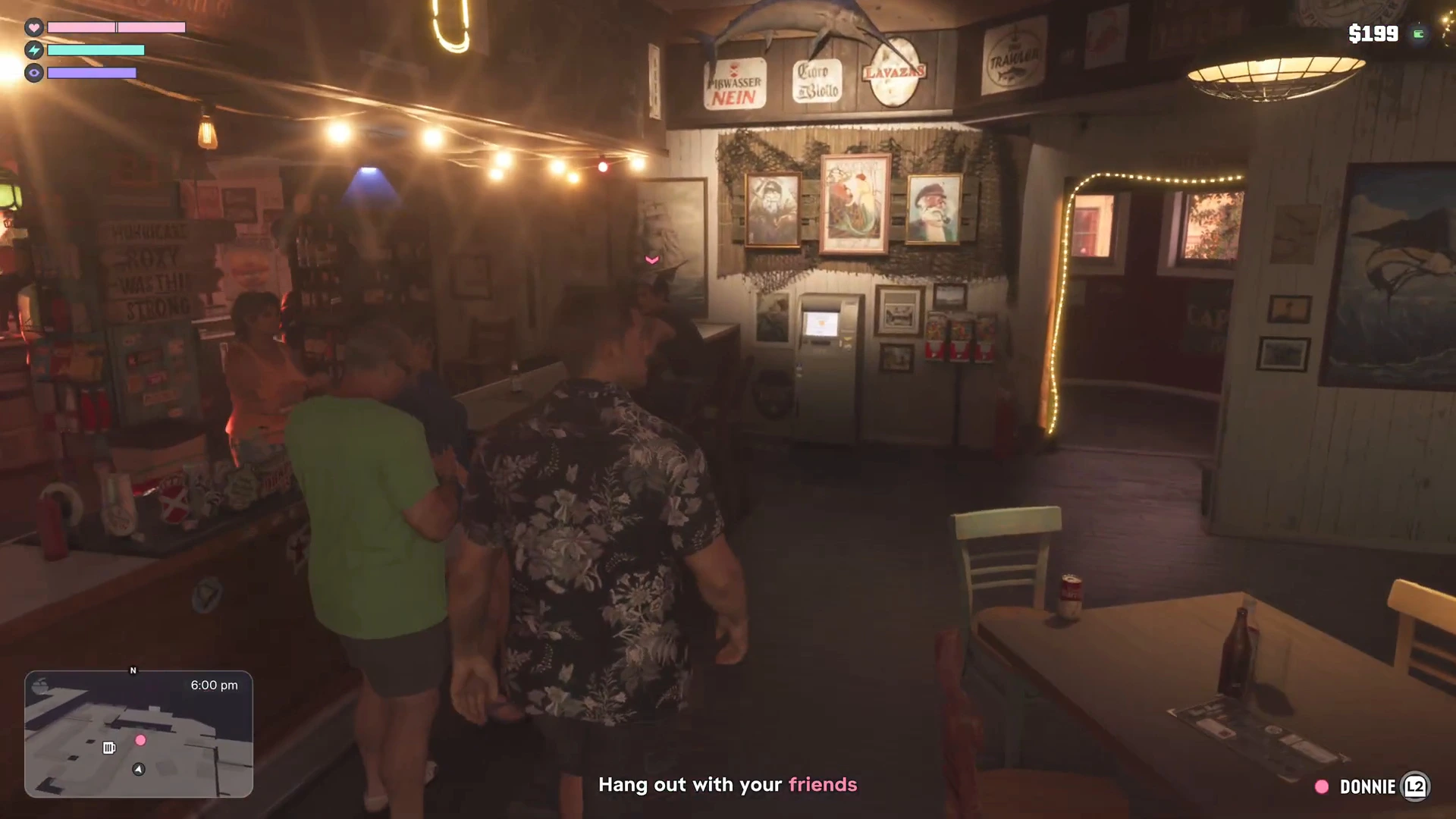
Try the built-in tools first.
- PS5 and PS5 Pro: press the Create button to save a clip or screenshot, and share or copy it to a USB drive or phone through the Media Gallery. It’s free and takes no extra hardware.
- Xbox Series X|S: press the Share button to capture a clip or screenshot and upload it to the Xbox app or a USB drive.
You do want a card if:
- You edit on a PC, Mac or iPad. A card gives you a clean video feed with an app such as Elgato Studio or OBS, instead of a clip file saved by the console.
- You stream live. Pair the card with OBS and a mic, as in our best streaming setup for GTA 6.
- You want commentary and a webcam composited over the footage.
- You want to record longer than the console’s quick-clip length without worrying about storage.
What to look for in a capture card
- Capture resolution and frame rate. GTA 6 runs at 30fps on every console, so you don’t need 120fps capture. 1080p60 is plenty for clips, 4K30 or 4K60 is good if you want a sharp archive.
- Passthrough. The card sits between your console and your TV. Passthrough should be lag-free and match your TV’s capabilities, including HDR10 and VRR if you use them. Elgato says its 4K S supports up to 2160p60 passthrough with HDR10 and VRR.
- HDCP. PlayStation consoles can block capture of some content with HDCP. If your card shows a black screen, turn off HDMI HDCP in the PS5’s settings, record, then switch it back on. The Elgato 4K S lists an unencrypted HDMI input.
- Connection. Use a USB-C port on your computer that matches the card’s speed. A cheap hub or a slow cable is the most common reason for dropped frames.
- Software. Look for OBS compatibility and a stable desktop app.
Best capture cards for GTA 6
Elgato Game Capture 4K S
Elgato lists capture up to 2160p60 and passthrough up to 2160p60 with HDR10 and VRR, and recommends it for PlayStation 5. HDR10 capture only goes up to 1080p60 and works on Windows only, so use a 4K SDR capture if you're on a Mac.
- 4K60 capture and passthrough
- VRR and HDR10 passthrough
- Works with Windows, Mac and iPad
- Costs more than a 1080p card
- HDR capture is limited to 1080p60 on Windows
Elgato Game Capture HD60 X
A popular 1080p capture card that records up to 1080p60 (and 120), with HDMI 2.0 passthrough up to 4K60. Elgato's page now labels it discontinued with the 4K S as its successor, so you may find remaining stock rather than new supply. Its page also lists it as recommended for PS4, Xbox One X and Switch, so confirm PS5 and Xbox Series support in the listing before you buy.
- 1080p60 capture is enough for GTA 6 at 30fps
- USB-C connection
- Works with OBS and Elgato software
- Discontinued, so stock may vary
- No 4K60 capture
How to hook up a capture card
- Connect the console’s HDMI out to the card’s HDMI in.
- Connect the card’s HDMI out to your TV.
- Connect the card to your computer over USB-C.
- In Elgato Studio or OBS, add the card as a video source and set resolution and frame rate.
- If the picture is black on PS5, check Settings › System › HDMI and try turning HDCP off, then back on after capture.
- If HDR footage looks washed out, record in SDR or tone-map it in your editor.
Frequently asked questions
Can I record GTA 6 on PS5 without a capture card? Yes. Use the Create button for clips and screenshots, then transfer them through the Media Gallery.
Do I need 4K capture? Not unless you want an archive at that quality. GTA 6 runs at 30fps, so 1080p60 is plenty for streams and clips.
Will a capture card slow my game? The passthrough shouldn’t add noticeable lag, but check the card’s passthrough specs and your TV settings.
Can I stream and record at once? Yes, with OBS on a PC. A Mac or iPad can also work with the supported apps.
Is GTA 6 footage monetisable? Check the current Rockstar and Take-Two policy before you upload.
More GTA 6 gear guides
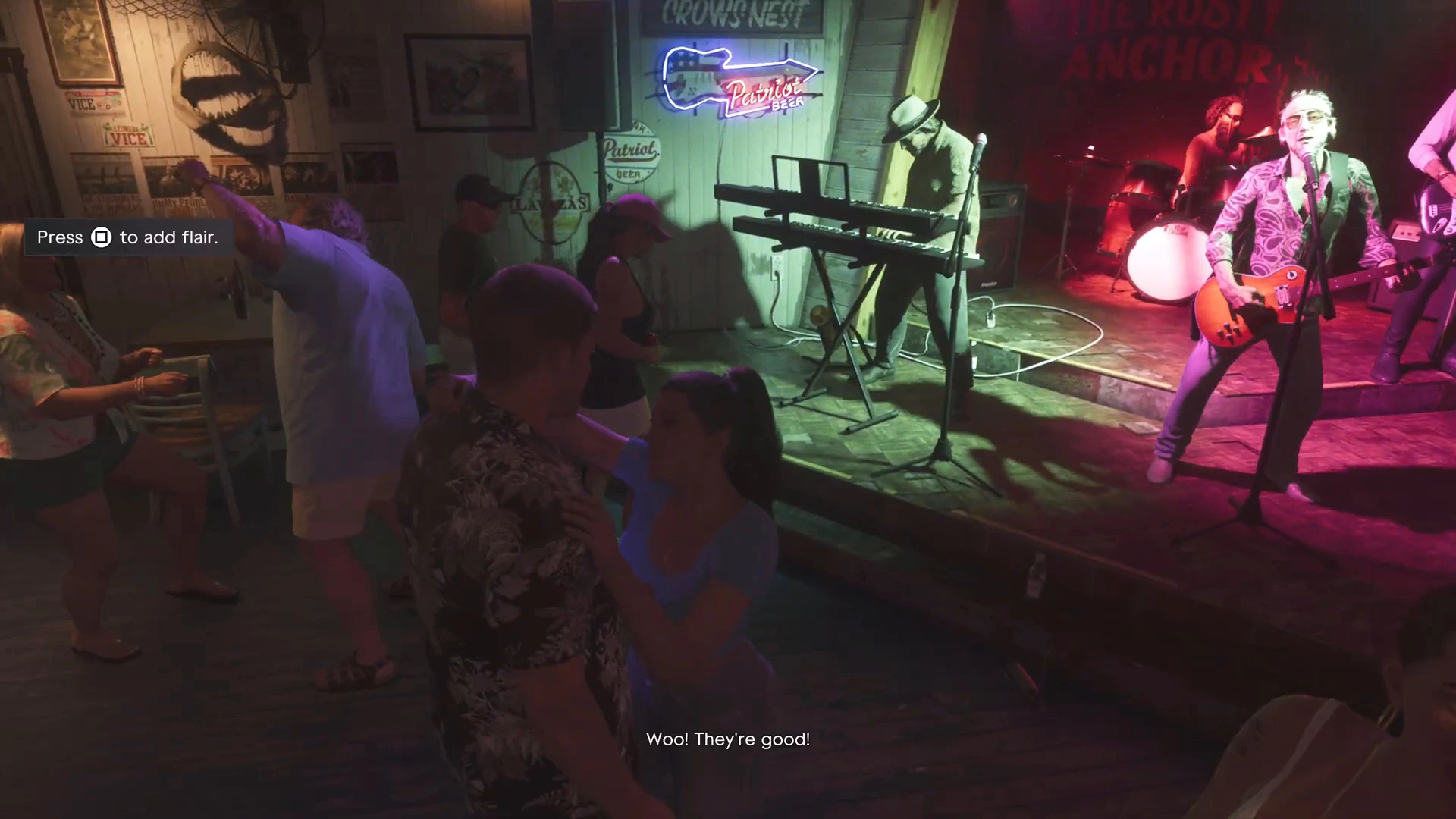
Looking for something worth recording? Try our best cars in GTA 6 or heists and big robberies, or head back to the GTA 6 walkthrough.