Best Streaming Setup for GTA 6
How to stream GTA 6 from PS5 and Xbox, with the best capture cards, microphones and webcams, plus HDCP, music copyright and stream settings for a 30fps game.
Skip to the guideDisclosure: As an Amazon Associate I earn from qualifying purchases. Buying through our links costs you nothing extra. How we pick products.
GTA 6 is the biggest game to stream this year, and it’s console-only for now: there’s no PC version, so every GTA 6 stream starts on a PS5 or Xbox Series X|S. You can broadcast straight from the console with almost no gear, or add a capture card, microphone and webcam for a proper stream with overlays, alerts and clean audio. This guide covers both.
Compared at a glance
| Product | Best for | Type | Key spec | Link |
|---|---|---|---|---|
| Elgato 4K S | Best capture card | Capture card | Records up to 4K60; 4K60 HDR passthrough; USB-C | Check on Amazon: Elgato 4K S |
| Elgato 4K X | Future-proofing | Capture card | HDMI 2.1 passthrough | Check on Amazon: Elgato 4K X |
| Elgato Game Capture Neo | Budget | Capture card | 1080p60 capture; 4K60 HDR passthrough | Check on Amazon: Elgato Game Capture Neo |
| Shure MV7+ | Best mic | Dynamic mic | USB-C and XLR | Check on Amazon: Shure MV7+ |
| Elgato Wave:3 | Clean USB audio | USB condenser mic | Clipguard | Check on Amazon: Elgato Wave:3 |
| Elgato Facecam MK.2 | Best webcam | Webcam | 1080p60, manual exposure | Check on Amazon: Elgato Facecam MK.2 |
Our editorial summary; check the live Amazon listing for current price and availability.
Option 1: stream straight from the console
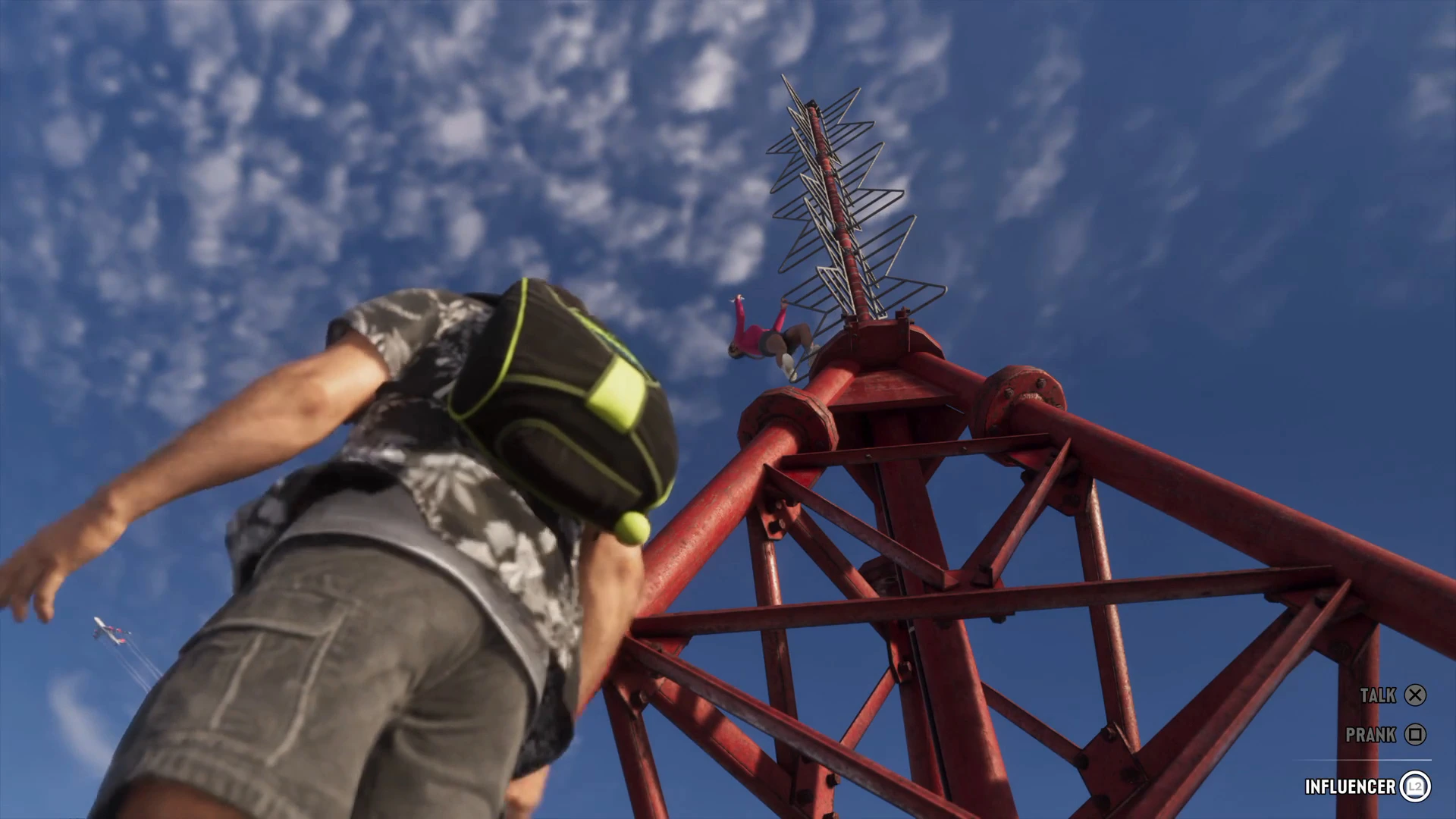
This is free and takes five minutes. It’s a good way to find out whether you enjoy streaming before you buy anything.
PS5 (Twitch or YouTube):
- Link your account in Settings › Users and Accounts › Linked Services.
- In GTA 6, press the Create button and choose Broadcast.
- Pick the service, set the title and quality, and go live.
Xbox Series X|S (Twitch):
- Link Twitch in the Xbox settings under Capture & share.
- Press the Xbox button, open Capture & share and choose Live streaming.
A headset mic carries your voice, and you can add a camera on PS5 (see the PS5 HD Camera below). The limits: no custom overlays, no alerts, basic audio control and a fixed layout. Once you outgrow that, you need a capture card.
Option 2: capture card and a PC
A capture card takes the console’s HDMI output, passes it through to your TV or monitor with no added lag, and sends a copy to your PC. Streaming software such as OBS then combines the game, your camera and mic, and overlays into one stream.
Turn off HDCP on PS5
The PS5 applies HDCP copy protection by default, and a capture card shows a black screen when it’s on. Go to Settings › System › HDMI and turn off Enable HDCP. Games stream fine with it off; you only need it back on for streaming video apps. Xbox doesn’t apply HDCP to games, so there’s nothing to change there.
Best capture cards for GTA 6
Elgato 4K S
Elgato's own GTA 6 guide points to the 4K S for high-quality footage without paying for HDMI 2.1. It records up to 4K60 and passes through 4K60 HDR to your TV, so you keep GTA 6's HDR while you stream. USB-C, no drivers to fight with.
- 4K60 HDR passthrough
- Records up to 4K60
- Simple USB-C setup
- HDR capture is limited to 1080p60 on Windows
- Needs a reasonably modern PC
Elgato 4K X
The high-end option with HDMI 2.1 passthrough, useful if you also play 120Hz games on a newer TV or monitor. For GTA 6 at 30fps it's more than you need, but it future-proofs your setup.
- HDMI 2.1 passthrough
- High-refresh capture for other games
- Costs more than the 4K S
- Extra features unused in a 30fps game
Elgato Game Capture Neo
A cheaper card that captures at 1080p60, which is the resolution most Twitch viewers watch at anyway, while passing 4K60 HDR through to your screen. Plenty for a GTA 6 stream.
- Affordable
- 4K HDR passthrough
- Captures the 1080p you actually stream
- No 4K recording
Best microphones
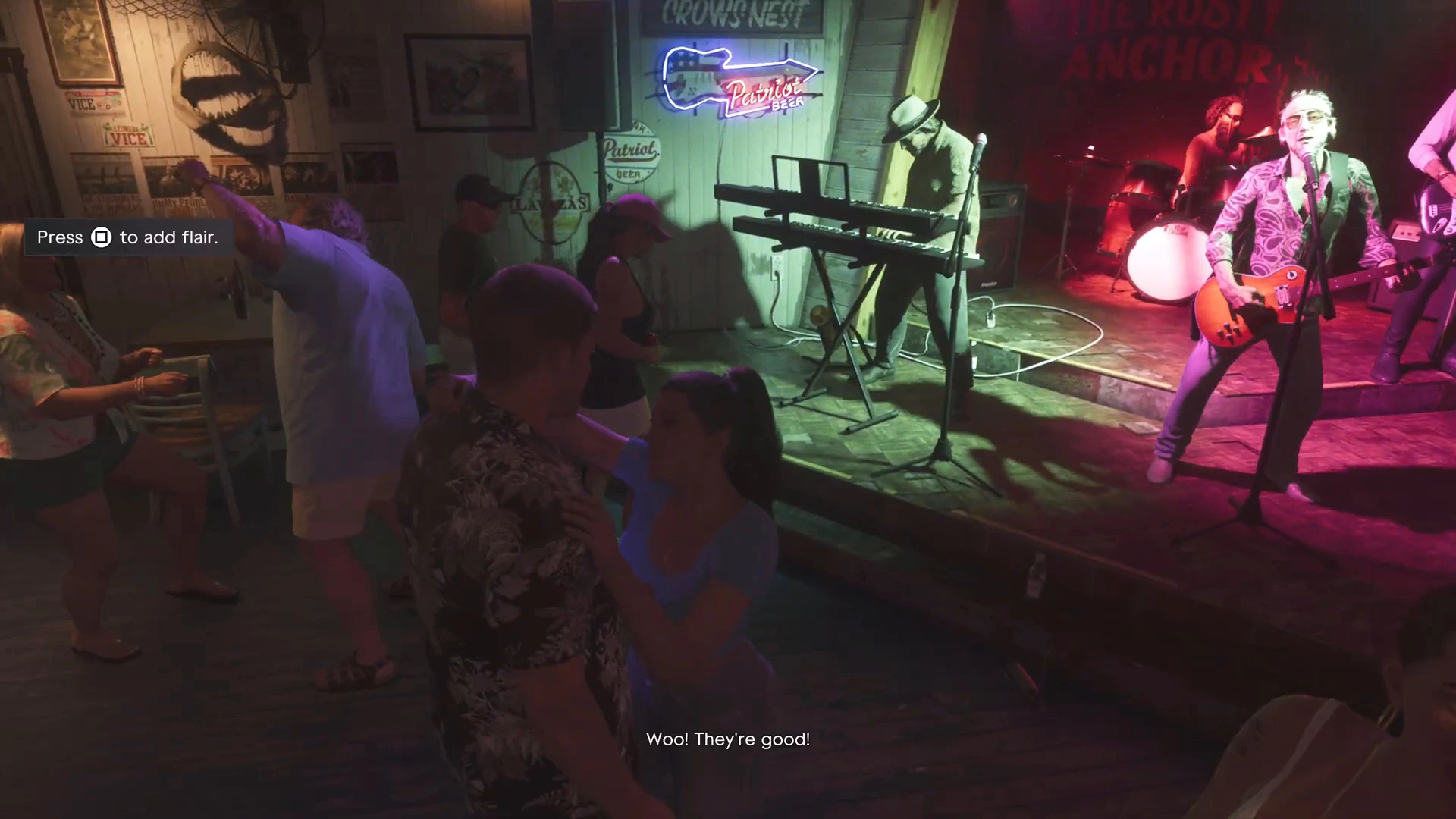
Your voice matters more than your video. Viewers will sit through a soft image, but not through muffled or echoing audio.
Shure MV7+
A dynamic mic that rejects background noise, so the console fan and keyboard stay quiet while you talk over a chase. It has both USB-C and XLR, so it grows with your setup.
- Rejects room noise
- USB-C and XLR
- Broadcast-style sound
- Needs to sit close to your mouth
Elgato Wave:3
A USB condenser mic with clipguard to stop shouting from distorting when a mission goes wrong, plus software for mixing game and chat audio.
- Clipguard for loud moments
- Easy audio mixing software
- Picks up more room noise than a dynamic mic
FIFINE AmpliGame dynamic microphone
A low-cost dynamic USB mic that's a big step up from a headset microphone, for anyone starting out.
- Inexpensive
- Dynamic capsule cuts background noise
- Basic build quality
Best webcams
Elgato Facecam MK.2
Sharp 1080p60 video with manual exposure controls, so your face doesn't flicker when the TV behind you flashes between dark interiors and bright Leonida daylight.
- Manual exposure lock
- 1080p60
- Works with OBS out of the box
- Needs decent room lighting
Logitech C922 Pro Stream
A long-running, affordable streaming webcam. Good enough for a face cam in the corner of a GTA 6 stream.
- Affordable
- Widely supported
- Struggles in dim rooms
PlayStation HD Camera
The only way to add a face cam when you stream straight from a PS5 without a PC. It plugs into the console's USB port.
- Works with PS5 built-in broadcasting
- PS5 only
- Lower quality than PC webcams
GTA 6 stream settings
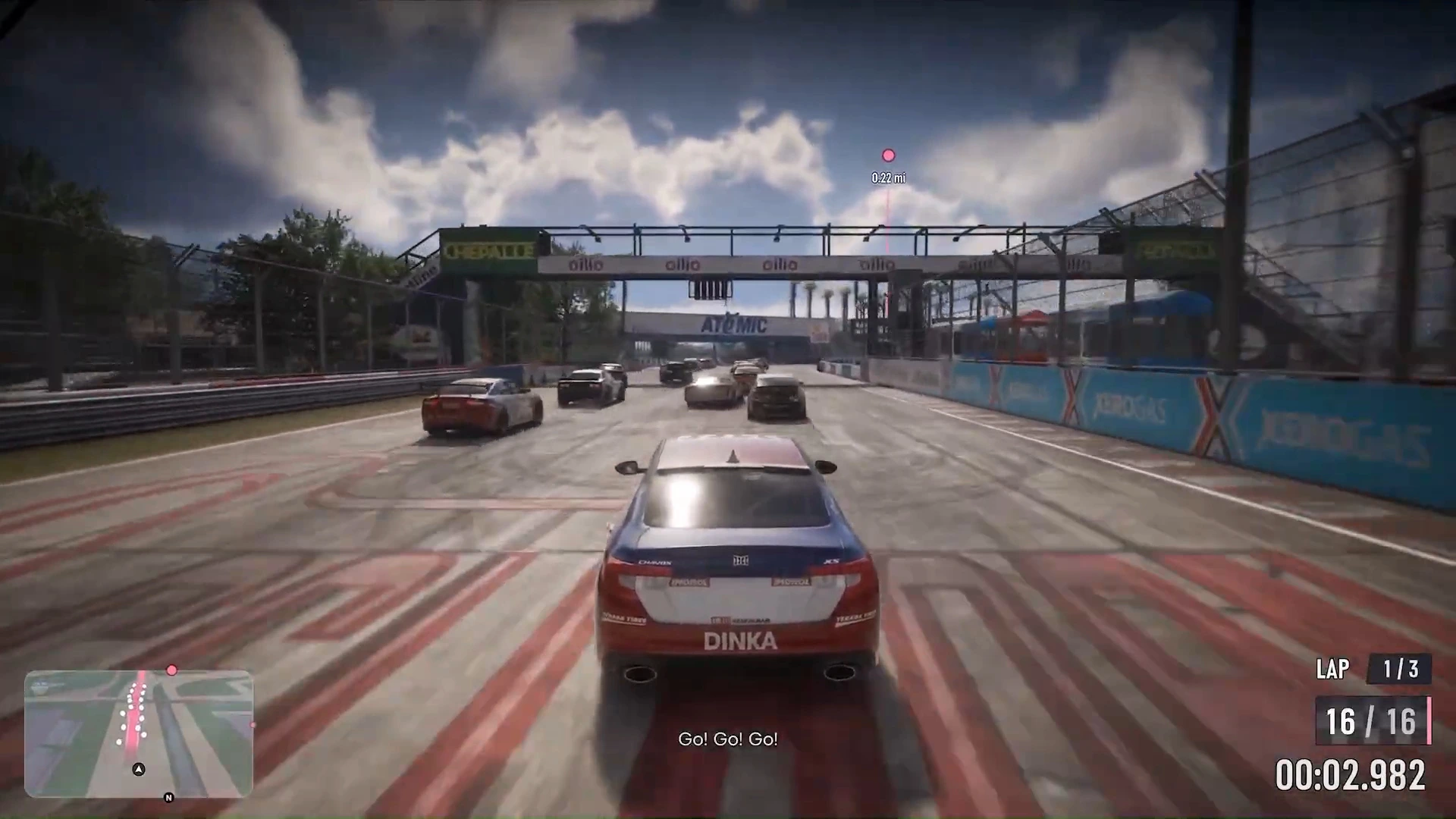
- Resolution and frame rate: GTA 6 runs at 30fps, so streaming at 1080p30 looks identical to 1080p60 and halves the bitrate your connection needs. If you prefer 60 for your camera and overlays, that’s fine too.
- Bitrate: around 6,000kbps is a common Twitch setting for 1080p. YouTube accepts more.
- HDR: most viewers watch in SDR. Capture in SDR or use your card’s HDR-to-SDR tone mapping, or the stream will look washed out.
Music and spoilers
GTA 6’s radio stations use licensed music. Rockstar hasn’t confirmed a streamer mode that removes licensed tracks, so check the in-game audio settings yourself. Twitch can mute sections of VODs and delete clips that contain copyrighted music, so many streamers turn the radio down or off while live.
Rockstar’s published policy on its material allows cutscenes as part of a full playthrough or a narrated let’s play, but it removes isolated cinematic clips. Avoid posting standalone cutscene videos, and put story beats behind spoiler warnings in your titles. If you’re streaming the story, our GTA 6 mission walkthrough is handy when chat asks what’s next, starting from the Prologue.
More GTA 6 gear guides
- Best headset for GTA 6
- Best gaming chair and desk setup for GTA 6
- Best monitor for GTA 6
- Best controller for GTA 6
- Best console for GTA 6
- Best SSD for GTA 6
Or browse the full GTA 6 mission walkthrough.