Best Monitor for GTA 6
The best 4K and 1440p monitors for GTA 6 on PS5, PS5 Pro and Xbox. What matters for a 30fps game, from HDR and OLED contrast to VRR and 4K for the Pro.
Skip to the guideDisclosure: As an Amazon Associate I earn from qualifying purchases. Buying through our links costs you nothing extra. How we pick products.
Plenty of people play console games at a desk, in a bedroom or a dorm, where a monitor makes more sense than a big TV. GTA 6 works well on one, but most monitor advice is written for PC players chasing 240Hz and beyond. GTA 6 targets 30fps on every console, so a 360Hz panel does nothing for it. What you actually see is contrast, HDR, sharpness and how cleanly the screen handles motion at a low frame rate.
If you have the room for a TV, our best TV for GTA 6 guide is the better read. This page is for desk setups.
Compared at a glance
| Product | Best for | Size and resolution | Panel | Key feature | Link |
|---|---|---|---|---|---|
| Alienware AW3225QF | Best overall | 32" 4K | QD-OLED | HDMI 2.1 | Check on Amazon: Alienware AW3225QF |
| Samsung Odyssey OLED G8 (G81SF) | Small desks | 27" 4K | OLED | Very sharp at desk distance | Check on Amazon: Samsung Odyssey OLED G8 (G81SF) |
| Sony Inzone M9 II | PS5 owners | 27" 4K | Full-array local-dimming LCD | PS5 Auto HDR Tone Mapping | Check on Amazon: Sony Inzone M9 II |
| LG UltraGear 27GS95QE | Night scenes at 1440p | 27" 1440p | OLED | Matches console internal resolution | Check on Amazon: LG UltraGear 27GS95QE |
| ASUS TUF VG289Q | Budget | 28" 4K | IPS | 60Hz over HDMI 2.0 | Check on Amazon: ASUS TUF VG289Q |
Our editorial summary; check the live Amazon listing for current price and availability.
What matters for GTA 6 on a monitor
HDR and contrast come first
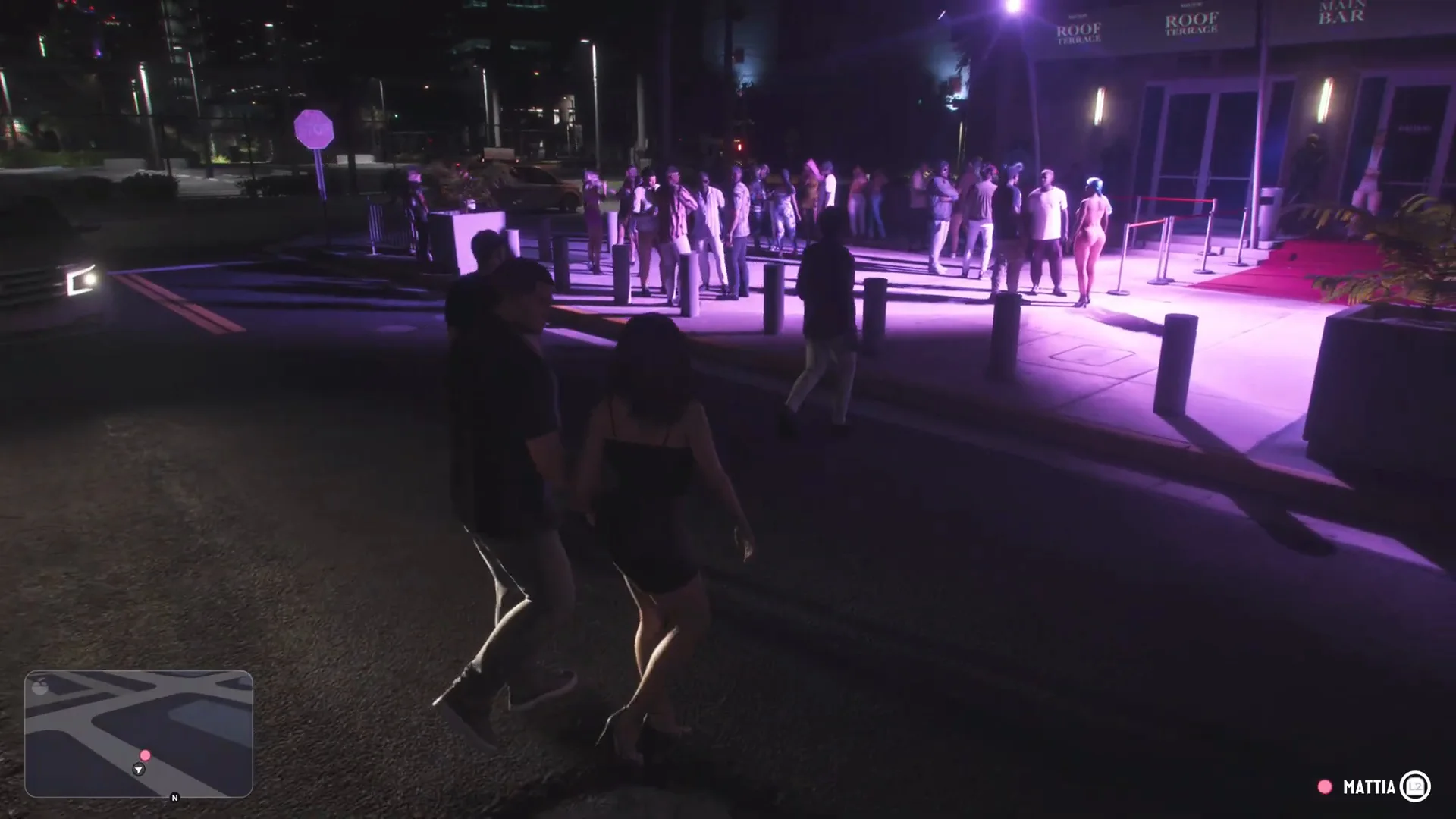
GTA 6 is built around light: Vice City neon at night, sunsets over the Keys, harsh midday sun on the beaches. Scenes like the nightclub queue in Day Release look flat on a basic LCD. The catch is that many monitors carry an “HDR400” badge but can’t get bright enough, or dark enough, to show real HDR. An OLED or QD-OLED panel (perfect blacks) or a mini-LED panel with local dimming (high brightness) makes the biggest visible difference.
4K matters most on the PS5 Pro
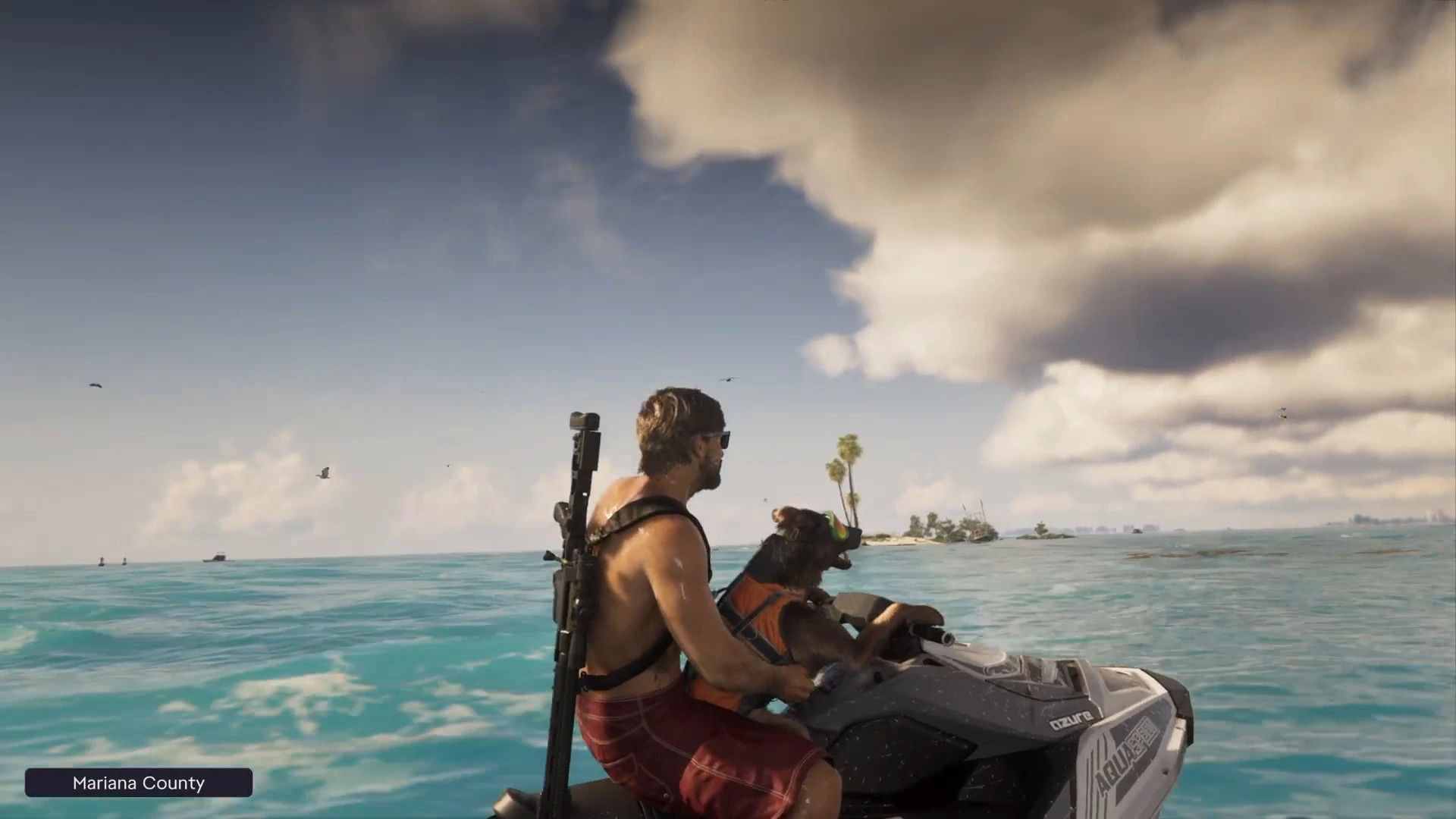
On the PS5 Pro, GTA 6 uses Sony’s PSSR upscaling to output a near-4K image, along with ray-traced shadows the other consoles don’t get. A 4K monitor shows that extra detail. On a 1440p monitor, much of the Pro’s advantage is lost. The standard PS5 and Series X render GTA 6 at around 1440p internally, so a good 1440p monitor suits them well. Our PS5 vs PS5 Pro comparison has the full figures.
Refresh rate matters less than usual
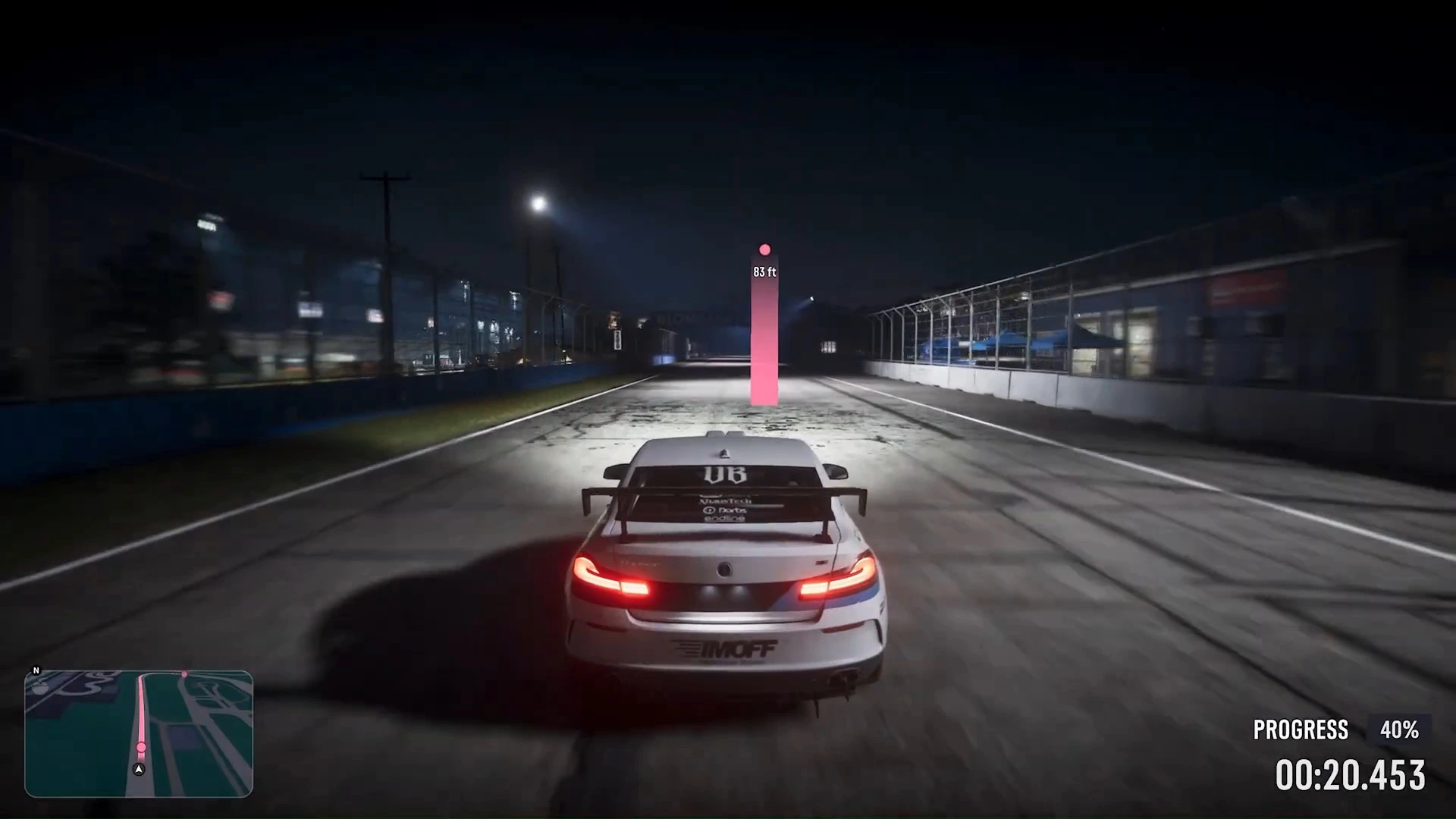
High refresh rates help other console games that run at 60 or 120fps, and they’re nice for menus and the console UI, but GTA 6 itself won’t use them. Don’t pay extra for refresh rate alone.
VRR helps, within limits
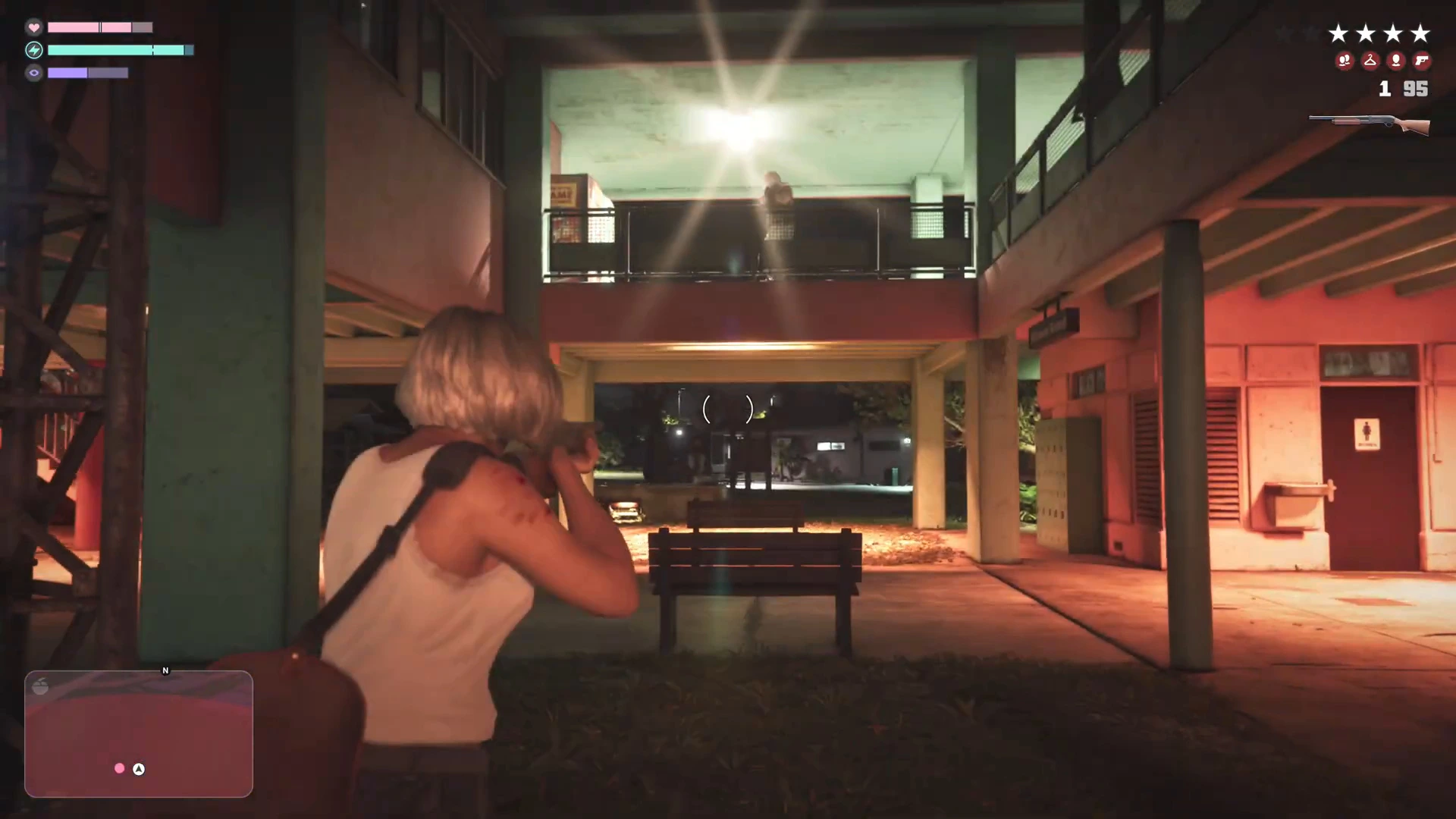
Variable refresh rate (VRR) smooths out frame drops by letting the screen follow the console. It’s most effective when a game’s frame rate sits inside the monitor’s VRR range, and the PS5’s VRR range starts at 48Hz. At GTA 6’s 30fps target, the benefit is smaller than in 60fps games. It’s still worth turning on, and it future-proofs you if Rockstar ever adds a higher frame rate mode, which hasn’t been announced.
HDMI 2.1 and console support
Consoles connect over HDMI, not DisplayPort, so check the monitor’s HDMI spec. HDMI 2.1 is needed for 4K at 120Hz and for VRR on PS5. For GTA 6 at 30fps, HDMI 2.0 is enough, which is why budget 4K monitors are still a reasonable choice for this game in particular.
Best monitors for GTA 6
Alienware AW3225QF 32-inch 4K QD-OLED
A 32-inch 4K QD-OLED with HDMI 2.1, picked as the best PS5 monitor by TechRadar. Perfect blacks for GTA 6's night driving, bright colors for the beaches, and enough resolution to show off the PS5 Pro's PSSR image.
- OLED contrast for neon nights
- Sharp 4K at a desk-friendly 32 inches
- HDMI 2.1 with VRR
- Expensive
- Slight curve some people dislike
- OLED burn-in risk with static HUDs over very long sessions
Samsung Odyssey OLED G8 (G81SF) 27-inch 4K
A 27-inch 4K OLED, so it's very sharp at desk distance. Strong contrast and color suit GTA 6's lighting, and it's a good partner for a PS5 Pro on a smaller desk.
- Very sharp 4K at 27 inches
- OLED blacks
- Glare-free finish
- HDR brightness is modest in bright rooms
- Check port specs for the exact model you buy
Sony Inzone M9 II 27-inch 4K
Sony's own 4K monitor with PS5-specific features such as Auto HDR Tone Mapping, which sets up HDR correctly for PlayStation without manual tweaking. A full-array local-dimming LCD, so it avoids OLED burn-in worries.
- Auto HDR Tone Mapping for PS5
- Local dimming for better HDR
- No burn-in risk
- Contrast is below OLED
- Some blooming around bright objects at night
LG UltraGear 27GS95QE 27-inch 1440p OLED
OLED contrast at 1440p, which matches the internal resolution GTA 6 renders at on the standard PS5 and Xbox Series X. A better buy than a 4K LCD if you care most about night scenes.
- OLED blacks for less than 4K OLED
- Good match for PS5 and Series X
- HDMI 2.1
- Not ideal for the PS5 Pro
- Refresh rate far beyond what GTA 6 uses
ASUS TUF Gaming VG289Q 28-inch 4K
A low-cost 4K IPS monitor that TechRadar rates as its best budget PS5 pick. It only runs at 60Hz over HDMI 2.0, but GTA 6 targets 30fps, so for this game that's not a real drawback.
- Cheap way into 4K
- Fine for a 30fps game
- Adjustable stand
- Weak HDR
- No HDMI 2.1, so no 120Hz in other games
Quick setup tips for GTA 6
- PS5: go to Settings › Screen and Video › Video Output. Turn on VRR if your monitor supports it, then run Adjust HDR. If your monitor is 1440p, make sure 1440p output is enabled there.
- Xbox Series X|S: go to Settings › General › TV & display options. Set the resolution, enable variable refresh rate, then run the HDR Game Calibration app.
- Turn on the monitor’s gaming or low-latency mode and turn off any dynamic contrast or motion smoothing. At 30fps, extra processing adds noticeable delay to driving and aiming.
- Check HDR at 1440p. Not every console and monitor combination handles HDR at 1440p as well as at 4K. If HDR looks washed out, try 4K output and let the monitor scale it.
- Sound: most monitor speakers are weak or missing. A headset makes a big difference to GTA 6’s radio and city noise. See the best headset for GTA 6.
Monitor or TV?
A monitor is the better choice if you sit within a meter or so of the screen. A TV is better if you play from a couch, want a screen above 32 inches, or want the brightest possible HDR for the price. Either way, the screen does more for how GTA 6 looks than any console upgrade except the PS5 Pro.
When your setup’s ready, start with the GTA 6 Prologue walkthrough.
More GTA 6 gear guides
- Best TV for GTA 6
- Best console for GTA 6
- GTA 6 PS5 vs PS5 Pro vs Xbox
- Best gaming chair and desk setup for GTA 6
- Best headset for GTA 6
- Best SSD for GTA 6
Or browse the full GTA 6 mission walkthrough.