Best Controller Charging Station for GTA 6
Best controller charging stations for GTA 6 on PS5 and Xbox. How long a GTA 6 session drains a pad, dock vs battery pack, and what to check before buying.
Skip to the guideDisclosure: As an Amazon Associate I earn from qualifying purchases. Buying through our links costs you nothing extra. How we pick products.
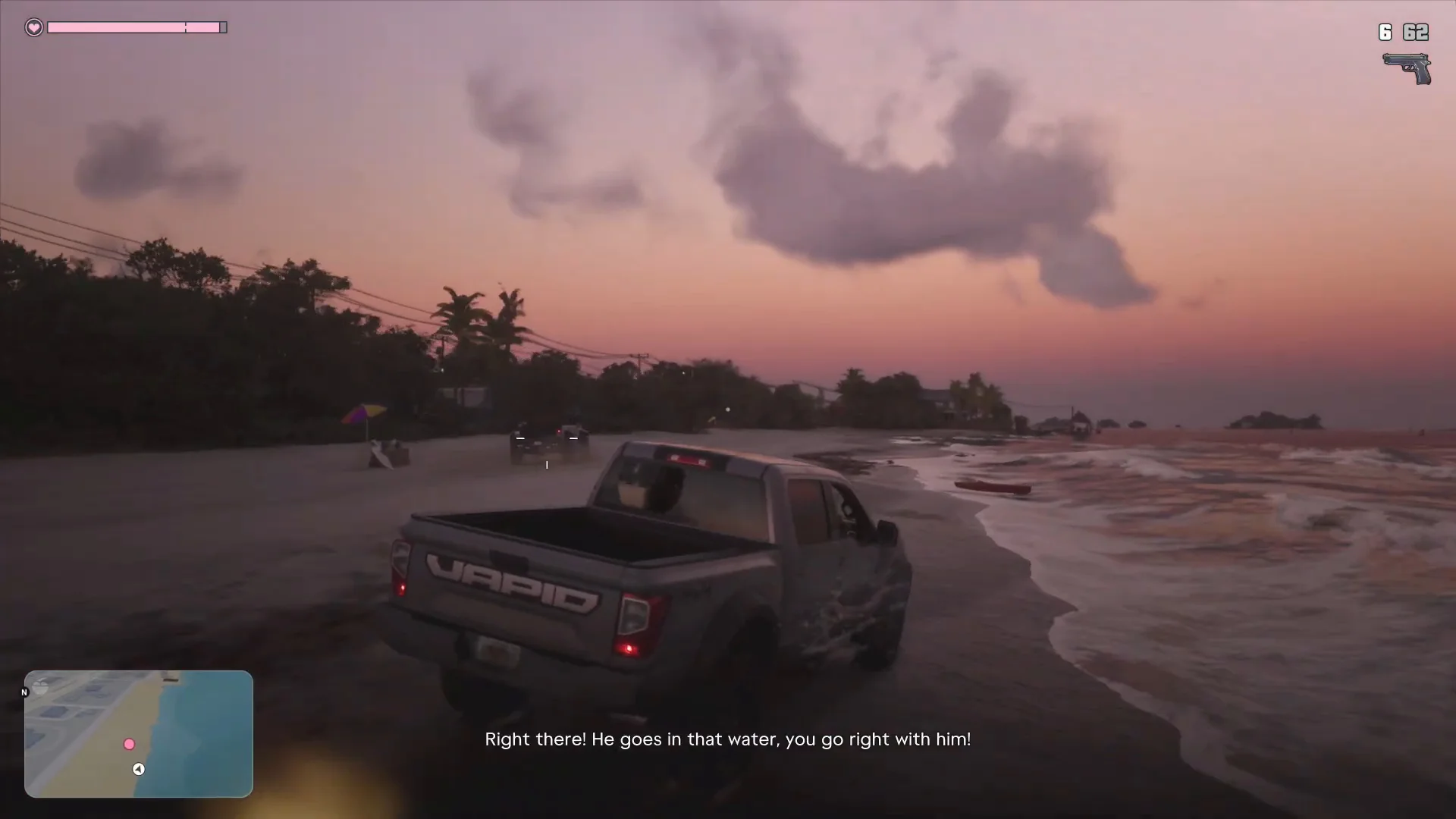
GTA 6 sessions run long. A single heist, a drive across Leonida and a few side activities can easily turn into a three-hour evening, and few things break the mood like a controller dying mid-chase with the low-battery warning flashing on screen. A charging station fixes that, and it keeps your pad topped up without hunting for a cable.
This guide covers dock styles for the PS5 DualSense and the Xbox wireless controller, what features matter and which kinds are worth a look. If you are still choosing a pad, see our best controller for GTA 6.
Why battery life matters more in GTA 6
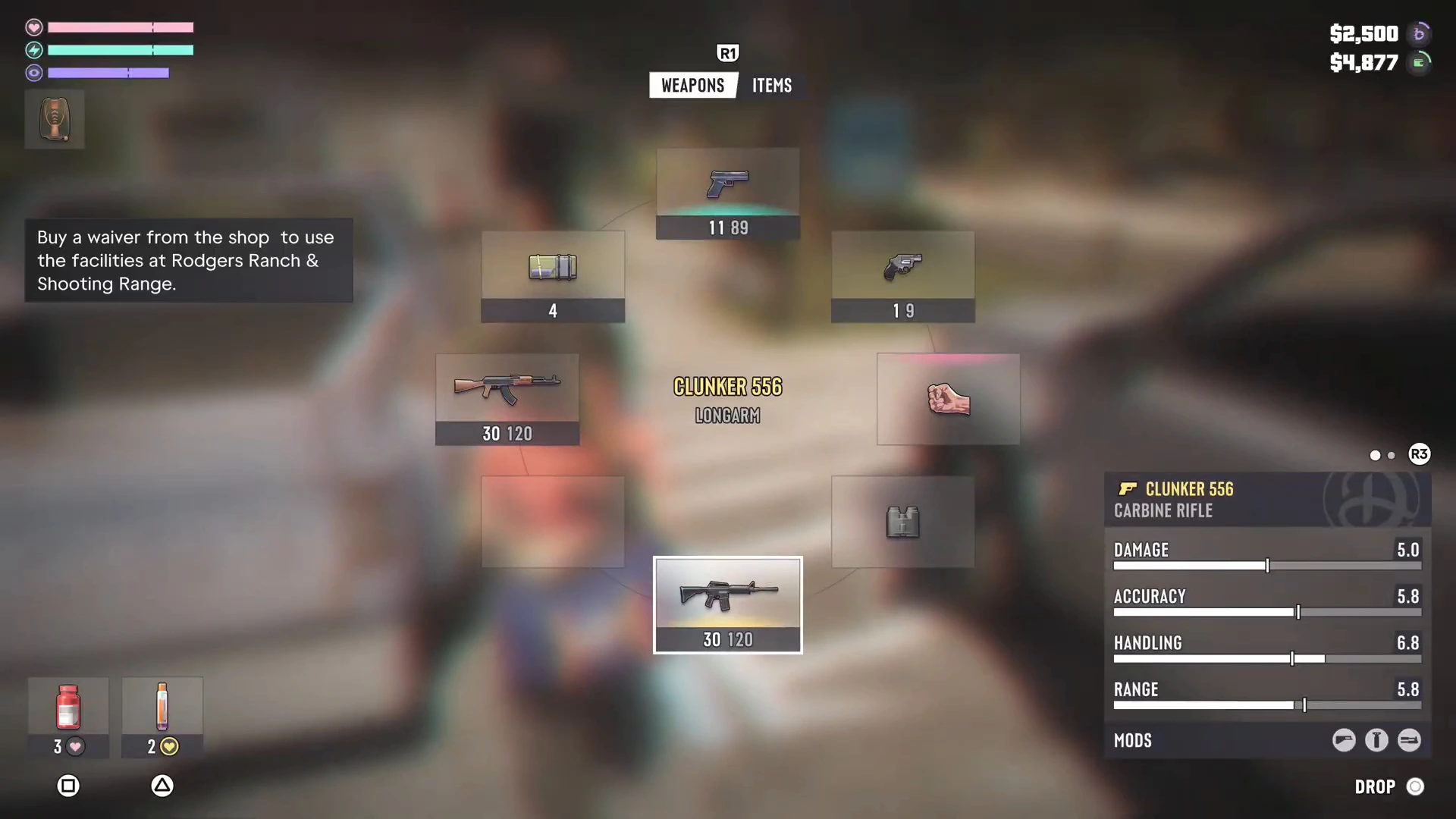
GTA 6 uses the controller constantly: driving with analog triggers, aiming with the right stick, opening the weapon wheel and handling small prompts. On PS5 the DualSense also drives haptics and adaptive triggers, which use more power than basic rumble. Anything that makes the pad work harder, such as high vibration strength or the built-in speaker, shortens each charge.
Dock or battery pack?
- Dock: a stand with contacts that charge the controller when you rest it. Fast, tidy and no cable fiddling. Best for PS5 players with a spare pad.
- Rechargeable battery pack (Xbox): a battery that replaces the AA cells in the standard Xbox controller and charges over USB-C or a dock. Cheap and easy to swap.
- Long cable: the cheapest backup. A USB-C cable about three meters long lets you play while charging.
Best charging stations for GTA 6
DualSense charging station
Charges two DualSense controllers at once, so one is always ready. You rest each pad in the dock and it charges through contacts, without plugging in cables.
- Two pads at once
- Tidy, no cables to plug in
- Quick swaps between sessions
- Only works with DualSense controllers
Xbox rechargeable battery pack and dock
A dock with rechargeable packs means no more buying AA batteries. Look for a kit that ships with two packs so you can swap while one charges.
- No disposable batteries
- Swap packs mid-session
- Works with the standard Xbox wireless controller
- Check that the pack fits your controller version
Long USB-C controller cable
The cheapest insurance. A long braided cable lets you keep playing from the couch when a battery warning appears, and it also works for wired play with low latency.
- Very cheap
- Wired play option
- Works with both consoles
- Cable across the floor
Chargers compared
| Product | Best for | Works with | Style | Notes | Link |
|---|---|---|---|---|---|
| DualSense charging station | PS5 owners | DualSense | Dock, two pads | Set and forget | Check on Amazon: DualSense charging station |
| Xbox pack and dock | Xbox owners | Xbox wireless controller | Dock plus packs | Swap while playing | Check on Amazon: Xbox pack and dock |
| Long USB-C cable | Backup | Both consoles | Cable | Play while charging | Check on Amazon: Long USB-C cable |
Our editorial summary; check the live Amazon listing for current price and availability.
What to check before you buy
- Controller match. DualSense, DualSense Edge and Xbox pads all differ. Confirm your exact model is listed.
- Charge indicators. A clear light that shows charging and full status avoids guesswork.
- Safety certification. Choose a known brand with proper certification, and keep the dock on a hard surface with airflow.
- Power source. Some docks need their own adapter. Others run from a console USB port, which only works if the console supplies power in rest mode.
Battery tips for long sessions
- Lower vibration strength in the controller settings if you want longer sessions.
- Turn down the controller speaker and light bar brightness on PS5.
- Charge the pad whenever you take a break rather than waiting for the warning.
- Keep a second pad on the dock so a swap takes seconds.
Which should you buy?
PS5 players should pick a dual DualSense dock, Xbox players a pack-and-dock kit, and everyone should own one long cable as a backup. If you play GTA 6 for hours at a time, a dock is the upgrade you will notice daily.
More GTA 6 gear guides
- Best controller for GTA 6
- Best PS5 accessories for GTA 6
- Best Xbox accessories for GTA 6
- Best headset for GTA 6
- Best console for GTA 6
- GTA 6 beginner tips
Or browse the full GTA 6 mission walkthrough.