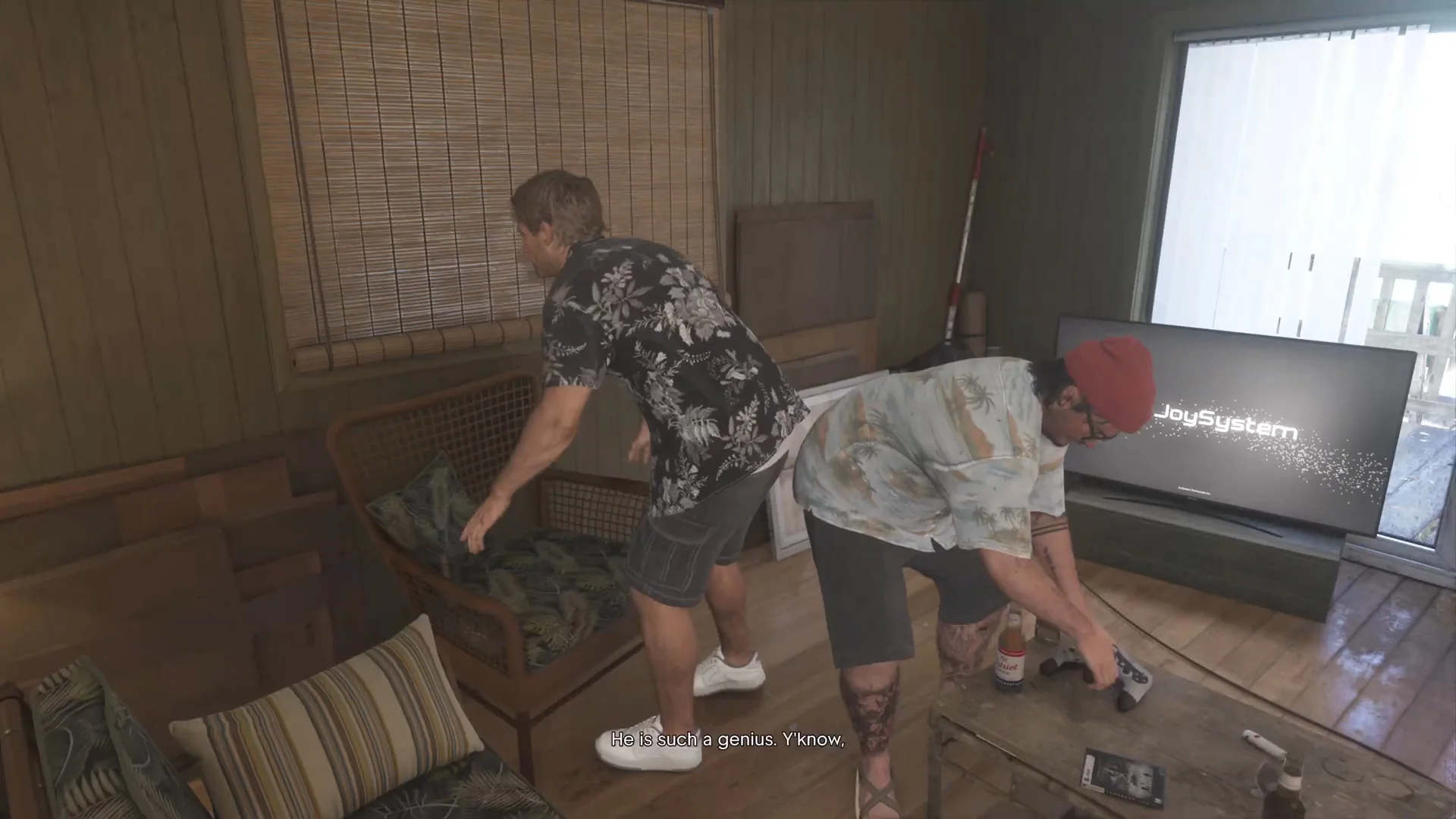
Best Gaming Chair and Desk Setup for GTA 6
The best gaming chairs, couch seating and desk setup for long GTA 6 sessions on PS5 and Xbox, from ergonomic chairs to standing desks and monitor arms.
Skip to the guideDisclosure: As an Amazon Associate I earn from qualifying purchases. Buying through our links costs you nothing extra. How we pick products.
GTA 6 is a game people sink whole weekends into. Between the story, side activities and simply driving around Leonida, it’s easy to sit for hours without noticing. Your back, neck and wrists notice, though. A good chair and a sensible setup won’t make GTA 6 look any better, but they make long sessions far more comfortable, and they cost less than most console upgrades.
Console players sit in two very different ways: at a desk with a monitor, or on a couch in front of a TV. This guide covers both.
Compared at a glance
| Product | Best for | Type | Key feature | Link |
|---|---|---|---|---|
| Secretlab Titan Evo | Best overall chair | Gaming chair | Adjustable lumbar, recline, 4D armrests | Check on Amazon: Secretlab Titan Evo |
| Razer Iskur V2 | Players who shift posture | Gaming chair | Adaptive lumbar support | Check on Amazon: Razer Iskur V2 |
| Corsair TC100 Relaxed | Budget | Gaming chair | Wide seat, lumbar and neck pillows, recline | Check on Amazon: Corsair TC100 Relaxed |
| FlexiSpot E7 | Best desk | Standing desk | Electric sit-stand, height presets | Check on Amazon: FlexiSpot E7 |
Our editorial summary; check the live Amazon listing for current price and availability.
What matters for long GTA 6 sessions
Controller posture is different from keyboard posture
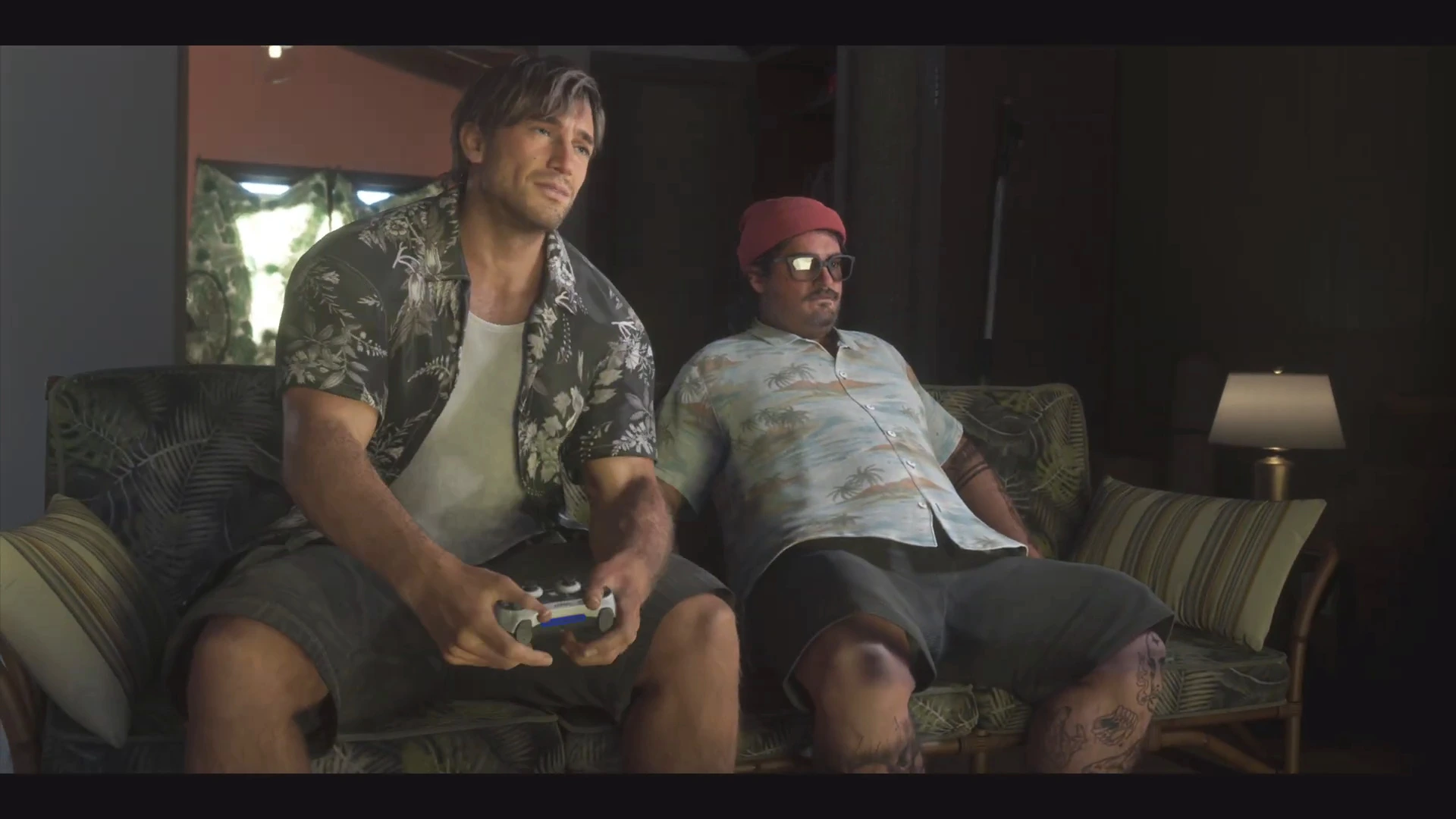
Most gaming chair advice assumes a PC player leaning forward over a keyboard. With a controller, you tend to lean back, hands in your lap, often with your arms unsupported. That shifts the load onto your lower back and shoulders. For a controller player, the features that matter most are:
- Lumbar support that fits the curve of your lower back, so you can recline without slumping.
- A recline and tilt lock, so you can lean back at a set angle while driving.
- Armrests that adjust in height and width, so your forearms rest naturally while you hold the controller.
- Seat depth that leaves a couple of fingers’ gap behind your knees.
Screen height and distance
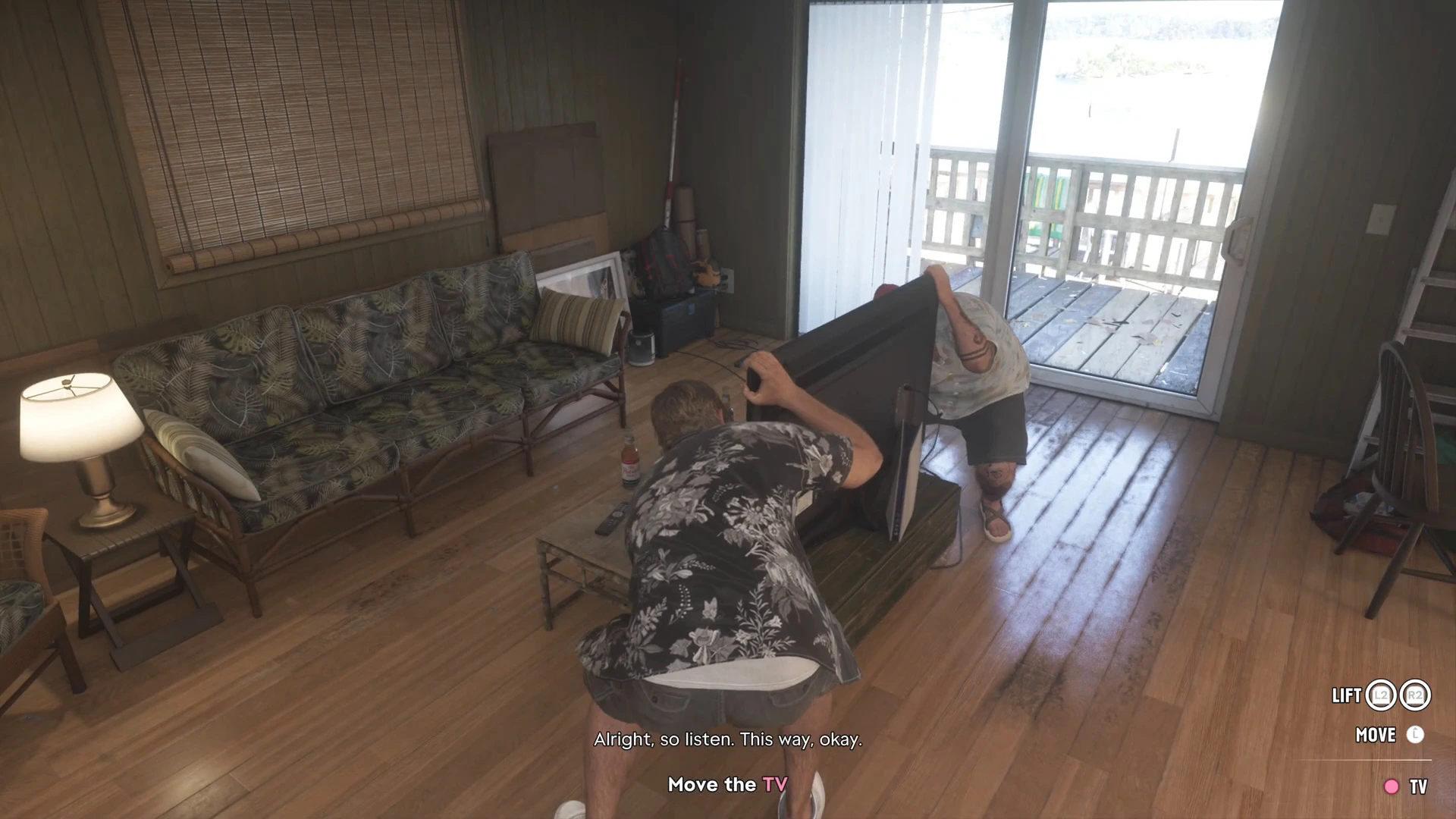
Your eyes should land roughly level with the top third of the screen. At a desk, that usually means a monitor arm or a riser. On a couch, it means mounting or placing the TV low enough that you aren’t looking up for hours. GTA 6 has small on-screen text in places (phone messages, the map, objective prompts), so sit close enough to read it without leaning forward.
Breaks
GTA 6 has natural stopping points between missions. Use them. Standing up every hour or so does more for comfort than any chair.
Best gaming chairs for GTA 6
Secretlab Titan Evo
The most widely recommended gaming chair, with adjustable built-in lumbar support, a reclining backrest and 4D armrests. Those are the features that matter when you lean back with a controller for a long GTA 6 session.
- Adjustable integrated lumbar
- Recline with tilt lock
- Several sizes for different heights
- Firm cushion takes time to break in
- Expensive
Razer Iskur V2
A chair built around adaptive lumbar support that moves with your back as you shift between leaning in and reclining. A good fit for players who change posture a lot.
- Adaptive lumbar support
- Supportive for long sessions
- Bulky
- Pricey
Corsair TC100 Relaxed
A budget chair with a wide seat, lumbar and neck pillows and a recline. It lacks the adjustability of the premium picks, but it's a big step up from a dining chair or a cheap office chair.
- Affordable
- Wide, comfortable seat
- Recline
- Basic armrests
- Pillows rather than built-in lumbar
Ergonomic mesh office chair
Many people are more comfortable in a good mesh office chair than a racing-style gaming chair, especially in a warm room. Look for adjustable lumbar, seat depth and armrests.
- Breathable mesh
- Often better ergonomics for the money
- Less recline than gaming chairs
Best couch and floor seating
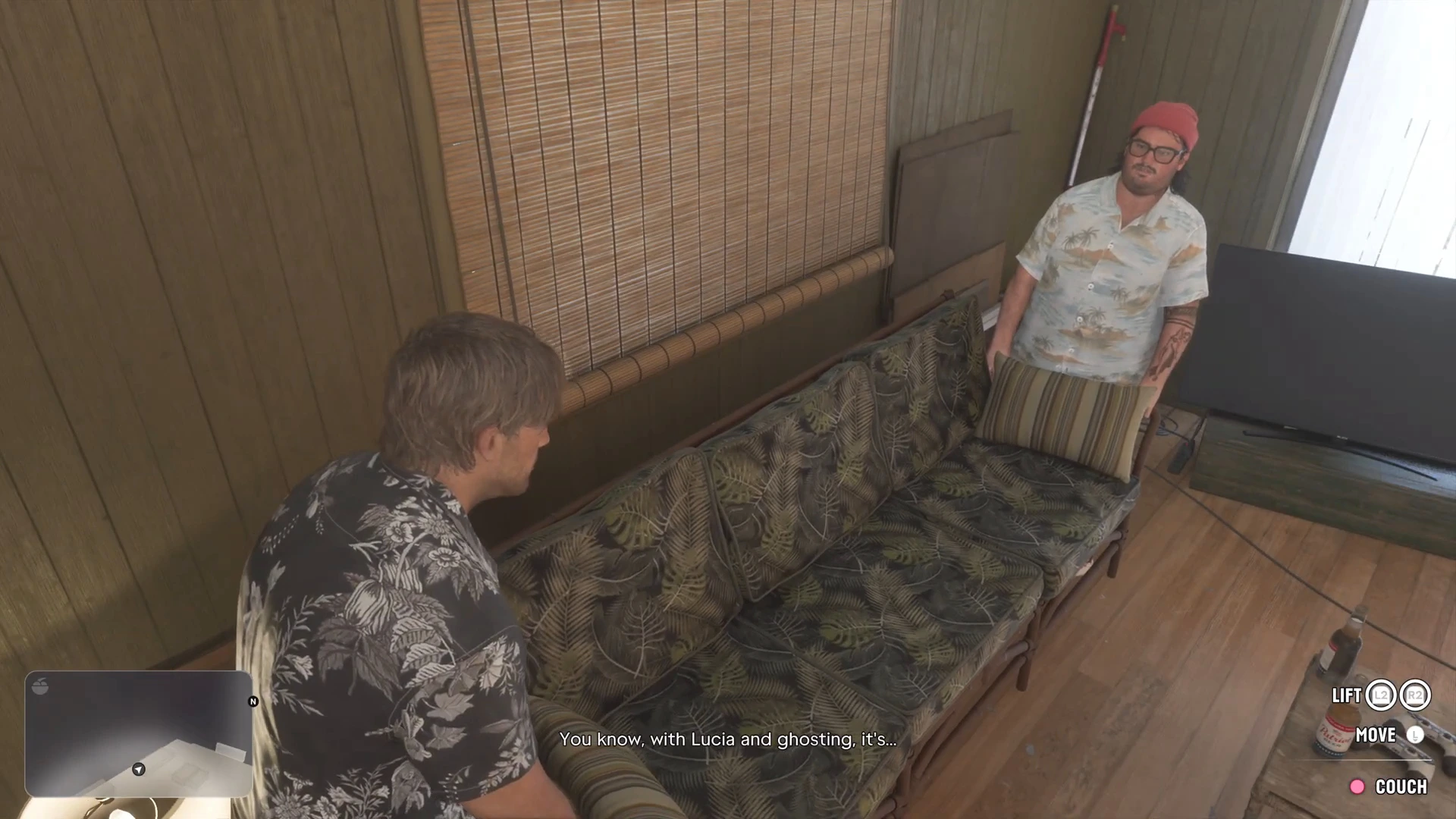
If you play GTA 6 on a TV from the couch, a gaming chair is the wrong purchase. Support where you already sit works better.
Lumbar support pillow
The cheapest comfort upgrade there is. Wedge it behind your lower back on the couch to stop you sinking into a slouch over a long session.
Check price on AmazonFloor gaming chair
A low rocker chair with a backrest, good for small rooms or for sitting closer to the TV. Some have built-in speakers, though a headset will sound better.
- Supports your back on the floor
- Folds away
- Not much adjustment
Lap desk or controller tray
Gives your arms somewhere to rest while you hold the controller on the couch, which takes strain off your shoulders during long drives.
Check price on AmazonBest desk setup for GTA 6
FlexiSpot E7 standing desk
A sturdy electric sit-stand desk with height presets. Even standing for a few minutes between GTA 6 missions helps, and the right sitting height keeps your arms relaxed.
- Electric height adjustment
- Stable frame
- Memory presets
- Heavy to assemble
Monitor arm
Lets you set the screen at eye level and the right distance, and frees desk space for the console and a controller stand. Check your monitor's VESA mount and weight first.
- Exact screen positioning
- Frees desk space
- Needs a solid desk edge to clamp to
Headset and controller stand
Keeps your headset and pad off the desk between sessions. Pair it with a charging dock so the controller is always ready.
Check price on AmazonPowerA Twin Charging Station for DualSense
An officially licensed dock that charges two DualSense controllers. It tidies the desk and means you never start a long GTA 6 session on a flat battery.
- Officially licensed
- Charges two controllers
- PS5 only
Lighting
Playing GTA 6’s night missions in a pitch-black room is tiring on the eyes. A soft bias light behind the screen reduces eye strain without washing out the picture, and avoid lamps that reflect off the screen.
TV or monitor backlight LED strip
A strip of light behind the screen. It makes long sessions of GTA 6's neon nights easier on the eyes, and suits the Vice City look.
Check price on AmazonPutting it together
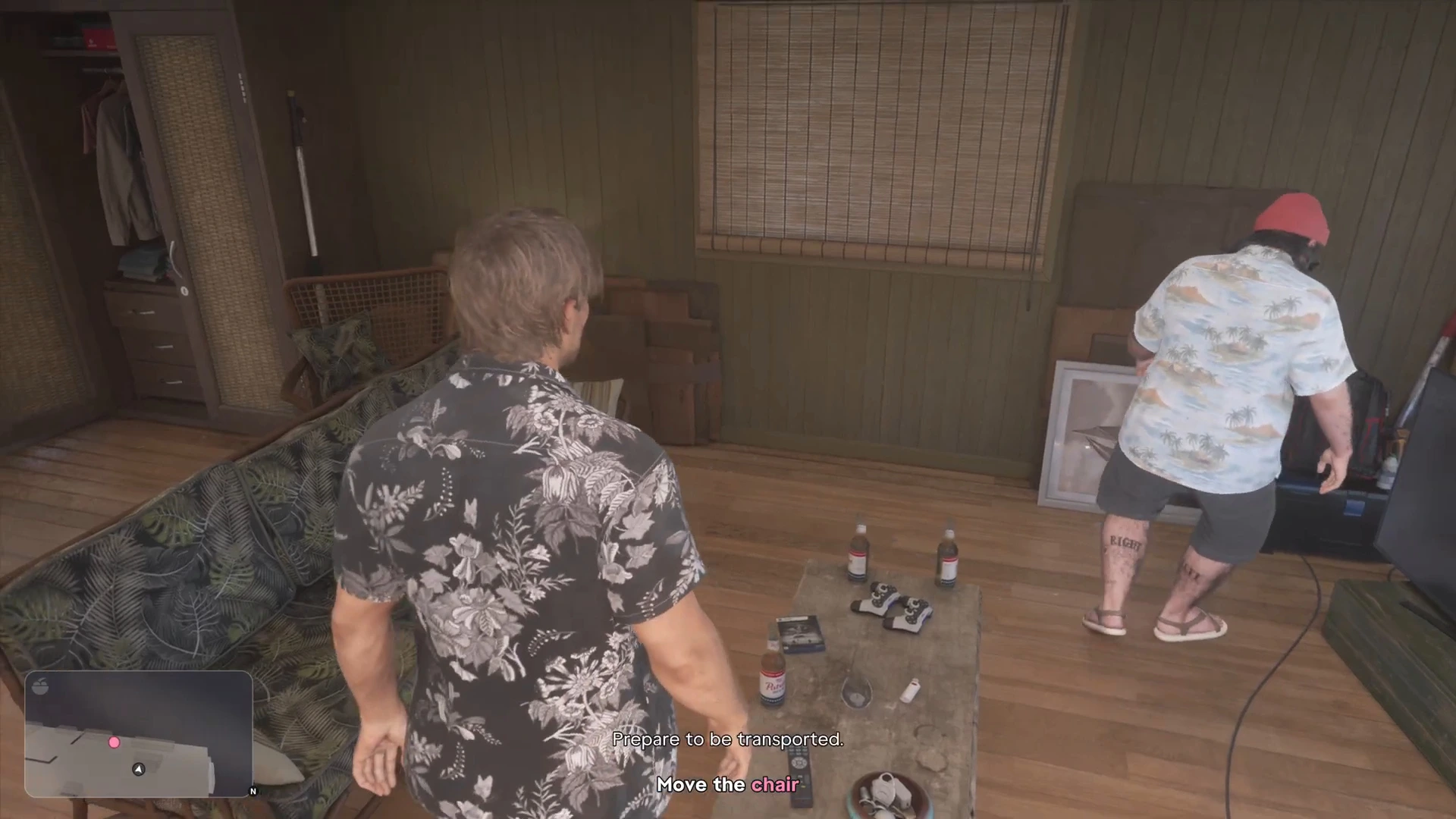
- Desk player on a monitor: an adjustable chair with lumbar support, a monitor arm, and a desk at a height where your forearms rest level. See the best monitor for GTA 6.
- Couch player on a TV: a lumbar pillow, a lap tray, and the TV at eye level. See the best TV for GTA 6.
- Streamer: add a mic arm and camera to the desk setup. See the best streaming setup for GTA 6.
Then settle in with the GTA 6 Prologue walkthrough, and keep the mission list open for when you need a hint.
More GTA 6 gear guides
- Best monitor for GTA 6
- Best TV for GTA 6
- Best controller for GTA 6
- Best headset for GTA 6
- Best streaming setup for GTA 6
- GTA 6 gift guide
Or browse the full GTA 6 mission walkthrough.