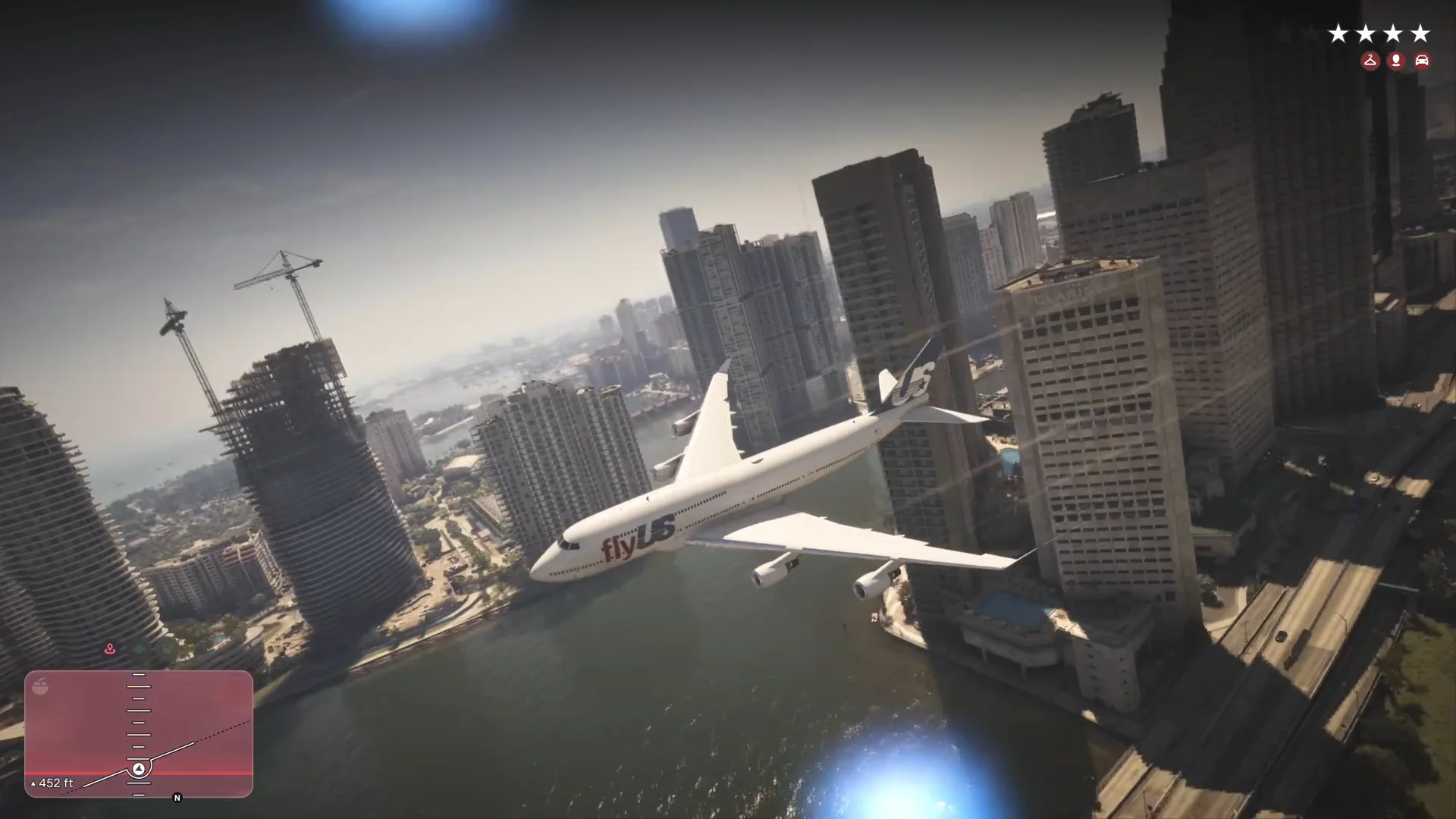
GTA 6 747 Jumbo Jet: How Jason Reaches the Plane and Flies It
How the GTA 6 747 jumbo jet flight plays out: the VCIA terminal run, the security checkpoint, the jet bridge, takeoff, landing gear prompts and the crash.
Skip to the guideYes, you can fly a full-size jumbo jet in GTA 6. In the footage we checked, Jason sprints into Vice City International Airport, vaults a security barrier, runs down a jet bridge, climbs the stairs inside a white flyUS 747 and takes off from the apron with a police response already on his tail. This page walks through the route stage by stage, lists the on-screen prompts we could read and says clearly what we did not see.
Quick version: enter at the VCIA N. Terminal doors · cross the concourse and pass the Currency Exchange · clear the Transport Security Services checkpoint · follow signs to Gates E1-E4 · go down the jet bridge · climb the stairs inside the 747 · taxi and take off · press the Retract Landing Gear prompt (L3 on PS5) · fly low over South Vice-Dale County and North Mariana County toward downtown.
Where the 747 is
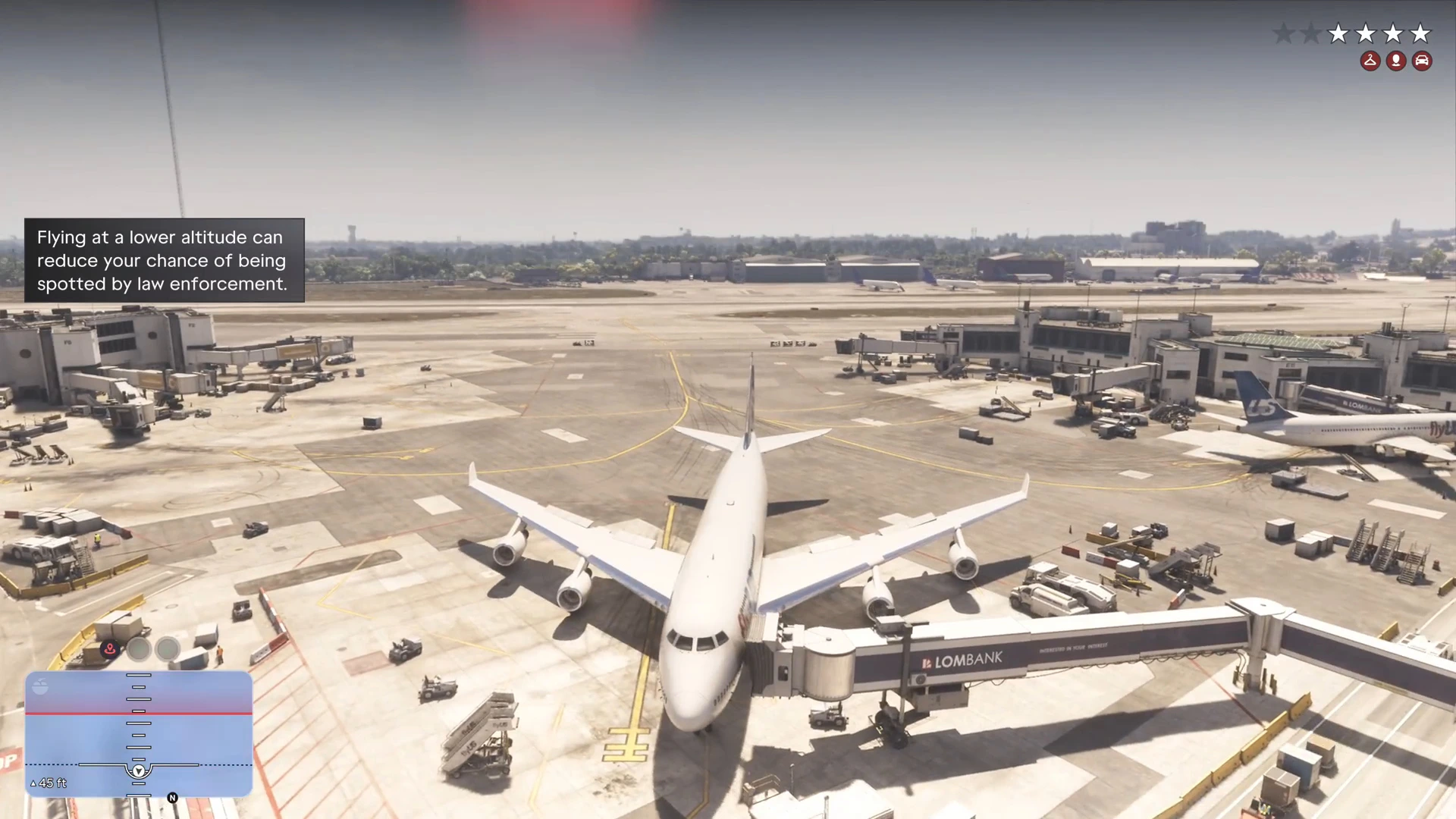
The plane sits at a gate on the VCIA apron, joined to the terminal by a jet bridge with a Lombank advert along its side. The fuselage reads flyUS in red and blue letters and the tail carries a matching US logo. Other airliners are parked at the neighbouring gates, so the apron is busy.
Our VCIA terminal guide shows the layout of the building and the Driftair jets on the same apron. Jason in the clip starts outside the terminal, so the run to the gate takes about a minute and a half.
Getting into the terminal
The run starts on the pavement outside the departures doors. Overhead signs read D4, E1 and E2, and a small label in the bottom left names the area: VCIA N. Terminal, then VCIA Central Terminal once he is inside. A police car is parked at the kerb as he goes through the doors, which tells you the area is already watched.
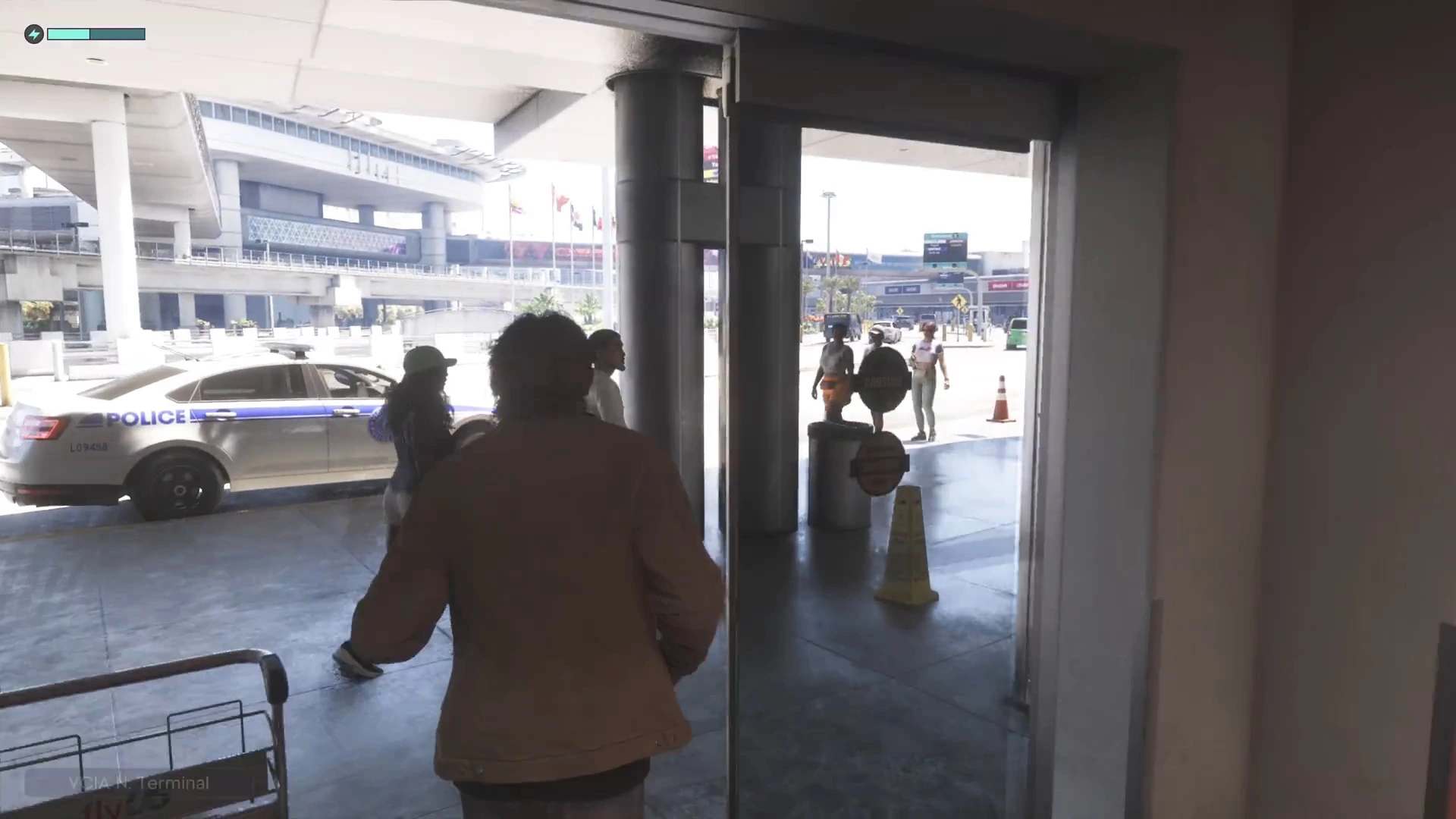
Inside, the concourse has a Driftair self-service check-in stand and a Currency Exchange desk, with people queuing and chatting. Signs overhead point to Security. For a closer look at these rooms see the terminal guide linked above.
The security checkpoint
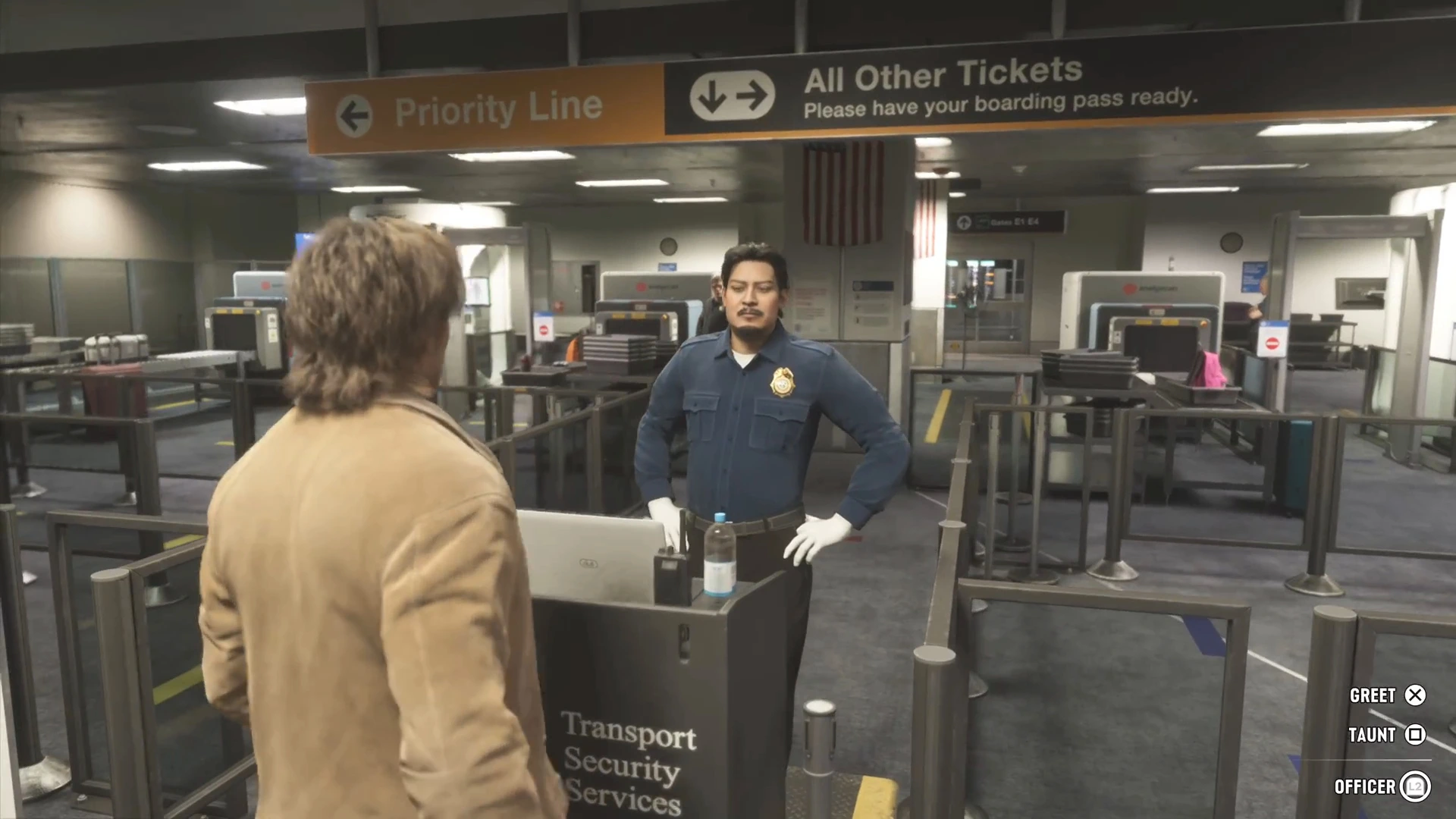
The checkpoint is staffed. A sign reads Priority Line on one side and All Other Tickets with “Please have your boarding pass ready” on the other, and a uniformed officer stands behind a Transport Security Services desk. Three interaction prompts appear on the right of the screen: Greet (X), Taunt (square) and Officer (L2).
Jason does not queue. He vaults the stanchion barrier next to the x-ray belts, where trays and bags are laid out and a sign reads “Please take a tray”.
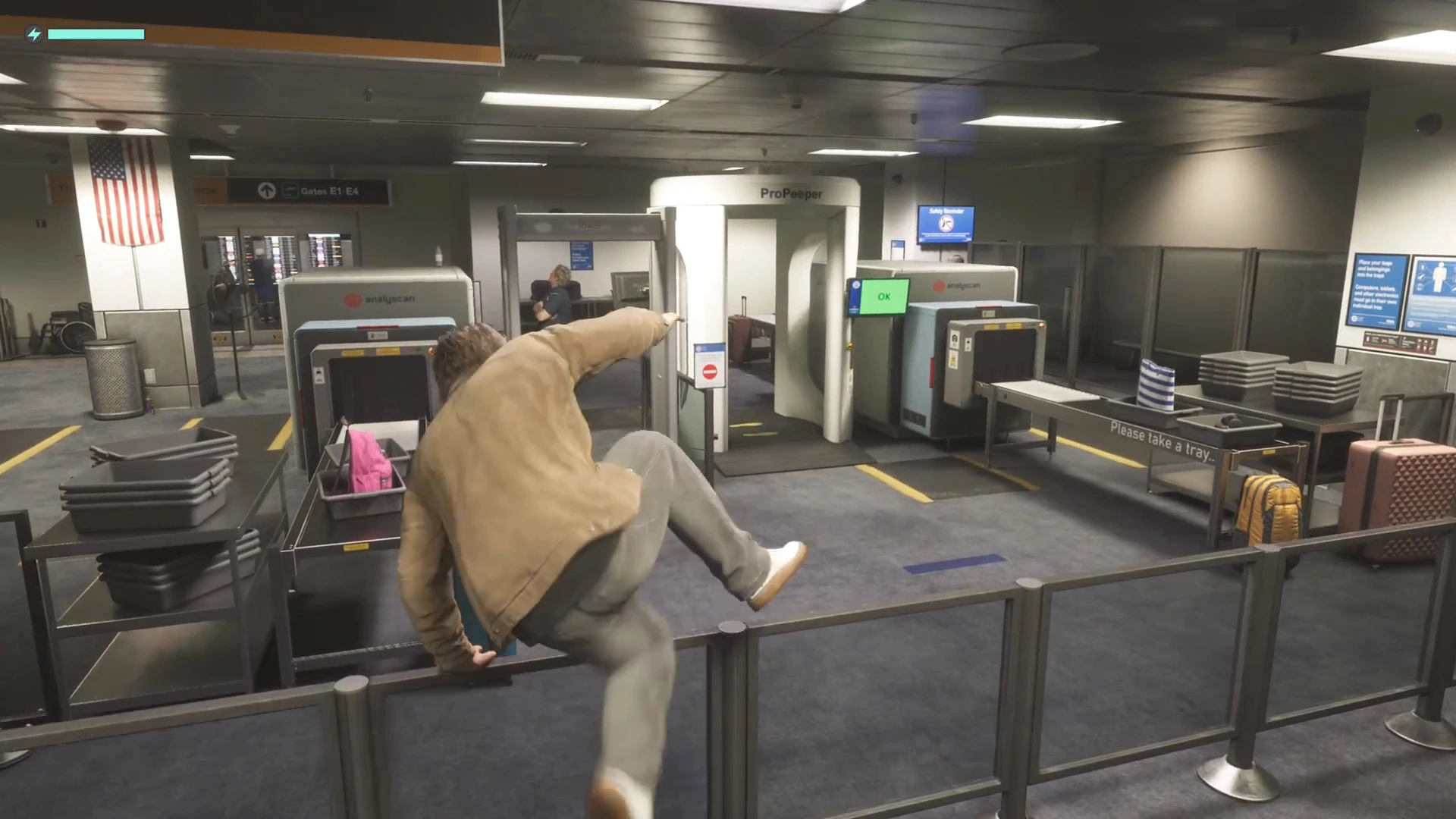
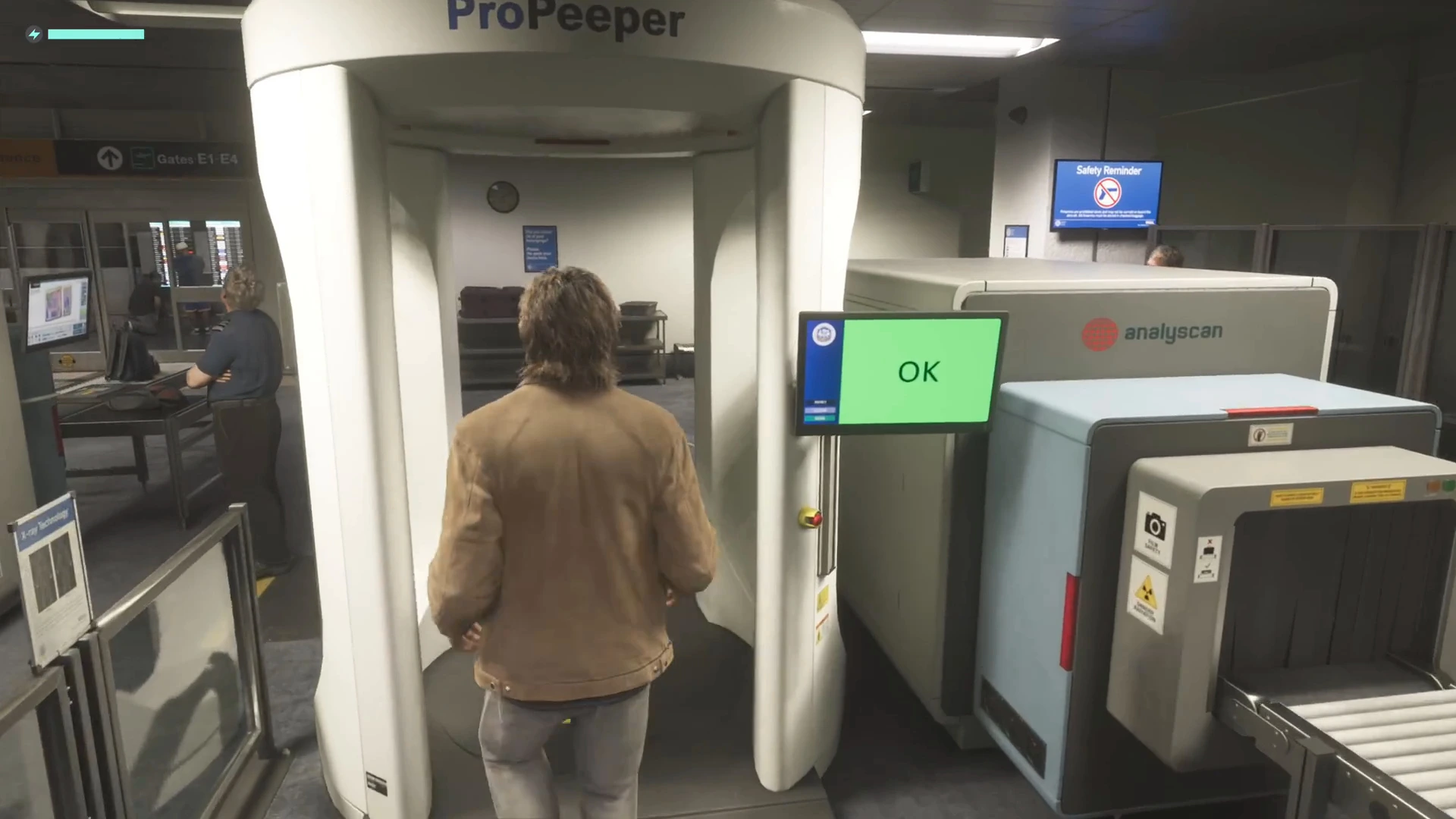
Next he walks straight through a white ProPeeper body scanner. Its screen shows a green OK, and a Safety Reminder monitor on the wall has a crossed-out handgun icon. We saw no alarm at that point, but we also do not know what he was carrying.
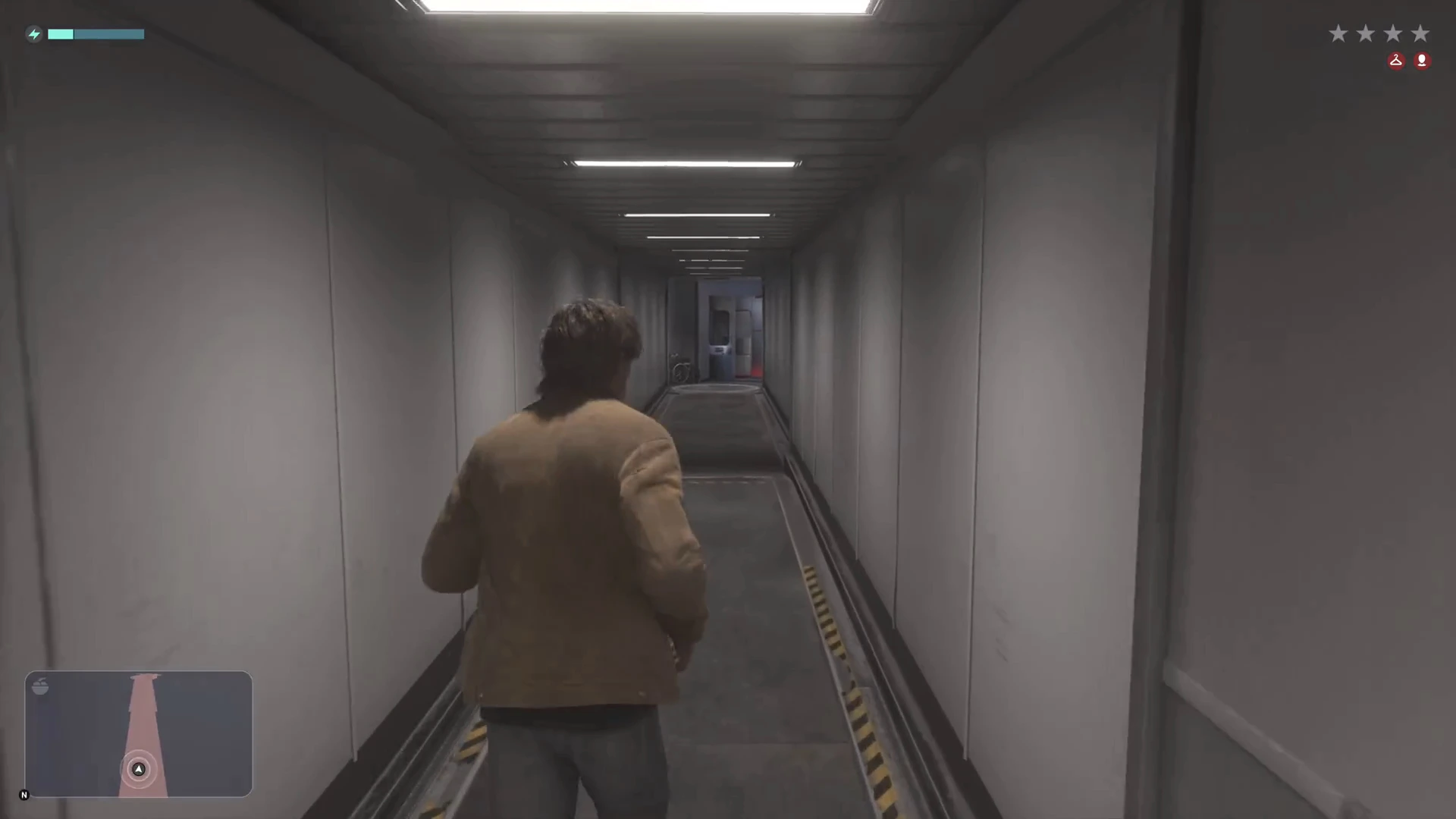
The wanted display starts filling in as he crosses the gate area, and on the jet bridge it shows four stars. We did not see which action triggered it. Our wanted level guide explains how those stars work.
The jet bridge and the stairs
Follow the signs for Gates E1-E4 past rows of seated passengers, then through a plain door into the jet bridge. It is a long grey corridor with hazard striping on the floor. At the far end, the plane’s open door leads into a service area with galley cabinets and curtains.
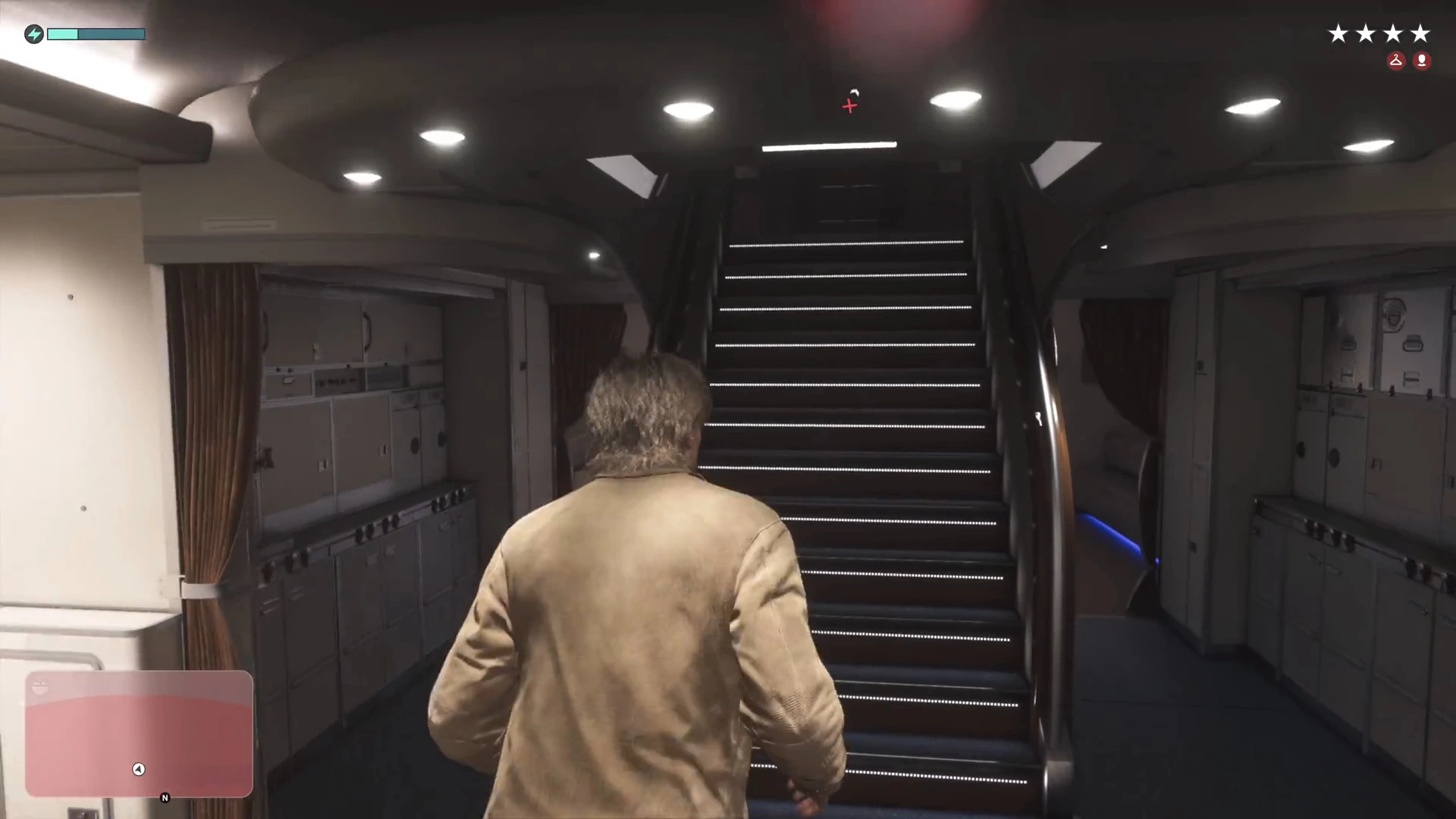
A carpeted staircase with lit steps leads up from the galley. Jason takes it to the upper deck, passes a pair of seats and a door, and the camera cuts to a view of the aircraft from outside at the gate.
Taking off
As soon as you control the plane, the minimap changes to a flight display with an altitude readout at the bottom. In the clip it reads 45 ft at the gate. A tip box on the left says: “Flying at a lower altitude can reduce your chance of being spotted by law enforcement.” The wanted display still shows four stars.
The jet turns on the apron and taxis out. The footage shows it rolling past a police helicopter, lining up on the runway and lifting its nose. A prompt appears at the bottom right: Retract Landing Gear with an L3 icon, shown at about 55 ft.
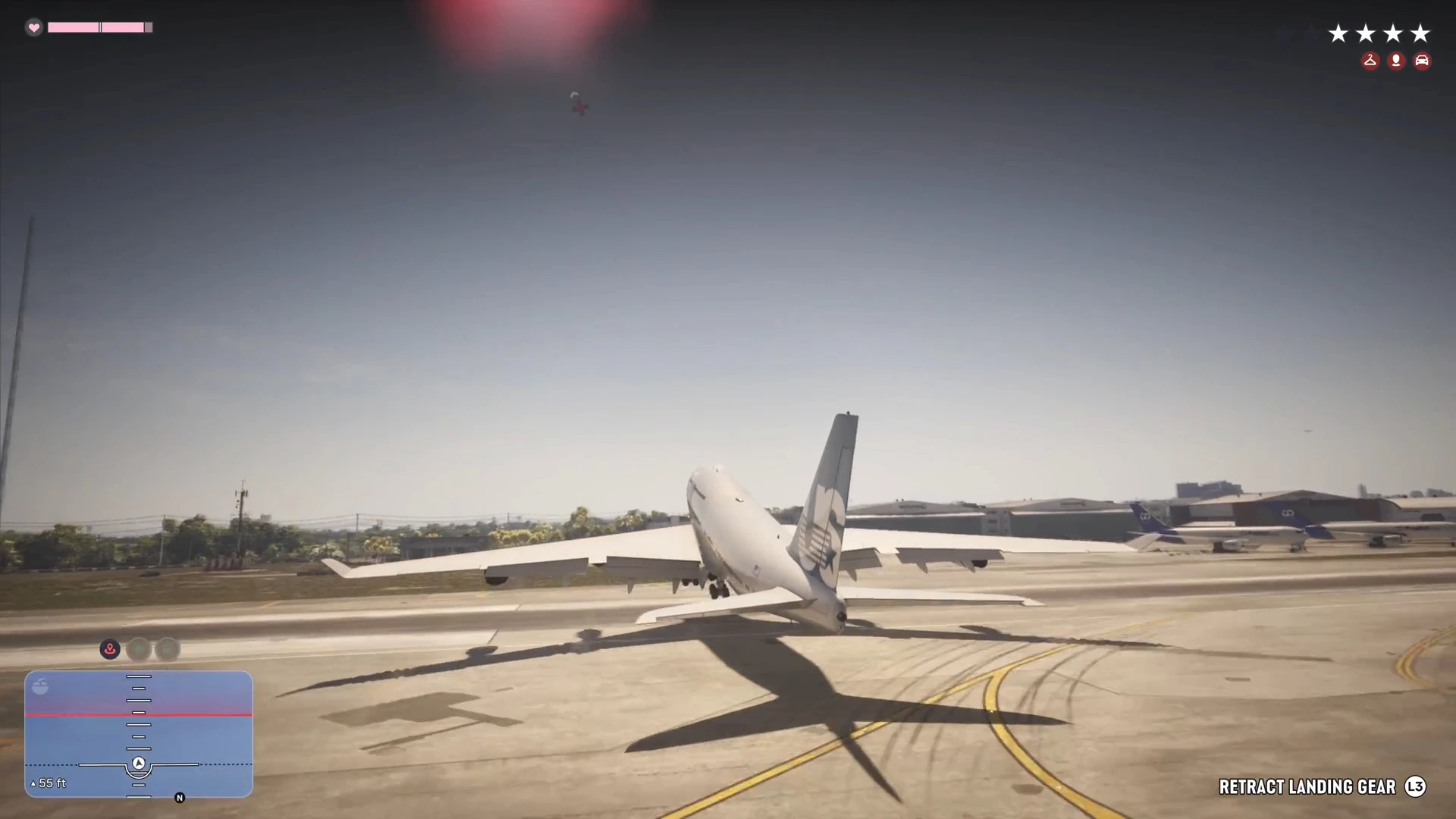
Once the wheels are up the prompt flips to Deploy Landing Gear, which you need for any landing. It stays on screen for the rest of the flight.
Flying over Vice City
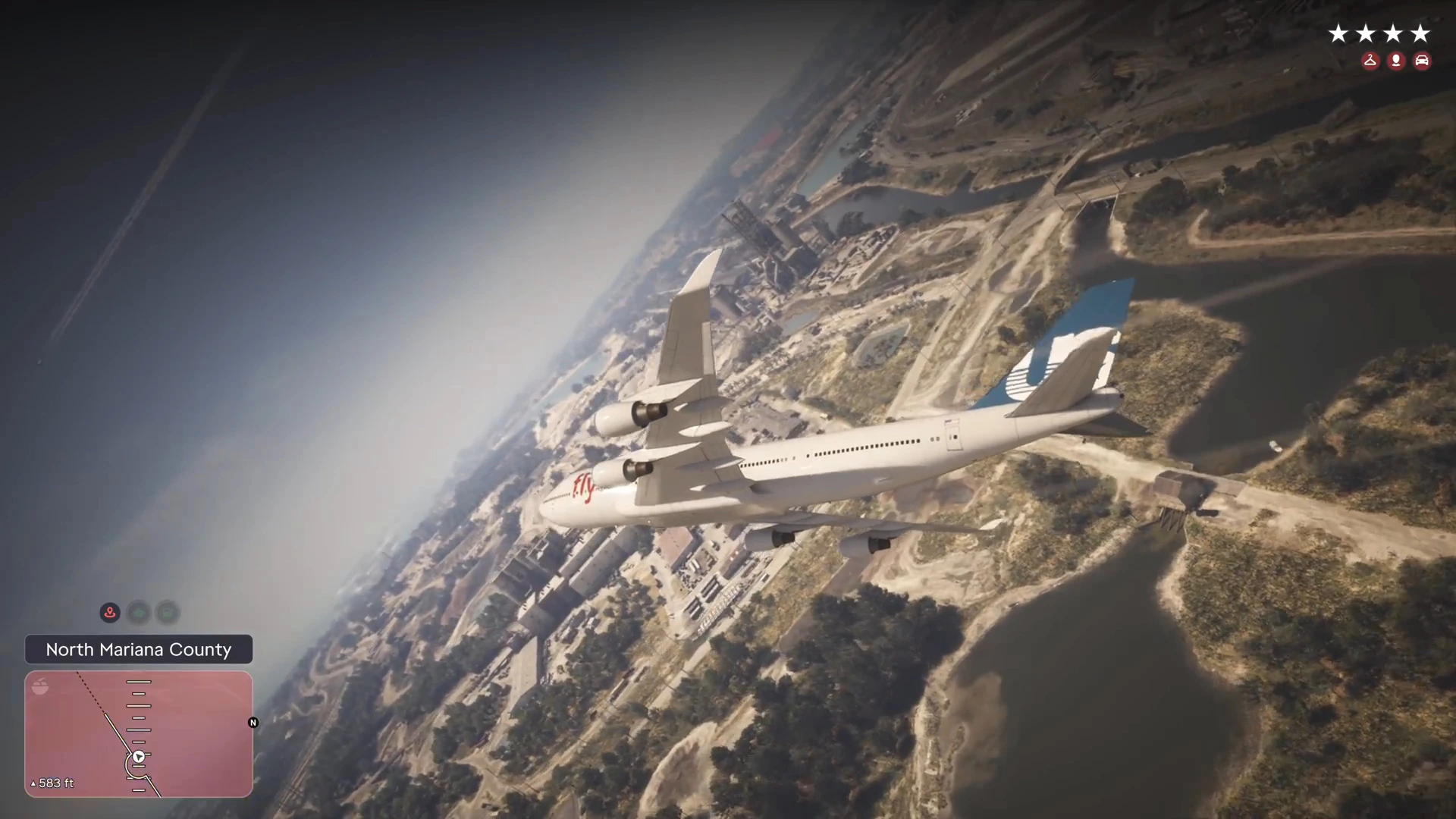
After takeoff the HUD shows regional labels. Over the first few seconds the plane crosses South Vice-Dale County, then North Mariana County, with its mix of industrial buildings, marsh and rivers. The altimeter in the clip reads 583 ft here.
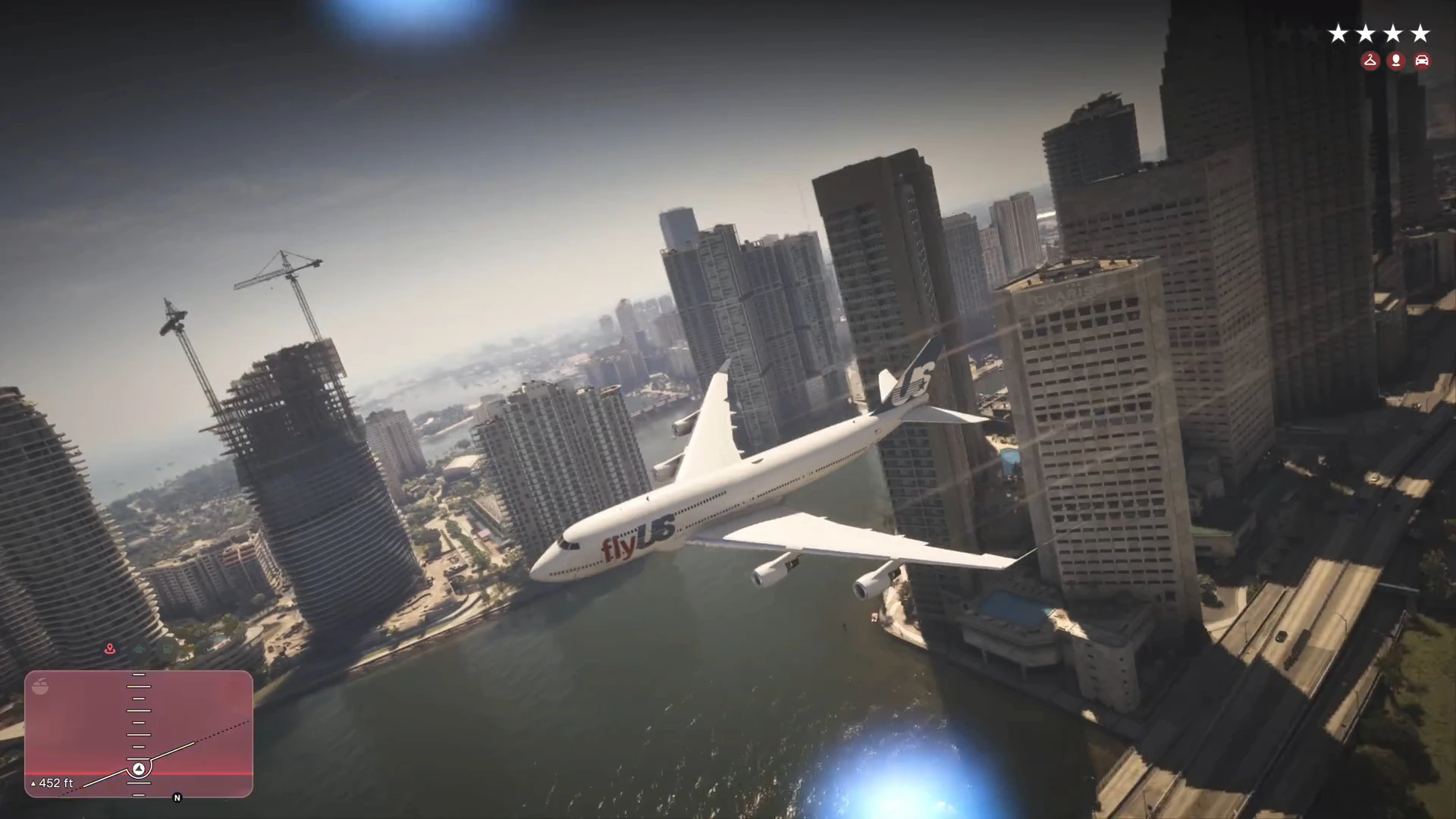
The pilot then turns toward the skyline and flies between the downtown towers, close enough to the buildings that you can read a rooftop sign. The jet is large, so turns look slow and the camera pulls out to show the whole aircraft.
How it ends
A little over two minutes after leaving the gate, an Engine damaged notification appears with a yellow engine icon beside the minimap.
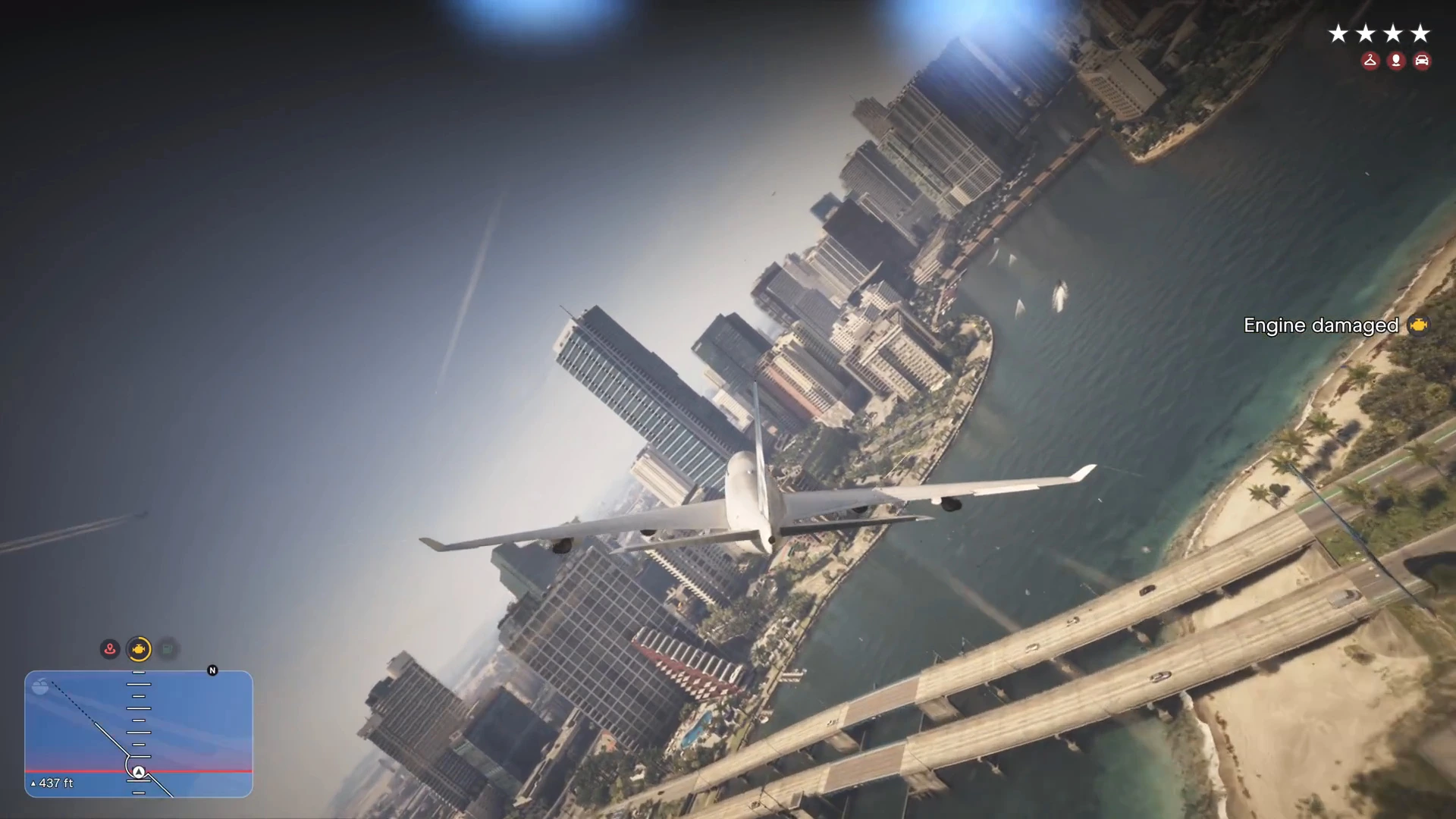
Within about ten seconds the screen cuts to the Wasted card. In the last frame before it there are streaks of smoke in the sky, but we could not tell what they were. The clip never shows a landing, so we have not confirmed whether you can bring the 747 down safely.
What we have not confirmed
- A safe way to board without raising a wanted level. In the clip it climbs while Jason is being pursued.
- What caused the engine damage and the crash.
- Whether you can land at VCIA or another airfield, and what the runway approach looks like.
- Whether other airliners at the gates, such as the Driftair jets, can be flown in the same way.
- The plane’s real name. The on-screen text shows the airline, flyUS, but we never saw a vehicle name for the aircraft.
More GTA 6 guides
- GTA 6 Vice City Airport guide
- GTA 6 boats, planes and helicopters
- GTA 6 wanted level and police
- GTA 6 vehicles list
- GTA 6 Vice City guide
- GTA 6 map