How to Lose the Cops and Your Wanted Level in GTA 6
How to lose a wanted level in GTA 6: escape the red search area, hide until the radio goes quiet, then clear heat with a Pay 'n' Spray, new look and outfit.
Skip to the guideLosing the police in GTA 6 is a two-part job. First you shake off the chase: get out of the red search area on the map, or hide inside it until the police radio goes quiet and the stars go out. Then you deal with heat, which is how well the police can recognise you. Respray the car at a Pay ‘n’ Spray, change your hat or glasses, and buy a new outfit. If you skip the second part, cops in the area will spot you again much faster.
Quick version: break free if a cop grabs you → change direction several times and use back streets or go off-road → leave the red circle or hide behind cover inside it → wait for the stars to clear → Pay ‘n’ Spray the car → take your hat or glasses on or off → buy a new outfit to remove outfit heat.
The first part of this guide uses footage from the Unwanted Attention mission, where the game teaches the wanted system. The last section shows a four-star escape by plane and parachute.
Stars, the search area and the heat icons
Your wanted level shows as stars in the top-right corner. Under them are three small red icons. Going by the game’s hints, they track the three things the police know about you: your appearance, your clothing and your vehicle. Each one can be cleared separately, which is what the second half of this guide is about.
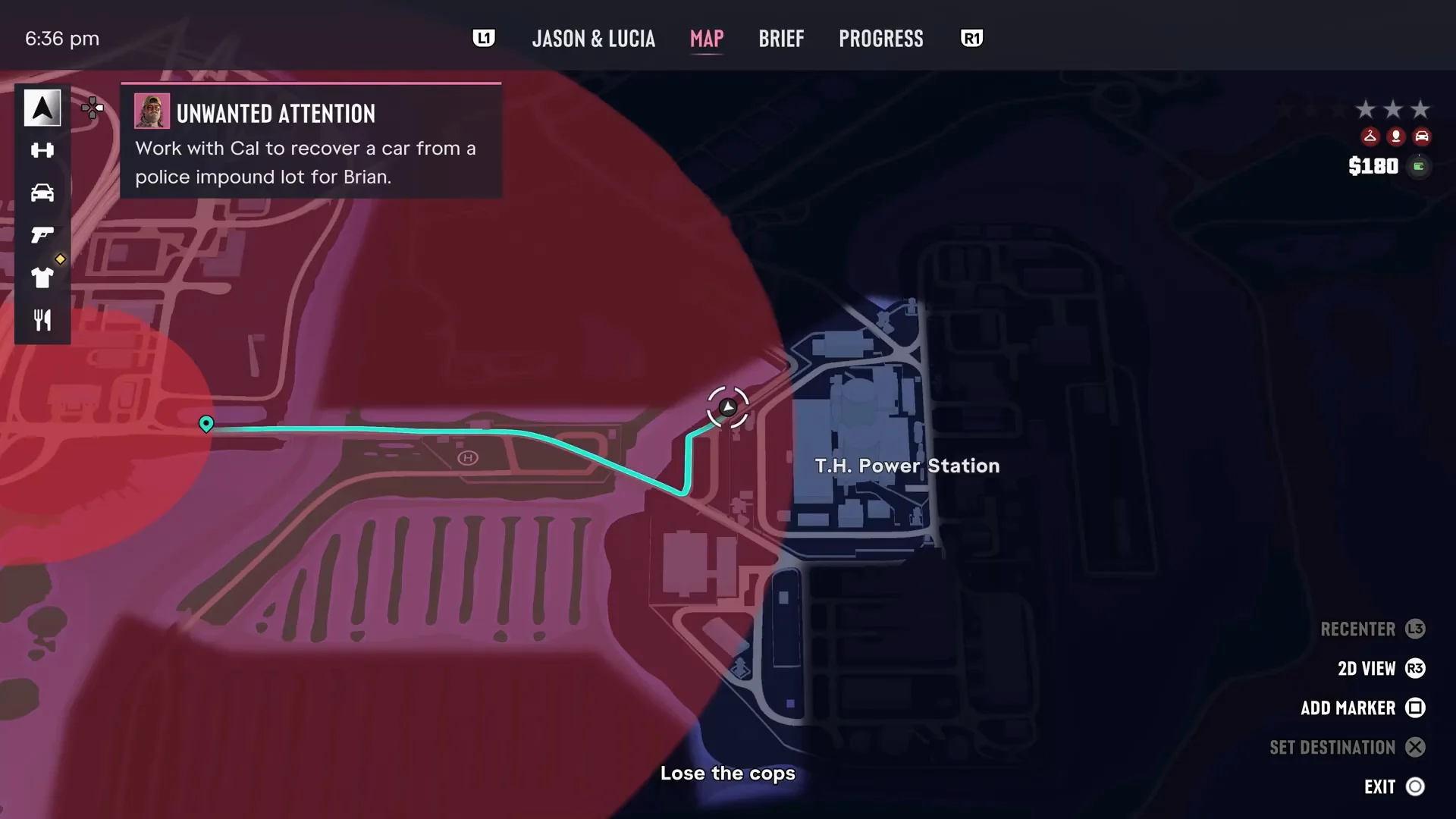
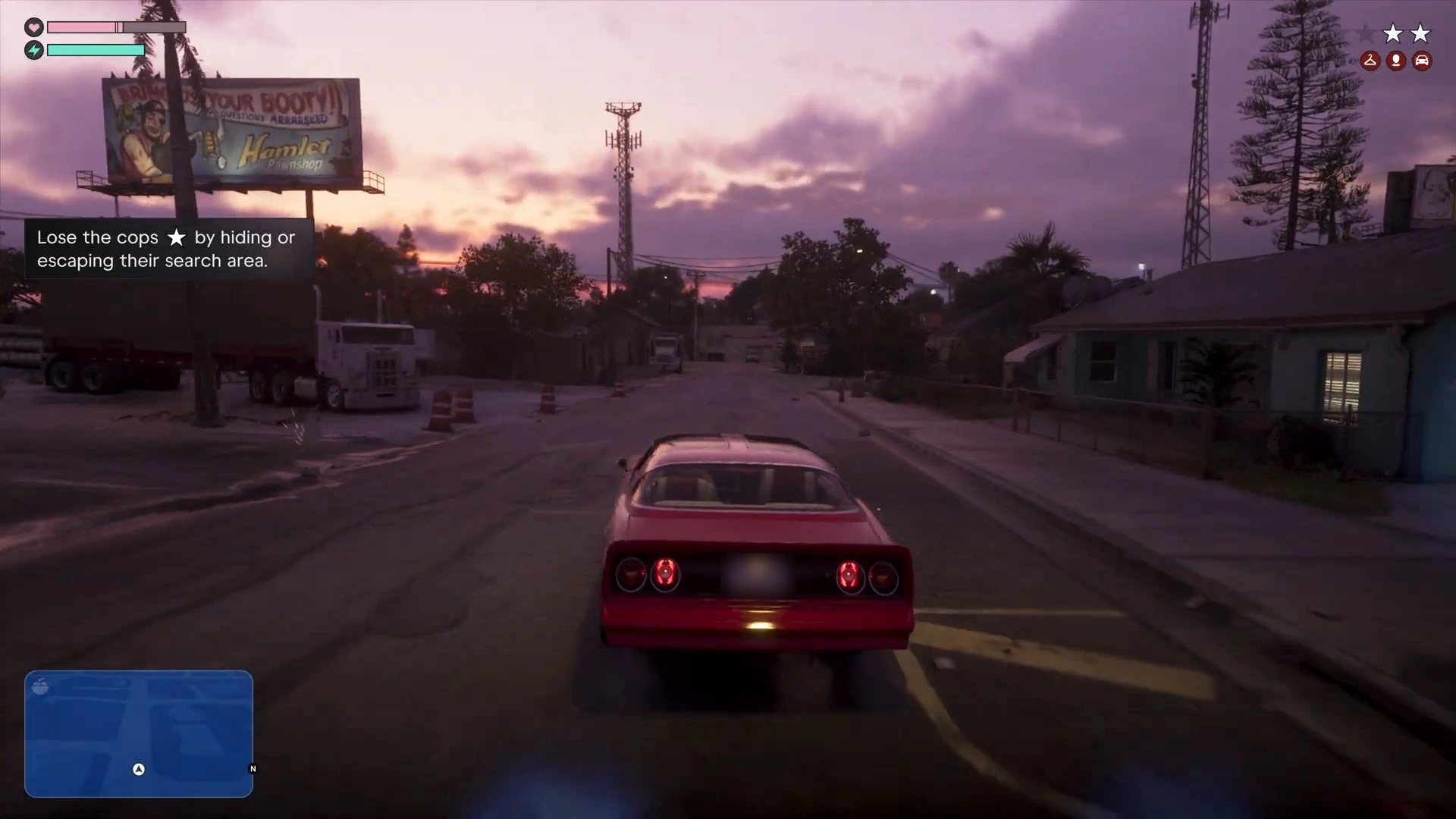
On the map, the police search area is a big red circle. The first hint the game gives is “Lose the cops by hiding or escaping their search area.”
Step 1: Get away from the first cops
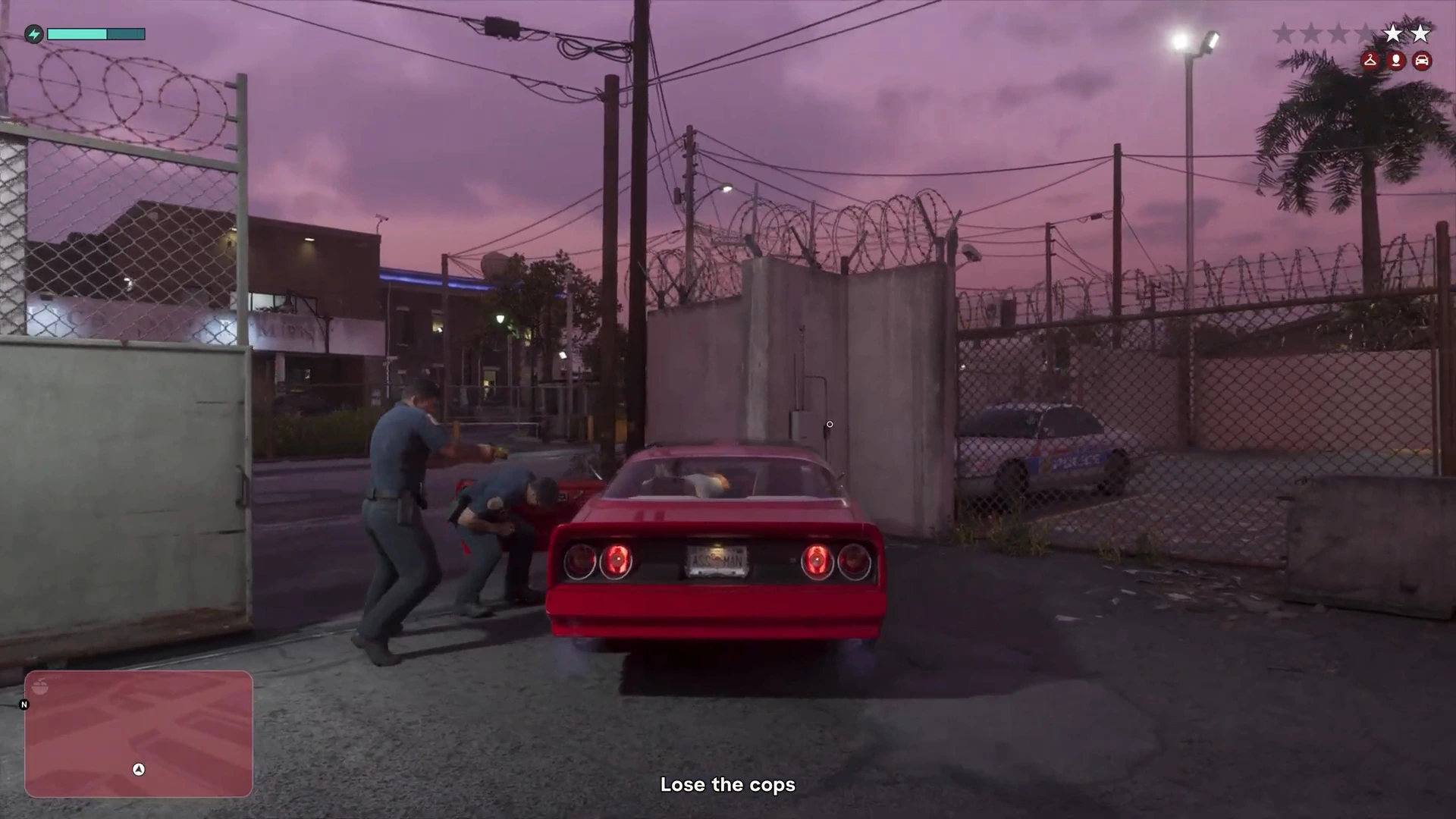
If a police officer reaches your car before you drive off, he’ll try to drag you out. A button prompt appears. Mash it as fast as you can and get the car moving, or other officers will pile in too.
Once you’re moving, your goal is to make the police lose track of where you are:
- Change direction often. Turn around and take side streets. Every time the chasing cars overshoot and have to turn, you gain distance.
- Reverse if a police car gets in front of you, then go the other way.
- Drive through traffic once you have a small lead. Police cars get stuck behind other vehicles.
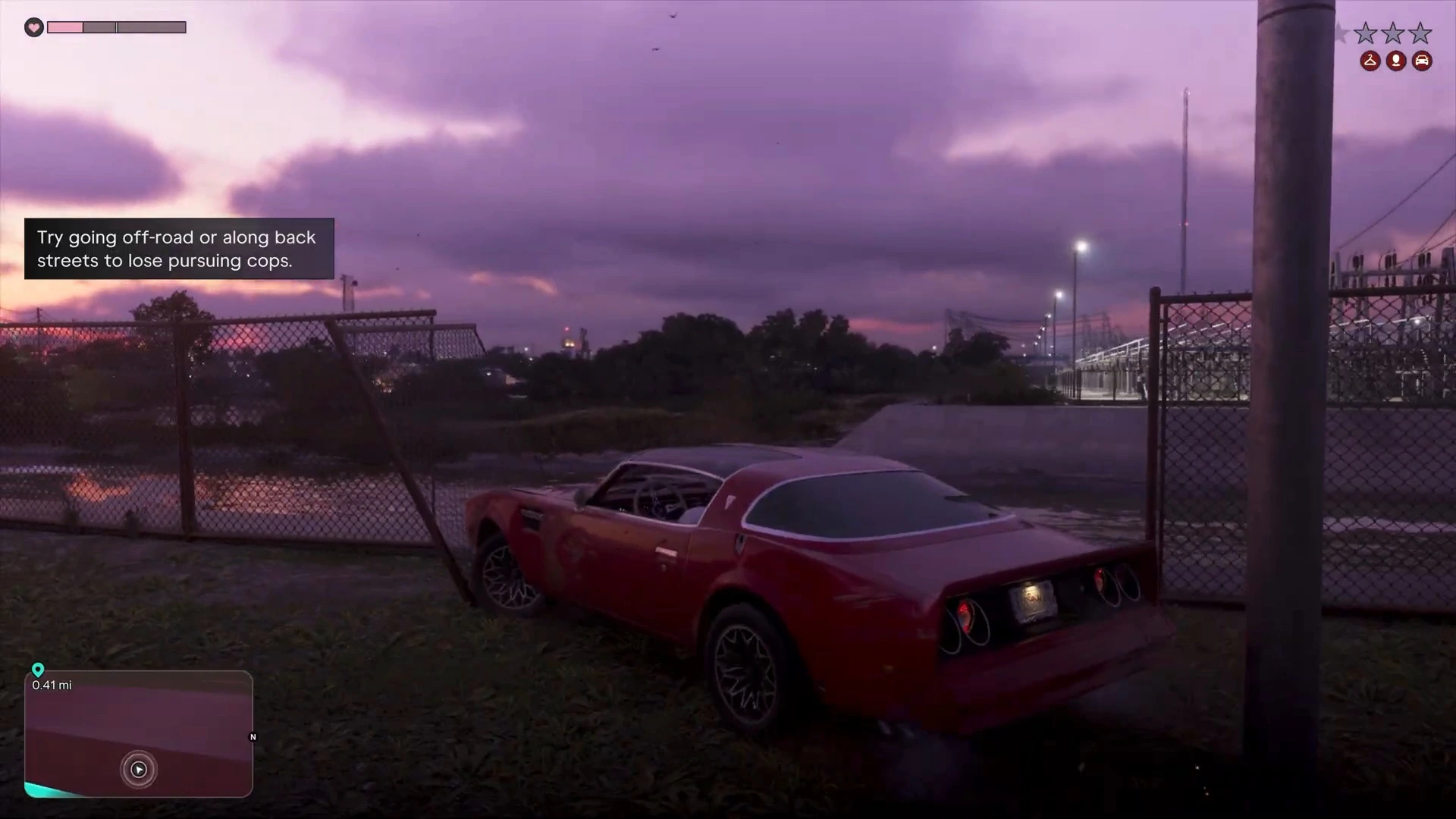
- Go off-road. The game’s own hint is “Try going off-road or along back streets to lose pursuing cops.”
Step 2: Hide until the radio goes quiet
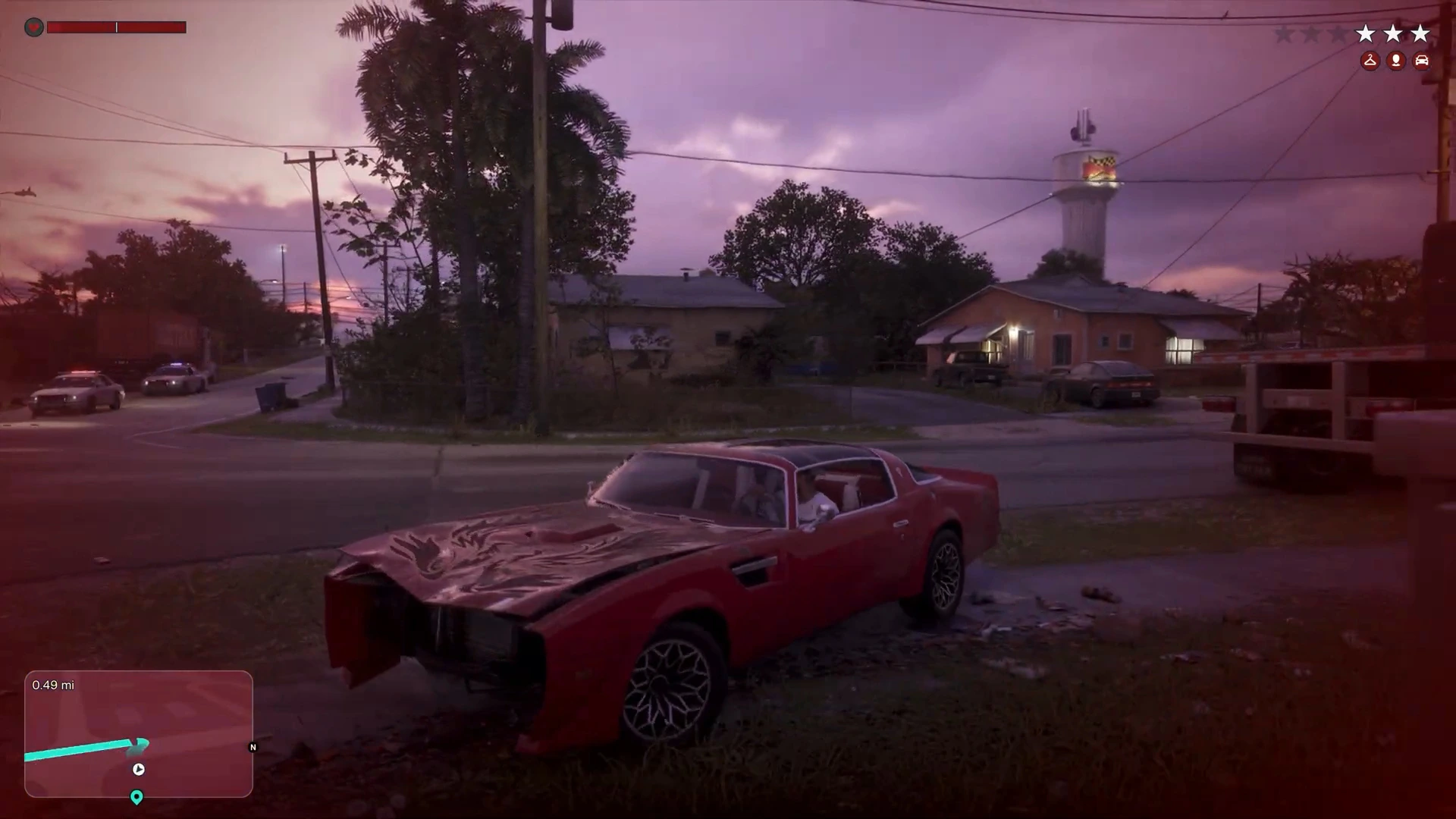
You don’t have to outrun the whole search area. You can also hide inside it. In this footage the player headed east to the T.H. Power Station in Hamlet, drove down to the lowest level of its car park and stopped behind some parked trucks. He waited there until the police radio went quiet, and the stars cleared.
Step 3: Respray your car at a Pay ‘n’ Spray
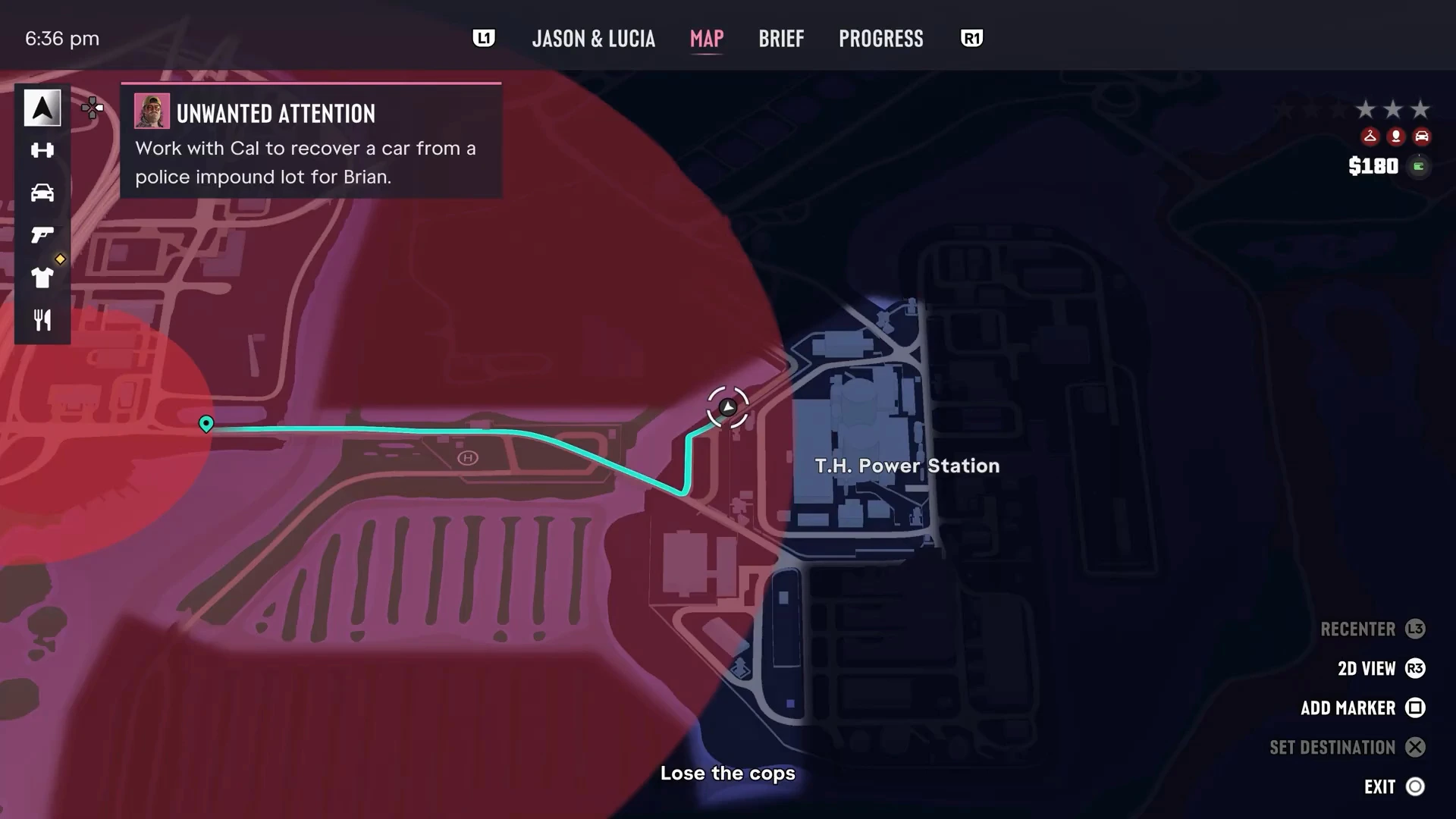
If the police saw your car, the vehicle heat stays with it. The map describes the Pay ‘n’ Spray as a “Garage offering repairs and resprays to lower recognition.” In Unwanted Attention, the one used is Pay ‘n’ Spray - Hamlet, west of the T.H. Power Station near Boone Speedway. After the respray, the red Phoenix in this footage came out bright blue.
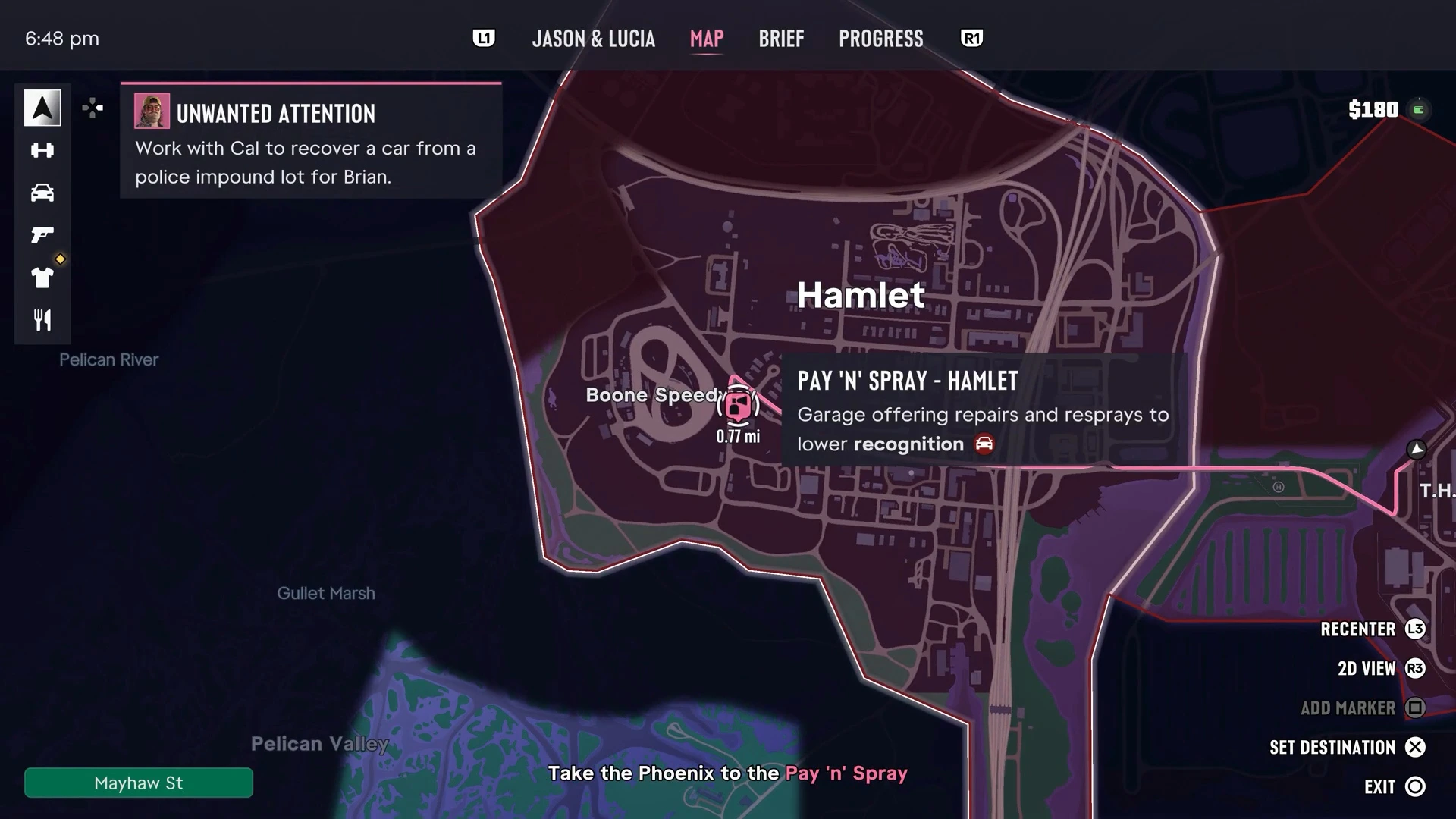
The alternative is to simply abandon the car somewhere quiet and take a different one.
Step 4: Change your appearance and outfit
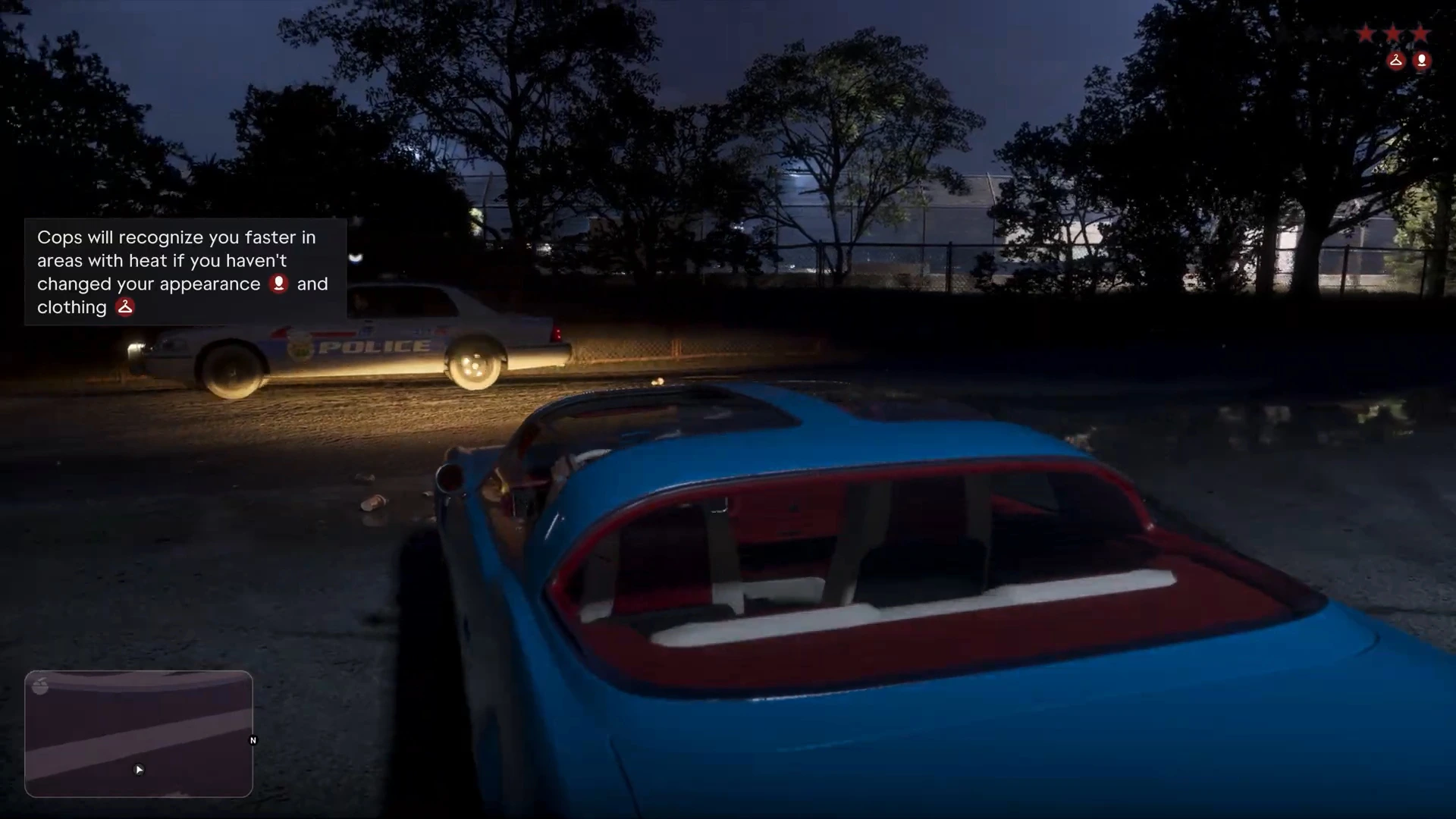
Clearing the stars isn’t the end. After the chase the game warns: “Cops will recognize you faster in areas with heat if you haven’t changed your appearance and clothing.”
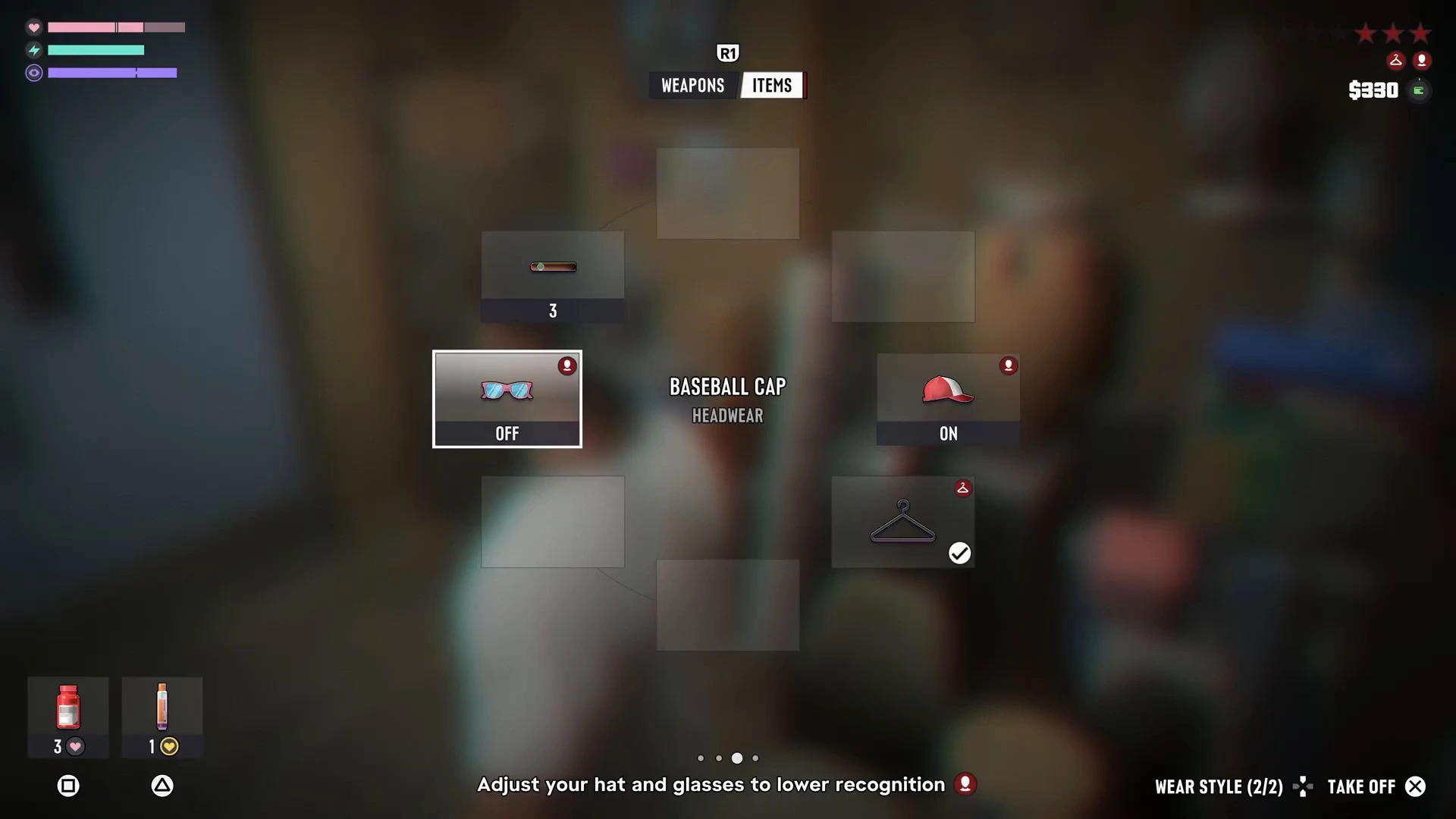
Appearance: open the item wheel and switch to the Items tab. You’ll see your accessories, such as glasses and a Baseball Cap. Toggle them On or Off. The hint at the bottom reads “Adjust your hat and glasses to lower recognition.” Taking off whatever you were wearing during the crime, or putting something on, is enough.
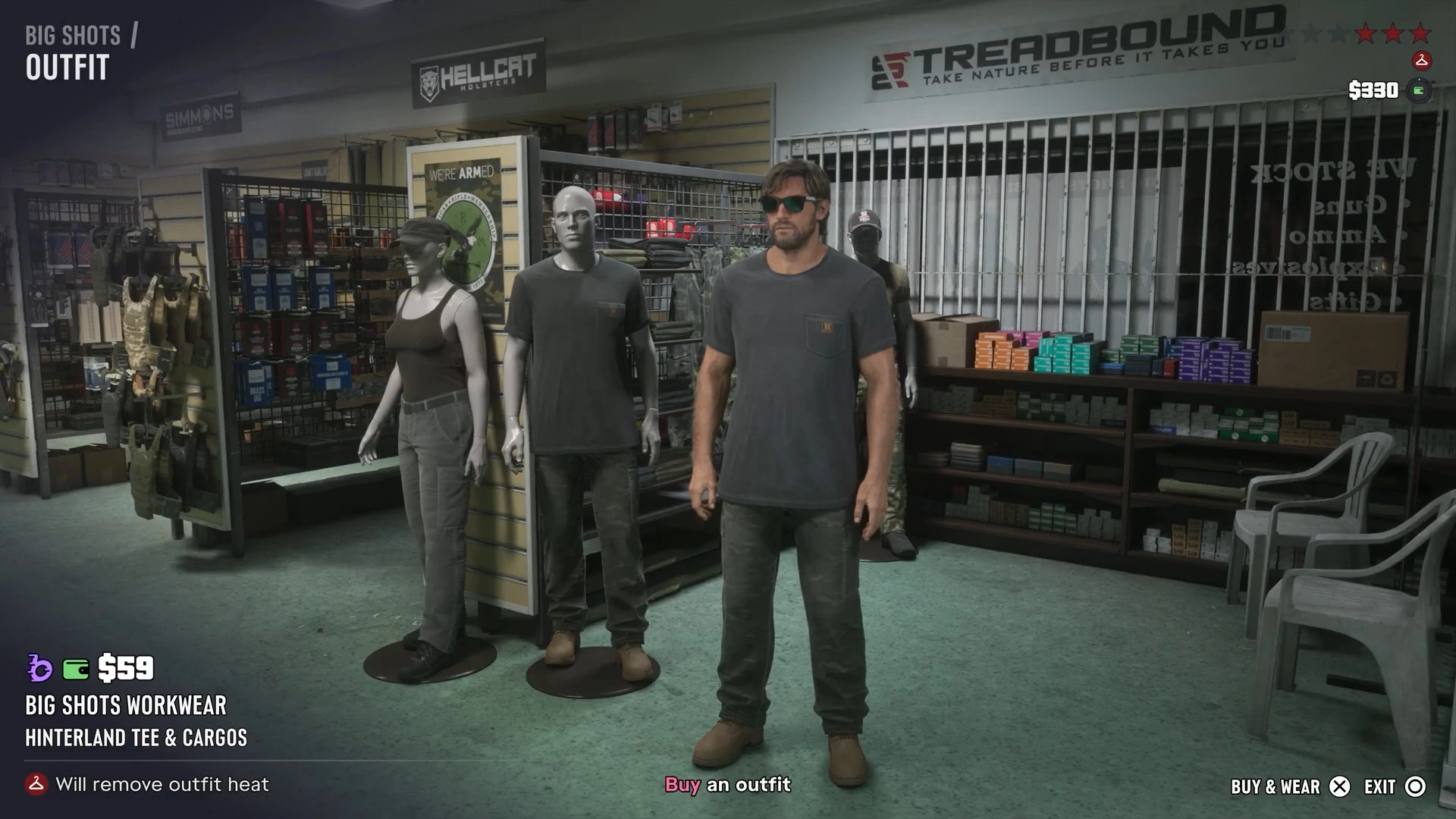
Clothing: visit any clothes shop and buy a full outfit. In this footage Jason bought the Big Shots Workwear (Hinterland Tee & Cargos) set for $59 at the gun store. The shop menu says it “Will remove outfit heat.”
Once the car, the look and the outfit are all changed, the police have nothing left to recognise you by.
Losing four stars: bail out by parachute
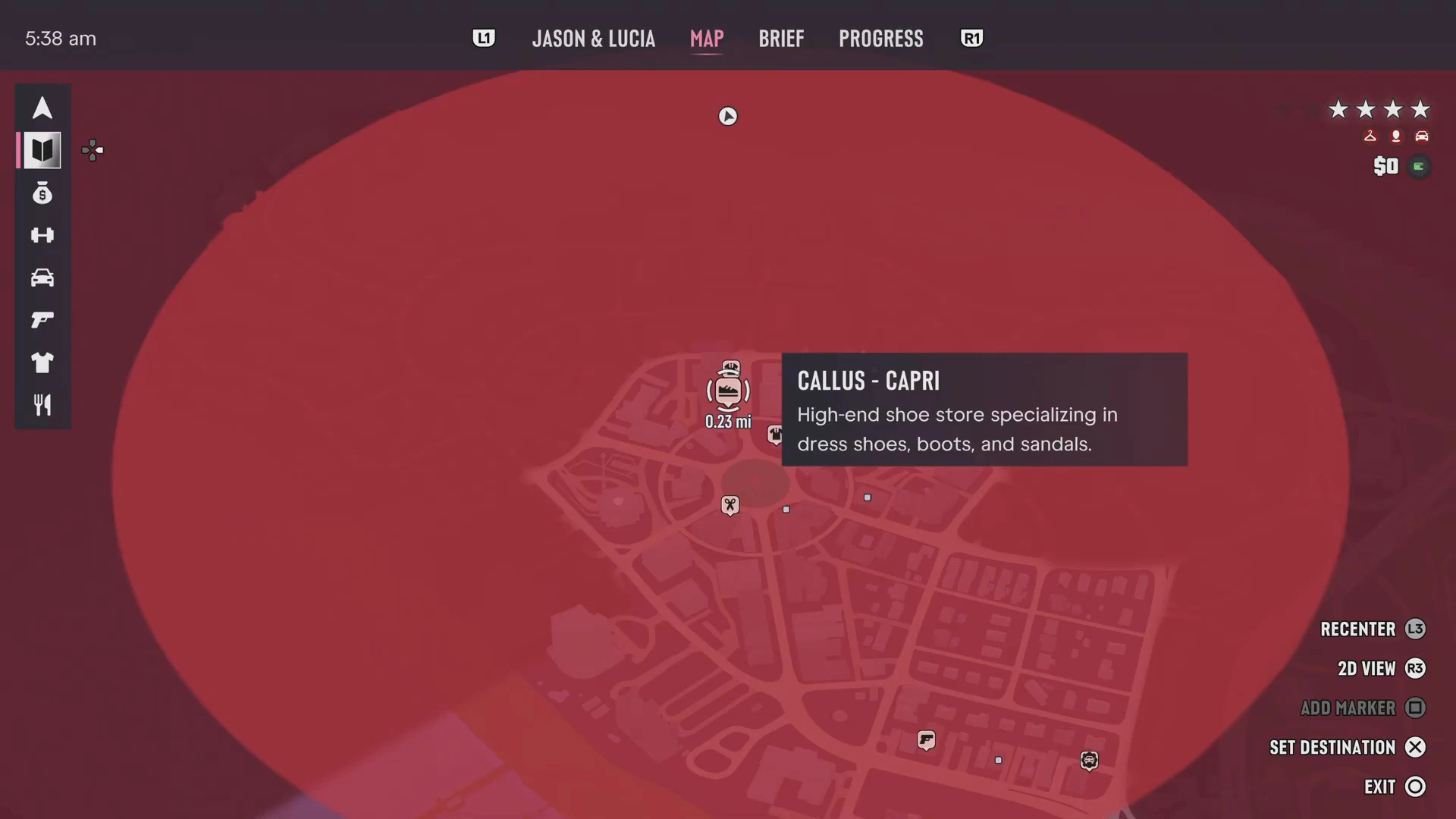
At higher wanted levels the search area gets huge. In this clip Jason had four stars and the red circle covered a whole district around Callus, a shoe store in the city. Instead of driving, he took off in a private jet.
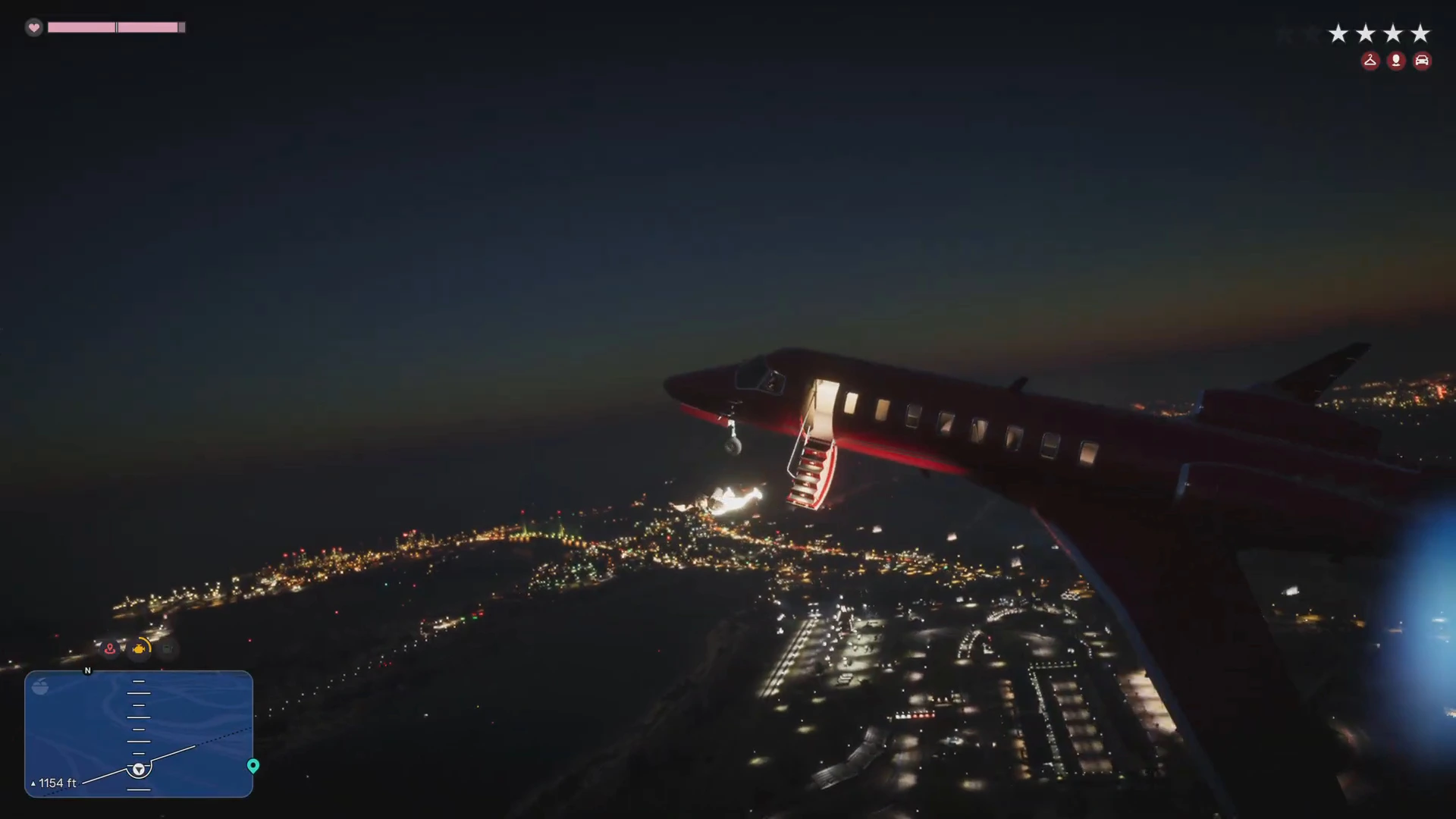
The jet took damage in the air, and the game flagged Engine damaged. Jason opened the door and jumped with a parachute over the coast near Gellhorn.
Parachute controls shown on screen:
- Pull down on the left stick to glide, push it up to dive.
- L2 and R2 control the left and right steering lines.
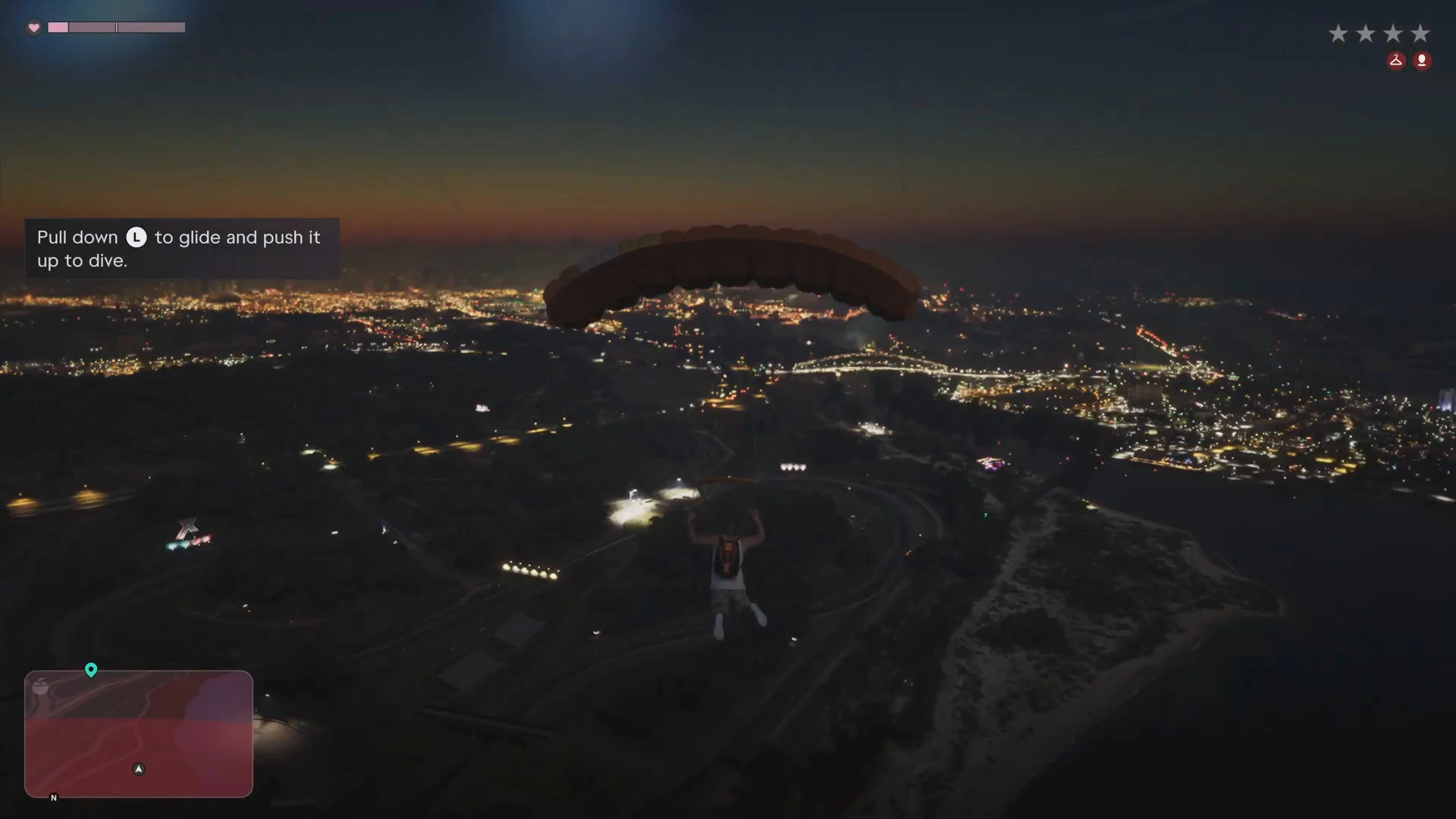
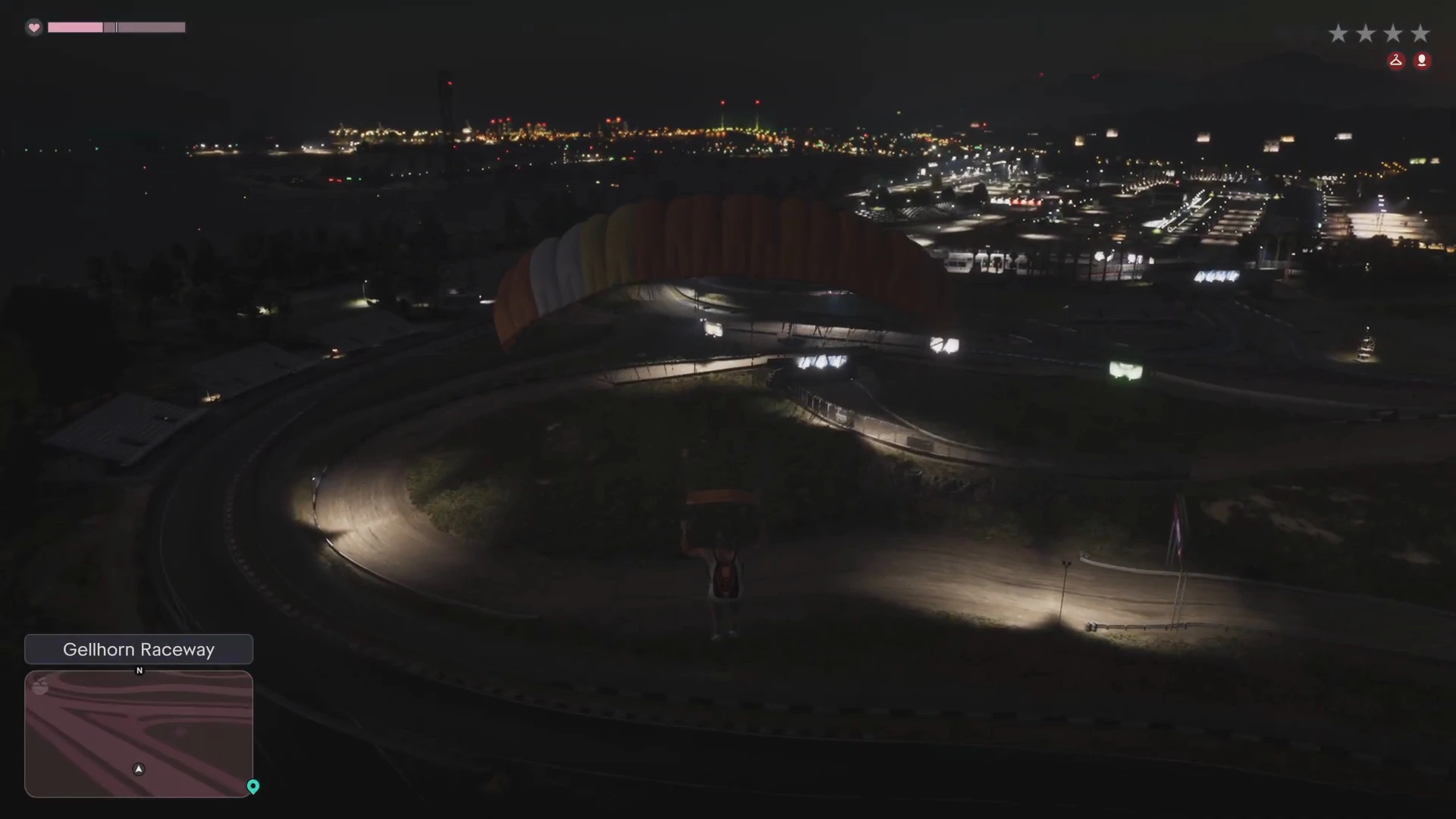
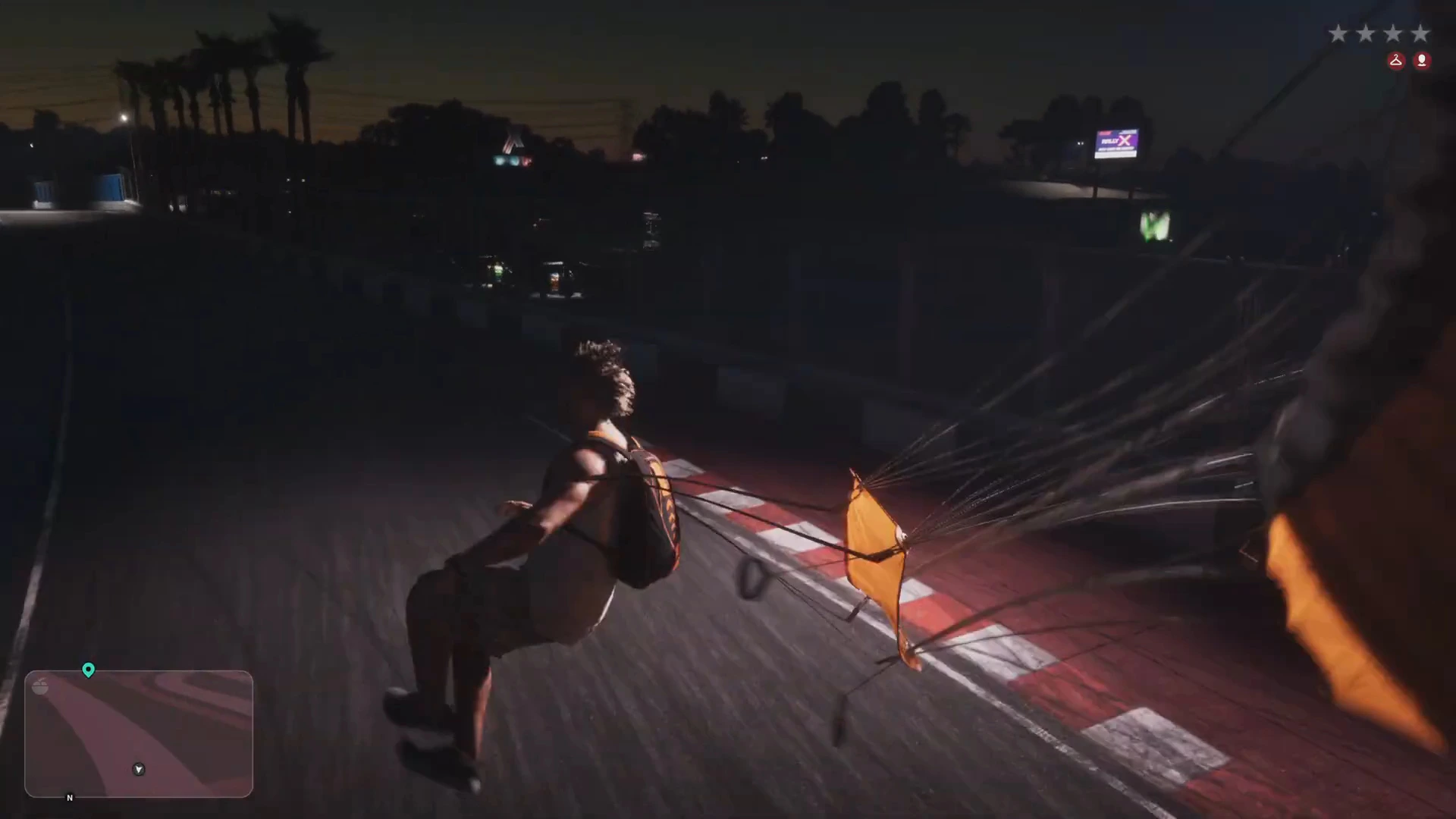
He steered across the bay and landed on the track at Gellhorn Raceway. By the time he touched down, the stars had turned grey, which is how the HUD shows that the police have lost sight of you.
We haven’t tested whether stealing a plane at four stars always works, or how the police react above four stars. Treat this as one escape that worked, not a guaranteed method.
More GTA 6 guides
- Unwanted Attention walkthrough: the mission that teaches heat and the Pay ‘n’ Spray
- GTA 6 beginner tips
- How to fast travel in GTA 6
- GTA 6 FAQ
- Every GTA 6 mission walkthrough
- GTA 6 police guide: surrender, criminal profile and scanner
- GTA 6 Phoenix impound lot: steal Brian’s car