How to Fast Travel in GTA 6 (Paradise Taxi)
How to fast travel in GTA 6: call Paradise Taxi from your phone contacts, pick any spot on the map, check the fare and pay $100 to skip the journey.
Skip to the guideGTA 6 doesn’t have a fast travel menu. The way to skip a long drive is to call a taxi. Open your phone, go to All Contacts, call Paradise Taxi, get in when the cab arrives and pick a destination on the map. You can ride along, pay $5 to hurry up, or pay $100 to skip the journey, which takes you straight there.
Quick version: d-pad up for the phone → Contacts → All Contacts → Paradise Taxi → wait for “Your driver has arrived” → get in → Set Destination anywhere on the map → Confirm the fare → Skip Journey ($100).
The footage below was recorded on Xbox, so the button names are the Xbox ones. On PS5 the same actions use the matching face buttons.
Step 1: Call Paradise Taxi
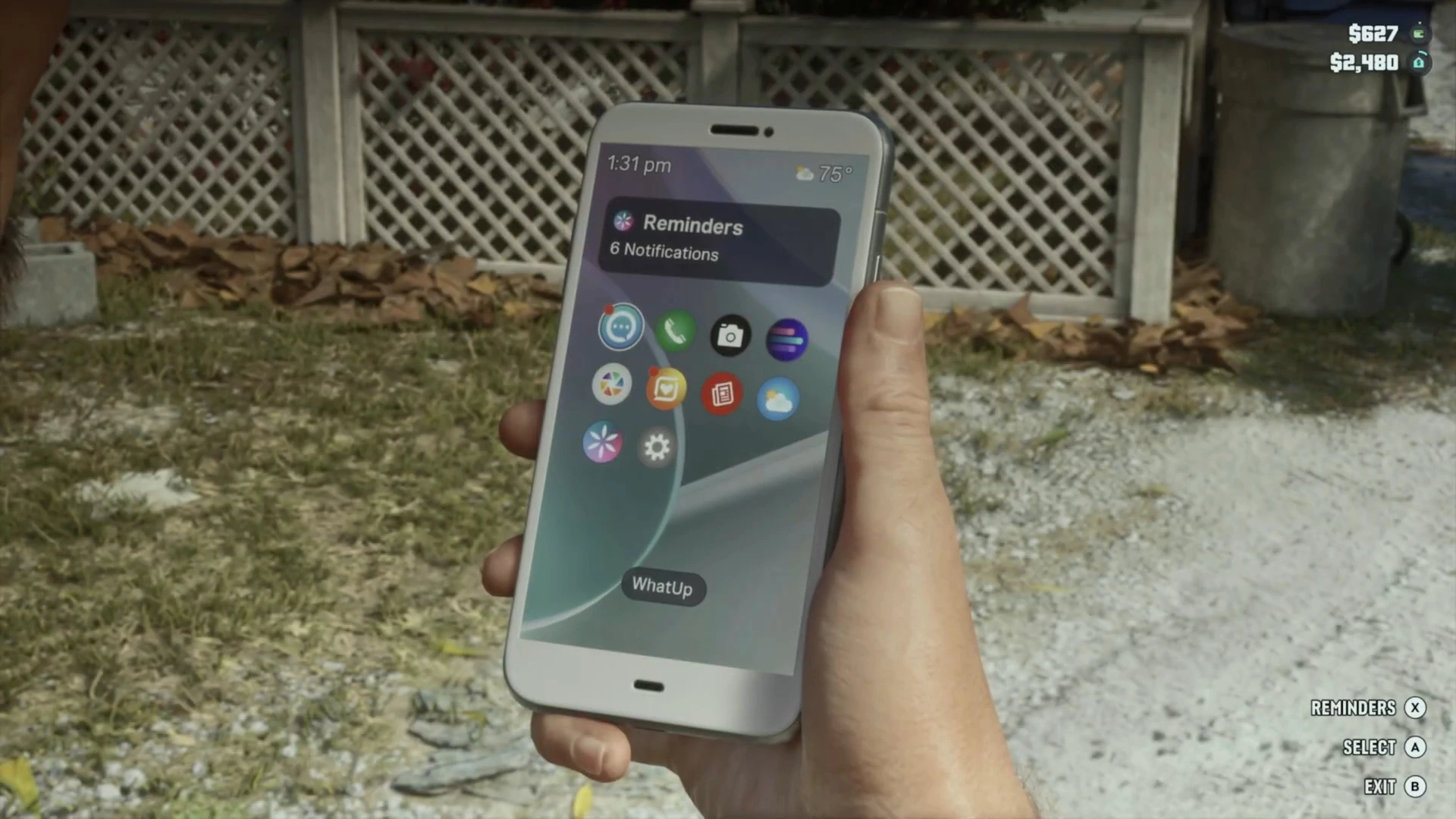
Press up on the d-pad to bring up Jason’s phone. On the home screen, open the green contacts app, then choose All Contacts at the top.
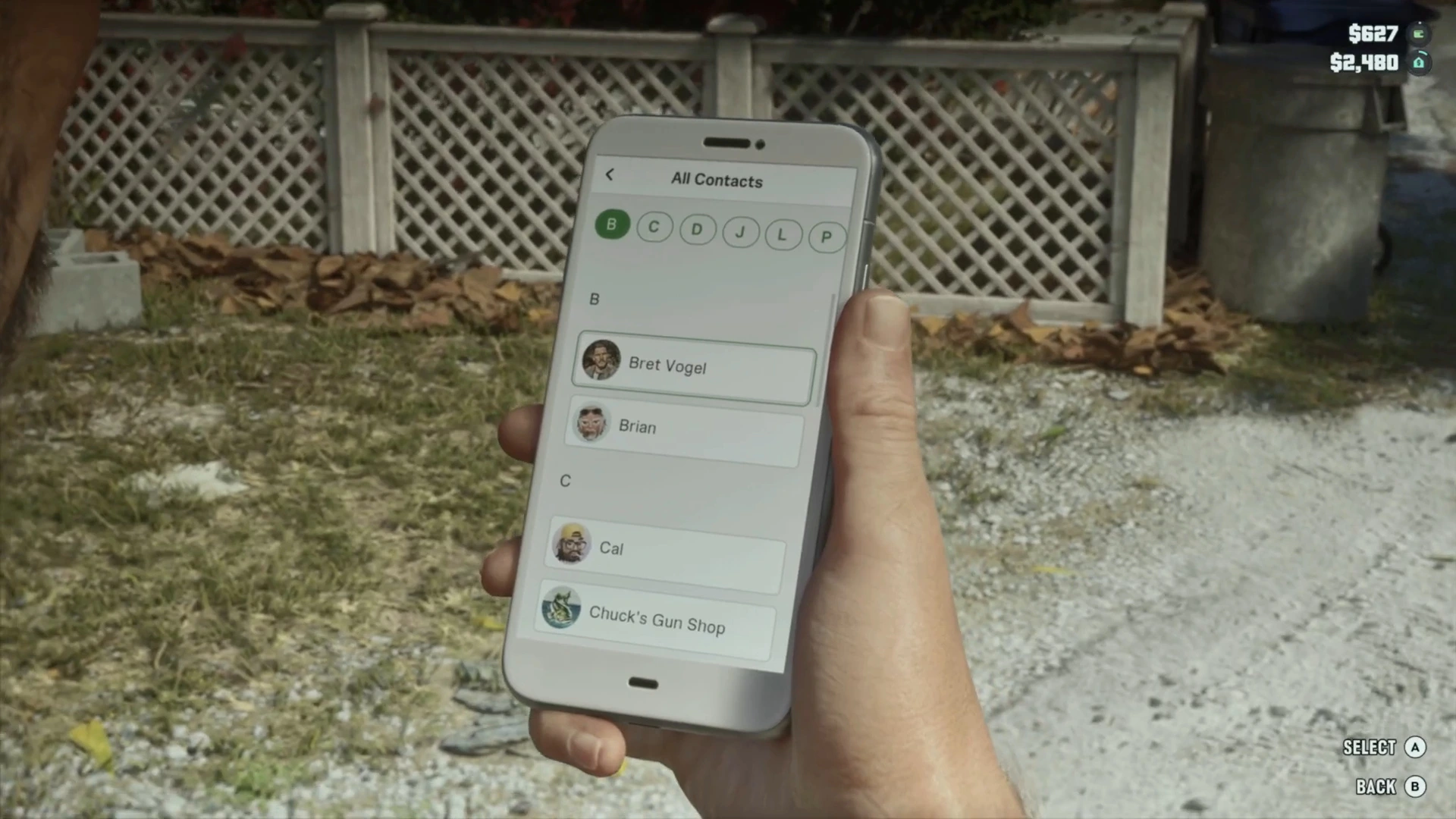
Contacts are sorted alphabetically with letter tabs across the top (B, C, D, J, L, P, S in this save). Scroll past Bret Vogel, Brian, Cal and Chuck’s Gun Shop to the P section and select Paradise Taxi.
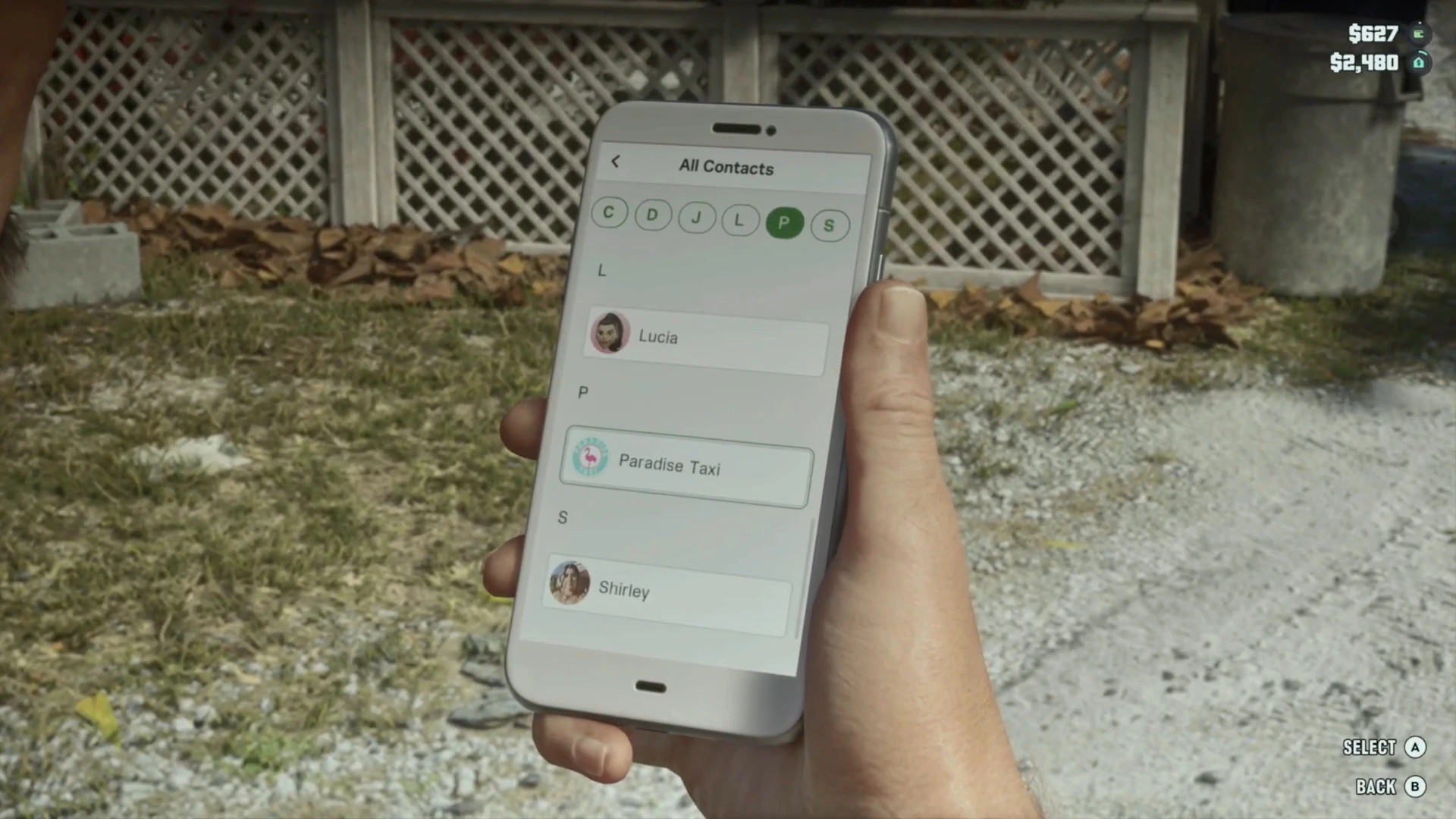
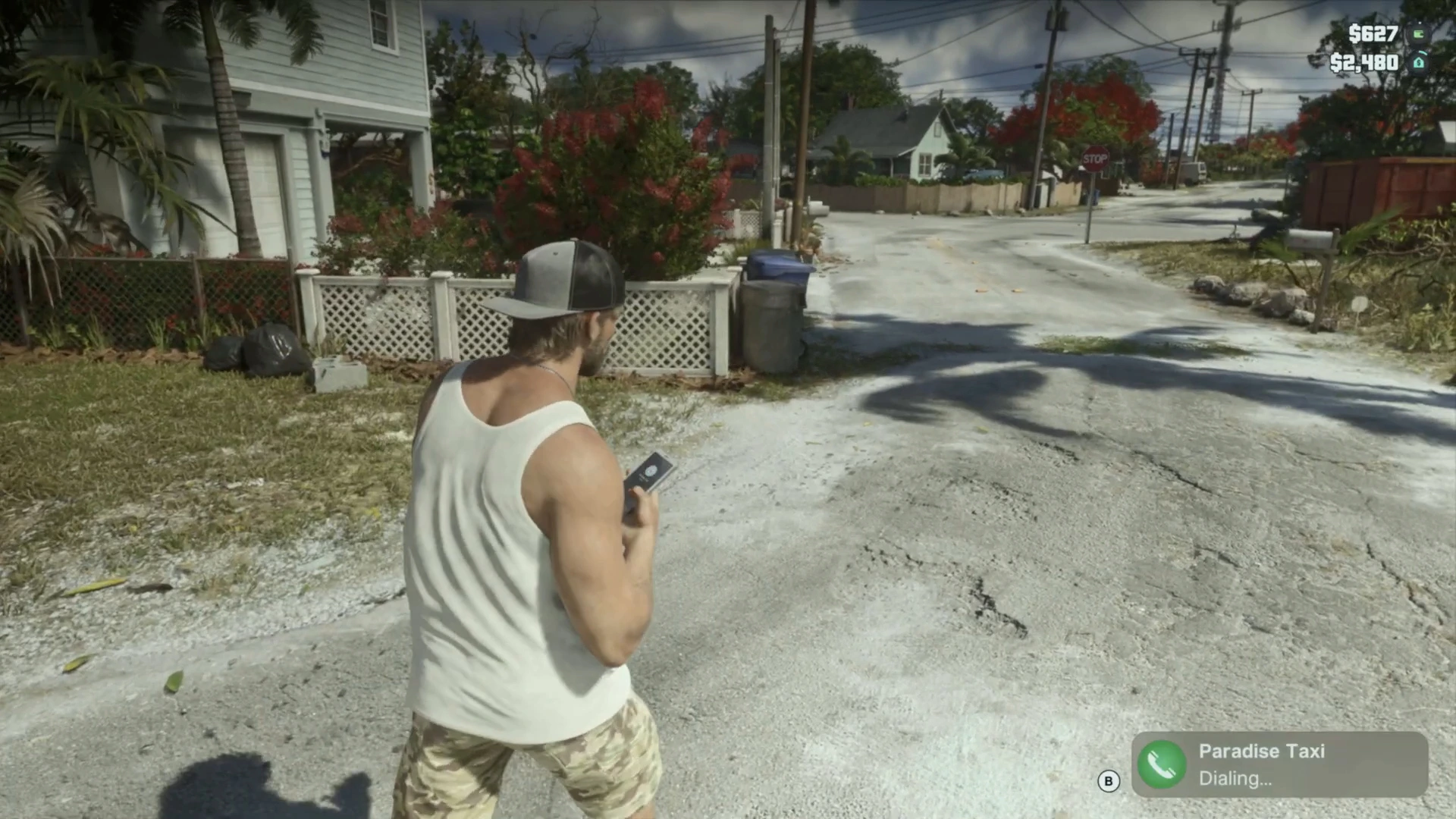
The phone shows Paradise Taxi, Dialing in the corner. You don’t need to say anything. The call ends on its own and a cab is sent to you.
Step 2: Get in the cab
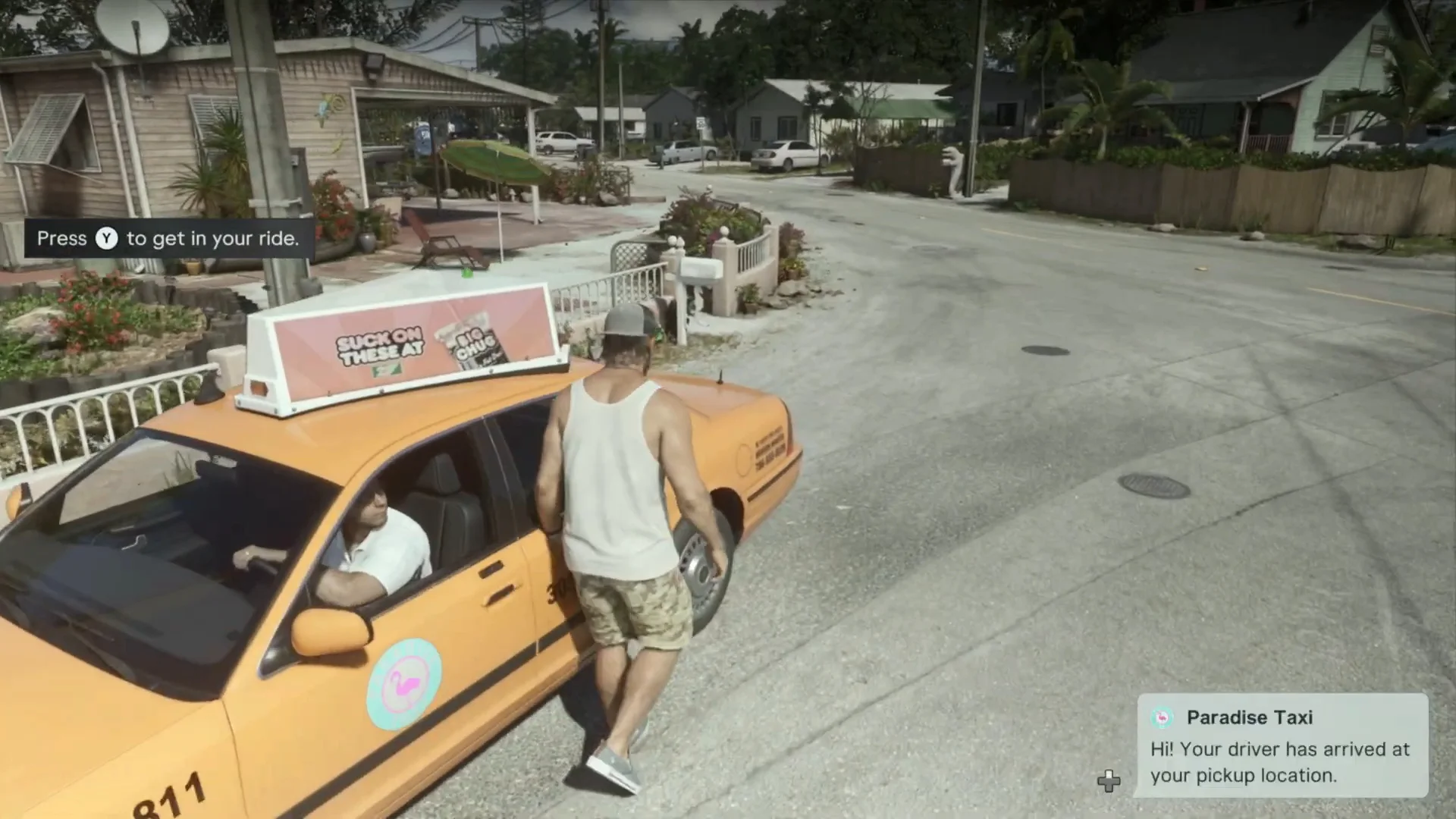
After a short wait, a yellow Paradise Taxi pulls up and a message reads “Hi! Your driver has arrived at your pickup location.” Walk to the rear door and press the button shown in the prompt (“Press Y to get in your ride” on Xbox).
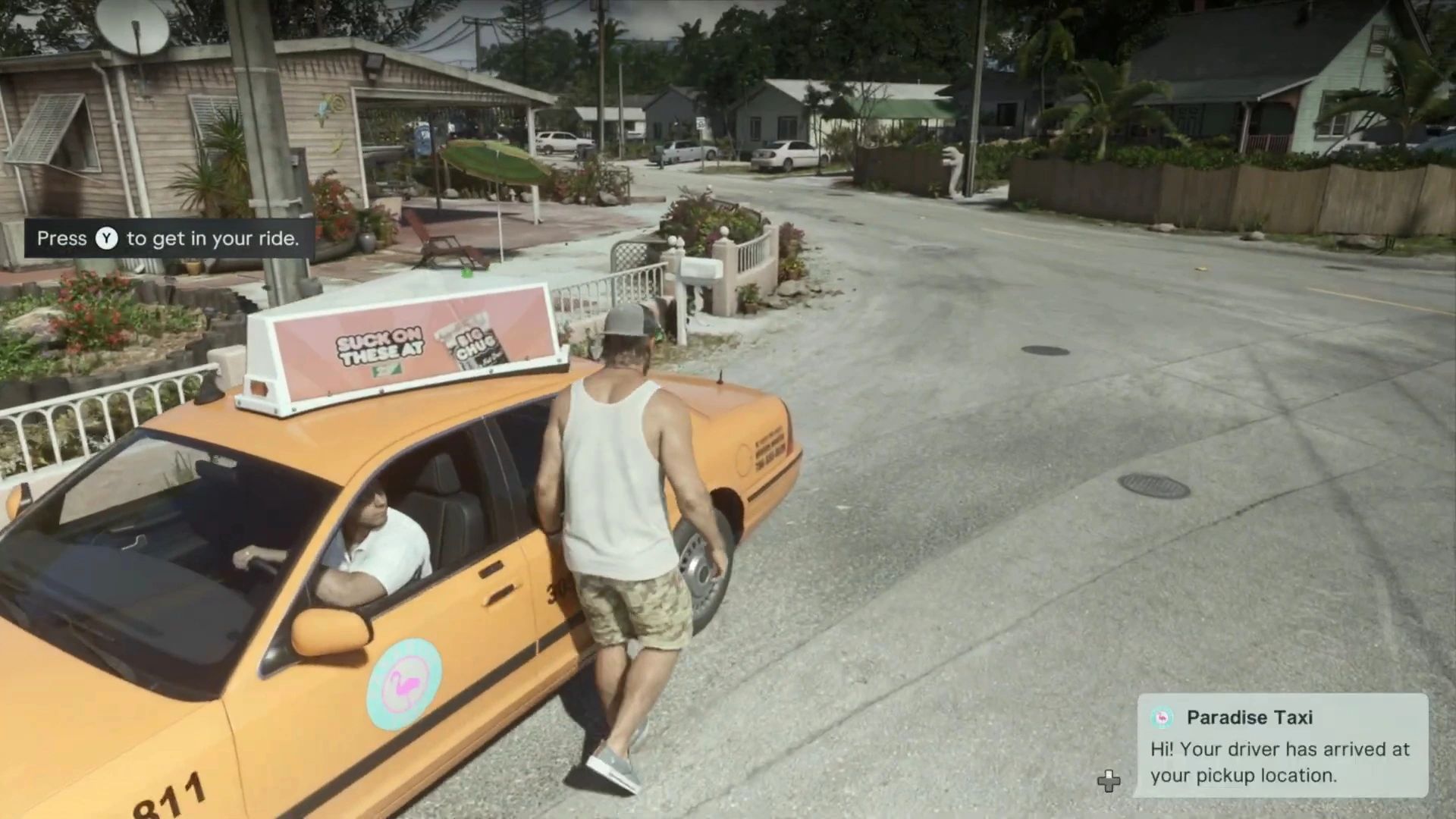
In this footage the taxi arrived in well under a minute in the Keys. We haven’t timed it in more remote areas.
Step 3: Choose where to go
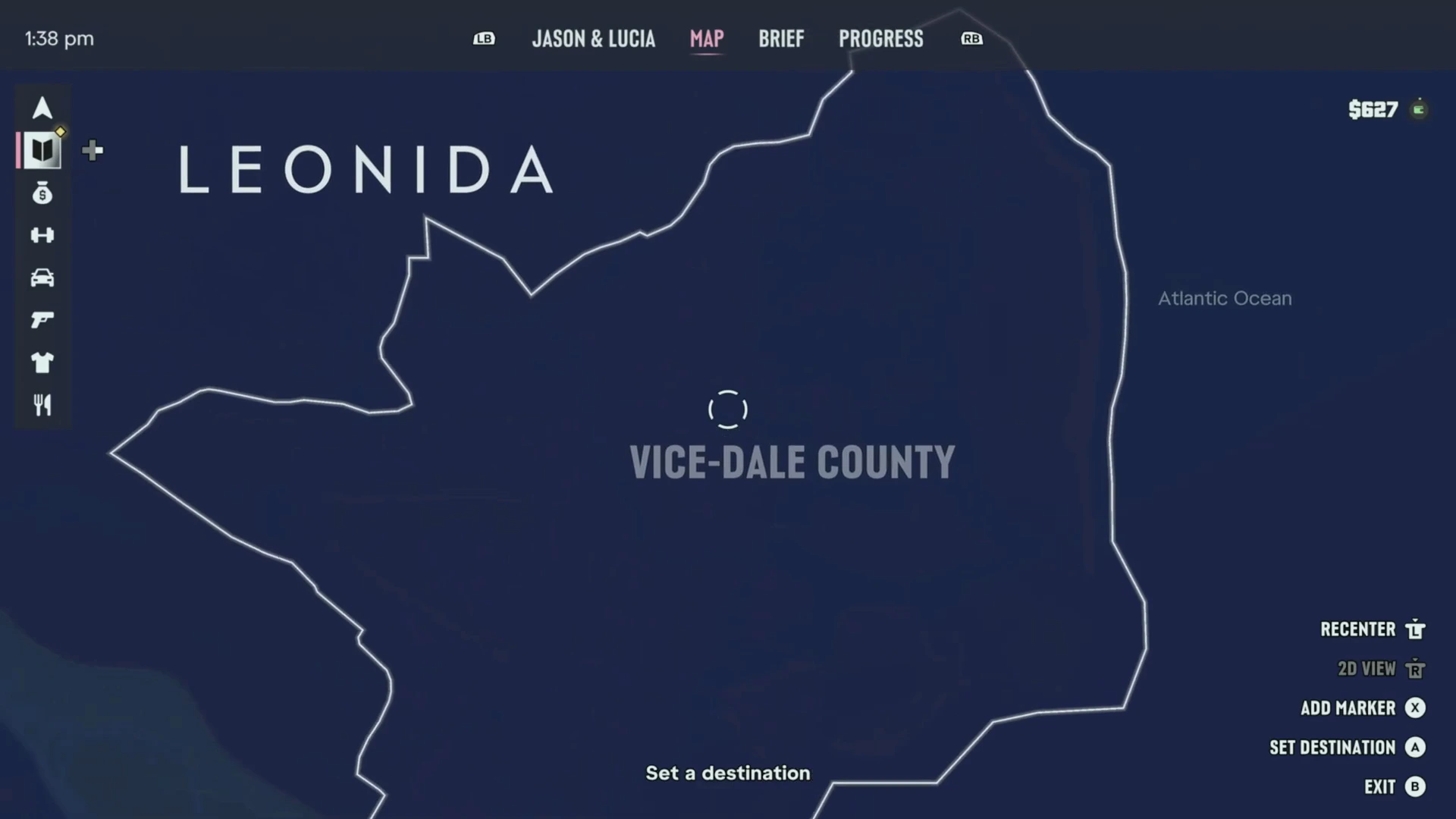
As soon as you’re in the back seat, the map opens with the message Set a destination. Move the cursor anywhere and press Set Destination.
You don’t need to have explored a place to go there. In this clip Jason had only seen the Keys so far, and most of the map was still dark. He scrolled north to the empty Vice-Dale County area and set a destination there anyway.
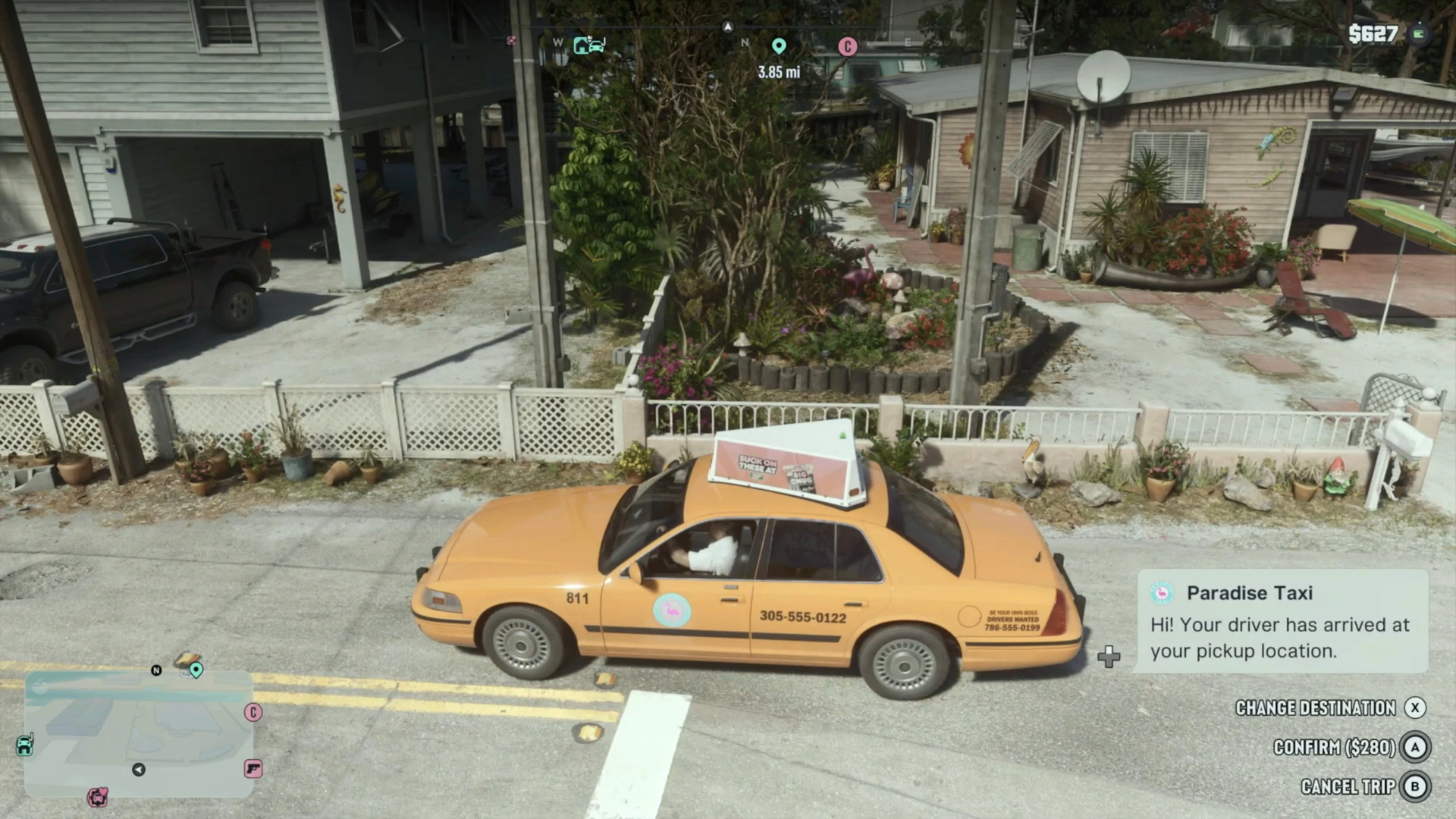
After you exit the map, three options appear:
- Change Destination (X)
- Confirm (A), which shows the fare
- Cancel Trip (B)
The fare for this trip, from Jason’s house to downtown Vice City, was $280. Check the price before you confirm, especially early on when cash is tight.
Step 4: Ride, hurry up or skip
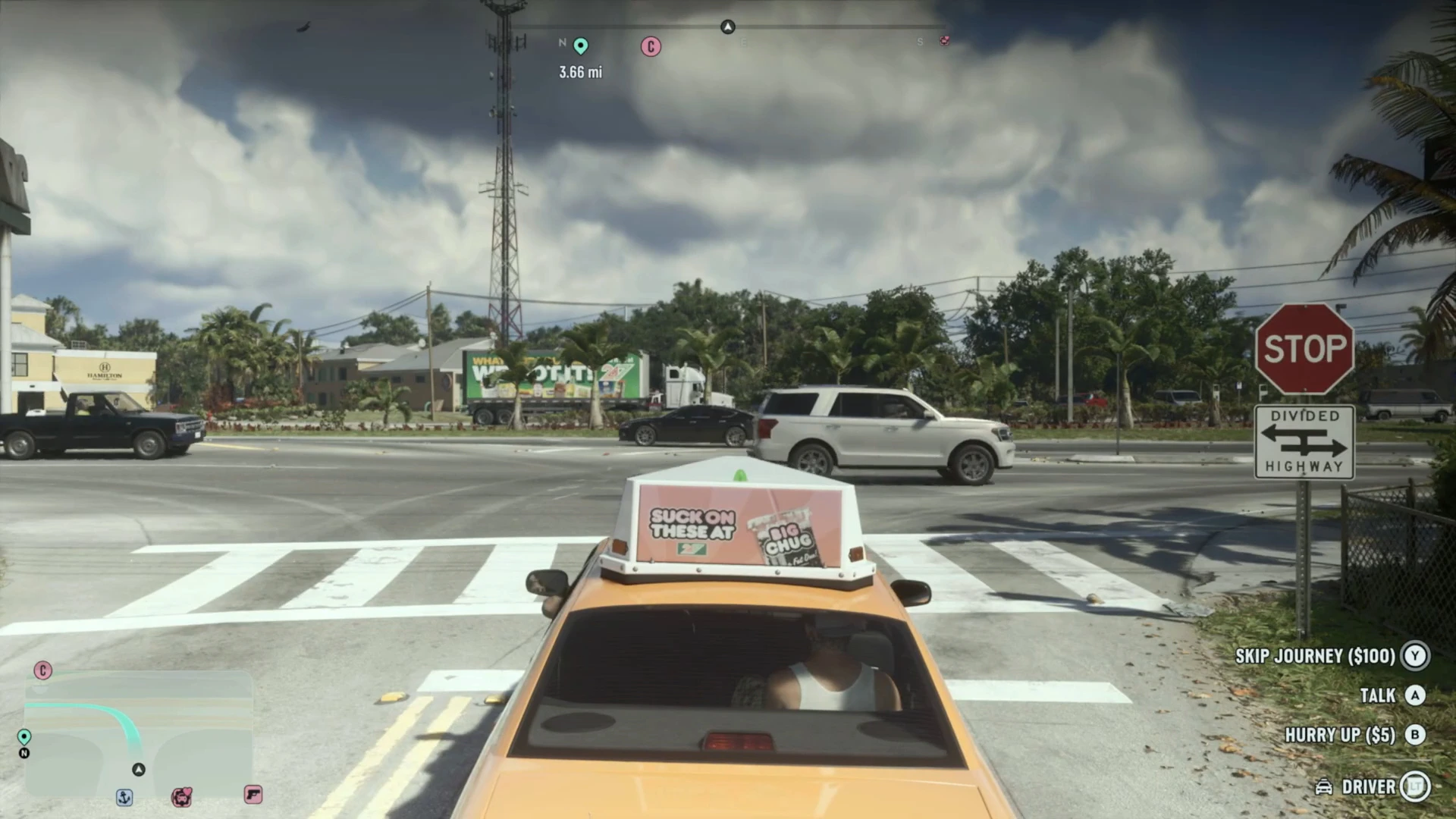
Once you confirm, the driver sets off and a new set of prompts shows on the right:
- Skip Journey ($100): hold the button to jump straight to the destination. This is the real fast travel.
- Talk: chat with the driver.
- Hurry Up ($5): pay the driver to drive faster.
- Driver (LT): interact with the driver.
If you’re in no rush, you can simply sit back and watch the drive. It’s a decent way to take in the scenery, and you could leave the controller for a moment while the cab drives itself.
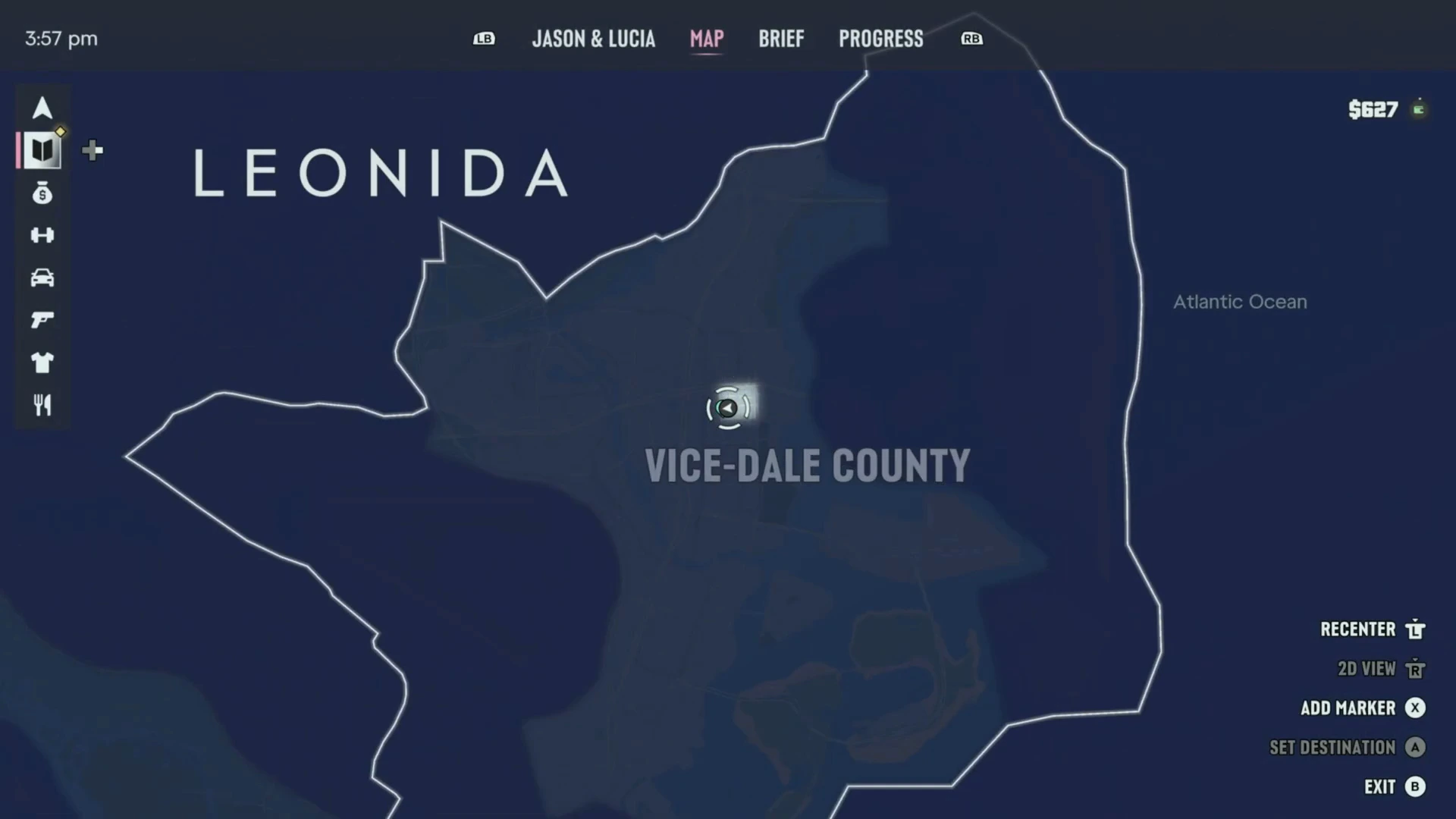
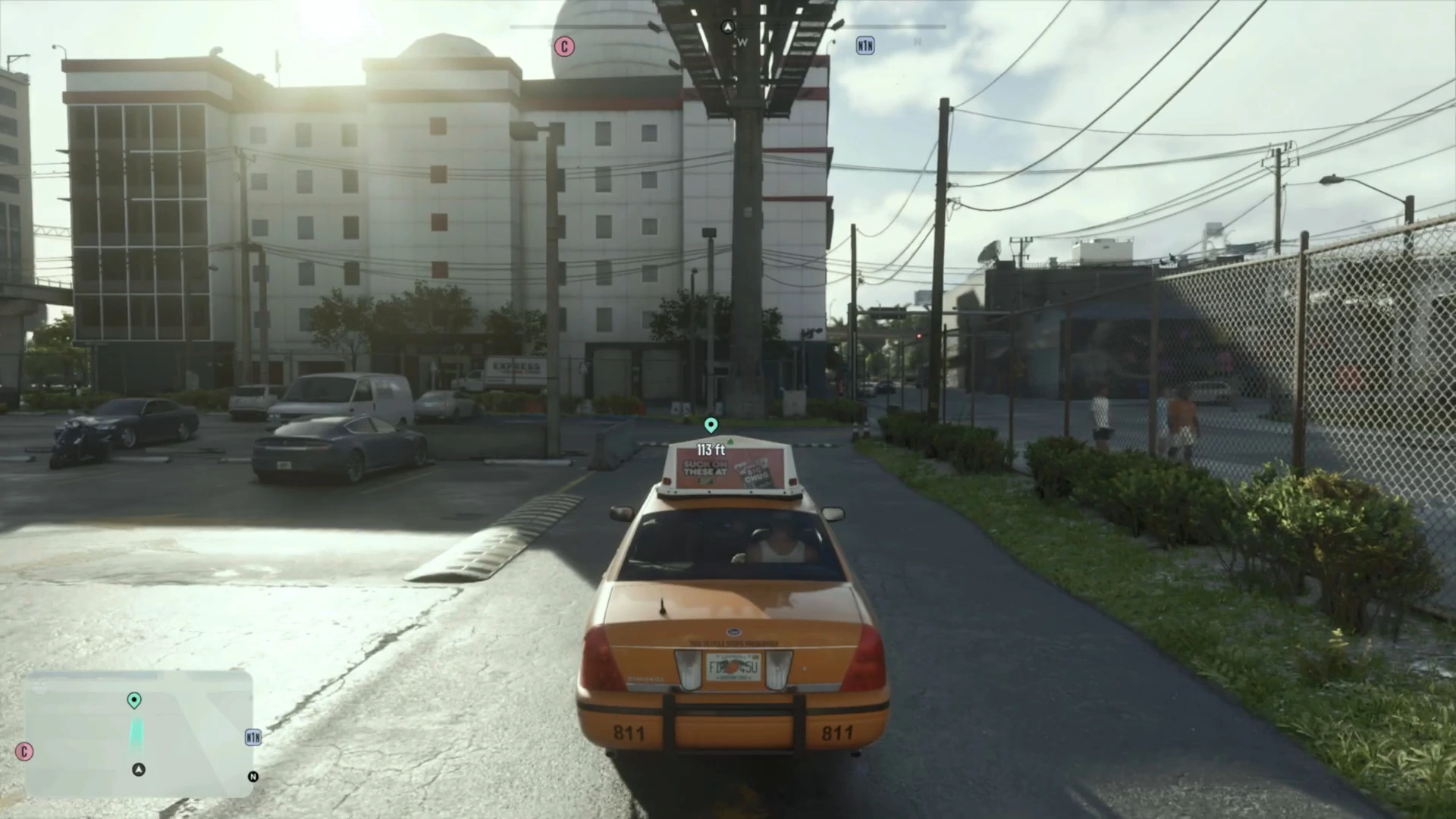
Holding Skip Journey fades the screen and drops you at the destination. Jason went from the Keys to downtown Vice City in a few seconds, even though he’d never been there before. The map afterwards shows his marker in the middle of Vice-Dale County.
How much does fast travel cost?
From this footage, a long trip costs the fare plus $100 if you skip. The fare here was $280 for a cross-map trip. Short hops should cost less, but we’ve only seen this one fare so far.
Things we haven’t confirmed yet
- Whether you can call a taxi with a wanted level. It’s best to lose the cops first, see how to lose the cops in GTA 6.
- Whether Lucia can call Paradise Taxi in the same way. This footage only shows Jason.
- Whether there are other fast travel options later in the story, such as planes or a helicopter service.
A small extra from the start of the clip: when Jason tried to pull out a weapon outside his house, the game said “You can’t equip a weapon while in your neighborhood.” Weapons are locked near home.
More GTA 6 guides
- How to lose the cops in GTA 6
- How to find an ATM and deposit cash
- GTA 6 beginner tips
- GTA 6 FAQ
- Every GTA 6 mission walkthrough