GTA 6 Weather and Time Cheats: Cycle Weather, Move Time and Pause Time
GTA 6 has three weather and time cheats: Cycle Weather, Move Time Forward and Pause Time of Day. Here is how to unlock each and the one published code.
Skip to the guideGTA 6 has three cheats that control the environment: Cycle Weather, Move Time Forward and Pause Time of Day. They sit in the Environment group of the 61 cheats reported by GamesRadar+ and PC Gamer. Only one of them, Cycle Weather, has a published d-pad code so far. All three need the story finished and a separate unlock, and none of them is a quick shortcut at the start of the game.
This page covers each one, how to unlock it, and the no-cheat alternatives. For the full list, see the GTA 6 cheats hub. For the time and weather basics, see weather, time of day and sleeping.
The three environment cheats
| Cheat | What it does | How to unlock | Code (d-pad) |
|---|---|---|---|
| Move Time Forward | Moves the clock ahead | Find 10 collectible watches | Not yet published |
| Pause Time of Day | Stops the clock | Find 20 collectible watches | Not yet published |
| Cycle Weather | Cycles through weather types | Reveal the entire map | Down, Right, Up, Down, Right, Up, Right |
The effects of Move Time Forward and Pause Time of Day are described only by their names in the sources, so we do not claim more than that. We have not entered any of these codes ourselves.
Cycle Weather: how to unlock and enter it
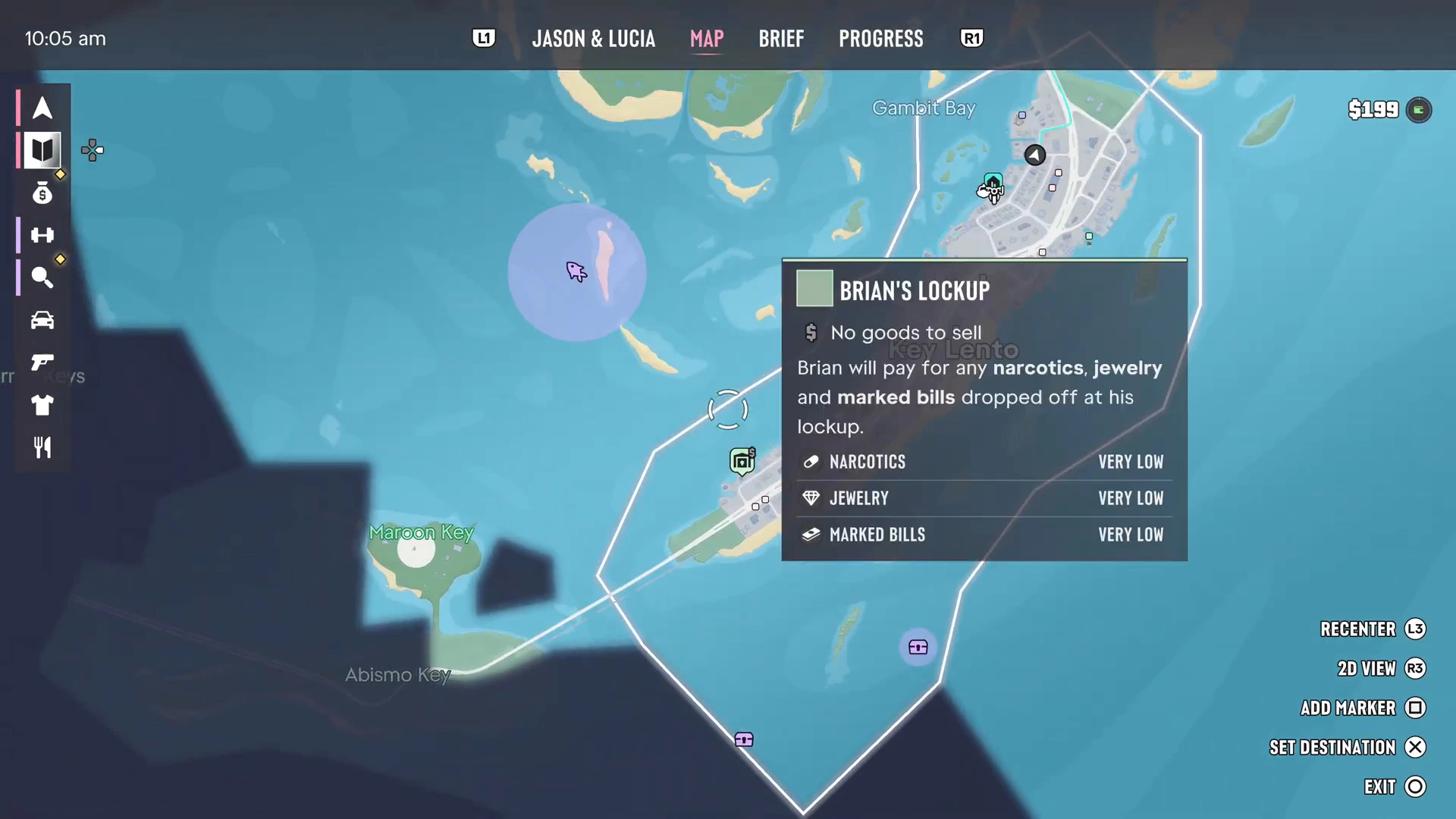
Cycle Weather is tied to uncovering the map. The map starts covered in dark fog, and you clear it by exploring. Revealing every region is also what the Goodtime State trophy asks for, so the work does double duty. Our GTA 6 map guide explains the fog and the regions.
Once unlocked, enter it like any other cheat:
- Be in free roam.
- Press Up on the d-pad for your phone.
- Hold L1 and R1 (LB and RB on Xbox).
- Enter Down, Right, Up, Down, Right, Up, Right.
Move Time Forward and Pause Time of Day
Both of these depend on collectible watches scattered around the world. Ten watches unlock Move Time Forward, and twenty unlock Pause Time of Day. Neither code has been published, so for now you can confirm the unlock but not the input. Check the cheats hub, which we update when sources print new codes.
A practical tip: watches are collectibles, so you will find some while exploring for map reveal anyway. Working on Cycle Weather and the watches together saves time.
Skipping time and changing weather without cheats
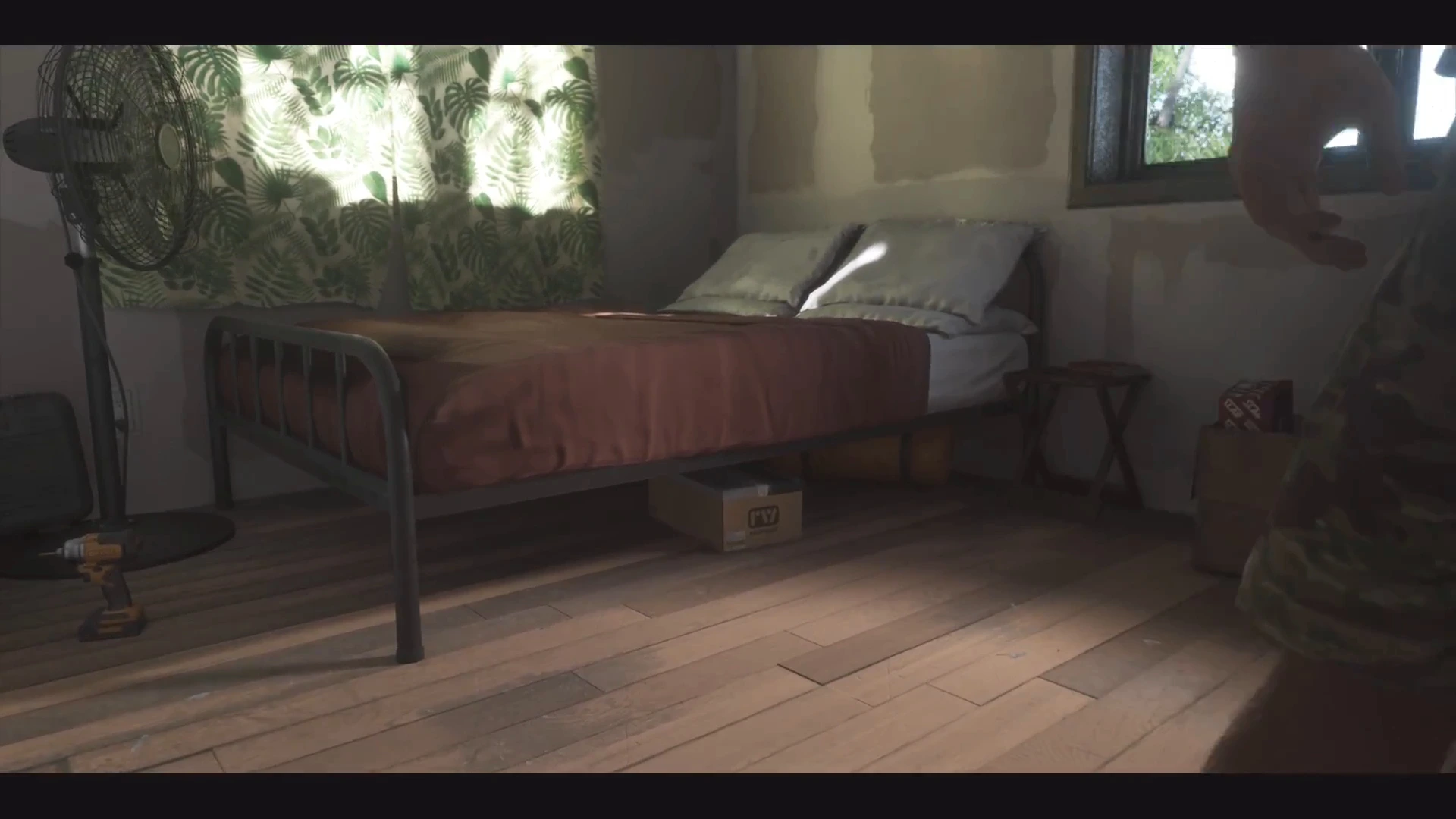
You do not need a cheat for the basics. Sleeping at a safehouse moves time forward, and the phone shows the clock, temperature and weather icon. Our guides cover this:
Weather changes naturally over time, so if you only want rain or sun for screenshots, waiting is free and keeps your save intact.
When these cheats are useful
- Photography. Pausing time of day holds the light for a screenshot.
- Missions with time limits. Moving time forward is useful for scenes that depend on night or day, though check mission requirements first.
- Exploration. Cycling weather lets you see how areas look in different conditions.
Related cheat types
Weather and time sit alongside the screen filter cheats, which change how the world looks rather than the world itself. If you want to enjoy a rainy Vice City at night, combine them after unlocking both.
Quick answers
- Weather cheat: Cycle Weather, unlocked by revealing the entire map.
- Time cheats: Move Time Forward (10 watches) and Pause Time of Day (20 watches).
- Published code: only Cycle Weather.
- No-cheat option: sleep at a safehouse to skip time.