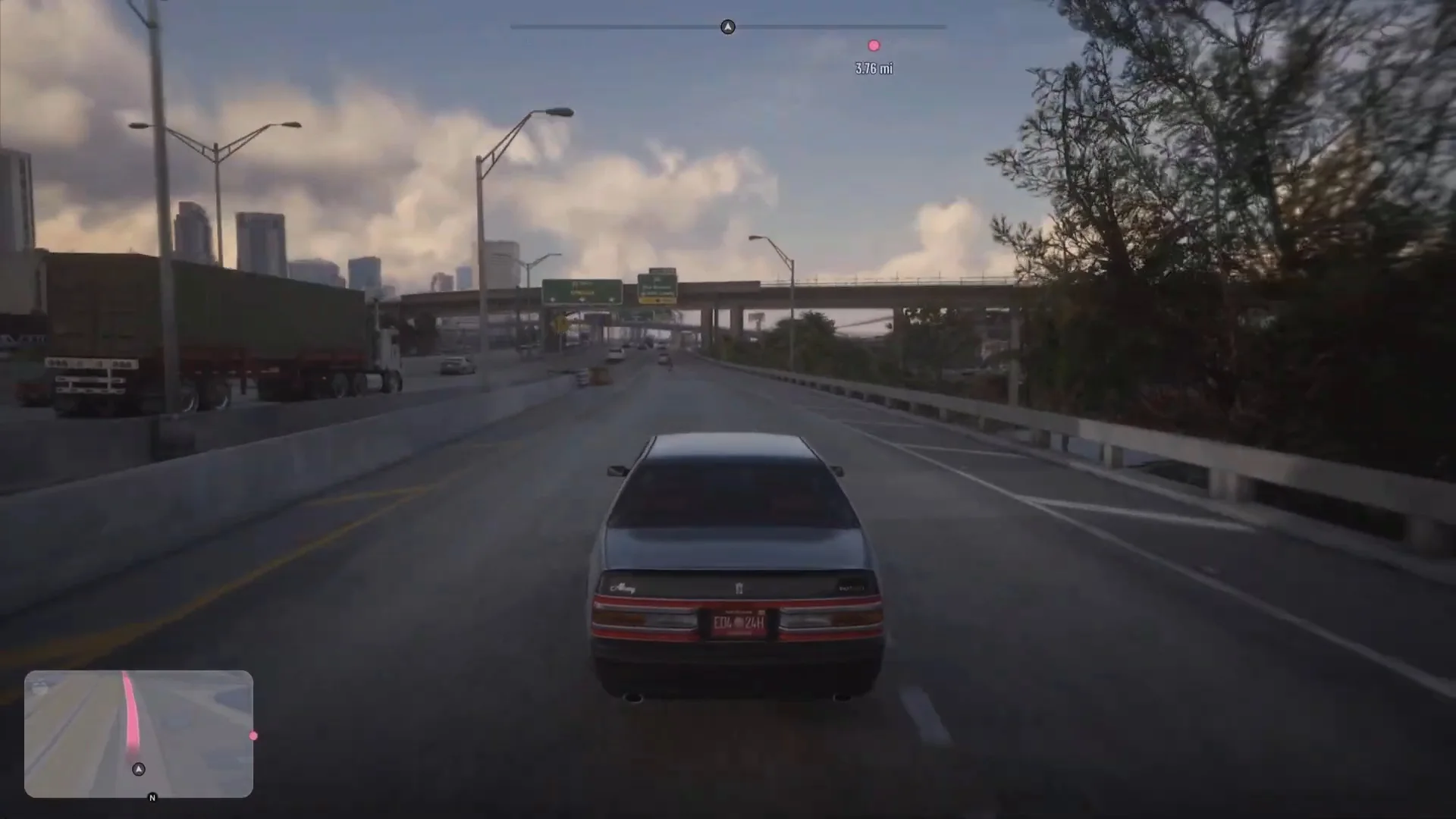
GTA 6 Weather, Time of Day and Sleeping: How to Check and Skip Time
How time and weather work in GTA 6: where to see the clock and temperature, what sleeping in a bed does, and the Move Time Forward and Cycle Weather cheats.
Skip to the guideGTA 6 has a day and night cycle and changing weather, and the game gives you a few ways to see what the time and weather are. It also lets you move time forward, though less directly than you might expect. This page covers where to read the clock and temperature, what sleeping does, and the cheats that touch time and weather. Where we have not confirmed something, we say so.
Quick version: press up on the d-pad to open the phone and read the time and temperature. Sleep in a bed to rest and move the clock on. The Move Time Forward, Pause Time of Day and Cycle Weather cheats exist, but only Cycle Weather has a published code.
Where to see the time
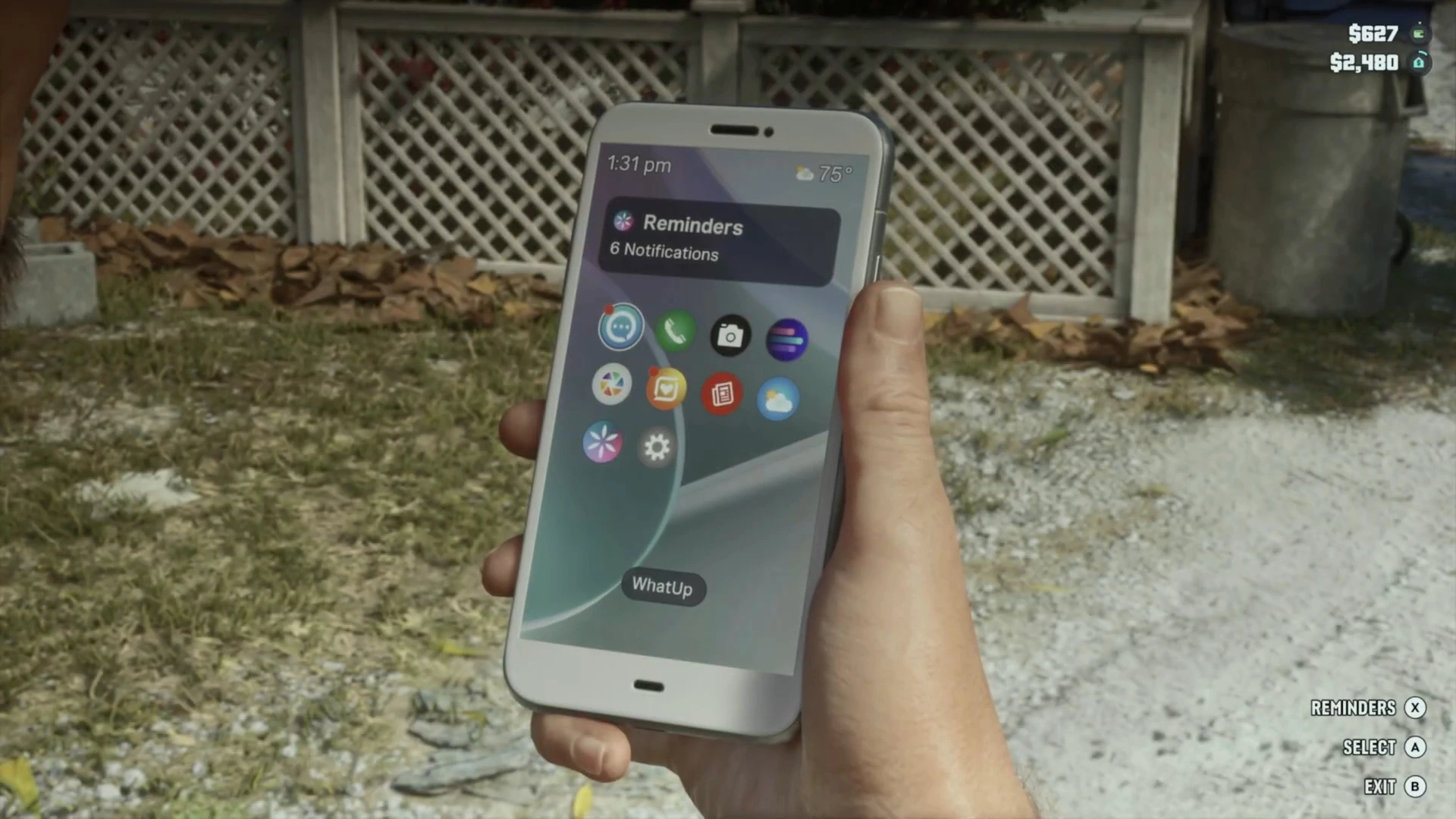
The easiest way is the phone. Press up on the d-pad and the home screen shows the time at the top, beside the weather. In the screenshot below it is 1:31 pm.
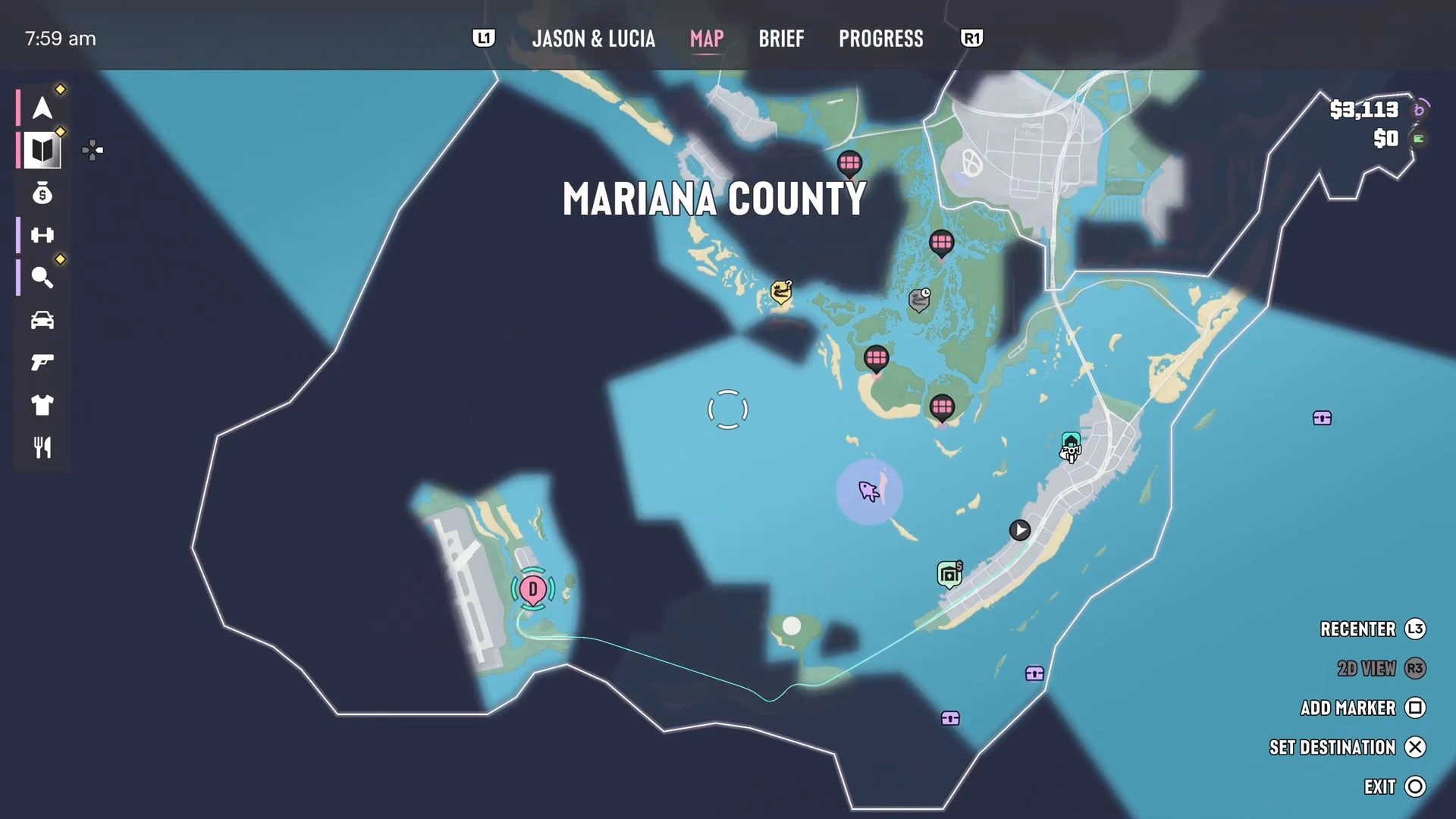
The pause menu also shows a clock. When you open the map, the time sits in the top left corner of the screen, for example 7:59 am in the map below. That is handy if a mission or errand is tied to a time of day.
For the full list of phone apps and what each does, see the phone and apps guide.
Where to see the weather
The phone home screen carries a small weather icon and a temperature beside the time. We have only checked it in the Keys, where it read 75 degrees. We have not tested a forecast app or a weather map, so we do not claim the game has either.
Day, night and what changes
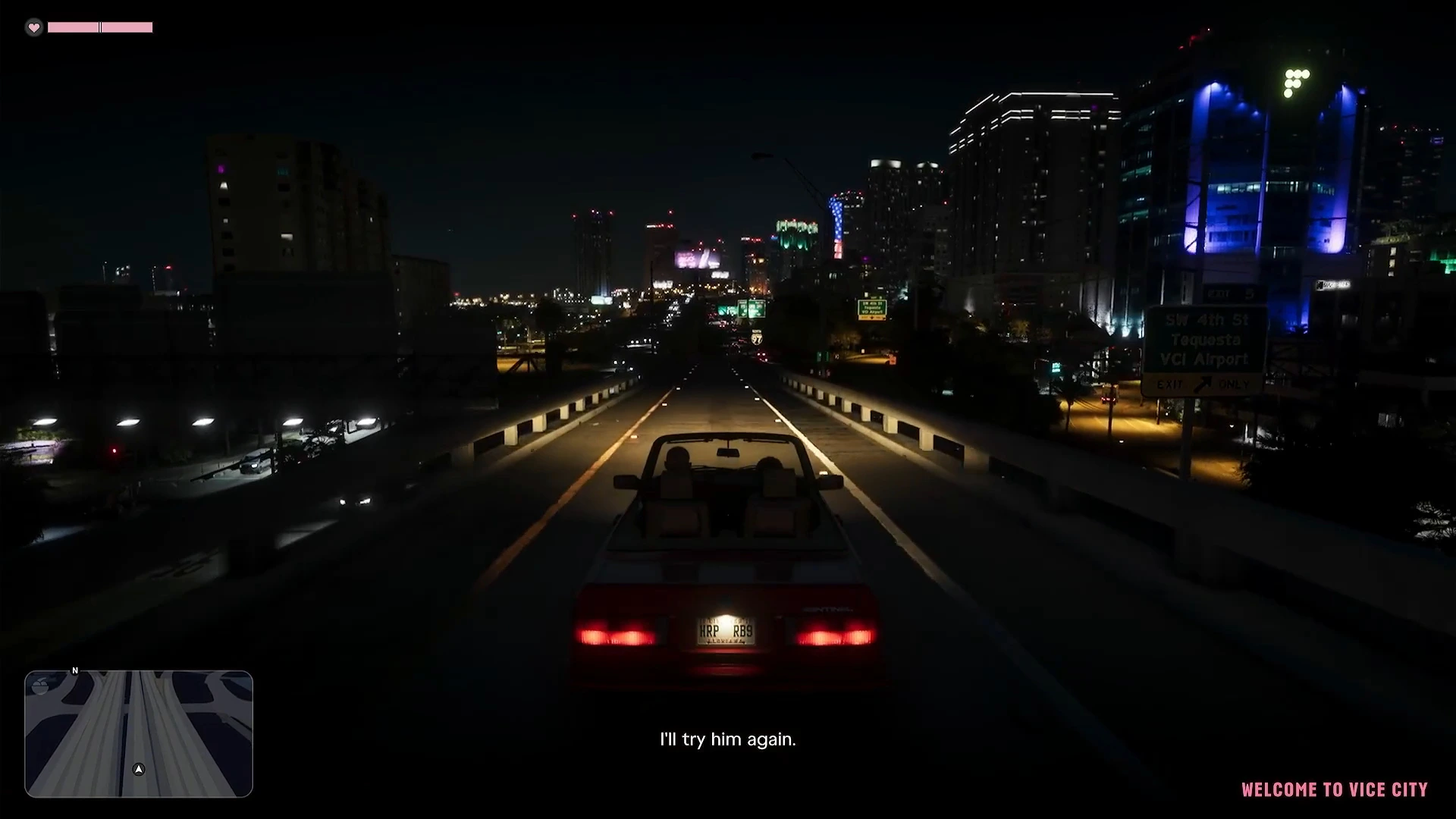
Missions start at all hours, and the story shifts between day and night on its own. Chapter 3 begins at night as Jason and Lucia drive into Vice City, while early Chapter 1 is mostly in daylight in the Keys.
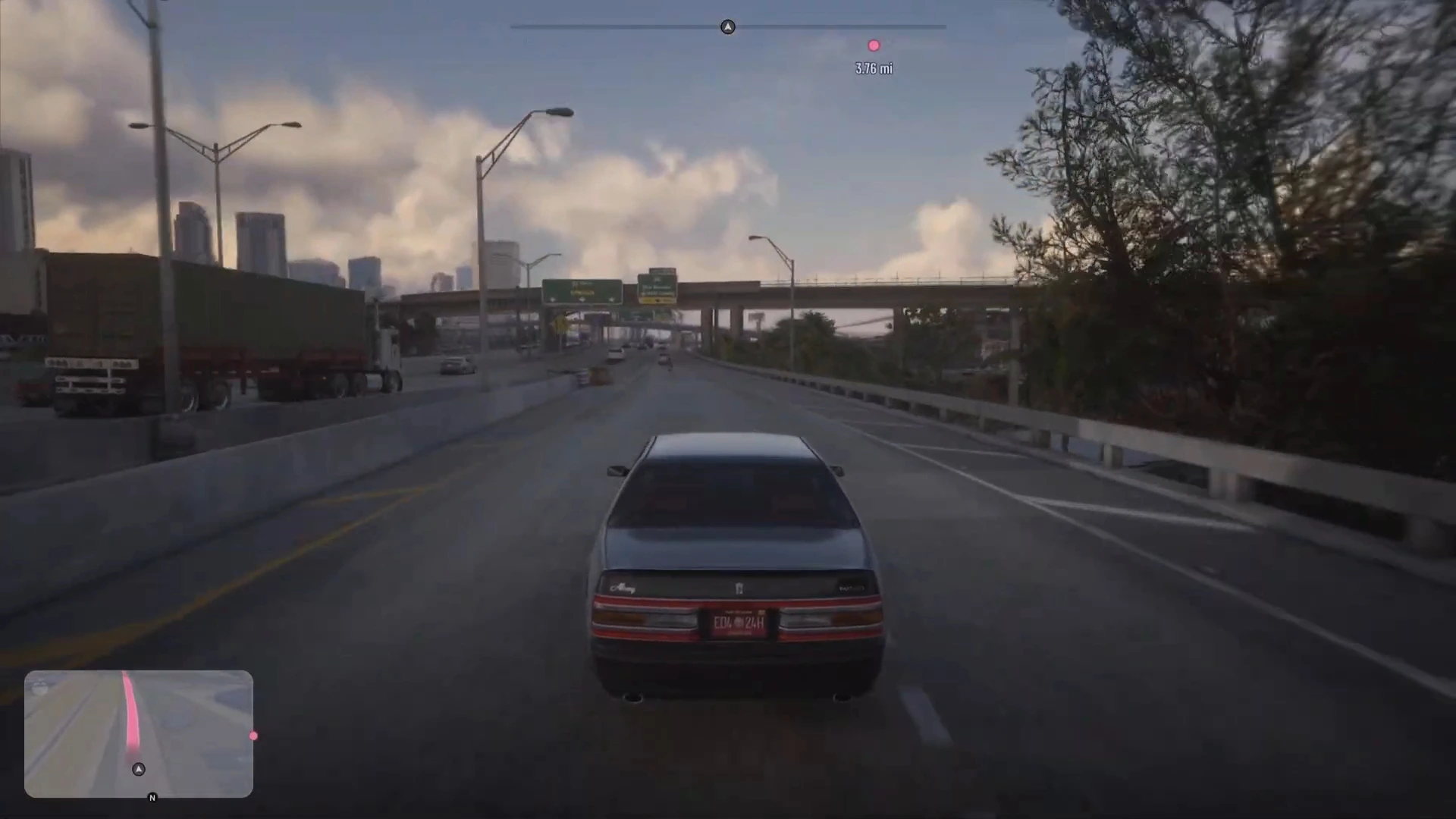
Two things are worth knowing:
- Some activities look different at night. Focus makes fish shoals glow in dark water, which you can see in the night screenshots. See the Focus guide and the fishing guide.
- Some tasks depend on the time. The pause menu clock helps if an errand needs a time of day. We have not confirmed a list of shops with fixed hours, so check the shops and services guide for what we have seen.
How to sleep and skip time
There is no dedicated skip-time button that we have seen. Sleeping is the in-game way. Jason’s house on Key Lento has a bed, and so does the Starlet Motel room in Chapter 2. Sleeping rests your character and moves the clock forward, which helps before a workout.
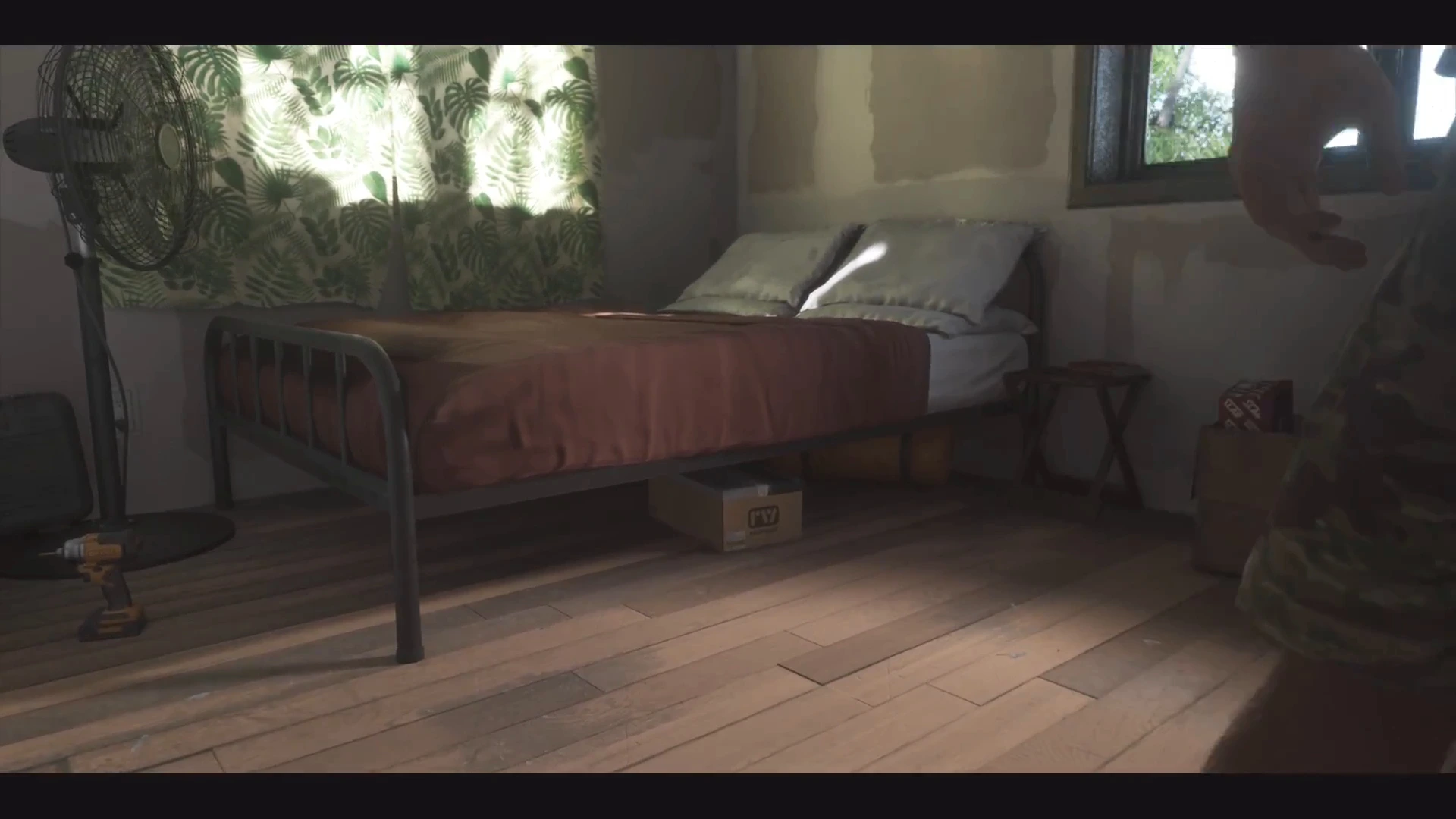
We have not confirmed how many hours a night of sleep skips, or what button prompt the bed shows, so we do not state either. Sleeping does not appear to save the game, so use Save Game as well. The how to save guide explains why, and the safehouses guide lists what each home has.
Cheats that change time and weather
GTA 6 includes three cheats in this area. They are tied to collectibles or map progress, so you cannot use them straight away.
| Cheat | How to unlock | Code (d-pad) |
|---|---|---|
| Move Time Forward | Find 10 collectible watches | Not yet published |
| Pause Time of Day | Find 20 collectible watches | Not yet published |
| Cycle Weather | Reveal the entire map | Down, Right, Up, Down, Right, Up, Right |
Make a clean save before you use any cheat, because you cannot save while one is active. The cheats guide lists every cheat and how to enter them, and the map guide explains how to clear the fog for Cycle Weather.
What is not confirmed
- Whether in-game time runs faster than real time, and by how much.
- Whether weather can affect driving, for example wet roads. We have not tested it.
- How many hours a night of sleep skips.
- Whether any mission has a time-of-day requirement other than its own scripted start.
We will update this page as we confirm each one.