How to Save in GTA 6: Manual Saves, Autosave and Why Save Game Is Greyed Out
How to save in GTA 6: the pause menu path to Save Game, the 15 manual slots and one autosave, why Save Game is greyed out in missions, and how to load a save.
Skip to the guideTo save in GTA 6, pause the game, select Game, then choose Save Game and pick one of your save slots. You can do it anywhere in free roam, so you don’t need to go back to a safehouse or a bed. During missions Save Game is greyed out, which is why it sometimes doesn’t work.
The game also keeps one autosave, and PowerPyx counts 15 manual slots. Since there’s no mission replay, those manual saves are your only way back to earlier parts of the story.
Quick version: finish or leave any mission → press Options (PS5) or Menu (Xbox) → Game → Save Game → choose a slot.
How to save your game, step by step
- Get into free roam. Finish the mission you’re on, or don’t start the next one yet. You can’t save while a mission is active.
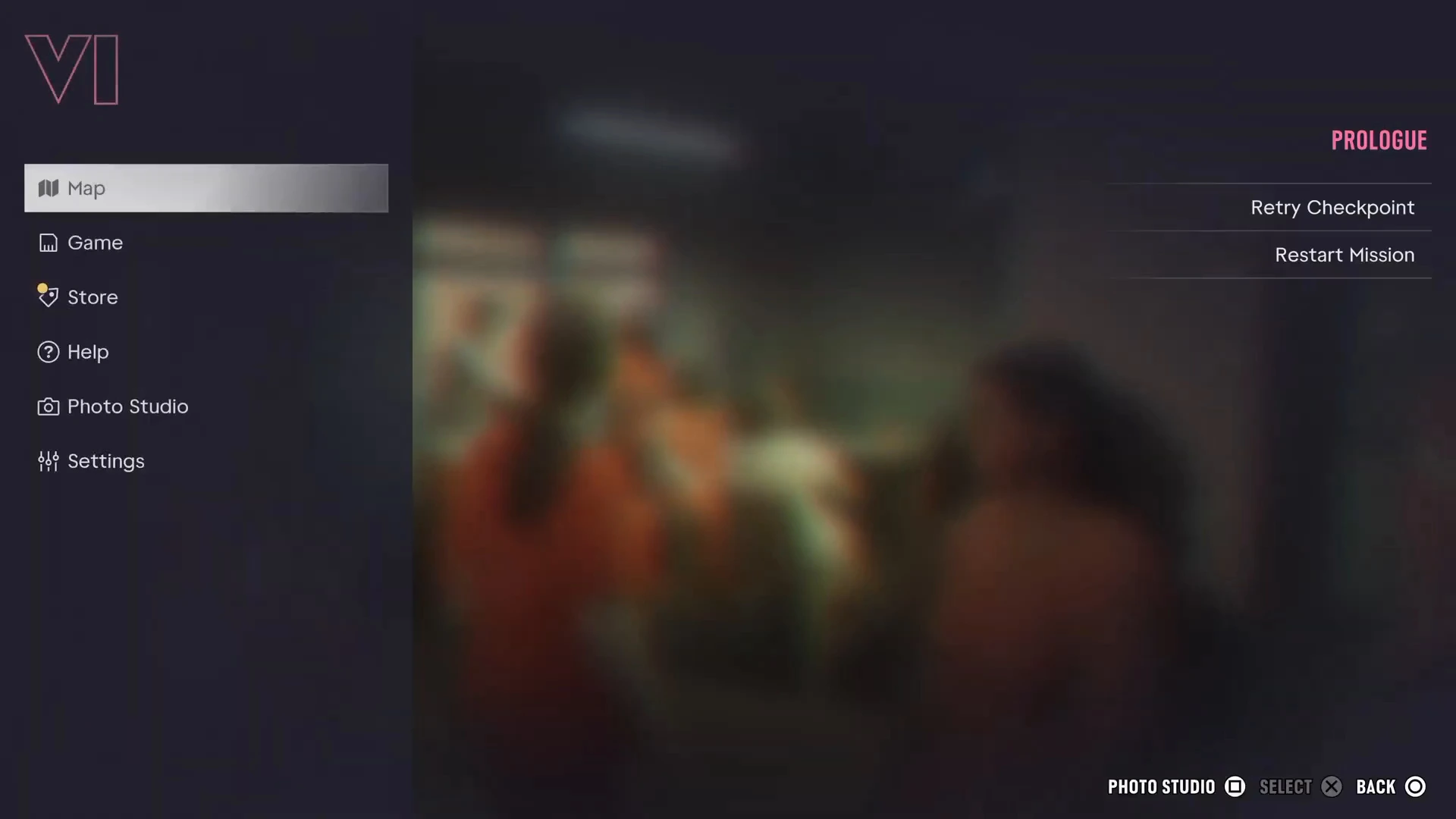
- Open the pause menu. PowerPyx lists the Options button on PS5 and the Menu button on Xbox. The menu opens on the Map tab, with Game, Store, Help, Photo Studio and Settings below it.
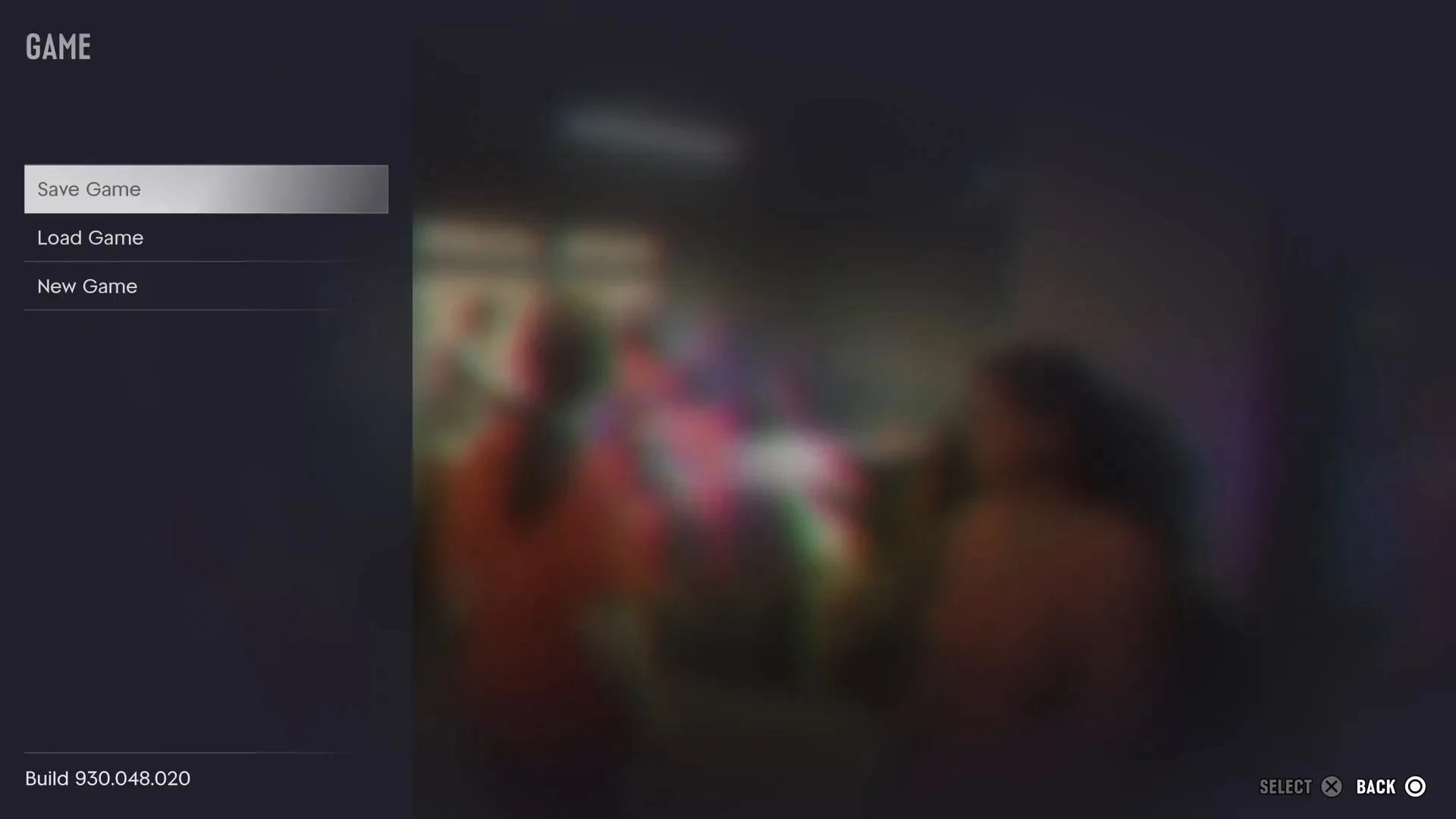
- Select Game. This opens a short list: Save Game, Load Game and New Game. The game’s build number shows at the bottom.
- Choose Save Game and pick a slot. Use an empty one, or overwrite an old save you no longer need.
Why Save Game is greyed out
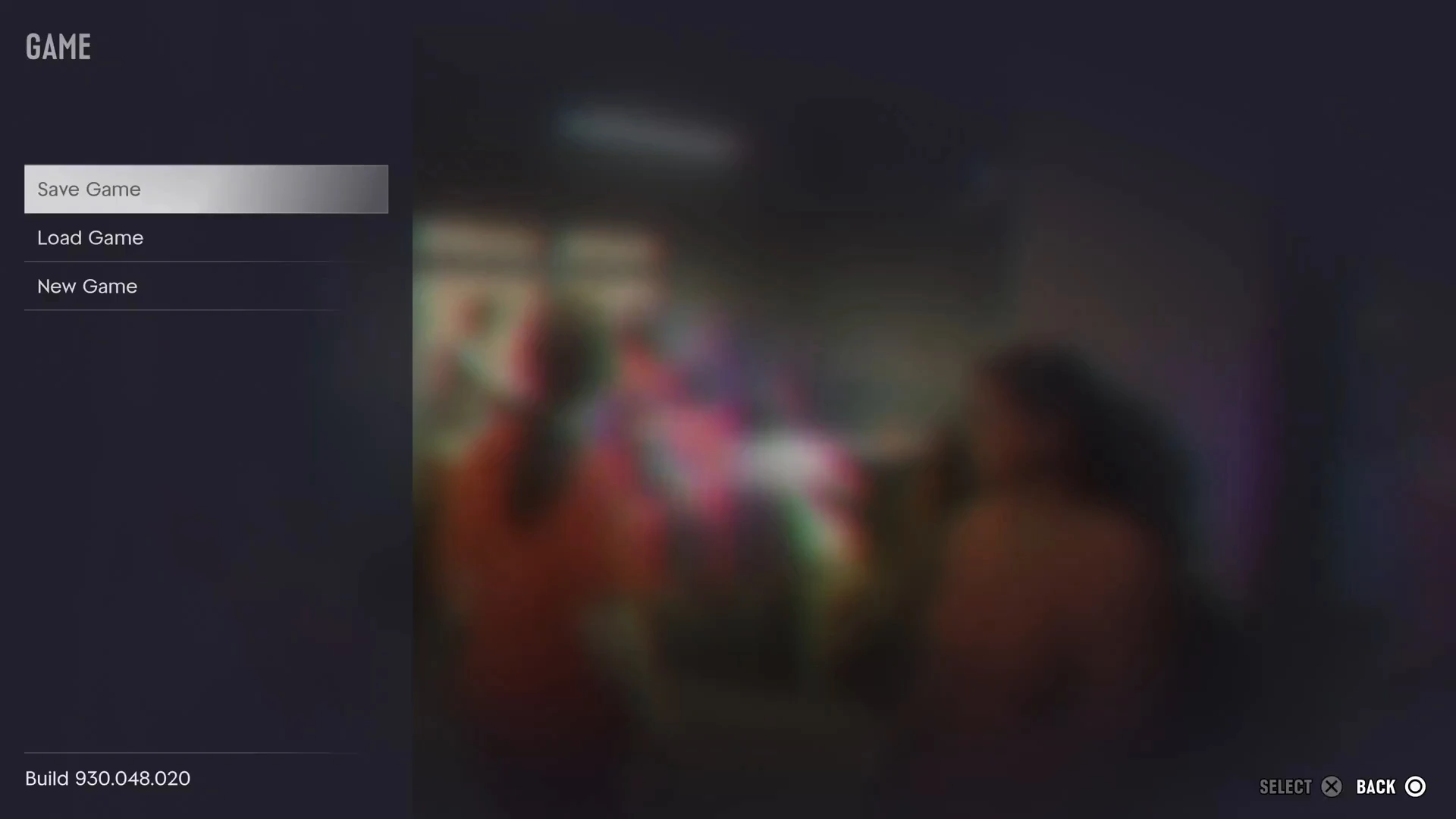
If you can highlight Save Game but the Select prompt at the bottom of the screen stays dim, saving is blocked. In the footage below the game was paused during the Prologue. Save Game is greyed out and Select does nothing, while Load Game and New Game still work.
The usual causes:
- You’re on a mission. This is the main one. PowerPyx confirms Save Game is usually unavailable during missions and works in the open world. During a mission the pause menu shows the mission’s name in pink, with Retry Checkpoint and Restart Mission under it, as in the screenshot above.
- You’re still in the Prologue. The Prologue counts as a mission, so you can’t save until it’s over and Chapter 1 starts as Jason.
- You’ve used a cheat. Activating any cheat turns off saving for the rest of that session, and trophies too. GamesRadar+ and PC Gamer both report this. Quit to clear it. See GTA 6 cheats.
Manual saves vs the autosave
PowerPyx reports 15 manual save slots and 1 autosave. The autosave updates on its own as you play. Two things to know about it:
- There’s only one. It’s overwritten every time the game autosaves, so it can’t take you back more than a step.
- Loading an older save overwrites it. PowerPyx notes that when you load an earlier manual save, the autosave is replaced too. If you might want to come back, make a fresh manual save before loading an old one.
A simple system that works: keep one save at the start and one at the end of each of the five chapters, which uses 10 slots, and rotate the other 5 after every few missions. That way there’s always a recent backup close by.
How to load a save
Open the pause menu, choose Game, then Load Game and pick the slot. Unlike Save Game, Load Game works during missions. That’s useful if a mission has gone badly and Retry Checkpoint won’t help.
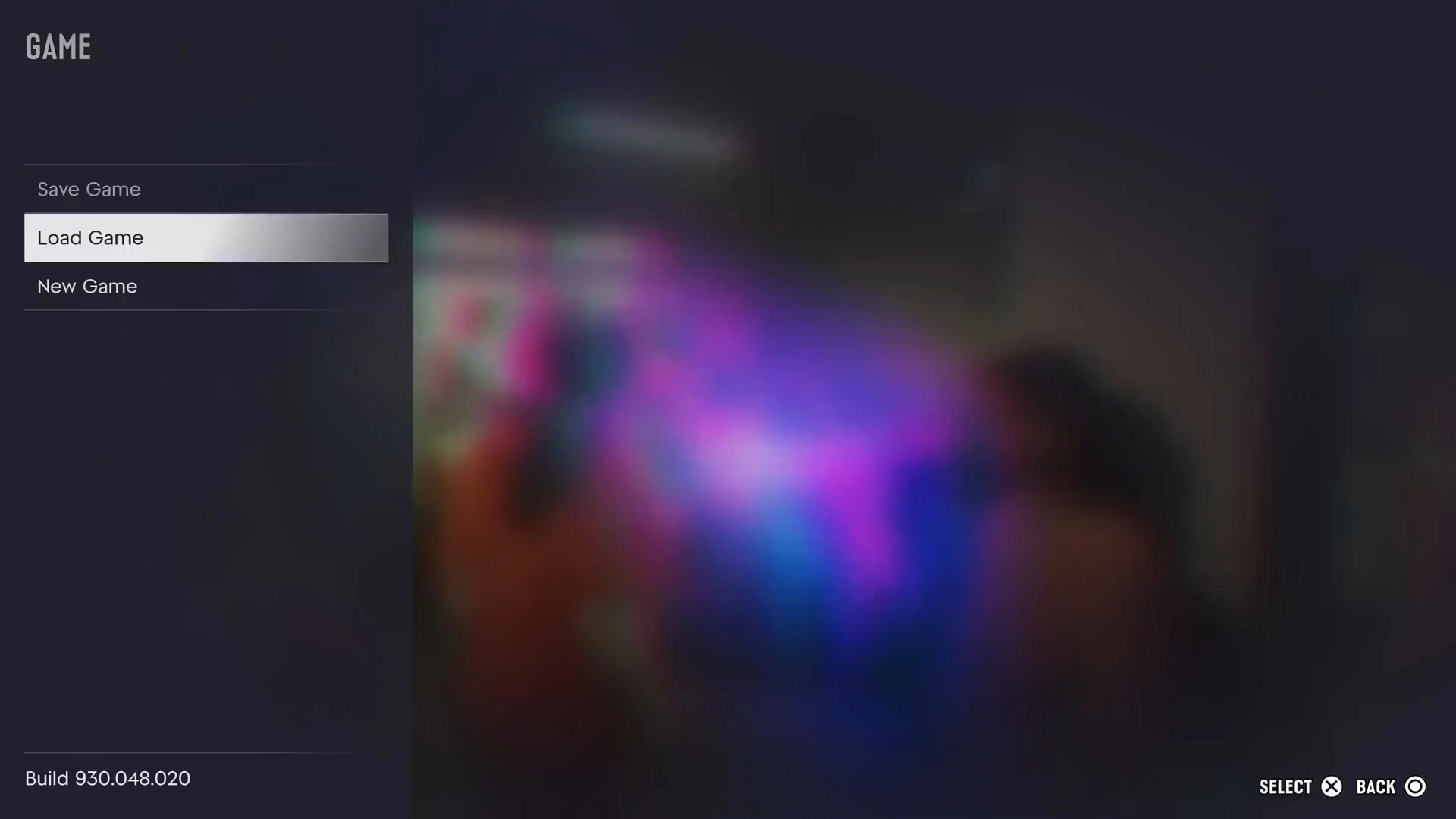
New Game sits on the same menu. It starts the story again from the Prologue, so don’t pick it by accident.
Does sleeping save the game?
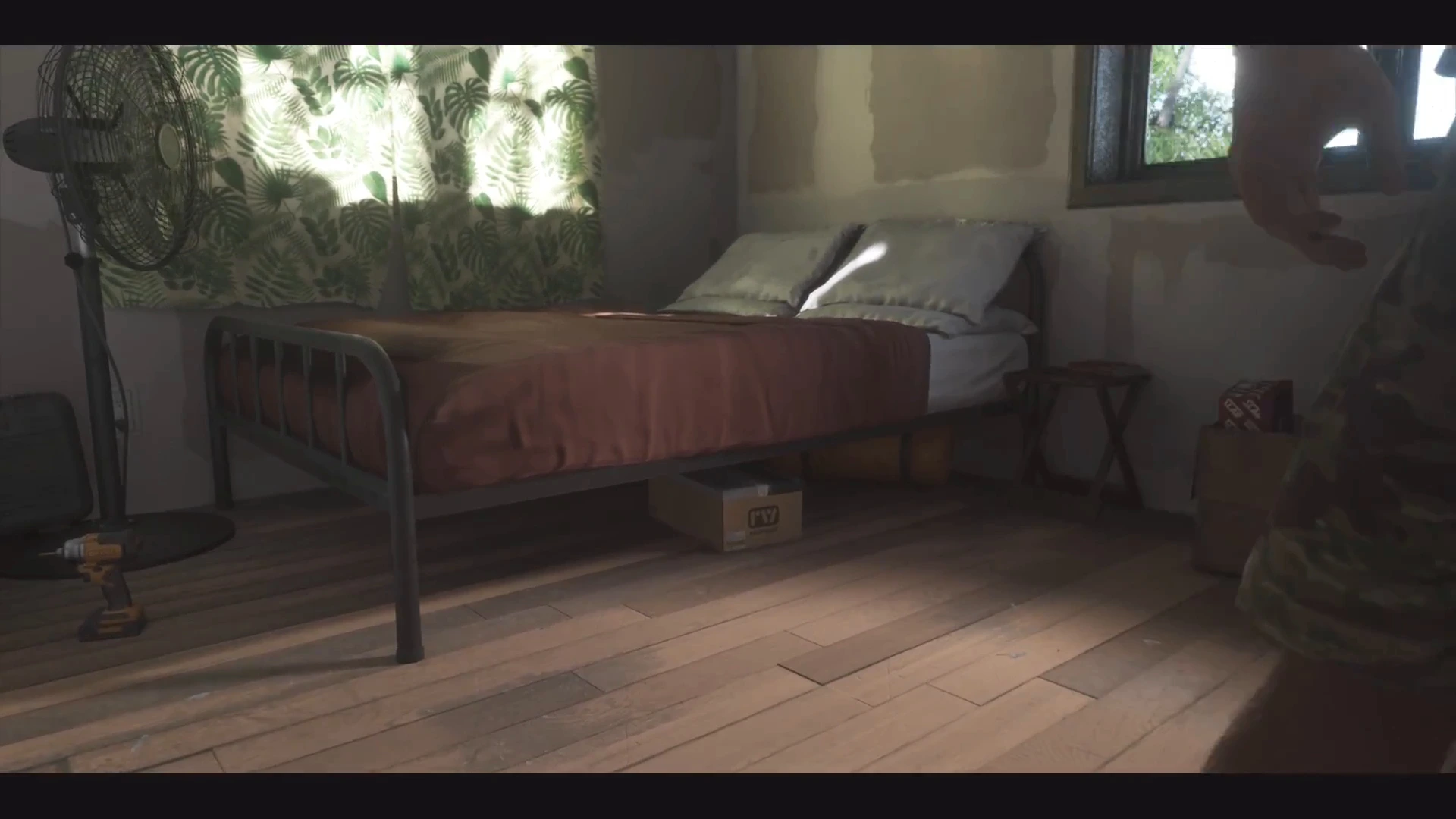
Not in the way it did in GTA 5. Jason’s house in Key Lento has a bed, and the Starlet Motel room in Chapter 2 has one too. Sleeping rests your character and moves the clock forward, which helps before a workout. We haven’t seen it make a save. Use Save Game from the pause menu as well. The safehouses guide covers what each home has.
Retry Checkpoint and Restart Mission
When a mission goes wrong, you don’t need a save to try again. The pause menu during a mission offers:
- Retry Checkpoint: go back to the last checkpoint in the mission.
- Restart Mission: start the whole mission over.
If you fail, the game also usually puts you back at a checkpoint. In Mami Knows Best, for example, a failed attempt at the alligator restarted from just before the attack.
When to make a manual save
- Before cheats. Make a clean save first, because you can’t save once a cheat is on.
- At the start of every chapter. There’s no replay, so this is how you get back to earlier missions and optional jobs. See the mission list for where each chapter starts.
- Before big purchases. Saving before you spend on cars, guns or mods gives you a way back if you change your mind.
- Before a long trophy grind. The trophy guide flags the possible missable.
More GTA 6 guides
- What happens when you fail a mission
- GTA 6 safehouses
- GTA 6 beginner tips
- GTA 6 cheats
- How long GTA 6 takes to beat
- GTA 6 FAQ
- Every GTA 6 mission walkthrough