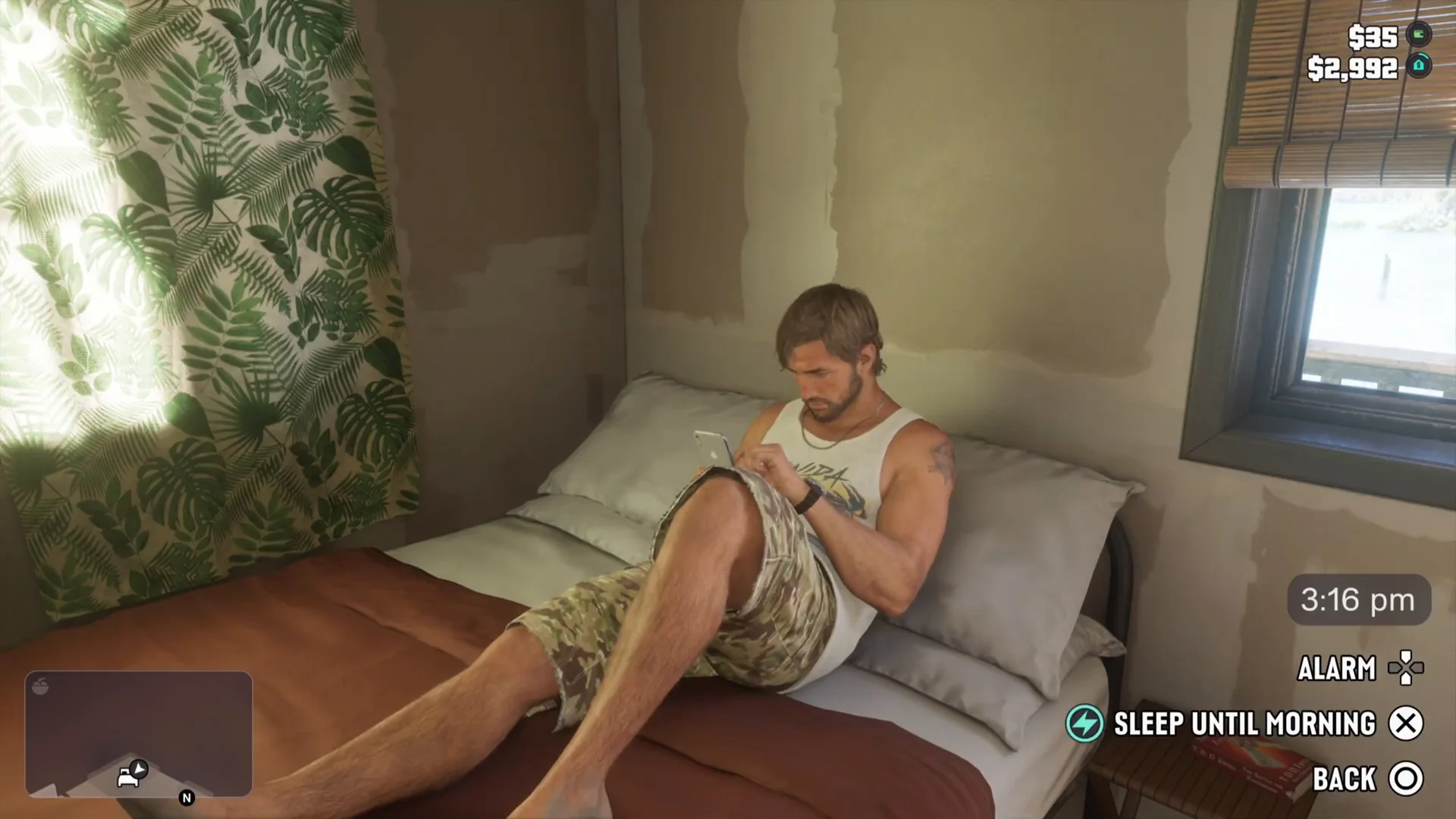
How to Sleep in GTA 6: Skip to Evening, Night or Morning
How to sleep in GTA 6: use the bed at Jason's house, pick Sleep Until Evening, Night or Morning, and see what the alarm, phone and stamina refresh do.
Skip to the guideYou sleep in GTA 6 by going to a bed in one of your homes, lying down, and choosing how long to sleep. It is the in-game way to skip a dark night, because the game gives you no separate fast-forward button that we have seen. This guide walks through the steps as shown in gameplay footage, lists the three wake-up options, and is clear about the details we could not confirm.
Quick version: go to a bed at your safehouse · lie down with the bed prompt · choose Sleep from the menu · pick Sleep Until Evening, Night or Morning · confirm with X on PS5.
Where to sleep
Beds live in the places you can call home. The simplest one in the early game is Jason’s house on Key Lento, the stilt house where the game starts. Open the map, set a destination to your house and walk up the stairs and inside.
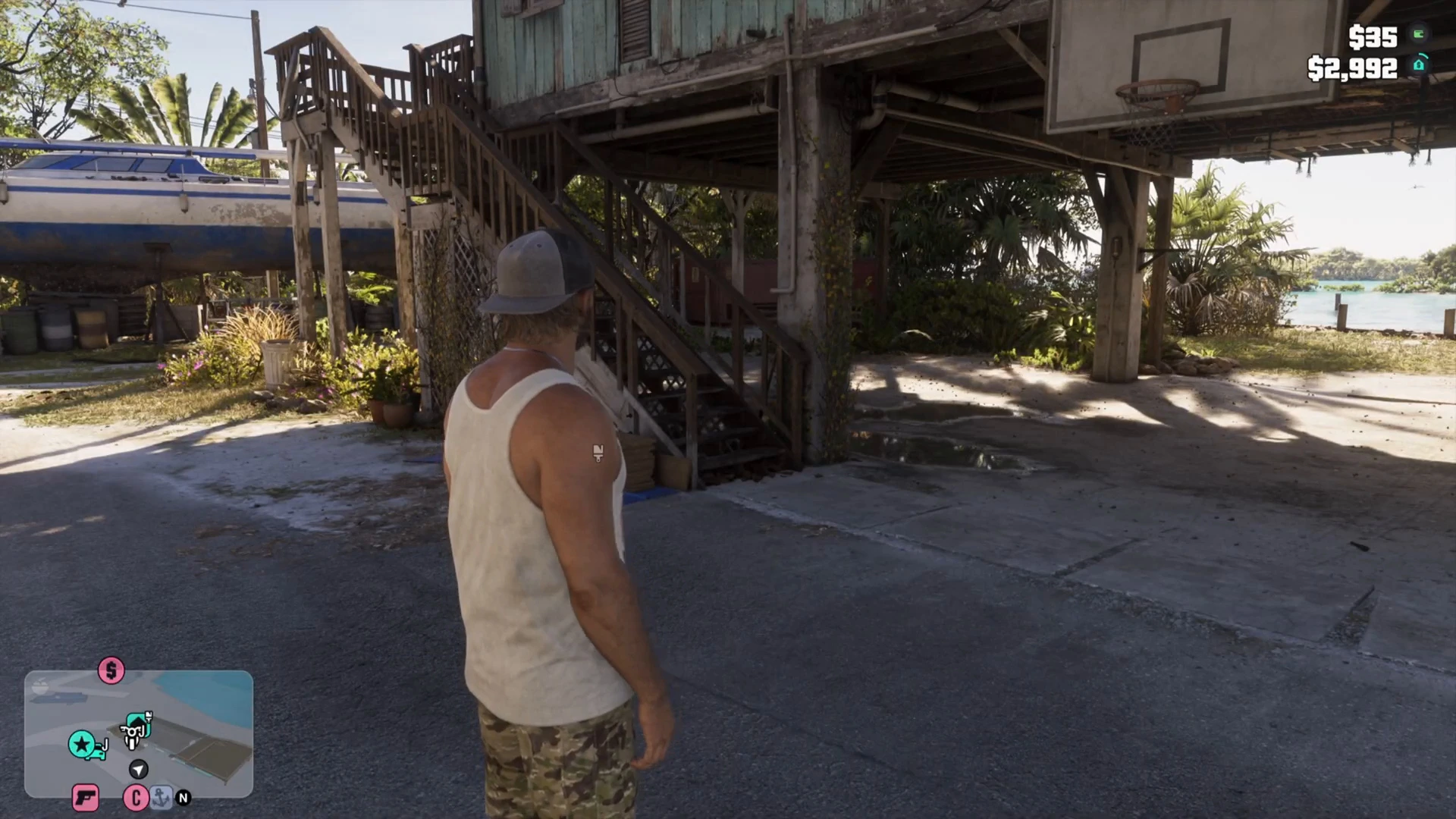
Inside, the bedroom is the first room on the left of the hallway in the footage we watched. The bed is marked on the minimap with a bed icon once you are close, which makes it hard to miss. Our safehouses guide lists the other homes, and the where to live quiz is a fun way to pick one.
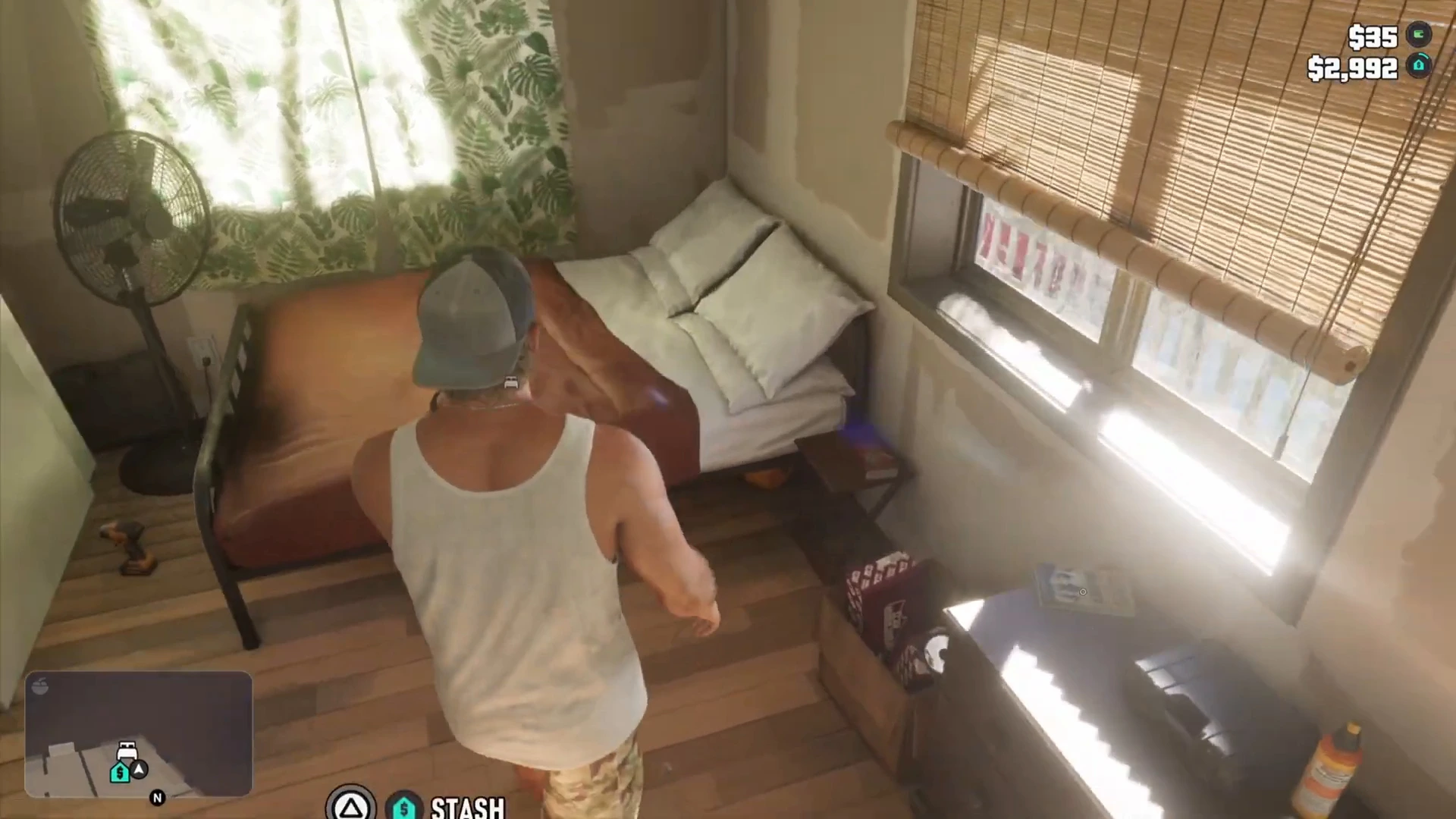
Walk to the bed and the game offers a prompt. The player in the footage said to press Triangle to rest on PS5. The screenshot above shows a stash prompt on Triangle in that spot, so check the on-screen label when you stand at the bed yourself, because the exact wording of the bed prompt was not readable in the frames we saw.
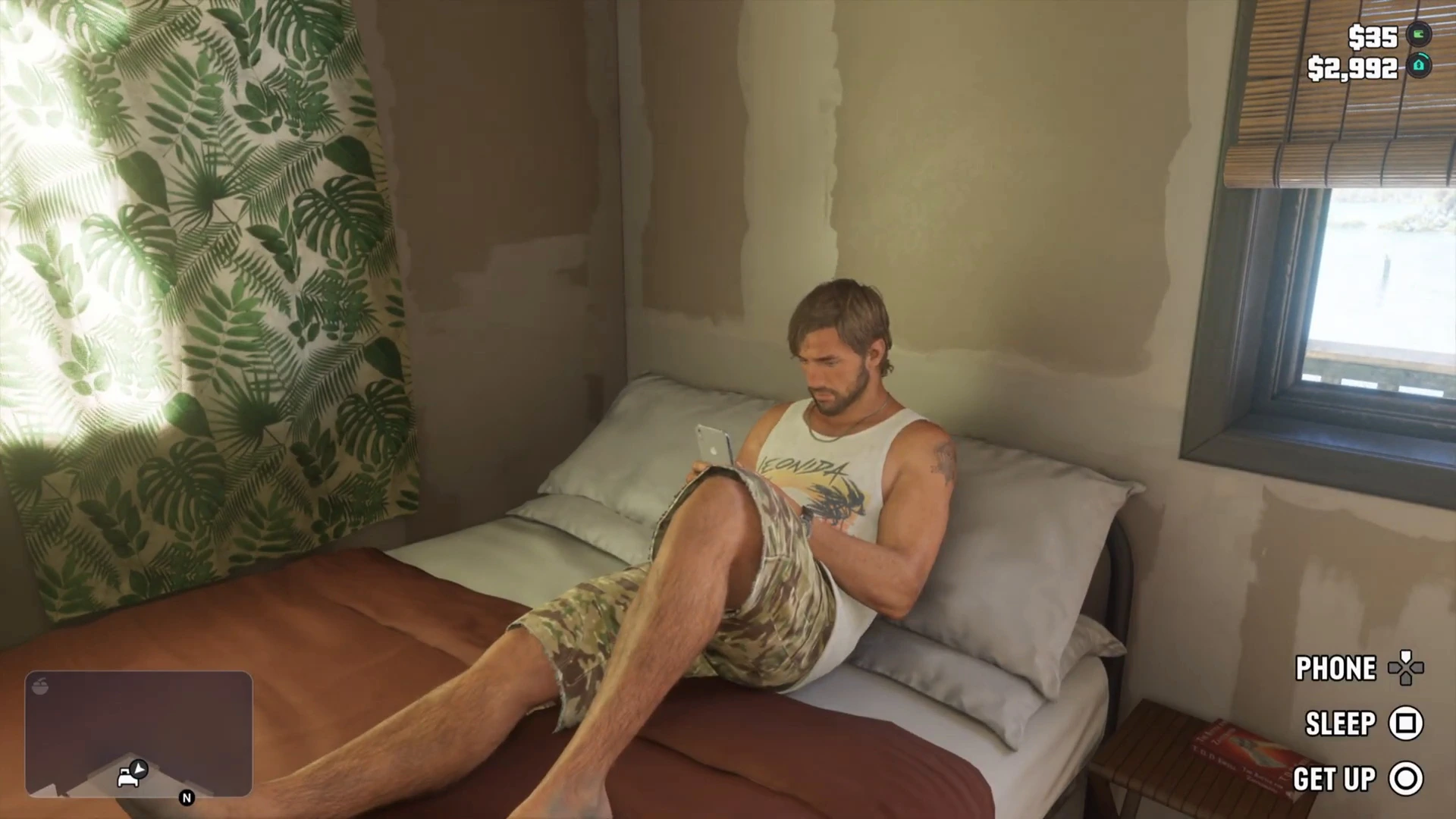
The bed menu: Phone, Sleep, Get Up
Once Jason lies down, he sits back on the bed and a short menu appears in the bottom-right corner. It has three options:
- Phone on the d-pad, which lets you use the phone while in bed. See the phone and apps guide.
- Sleep on Square (PS5).
- Get Up on Circle.
Choose Sleep and the menu changes to a time picker. A clock in the corner shows the current time, which was a little after 3 pm in the footage.
Choose how long to sleep
The picker shows Alarm on the d-pad, a Back option on Circle, and one wake-up option you confirm with X. Use the d-pad arrows to cycle that option. We saw three:
- Sleep Until Night
- Sleep Until Evening
- Sleep Until Morning
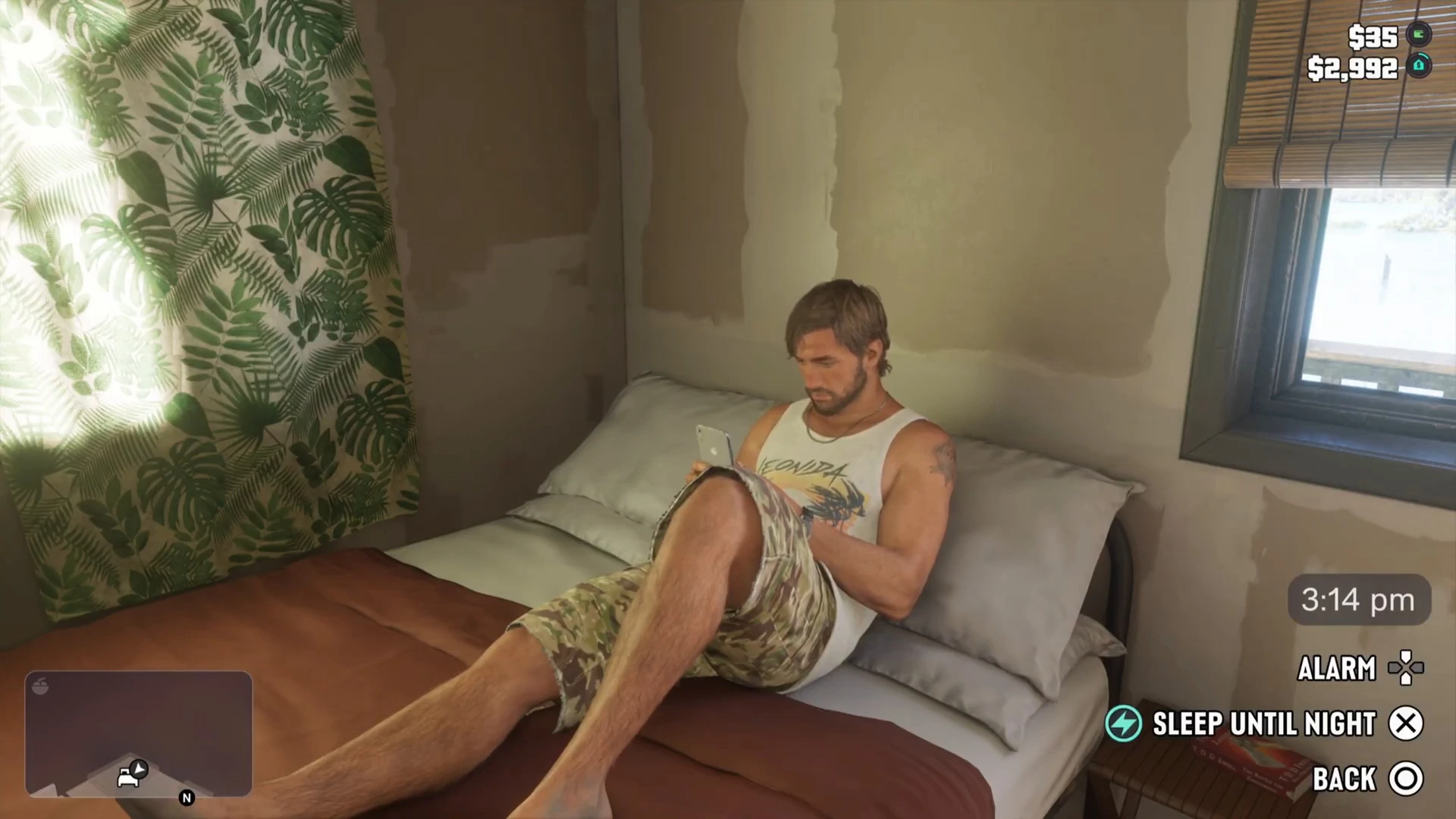
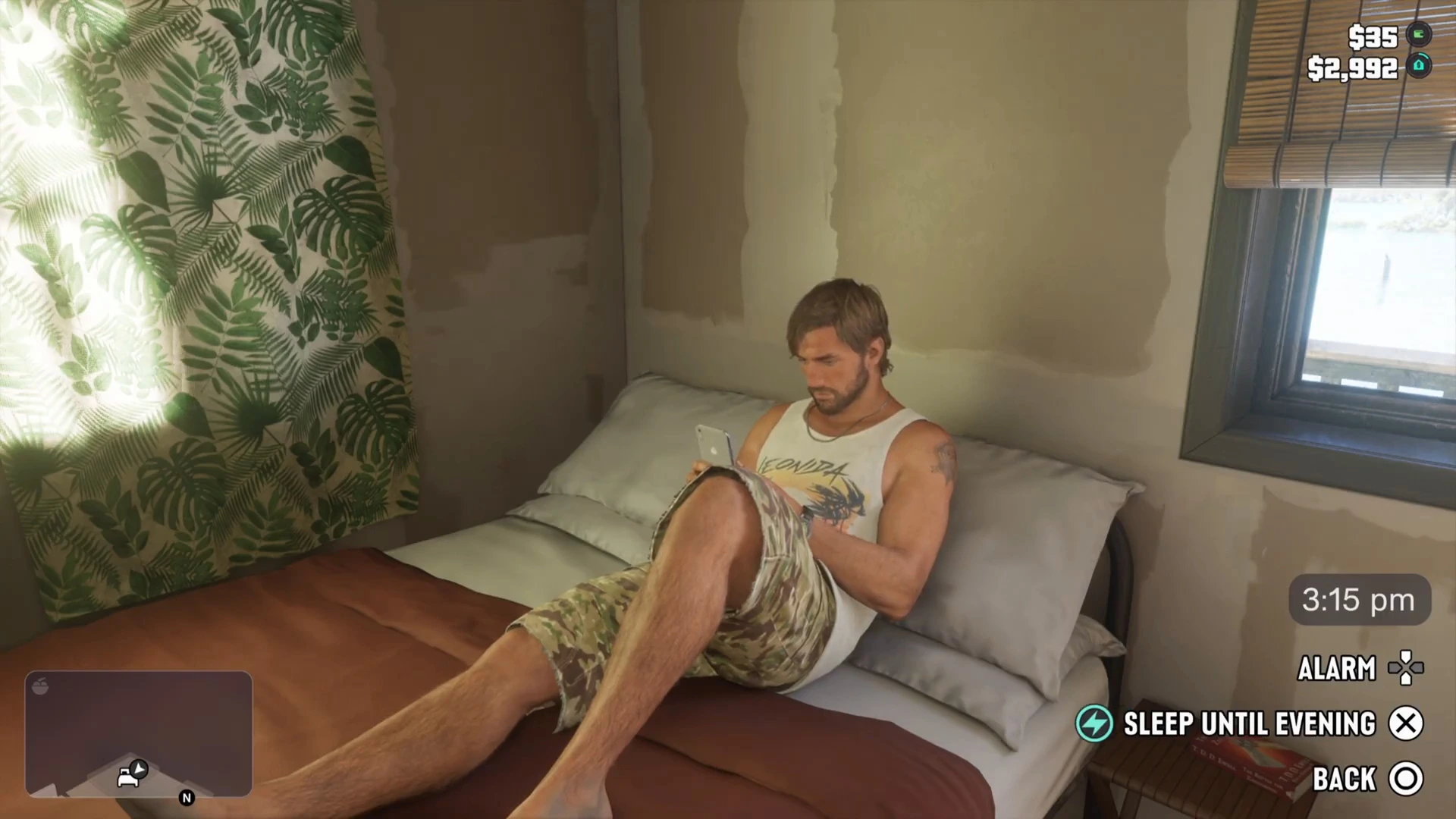
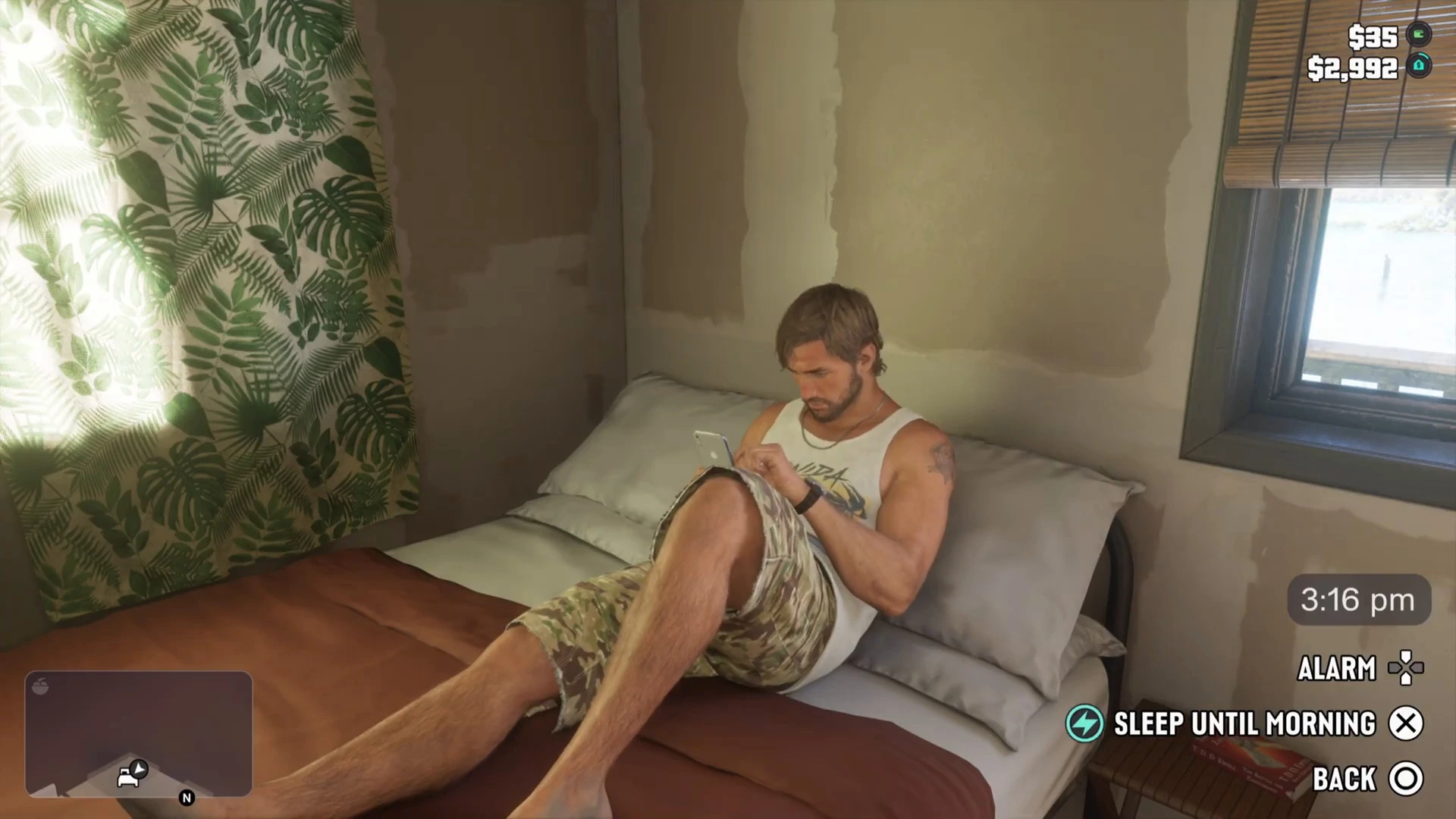
Pick Sleep Until Morning to skip a night. The screen fades out, the camera drifts over Jason asleep, and you wake up at home with the day started and Jason dressing himself. The player in the footage said this skips night to day, and the stamina bar in the top-left was refreshed afterward.
What sleeping does
- Skips time. You wake at the time you chose, which changes lighting and traffic.
- Refreshes stamina. The stamina bar was full after waking in the footage. Because the gym guide says being tired slows stamina, being well rested is worth it before a workout.
- May restore health. The narrator said sleeping restores health. We did not see a health bar before and after, so we cannot say how much. The how to heal guide covers the methods we have confirmed.
What we have not confirmed
- How many hours each option skips. The clock moved by minutes while the menu was open and we did not see the wake-up time.
- What the Alarm does. It is shown but was not used.
- Whether sleeping saves. We have seen no sign of it, so use Save Game.
- Sleeping outside your safehouses. We only saw the bed at Jason’s house.
- Xbox prompts. Every button above is PS5, taken from the footage.
Common mistakes
- Looking for a skip-time button. There is no menu entry on the pause screen that we have seen. Find a bed.
- Sleeping in the middle of a task. Time moves, so finish timed objectives first.
- Skipping the save. Sleep and save are separate. Do both before a hard mission.
- Expecting a cheat shortcut. A Move Time Forward cheat exists in reporting but its code is unpublished, see GTA 6 cheats.
More GTA 6 guides
- GTA 6 weather and time of day
- GTA 6 safehouses
- GTA 6 how to save
- GTA 6 how to heal
- GTA 6 controls
- GTA 6 beginner tips