GTA 6 Melee Combat: How to Fight, Punch, Block and Dodge
How to fight in GTA 6: the confirmed PS5 and Xbox buttons to fight, block and dodge, where fistfights happen, and what is unconfirmed about knockouts.
Skip to the guideGTA 6 has a proper fistfight system, and the game teaches it with a short prompt the first time a brawl breaks out. This page lists the melee controls we’ve confirmed, shows where fistfights happen, and is open about the moves, such as drop kicks and wrestling, that we haven’t verified.
Quick version: press Square / X to fight · hold Cross / A to block · press Cross / A to dodge · choose the Unarmed fist slot on the weapon wheel (hold L1 / LB) if you’re holding a gun · punch the bag at Jason’s house to practise.
Button names are PS5 first and Xbox second. The prompt we saw was the PS5 version, so the Xbox letters are the standard equivalents of Square, Cross and Cross.
How to fight, block and dodge
The prompt shows up after Jason leaves the gun shop in Gear Up, when two men confront him in the parking lot. It lists three controls at the top left:
| Action | PS5 | Xbox |
|---|---|---|
| Fight | Press Square | Press X |
| Block | Hold Cross | Hold A |
| Dodge | Press Cross | Press A |
Block is a hold and dodge is a press on the same button, as the prompt says. We haven’t measured how tight the dodge timing is.
In that mission the fight escalates and the attackers pull guns, so be ready to switch plans quickly. See the full Gear Up walkthrough for how it plays out.
How to punch with fists
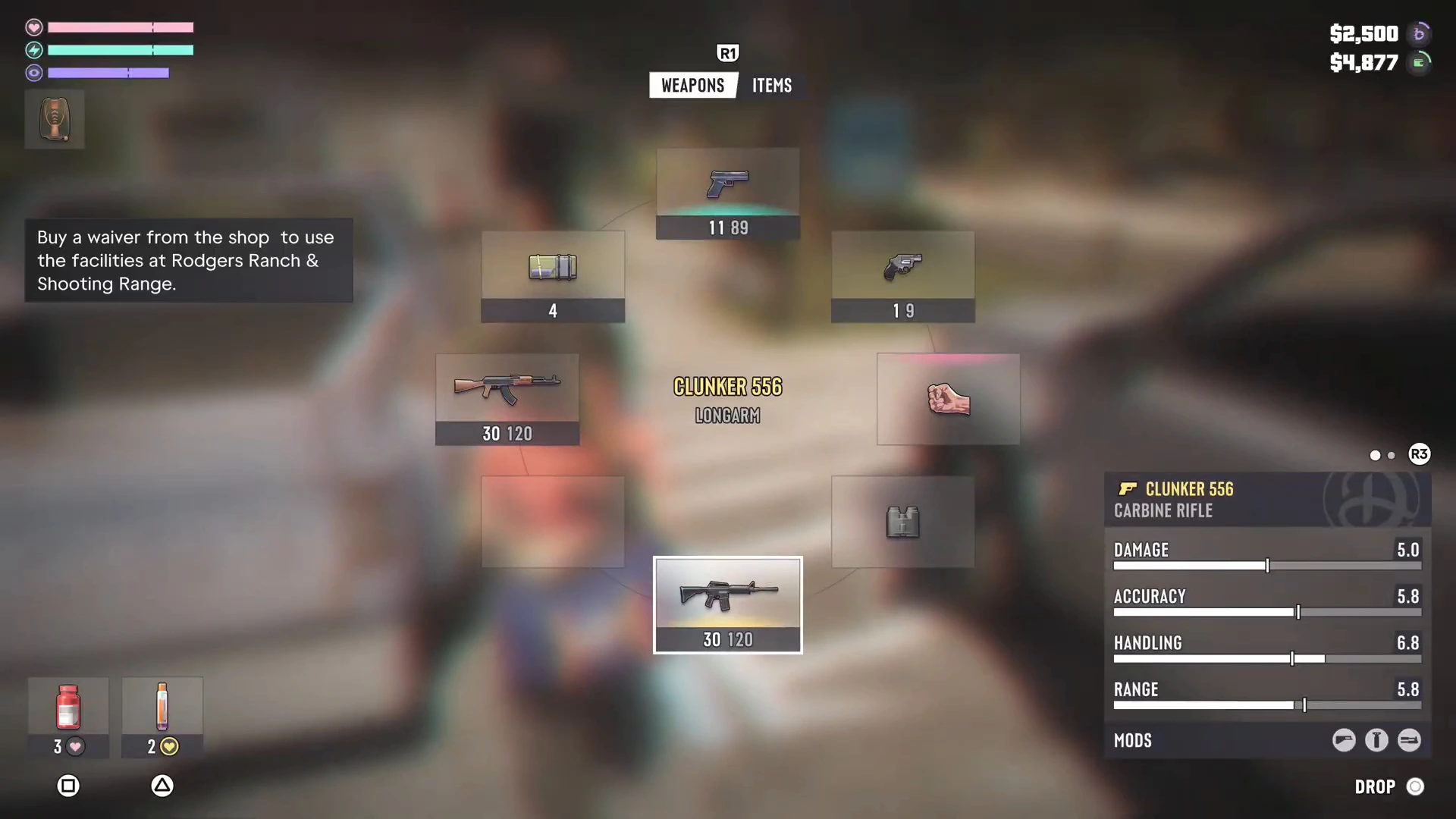
If you’re holding a gun, the fight button won’t throw a punch. Open the weapon wheel by holding L1 / LB and pick Unarmed, the fist icon in its own slot. The wheel also holds melee weapons, throwables and tools in their own slots, so your fists are always available. Our combat tips cover the wheel in more detail.
Practise on the punching bag
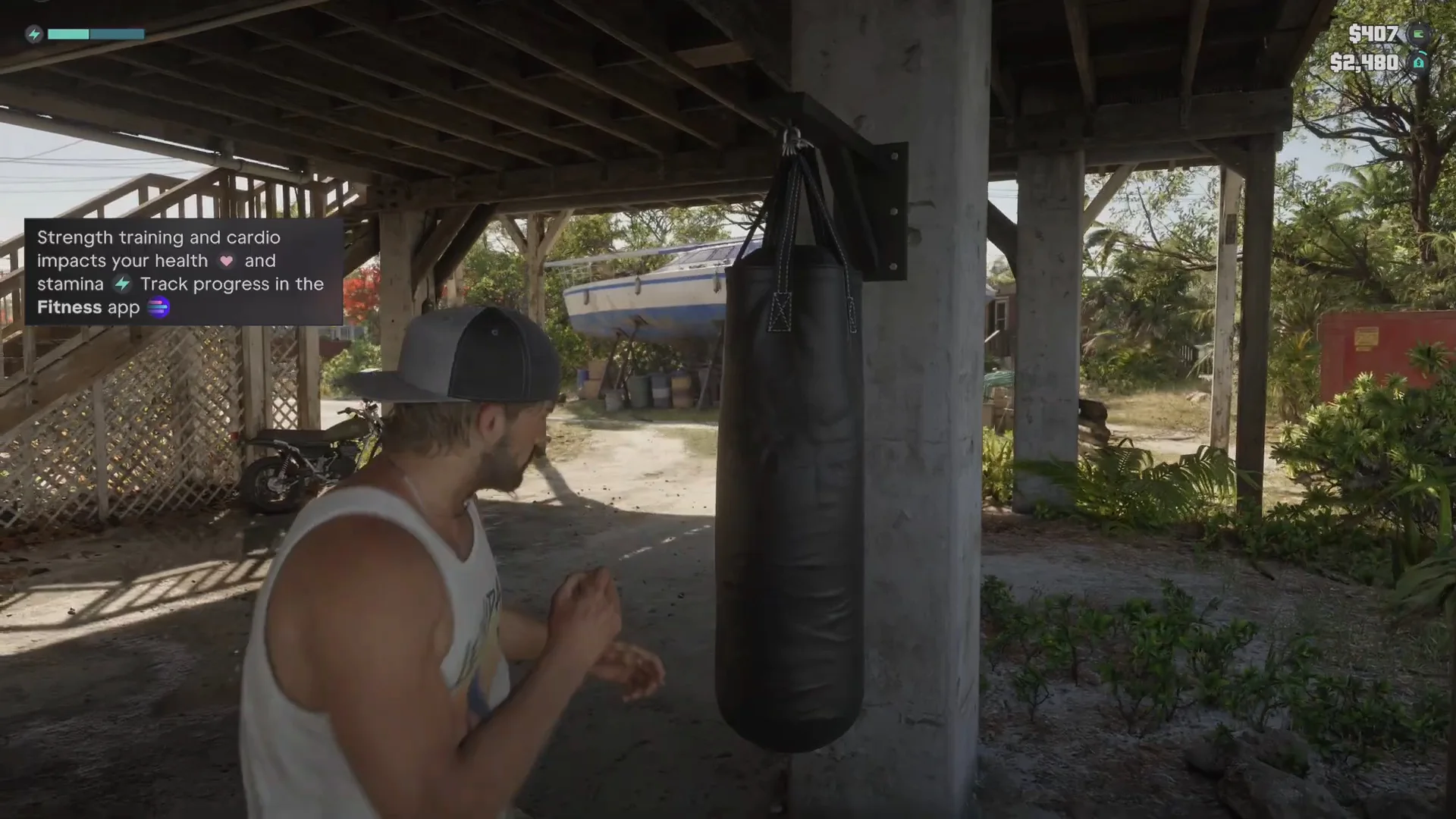
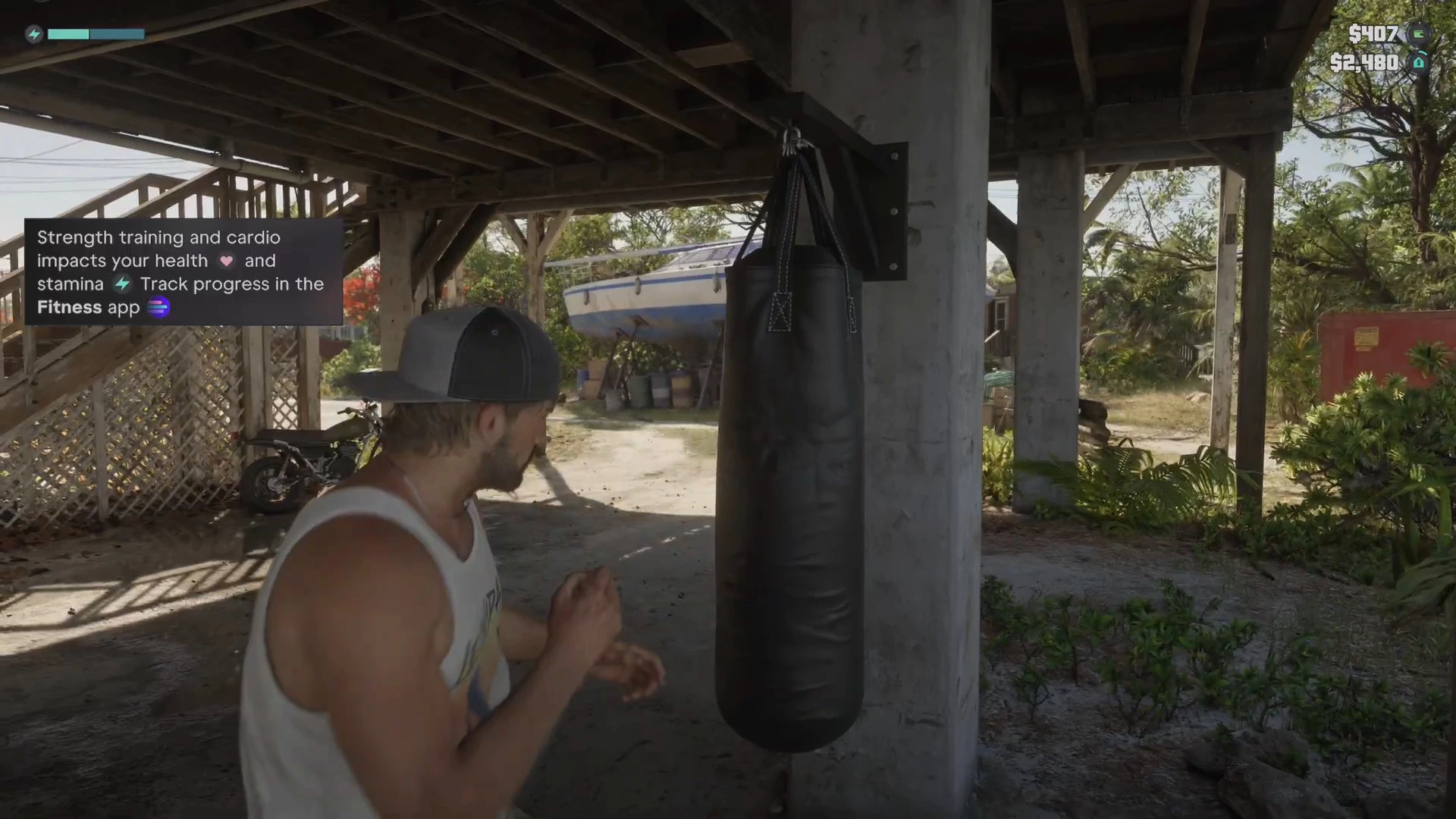
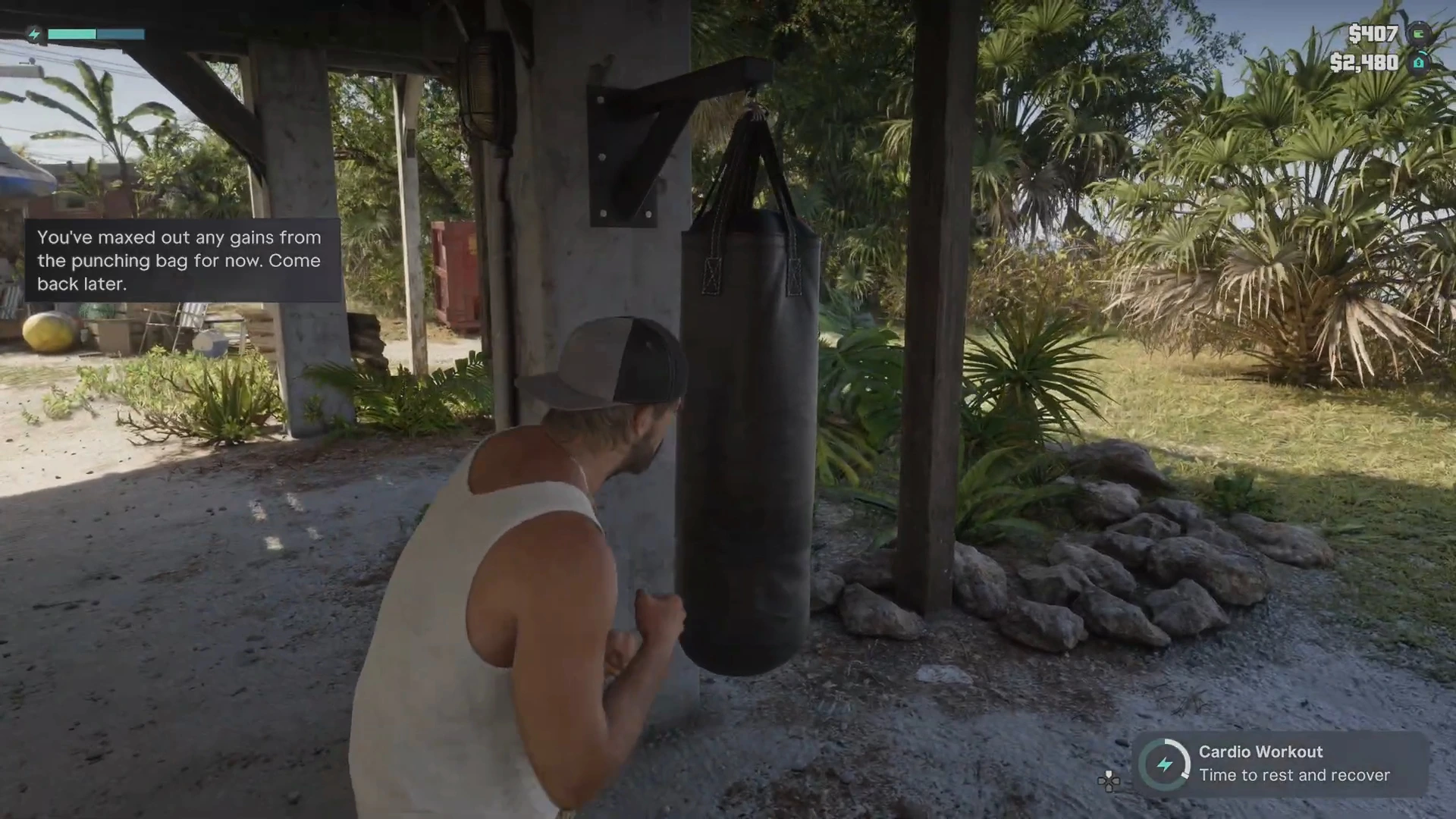
Jason’s house has a heavy bag you can hang under the stilts. Punching it fills a Cardio Workout ring, which raises your maximum stamina, so it’s both a way to learn the timing and a stat boost. The gym guide explains how to hang the bag.
The bag has a limit. After a while the game says you’ve maxed out gains from it for now and to come back later.
Where fistfights happen
- Gone Fishing: a fistfight with a captor inside the shack, with a Press to fight prompt. See Gone Fishing.
- Gear Up: the Chuck’s Tackle & Shot parking lot, where the fight prompt first appears.
- Coming Home: the Deal with D-Man fistfight in the Rusty Anchor parking lot, fists only. See Coming Home. Don’t draw a gun there.
- Free roam: you can start fights with strangers, but the game tracks indiscriminate violence toward harmless people and tags it on your criminal profile. The combat tips explain the profile.
Knockouts, drop kicks and wrestling
These are searched a lot, but we haven’t verified buttons for any of them:
- Knock someone out: not confirmed. Takedowns appear in a feed on the right side of the screen, tagged as lethal or not, so non-lethal takedowns exist, but we haven’t confirmed the input.
- Drop kick: not confirmed.
- Wrestle or grab: not confirmed. The fistfight with the captor in the shack in Gone Fishing shows a Press to fight prompt, but we haven’t seen a grapple prompt.
- Stealth takedowns: the game suggests crouching and taking guards down from behind in Gone Fishing, but the button isn’t confirmed.
Melee tips
- Block and dodge. Both are on Cross / A. In Coming Home, block when D-Man swings, then counter.
- Heal between rounds. Keep a health item on the weapon wheel’s Items tab, as the combat tips describe.
- Watch for guns. Fights in missions can turn lethal quickly, and shooting brings police dispatch calls.
- Raise strength and stamina. Working out raises maximum health and stamina, so fights last longer. See how to get buff.
- Use Focus for gunfights, not fists. Combat focus is tied to aiming. The Focus ability page explains it.
Related controls
The full button list we’ve confirmed is on the controls page. The first person page covers camera views.
More GTA 6 guides
- GTA 6 weapons list
- Where to buy guns in GTA 6
- GTA 6 beginner tips
- How to lose the cops in GTA 6
- Every GTA 6 mission walkthrough