
How to Preload and Download GTA 6
How to download, install and preload GTA 6 on PS5 and Xbox, when it unlocks, the launch patches and PS5 system update you need, and how to download it faster.
Skip to the guideShort answer: GTA 6 preloading opened on November 10, 2026 for anyone who pre-ordered digitally or redeemed a boxed code. The game unlocks at midnight local time on November 19 according to Rockstar, needs up to 212GB of free space, and requires the 01.002.001 update plus a PS5 system software update before you can play.
Here’s how to get GTA 6 onto your console, what to install before you can press start, and how to speed up a download this big.
When GTA 6 unlocks
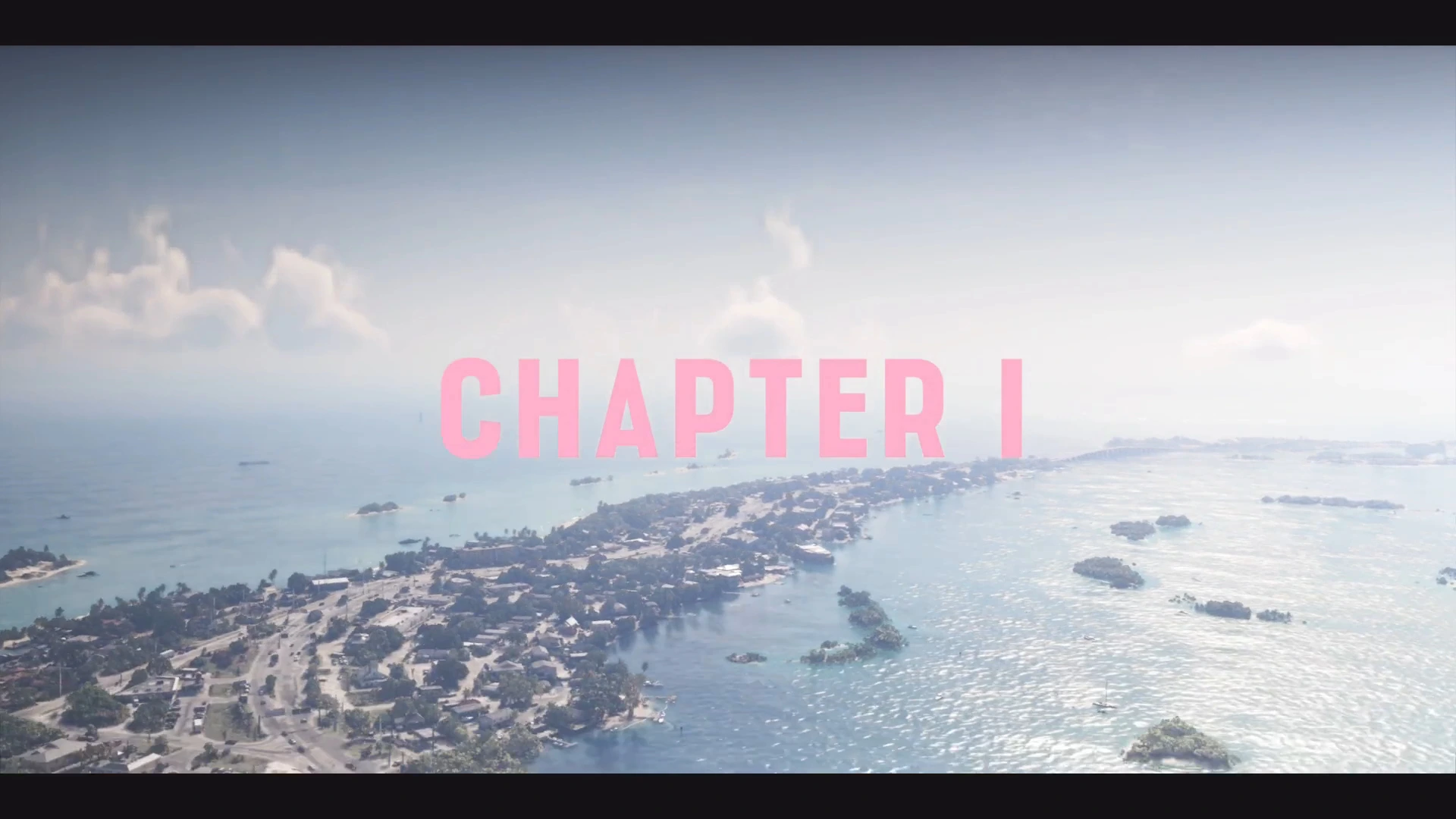
Rockstar’s support page says GTA 6 releases at midnight local time on November 19 in all regions, on both PS5 and Xbox Series X|S. In practice, store listings in some countries used a single national unlock. In the US, reports on launch night had the digital version unlocking at midnight Eastern for the whole country:
| US time zone | Reported unlock |
|---|---|
| Eastern | 12:00am, November 19 |
| Central | 11:00pm, November 18 |
| Mountain | 10:00pm, November 18 |
| Pacific | 9:00pm, November 18 |
If you’re unsure, the countdown on the game’s tile on your own console shows the exact unlock time for your account’s region.
How to preload GTA 6 on PS5
- Buy or pre-order GTA 6 on the PlayStation Store, or redeem your boxed code from the three-dot menu at the top of the PlayStation Store (Redeem Code).
- Go to the GTA 6 tile in your game library and select Download. If you pre-ordered, it may already be downloading automatically.
- Leave the console in Rest Mode with Stay Connected to the Internet turned on (Settings › System › Power Saving › Features Available in Rest Mode). The download keeps going while the console is resting.
- Install the PS5 system software update Sony released on November 17. PlayStation Support said this update is required before playing GTA 6.
PS5 preloads opened at midnight local time on November 10, two days earlier than the November 12 date Rockstar first announced in June.
How to preload GTA 6 on Xbox Series X|S
- Buy or pre-order on the Microsoft Store, or redeem your boxed code under Store › Redeem.
- Open My games & apps › Full library, find Grand Theft Auto VI and select Install.
- Set Settings › General › Power options to Sleep, so the console downloads updates and games while it’s off.
- Make sure the install goes to the internal drive or an official expansion card. A USB drive can store Series X|S games but can’t run them.
Xbox preloads were reported to open at 12am GMT on November 10.
The day-one patch and required updates
Rockstar hasn’t published patch notes, but two game updates arrived before launch:
| Update | Released | Size (reported) | Notes |
|---|---|---|---|
| 01.002.000 | November 13 | About 1GB on PS5 | Rolled out in stages |
| 01.002.001 | From November 16 | 602.5MB on PS5, about 1.59GB on Xbox | Required before you can play |
The 01.002.001 update is effectively the day-one patch. It rolled out to PS5 preloaders in waves over about a day. The sizes come from tracking accounts, not from Rockstar, and a further patch on launch day is possible. To check manually on PS5, highlight GTA 6 on the home screen, press Options and choose Check for Update. On Xbox, go to Manage game and add-ons › Updates.
With the updates in, the Xbox install was reported at about 211.9GB. Keep at least 30–50GB spare beyond that for future patches. Our GTA 6 file size guide has the full storage breakdown, and best SSD for GTA 6 covers which drives work.
Can you preload a physical copy?
Yes. The boxed version is a download code, not a disc, so you redeem it and download the game like a digital buyer. Boxed copies reached shops on November 12, and Rockstar said the codes work as soon as you have them. See GTA 6 digital vs physical for what else is different about the box.
How to download GTA 6 faster
A 210GB download takes about five hours at 100Mbps and close to a day at 25Mbps. These steps help:
- Use a wired connection. An Ethernet cable from the router to the console is the single biggest improvement for most people. Wi-Fi speeds drop sharply through walls.
- Pause other downloads and streams. Other games updating, 4K streaming on the TV and video calls all share your bandwidth.
- Download in Rest Mode or Sleep. Consoles often download faster when nothing is running, and the download carries on overnight.
- Restart the download if it stalls. On PS5 you can pause and resume it from the Downloads list. On Xbox, pause and resume it in the queue. This sometimes connects you to a faster server.
- Try a different DNS. Some players report better speeds after switching the console’s DNS to a public provider in network settings. Results vary by area.
- Avoid peak hours. Launch night and evenings are the busiest times for PlayStation Network and Xbox Live servers.
Can you play GTA 6 while it’s downloading?
The stores haven’t said whether GTA 6 lets you start before the download finishes. Many large games allow it once the opening section is installed, but plan on waiting for the full install before you start the Prologue.
Troubleshooting
- “Not enough space”: you need room for the full 212GB, not the space left after the game. Delete or move older games first.
- Game won’t start at unlock time: make sure the PS5 system update and the 01.002.001 game update are both installed, then restart the console.
- Code won’t redeem on PS5: PS5 codes are region-locked. A code from one region won’t work on an account from another.
Once it’s installed, our GTA 6 beginner tips will help with your first few hours.
More GTA 6 guides
- GTA 6 file size and storage
- GTA 6 digital vs physical
- GTA 6 price by edition and region
- GTA 6 beginner tips
- GTA 6 FAQ
- GTA 6 Prologue walkthrough
- Full GTA 6 mission list