Does GTA 6 Need Internet or PS Plus?
GTA 6 story mode plays offline and doesn't need PS Plus or Game Pass. When you do need internet, the day-one patch size, and how to download 200GB faster.
Skip to the guideYou need the internet to download GTA 6, but not to play it. The PlayStation Store lists the game with offline play enabled, and GTA 6 launched as a single-player game with no online mode, so you don’t need PS Plus or Xbox Game Pass to play the story. The catch is the download: even the boxed copy is a code, so every player has to pull down roughly 210GB before the first mission.
Disclosure: As an Amazon Associate I earn from qualifying purchases. Buying through our links costs you nothing extra. How we pick products.
Quick answers
| Question | Answer |
|---|---|
| Can you play GTA 6 offline? | Yes, once it’s installed. The PS Store lists “Offline play enabled” |
| Do you need internet at all? | Yes, to download the game, its patches, and to activate a new digital licence |
| Do you need PS Plus? | No. There’s no online multiplayer at launch |
| Do you need Game Pass? | No. Only for Xbox Cloud Gaming time, which is optional |
| Does the disc avoid the download? | No. The box contains a download code, not a disc |
| Is there GTA Online for GTA 6? | Not at launch. Rockstar calls GTA 6 a single-player experience |
Is GTA 6 playable offline?
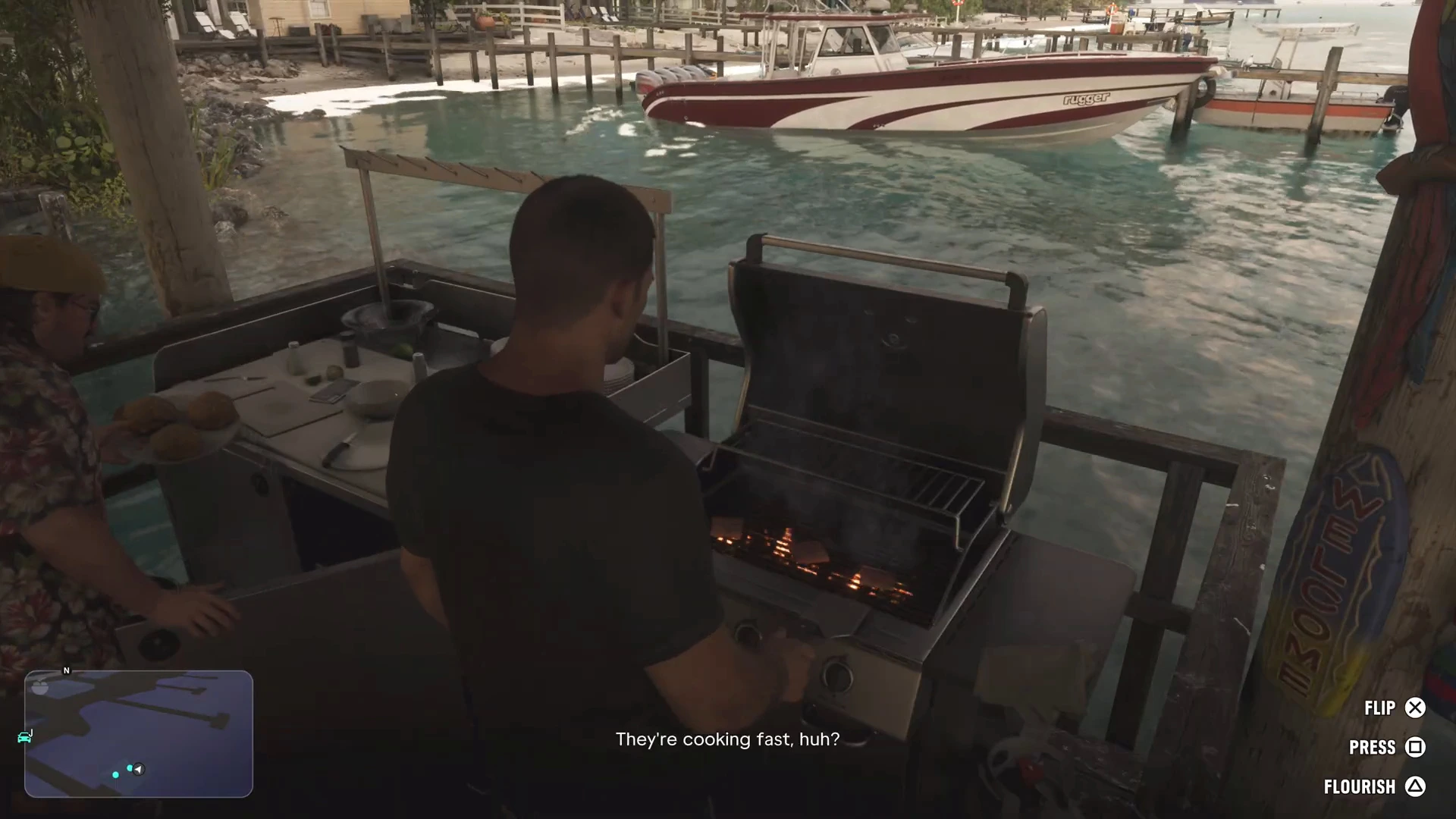
Yes. PlayStation’s store FAQ says “Grand Theft Auto VI is a single-player experience,” and the PS5 listing shows “Offline play enabled” and “1 player.” Microsoft’s listing also tags it as single-player. Once the game and its updates are installed, you can play the story with your internet off.
Two things are worth knowing:
- The store wording isn’t a full guarantee. The licence text says “certain” features, content or services may need an internet connection or a Rockstar Games account. Rockstar hasn’t spelled out which. We haven’t seen any report of the story mode refusing to start offline, but keep that in mind if you’ll be away from the internet for a long time.
- New digital PlayStation licences need one online check. Sony has said that “a one-time online check is required after purchase to confirm the game’s license.” Connect your PS5 to the internet for a while after buying, and the licence becomes permanent.
Do you need PS Plus or Game Pass for GTA 6?
No. PS Plus and Xbox Game Pass are needed for online multiplayer in most console games, and GTA 6 has none at launch. Rockstar hasn’t given a date for an online mode. If one arrives later, it will probably need PS Plus Essential on PlayStation and Game Pass Essential (the tier formerly called Core) on Xbox, like other online games. That hasn’t been confirmed.
GTA+ is separate. It’s Rockstar’s own membership for GTA Online in GTA 5, and pre-orders came with a month of it. You don’t need it for GTA 6.
There are two reasons you might still want a membership:
- Cloud saves on PS5. Backing up saves to PlayStation’s cloud storage is a PS Plus feature. Without it, your GTA 6 saves live only on the console. On Xbox, cloud saves are free.
- Xbox Cloud Gaming. Streaming GTA 6 to an Xbox One needs cloud playtime, which comes with Game Pass or as bought hours. See Remote Play and cloud gaming.
PlayStation Plus Membership
Not needed to play GTA 6. Worth having if you want your GTA 6 saves backed up to the cloud, or if you play other online games on PS5.
- Cloud save backup
- Online play in other games
- Not required for GTA 6 story mode
Xbox Game Pass Membership
Not needed for GTA 6 on Series X or S, and it doesn't include the game. Useful if you want to stream GTA 6 on an Xbox One, because Game Pass includes monthly cloud playtime.
- Cloud playtime for Xbox One streaming
- Large game library
- GTA 6 must be bought separately
GTA 6 day-one patch size
Rockstar hasn’t published official patch sizes. Here’s what’s been reported:
- PS5 system update: Sony released a PS5 system software update that it said is “required before playing Grand Theft Auto VI.” Install it before you start.
- PS5 day-one patch: version 01.002.001, about 602MB, according to Kotaku. An earlier update of about 1GB went live on November 13.
- Xbox day-one patch: reports vary between about 1.6GB and 2.2GB. We couldn’t confirm either figure.
The patches are small next to the game itself. The full install is about 212GB on PS5 (Sony’s figure) and about 210GB on Xbox. Keep spare space for future updates. See GTA 6 file size and our best SSD for GTA 6 picks.
How to download GTA 6 faster
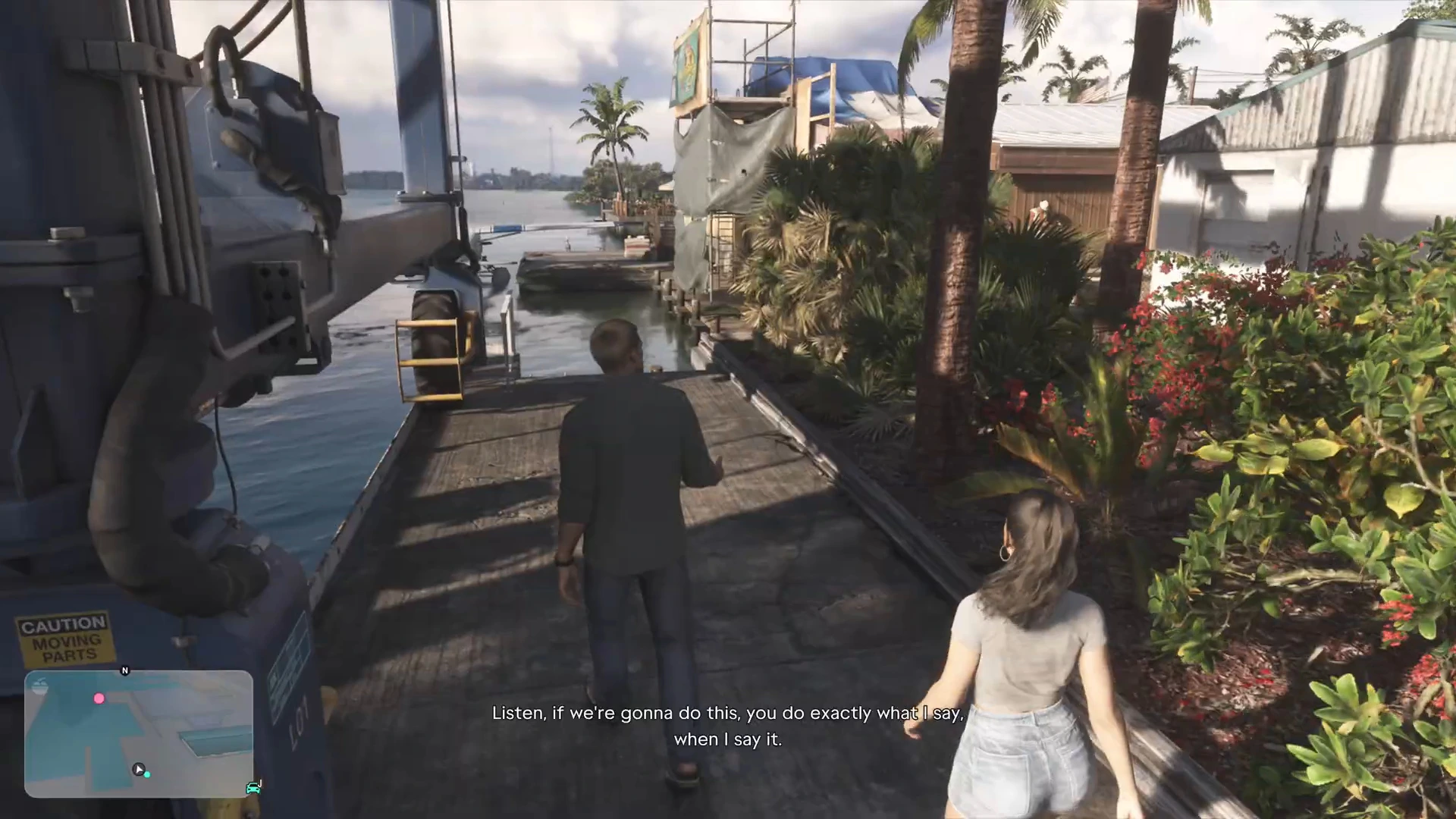
Download time depends on your connection. At 100Mbps, a 210GB download takes roughly four and a half to five hours under ideal conditions. Launch-day server load can make it slower.
- Plug the console into the router with an ethernet cable. Wi-Fi speeds drop through walls and from interference. A cable gets you close to your full plan speed.
- Pause other downloads and streams on your network, including other game updates on the console.
- Let it download in rest mode. On PS5, allow internet in rest mode under Power Saving. On Xbox, use the Sleep power mode so updates keep going.
- Don’t keep restarting the download. It resumes on its own. Restarting rarely helps.
- Run a speed test from the console’s network settings to see whether the problem is your connection or the server.
Cat 6 Ethernet Cable
The cheapest way to download GTA 6's 200GB-plus faster and to steady Remote Play. Measure the distance from your router to the console and pick a length with some slack.
- Full connection speed
- More stable than Wi-Fi
- Inexpensive
- You need to run a cable to the console
Mesh Wi-Fi System
If a cable isn't practical, a mesh system puts a node near your console so the signal doesn't have to cross the whole house. Most nodes also have an ethernet port, so you can cable the console to the node. We haven't tested specific models.
- Better coverage in big homes
- Helps Remote Play on a PS Portal or phone
- Costs more than a cable
- Gains depend on your home
Powerline Ethernet Adapter Kit
Sends a wired connection through your home's power sockets. A middle option when the router is in another room and you can't run a long cable. Results vary with your wiring.
- No long cables
- Often faster than weak Wi-Fi
- Speed depends on house wiring
Once it’s installed, start with the GTA 6 Prologue walkthrough or browse the full mission list.
More GTA 6 guides
- What can you play GTA 6 on?
- GTA 6 Remote Play and cloud gaming
- GTA 6 file size
- GTA 6 on Xbox Series S
- GTA 6 on PS4 and Xbox One
- Is GTA 6 on PC?
- Standard vs Ultimate Edition