GTA 6 on Xbox Series S
How GTA 6 runs on Xbox Series S, why the 512GB model fills up so fast, and how the Seagate expansion card fixes storage. Settings tips and when to upgrade.
Skip to the guideDisclosure: As an Amazon Associate I earn from qualifying purchases. Buying through our links costs you nothing extra. How we pick products.
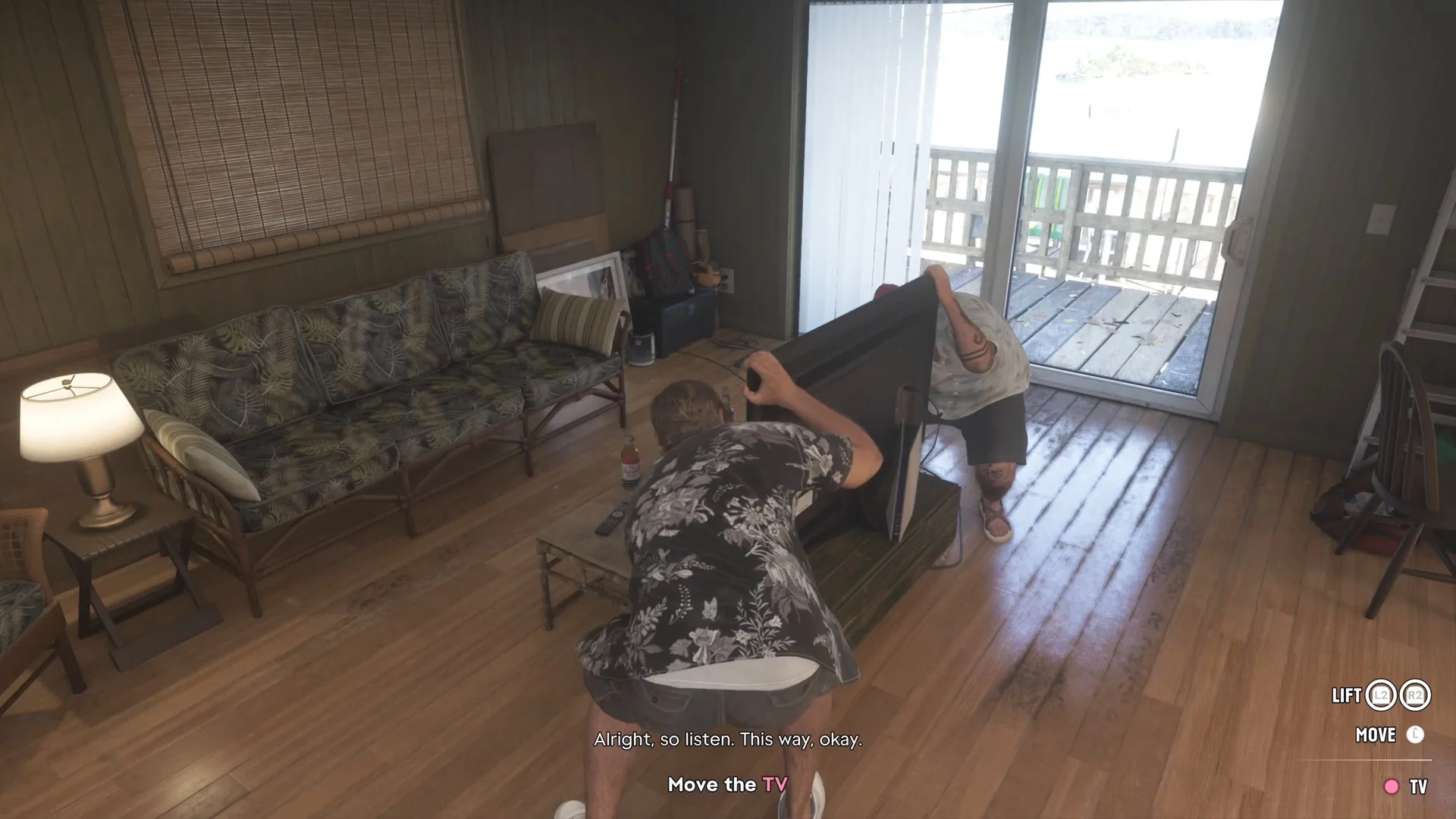
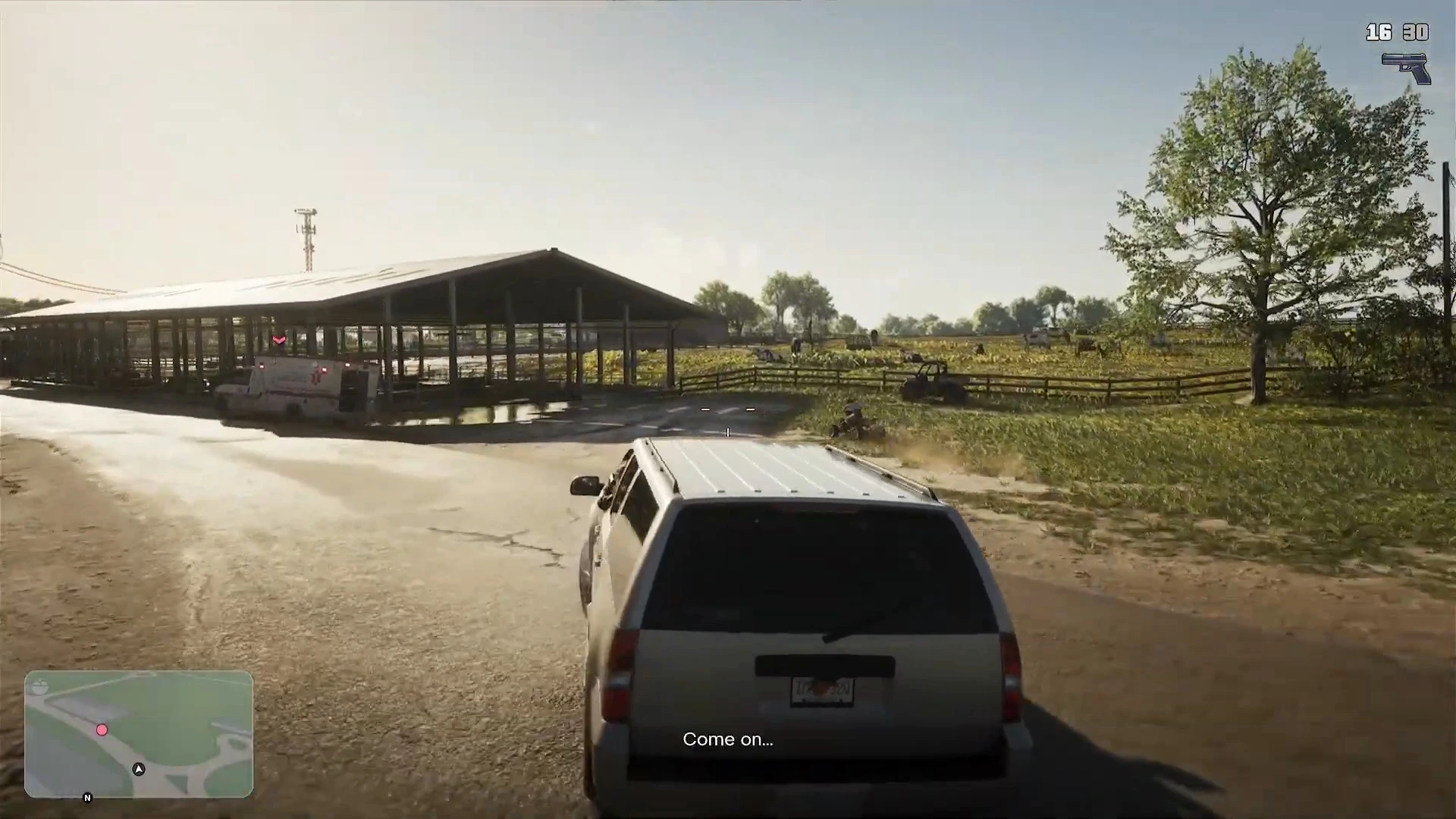
Yes, GTA 6 runs on the Xbox Series S, but it’s the weakest version. Digital Foundry’s launch analysis, as reported by the tech press, found it renders at about 720p upscaled toward 1080p and often runs in the mid-to-high 20s rather than a steady 30fps, with dips to around 20fps when a lot is exploding. The bigger everyday problem is storage: GTA 6 takes more than half of a 512GB Series S by itself.
How GTA 6 runs on Series S
| Xbox Series S | Xbox Series X | |
|---|---|---|
| Internal resolution | About 720p, upscaled toward 1080p | About 1440p |
| Frame rate target | 30fps | 30fps |
| Typical frame rate | Mid-to-high 20s, around 20 in heavy action | Mostly 30, dips in chases |
| Visual cutbacks | Reduced lighting and reflections, and others | Full console settings |
| Install size | About 210GB | About 210GB |
Reports agree on the 720p figure and the unstable frame rate, but they differ on the details. Some list FSR as the upscaler and others don’t name one, and the lowest dips quoted range from the high teens to about 20fps. Digital Foundry called the Series S the hardest version to recommend, and suggested PS5 or Series X if you have the choice. Our PS5 vs PS5 Pro vs Xbox comparison covers the other consoles.
None of this makes the game broken. Driving around Leonida and doing story missions is perfectly playable. You’ll notice it most in police chases, big shootouts and crowded areas at night. A 1080p TV also hides the lower resolution better than a large 4K set.
Settings that help on Series S
- Turn on VRR in Settings › General › TV & display options if your TV supports it. It smooths out the moments when GTA 6 drops below 30fps.
- Use your TV’s Game mode. At 30fps, input lag matters a lot when driving and aiming.
- Set 1080p output on a 4K TV if the image looks soft. Some TVs scale a 1080p signal better than the console does.
- Keep the console ventilated. The Series S is small, and a cramped cabinet doesn’t help.
The storage problem
The 512GB Series S has only about 364GB of usable space once the system software takes its share. GTA 6 needs about 210GB on Xbox, and patches add to that. That leaves room for maybe one or two other big games, and you need spare space for updates to install at all.
The 1TB Series S model has more than twice the usable room, so it’s less of a squeeze. Either way, our GTA 6 file size guide explains how to clear space quickly.
Why a USB drive won’t fix it
Xbox Series games, GTA 6 included, can only run from the internal SSD or an official expansion card. A normal USB hard drive or SSD can store Series games so you don’t have to re-download them, but you have to move them back to internal storage to play. That’s handy for parking older games, but it doesn’t give GTA 6 itself more room.
The fix: a Storage Expansion Card
The expansion card plugs into the slot on the back of the Series S and works like the internal drive, at the same speed. Games installed on it run normally, and the console treats it as extra internal storage. You can install GTA 6 on the card and keep the internal drive for everything else, or the other way round.
Seagate Storage Expansion Card for Xbox Series X|S (2TB)
Adds 2TB that runs Series X|S games at internal-drive speed. That's room for about nine installs the size of GTA 6, so you can stop deleting games every time a patch lands. It's the simplest way to make a 512GB Series S workable. We haven't tested it ourselves.
- Same speed as the internal SSD
- Plugs into the back, no tools
- Moves between Series X and S
- Costs more per TB than PS5 M.2 drives
- Proprietary format
Seagate also sells smaller capacities. Pick the one that suits your library, but 2TB gives the most headroom for GTA 6 plus its updates. For PS5 drives and more options, see our best SSD for GTA 6 guide.
Is it worth buying a Series S for GTA 6?
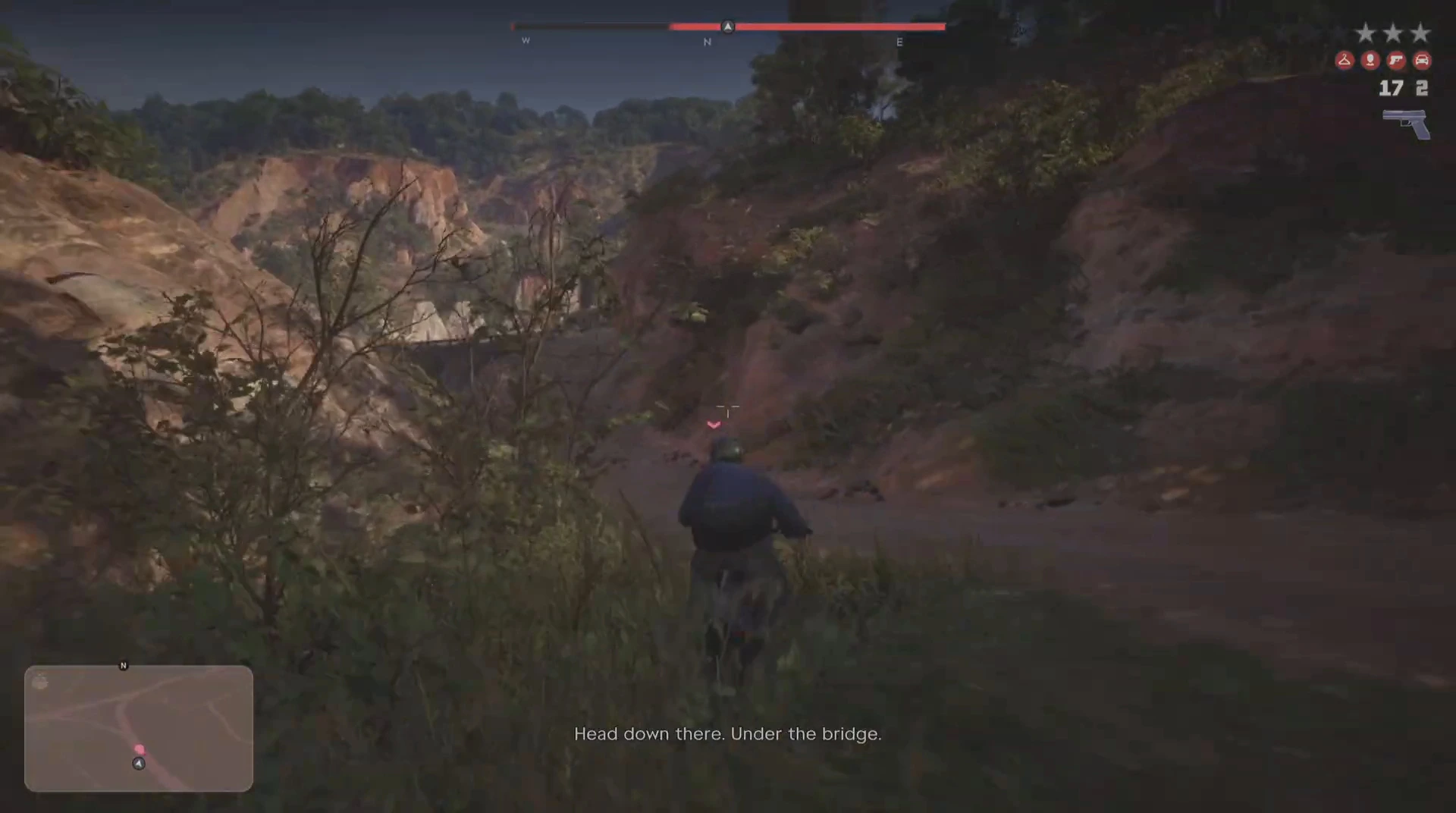
It’s worth it if you want the cheapest console that runs GTA 6 natively, you’re on a 1080p TV, and frame drops in big action scenes won’t bother you. Get the 1TB model or budget for an expansion card.
Look elsewhere if you have a 4K TV or you’re sensitive to frame rate. A Series X or PS5 runs the game at roughly twice the resolution with a steadier 30fps.
Xbox Series X
If you're choosing a new Xbox for GTA 6, the Series X avoids both Series S problems: it runs the game at about 1440p and ships with a 1TB drive.
- About 1440p in GTA 6
- Steadier 30fps
- 1TB storage
- Larger and more expensive than the Series S
Grand Theft Auto VI (Xbox Series X|S)
The same copy runs on Series S and Series X, so you can upgrade consoles later without buying the game again. The box holds a download code, so plan for the full download.
- One copy for both consoles
- Code in box, no disc
Series S, cloud streaming and Remote Play
GTA 6 streams through Xbox Cloud Gaming using Series S graphics settings, even when you stream to a Series X. A Series S owner gains nothing by streaming instead of installing, apart from saving space. Remote Play from your Series S to a Windows PC or phone works too. See our Remote Play and cloud guide.
Ready to play? Pick an edition with Standard vs Ultimate, then start with the Prologue walkthrough.
More GTA 6 guides
- What can you play GTA 6 on?
- GTA 6 file size
- Best SSD for GTA 6
- GTA 6 on PS4 and Xbox One
- Does GTA 6 need internet or PS Plus?
- Best TV for GTA 6
- Full GTA 6 mission list