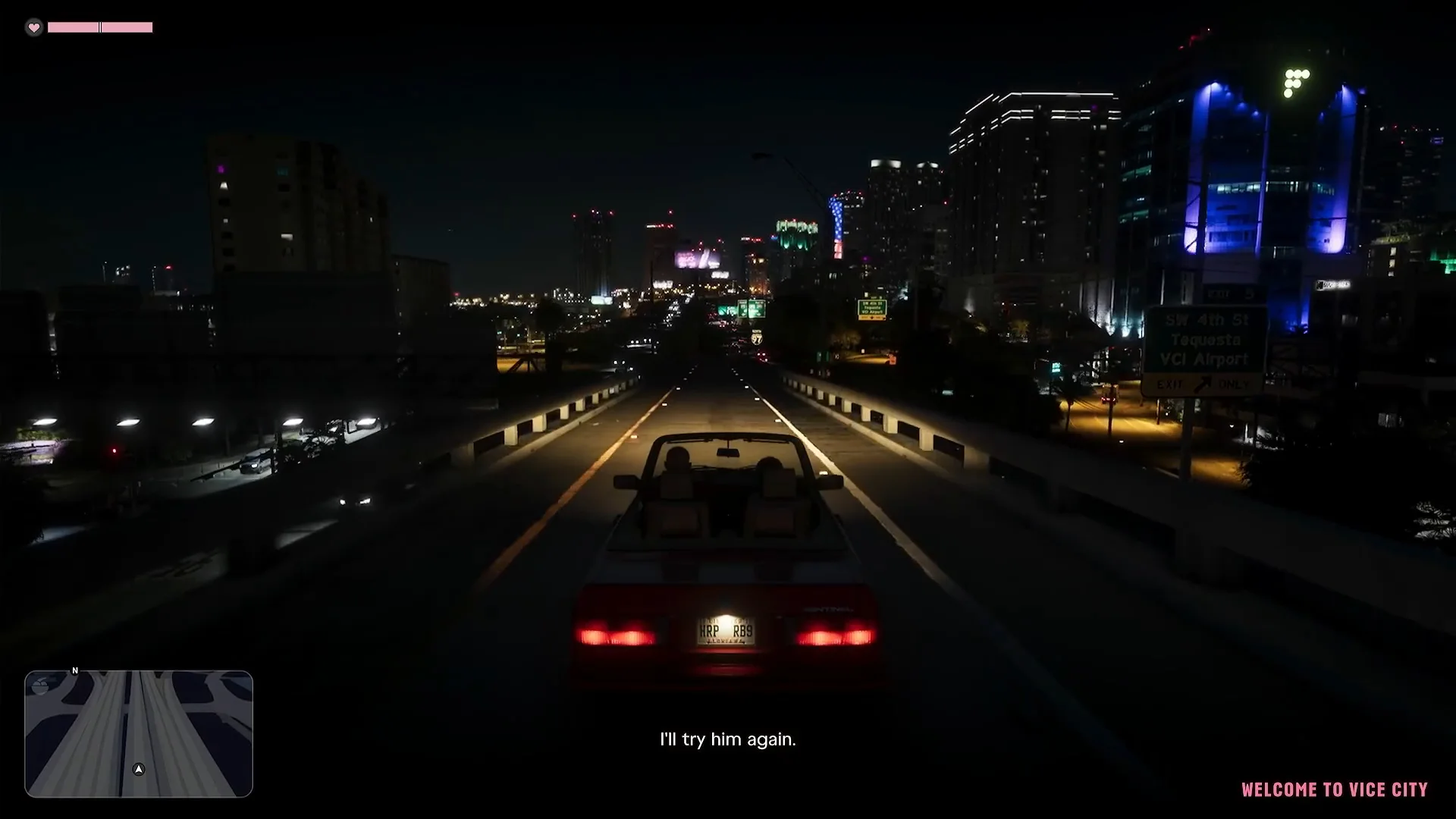
GTA 6 TV vs Monitor
Should you play GTA 6 on a TV or a gaming monitor? Why 30fps changes the advice, how HDR and screen size matter, and the best OLED TV and monitor picks.
Skip to the guideDisclosure: As an Amazon Associate I earn from qualifying purchases. Buying through our links costs you nothing extra. How we pick products.
Most “TV vs monitor” advice is written for competitive shooters running at 120fps or more. GTA 6 is different. It targets 30 frames per second on every console, including the PS5 Pro (see PS5 vs PS5 Pro vs Xbox for GTA 6). That one fact flips the usual advice: refresh rate barely matters, and contrast, HDR brightness and screen size matter far more.
Short answer: if you play on a sofa, a good OLED or bright mini-LED TV gives you the best GTA 6 experience. If you play at a desk, a 27 to 32-inch OLED or local-dimming monitor is excellent, but don’t pay extra for 240Hz.
Compared at a glance
| Product | Best for | Type | Panel | Best for | Link |
|---|---|---|---|---|---|
| Sony Bravia 8 II | Living room on PS5 | TV | OLED | Night scenes, PS5 HDR setup | Check on Amazon: Sony Bravia 8 II |
| Samsung S90H | Bright rooms | TV | QD-OLED | Colourful daytime beaches | Check on Amazon: Samsung S90H |
| Samsung Odyssey OLED G8 (G81SF) | Desk, PS5 Pro or Series X | Monitor | QD-OLED 4K | Sharp image up close | Check on Amazon: Samsung Odyssey OLED G8 (G81SF) |
| Sony INZONE M9 II | Desk on PS5 | Monitor | LCD with local dimming | No burn-in worries | Check on Amazon: Sony INZONE M9 II |
| LG UltraGear 27GS95QE | Base PS5 at a desk | Monitor | OLED 1440p | Matches PS5's ~1440p render | Check on Amazon: LG UltraGear 27GS95QE |
Our editorial summary; check the live Amazon listing for current price and availability.
Why 30fps changes the advice
A 144Hz or 240Hz monitor shows up to 144 or 240 frames per second, but GTA 6 only sends about 30. The extra refresh rate sits unused. Input lag still matters, and both modern TVs in Game mode and gaming monitors are fast enough that you won’t feel a difference at 30fps.
VRR (variable refresh rate) helps less than usual too. Console VRR generally works from 48Hz upward, so it only smooths GTA 6’s dips on screens that double frames below that range. It’s nice to have, not a reason to choose one screen over another.
Where a TV wins
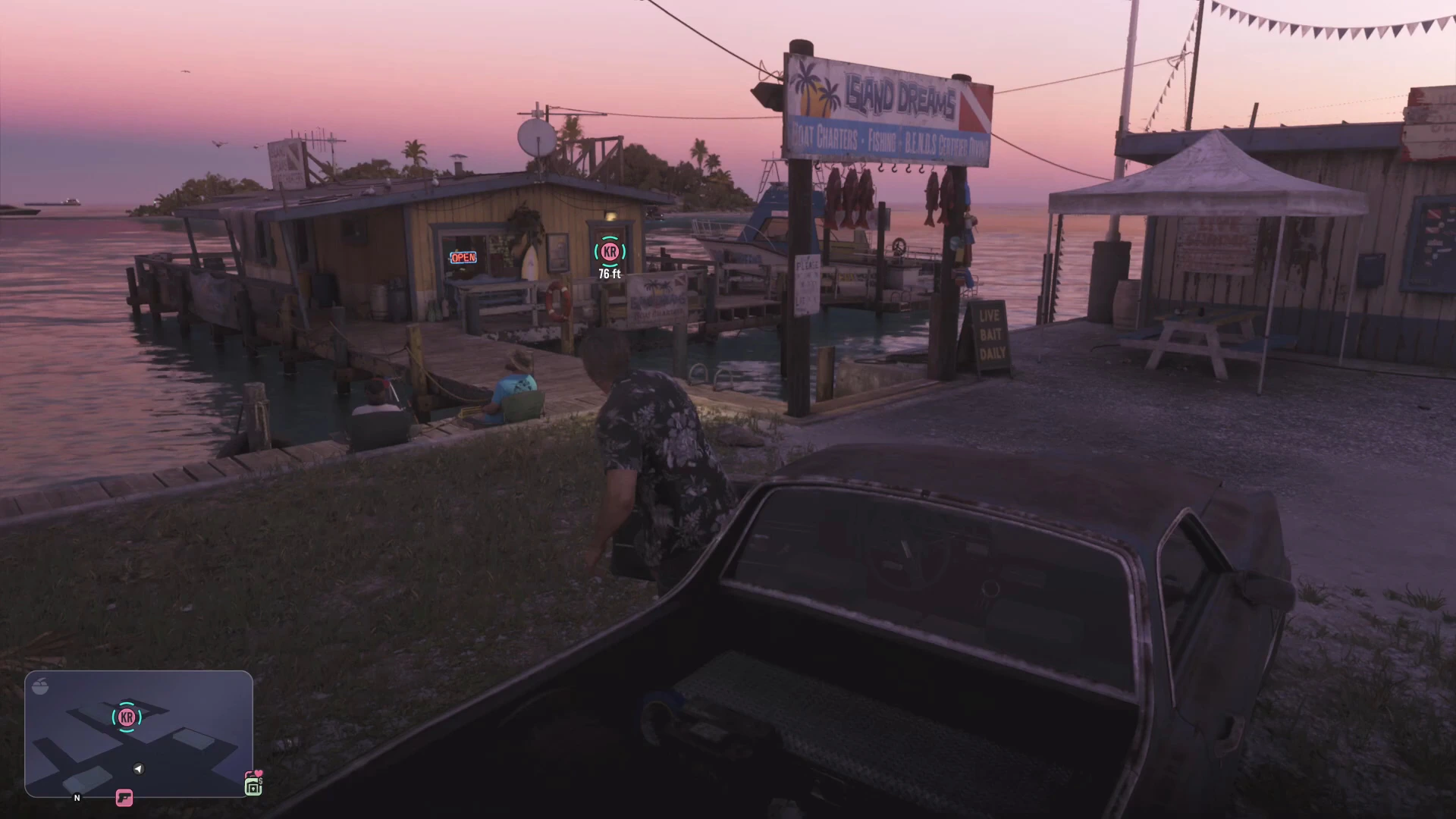
- HDR brightness. Good TVs get much brighter than most monitors, which matters for sunlit beaches and the glare off the water in the Keys.
- Size and distance. GTA 6 is a cinematic game with a lot of small on-screen text and map detail. A 55 to 65-inch TV from the sofa is easier on the eyes than a small screen.
- Value per inch. A mid-range TV costs about the same as a premium monitor and is far bigger.
Where a monitor wins
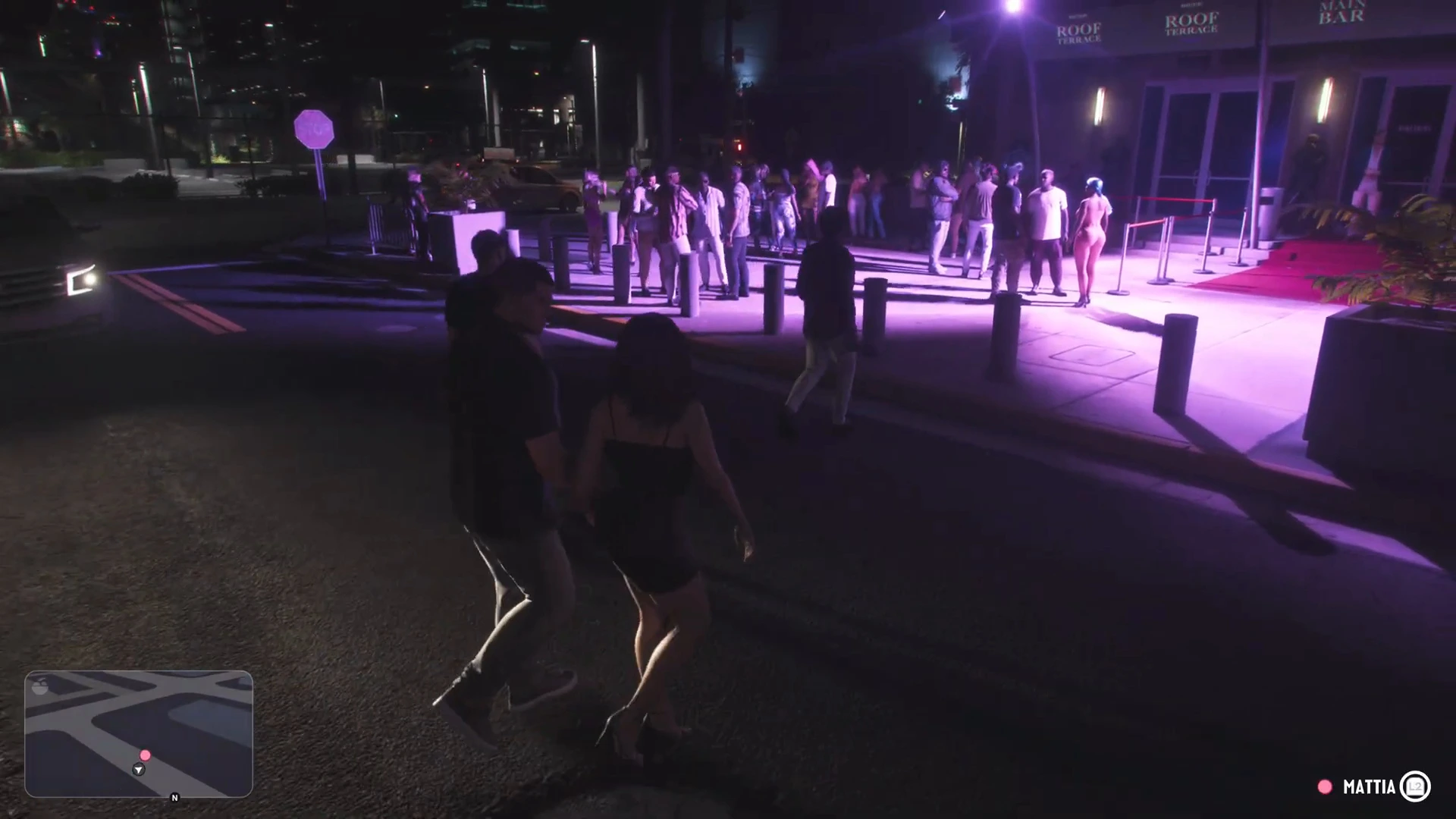
- Desk setups and small rooms. If you play in a bedroom or dorm, a 27 to 32-inch monitor at arm’s length fills your view like a big TV across a room.
- Sharpness up close. A 4K 27-inch monitor looks very crisp, especially with a PS5 Pro or Series X.
- Sharing with a PC. If you also game on PC, one monitor covers both.
One catch: many monitors label themselves “HDR400” but can’t really show HDR. For GTA 6, choose an OLED or a monitor with local dimming, like our picks.
The picks
Sony Bravia 8 II OLED TV
Sony's OLED gives true blacks for Vice City nights and supports PS5 Auto HDR Tone Mapping, which sets HDR correctly for PlayStation without manual tweaking.
- Perfect contrast for night driving
- PS5-specific HDR setup
- Natural, accurate colour
- Premium price
Samsung S90H OLED TV
A QD-OLED with especially vivid colour, which suits GTA 6's saturated beaches and sunsets, and strong brightness for an OLED.
- Vivid colour
- Bright for an OLED
- VRR and Game mode
- No Dolby Vision on Samsung TVs
Samsung Odyssey OLED G8 (G81SF) 27-inch 4K
A 27-inch 4K QD-OLED. Very sharp at desk distance and full OLED contrast for night scenes. Ideal with a PS5 Pro or Xbox Series X.
- 4K at 27 inches is very crisp
- OLED contrast
- High refresh rate goes unused in GTA 6
- OLED burn-in care needed with static HUDs
Sony INZONE M9 II 4K Gaming Monitor
Sony's own 4K monitor with PS5 Auto HDR Tone Mapping. It uses a local-dimming LCD, so there's no burn-in risk from GTA 6's minimap and HUD.
- PS5 HDR auto setup
- No burn-in risk
- Less contrast than OLED
LG UltraGear 27GS95QE 1440p OLED
A 27-inch 1440p OLED. The base PS5 renders GTA 6 at around 1440p, so this matches it well, often for less than a 4K OLED.
- OLED contrast
- Good match for base PS5
- 1440p is softer with a PS5 Pro
Set your screen up for GTA 6
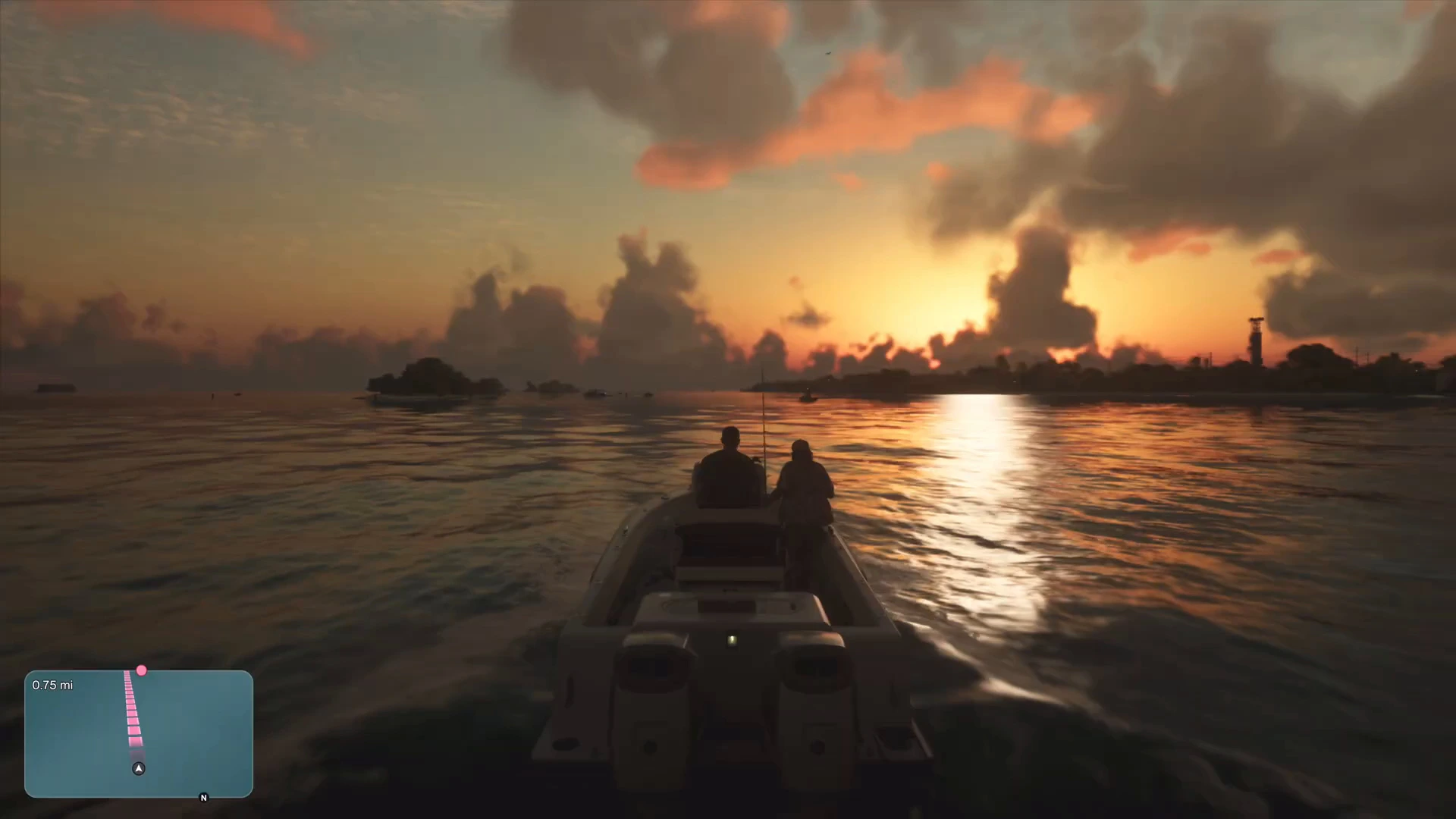
- Turn on the screen’s Game mode (or let ALLM do it automatically).
- Run the console’s HDR calibration: on PS5 it’s Settings › Screen and Video › Adjust HDR; on Xbox use the HDR Game Calibration app.
- On a 1440p monitor, make sure the PS5’s 1440p output is enabled.
For deeper picks, see best TV for GTA 6 and best monitor for GTA 6.
More GTA 6 gear guides
- Best HDMI cable for GTA 6
- Best soundbar for GTA 6
- Best console for GTA 6
- All GTA 6 gear and hardware guides