Best Router for GTA 6 Downloads
GTA 6 is a 210GB download and has no online mode. Here is how to download it faster: Ethernet first, then the TP-Link BE550 and ASUS Wi-Fi 7 routers.
Skip to the guideDisclosure: As an Amazon Associate I earn from qualifying purchases. Buying through our links costs you nothing extra. How we pick products.
GTA 6 has no online mode at launch, so you don’t need a gaming router to play it. Once it is installed, the story runs offline (see our internet and PS Plus guide). What a better network does help with is the download: the game is about 210GB, and patches add more. If your home Wi-Fi is slow, a router upgrade can save you hours. But a cable may save you the money.
Compared at a glance
| Product | Best for | Wi-Fi | Wired ports | Best for | Link |
|---|---|---|---|---|---|
| TP-Link Archer BE550 | Best value | Tri-band Wi-Fi 7 | Five 2.5Gbps ports | Most homes | Check on Amazon: TP-Link Archer BE550 |
| ASUS ROG Strix GS-BE18000 | Gaming features | Wi-Fi 7 | Gaming-focused ports | Several consoles and PCs | Check on Amazon: ASUS ROG Strix GS-BE18000 |
| ASUS ROG Rapture GT-BE98 Pro | Premium | Wi-Fi 7 | Two 10Gbps, four 2.5Gbps | Big homes, fast internet | Check on Amazon: ASUS ROG Rapture GT-BE98 Pro |
Our editorial summary from RTINGS and Tom's Guide coverage. Check the live Amazon listing for current price and availability.
Start with a cable
RTINGS’ advice is that a wired Ethernet connection beats any Wi-Fi router for a console, and that is the cheapest fix. PS5 and Xbox Series X|S both have a gigabit Ethernet port. A cable removes interference and gives more steady speeds, and it doesn’t care what your Wi-Fi standard is.
A quick sense of scale (theoretical best, real speeds are lower):
| Connection speed | Time for about 210GB |
|---|---|
| 100Mbps | Around 4.7 hours |
| 300Mbps | Around 1.6 hours |
| 1Gbps | Around 28 minutes |
Your actual speed is also capped by your internet plan, by the console’s own network speed and by Sony’s and Microsoft’s servers. A faster router only helps if the bottleneck is inside your home.
When a new router makes sense
- Your console is far from the router and you can’t run a cable. A better router, or a mesh system, will improve the wireless link.
- Your router is old. Routers more than five or six years old often lack the 5GHz and 6GHz capacity that modern consoles can use. The PS5 supports Wi-Fi 6, the PS5 Pro supports Wi-Fi 7, and Xbox Series X|S use Wi-Fi 5, so match the router’s band support to your console.
- Your home has many devices all competing for bandwidth, such as streaming, work calls and other consoles.
- You want to run a cable to a different room using a router with multiple fast LAN ports.
Wi-Fi 7 gives a console little extra benefit unless both the router and the console support it. Don’t pay a big premium for it just to play GTA 6.
Best routers for GTA 6 downloads
TP-Link Archer BE550
RTINGS describes the BE550 as a tri-band Wi-Fi 7 router with all five wired ports at 2.5Gbps. It is positioned as entry-level Wi-Fi 7, and its 2.5Gbps WAN port limits the top speed slightly versus pricier models. For a console with a gigabit port, that is more than enough.
- Five 2.5Gbps ports
- Wi-Fi 7 tri-band
- Strong value in published reviews
- 2.5Gbps WAN port caps top speed
- Wi-Fi 7 gains need compatible devices
ASUS ROG Strix GS-BE18000
Tom's Guide lists this ROG router as its value pick among gaming routers. ASUS routers are known for their game-priority tools, which help when several devices are using the connection while you download.
- Gaming-focused features
- Wi-Fi 7
- Familiar ASUS app and settings
- More complicated than a basic router
- Priced above basic Wi-Fi 6 options
ASUS ROG Rapture GT-BE98 Pro
RTINGS lists two configurable 10Gbps ports and four 2.5Gbps ports. It is overkill for one console but makes sense if you also have a PC, NAS and fast fibre.
- Two 10Gbps ports
- Strong wireless coverage
- Plenty of settings
- Very expensive
- More than a console needs
How to download GTA 6 faster
- Plug in with Ethernet. Settings › Network › Set Up Internet Connection on PS5, or Settings › General › Network settings on Xbox.
- Pause other downloads and streams so GTA 6 gets the full bandwidth.
- Move closer to the router or use a 5GHz or 6GHz network if you must use Wi-Fi.
- Restart the router and console if speeds seem stuck.
- Free up storage first. See our GTA 6 file size guide and best SSD for GTA 6.
Frequently asked questions
Do I need a router for GTA 6 online? GTA 6 has no online mode at launch, so you don’t need a gaming router to play it.
Is Wi-Fi 7 worth it for a console? Only if your console, router and plan all support it. Otherwise, a wired connection will help more.
Does my router affect my download speed? Yes, but only up to your internet plan’s speed and the console’s network limits.
Can I use a mesh system? Yes. Put a node near the console or connect it with a cable to the node.
Should I buy a physical copy to avoid downloading? The boxed edition is a download code too. See our digital vs physical guide.
More GTA 6 gear guides
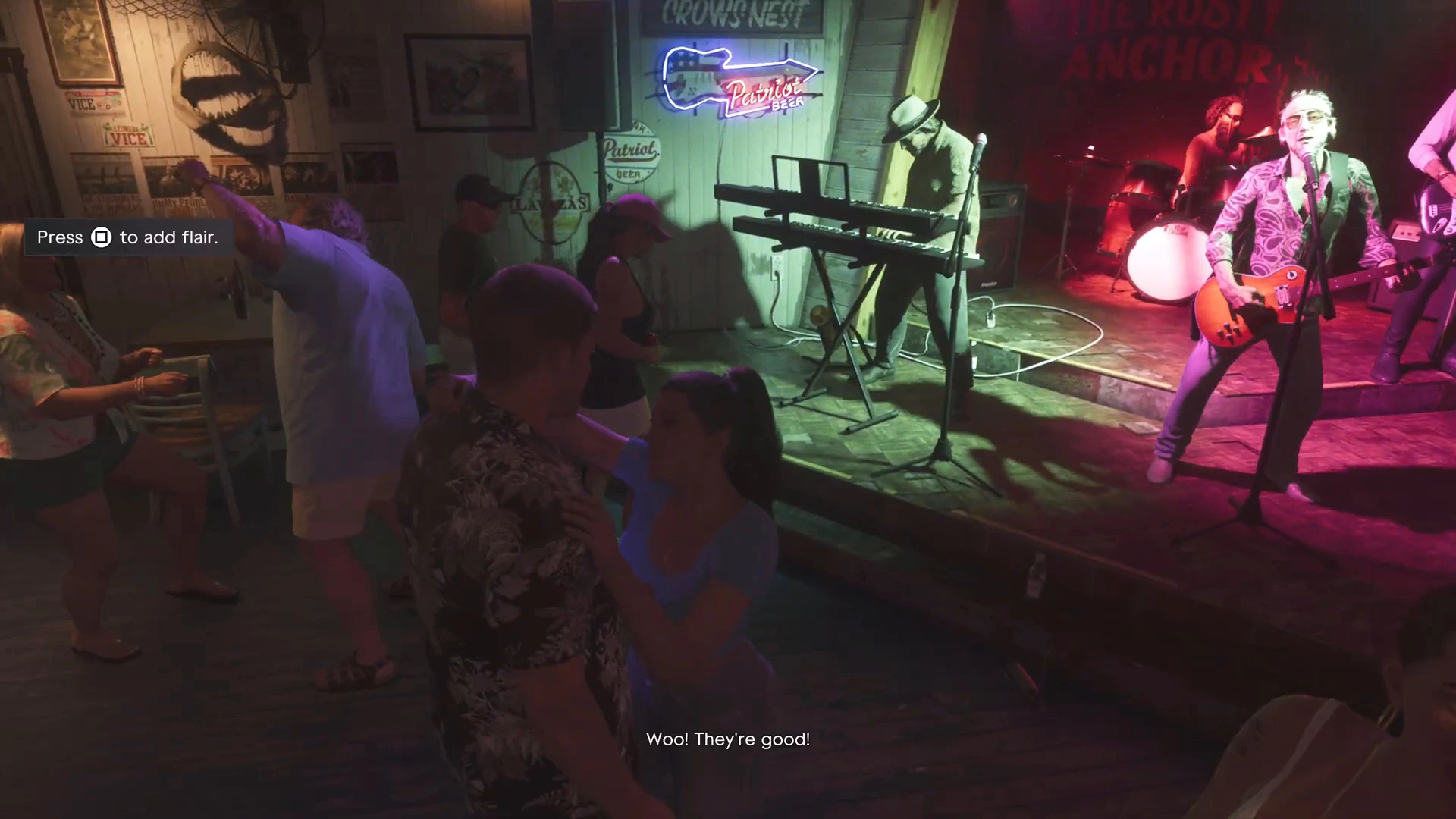
While it downloads, read up on how to save in GTA 6 or the GTA 6 map, then head back to the GTA 6 walkthrough.