GTA 6 DualSense Edge vs DualSense
DualSense Edge or the standard DualSense for GTA 6 on PS5? Back buttons, trigger stops, battery life, the GTA VI controller and which one suits you.
Skip to the guideDisclosure: As an Amazon Associate I earn from qualifying purchases. Buying through our links costs you nothing extra. How we pick products.
If you play GTA 6 on PS5, you have two official controllers to choose from: the standard DualSense that came with the console, or Sony’s pro pad, the DualSense Edge. Both support GTA 6’s haptic feedback and adaptive triggers. The Edge adds back buttons, trigger stops, swappable stick modules and on-the-fly profiles, and it costs a lot more. This guide explains what those extras do in GTA 6 specifically, so you can decide whether they’re worth it for you.
Short answer: for most players the standard DualSense is all GTA 6 needs. The Edge is worth it if you play for hours at a time, spend a lot of time in firefights and car chases, or already know you like back buttons from other games.
Compared at a glance
| Product | Best for | Back buttons | Trigger stops | Battery | Link |
|---|---|---|---|---|---|
| DualSense Edge | Long sessions, combat | 2, remappable | 3 levels per trigger | Shorter than standard | Check on Amazon: DualSense Edge |
| DualSense Wireless | Most players | None | None | Standard | Check on Amazon: DualSense Wireless |
| GTA VI Limited Edition DualSense | Fans and gifts | None | None | Standard | Check on Amazon: GTA VI Limited Edition DualSense |
Our editorial summary; check the live Amazon listing for current price and availability.
What the Edge changes in GTA 6
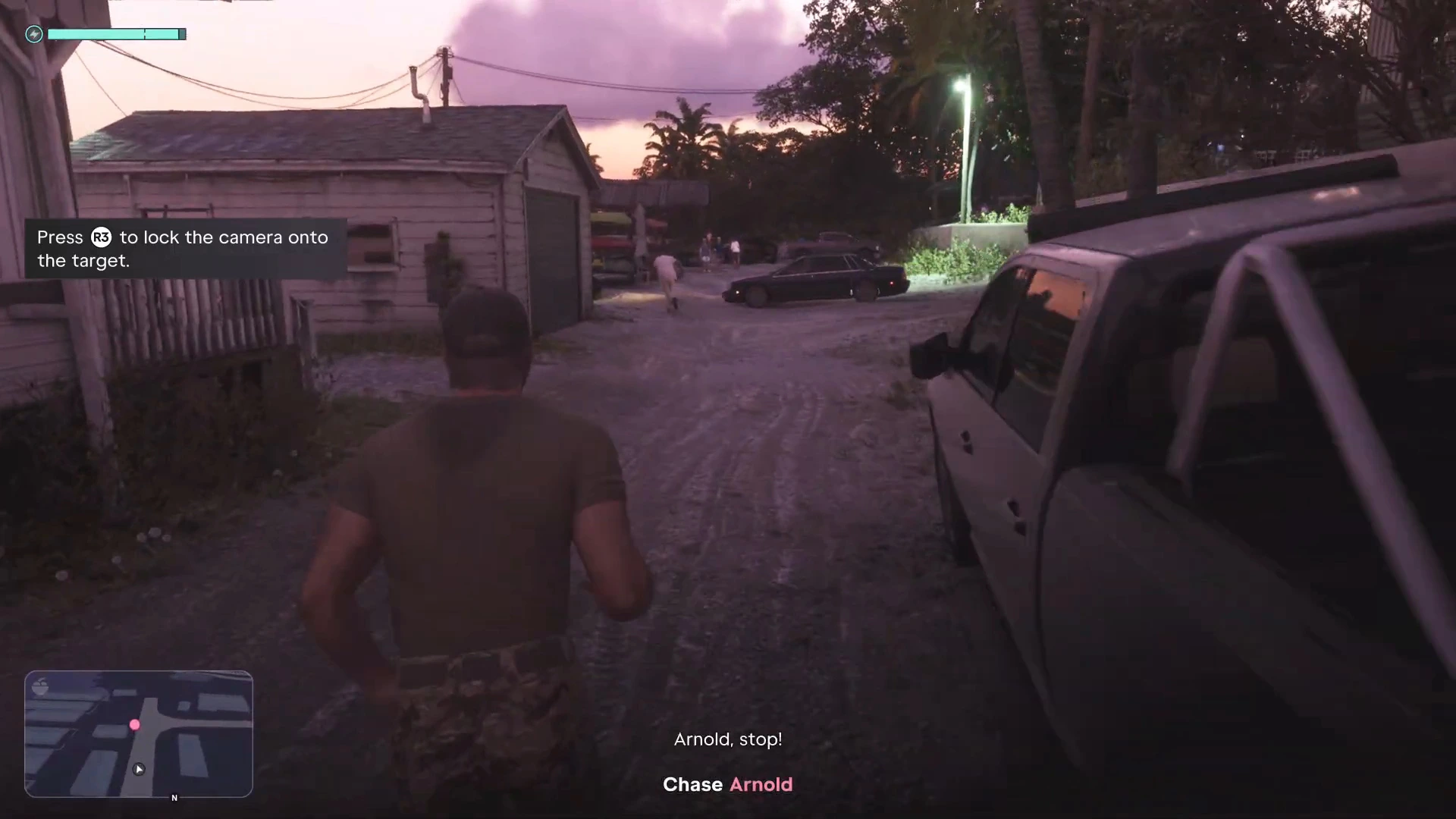
GTA 6 asks for a face button at awkward moments. In a brawl you press Square to fight and Cross to block or dodge, which means your right thumb hops between buttons while it should be tracking your opponent with the camera. Focus mode needs L3 + R3 pressed together, which is a clumsy squeeze in the middle of a chase. On a standard DualSense your right thumb has to leave the stick every time. (Our GTA 6 controls guide lists every binding we’ve confirmed.)
The Edge’s two back buttons fix that. You map each one to an existing input in the PS5’s controller settings, so the game sees a normal button press. Useful GTA 6 setups:
- Back buttons = Cross and Square. Fight and dodge in melee without lifting your thumb off the right stick. Cross and Square also handle many context prompts, so this layout helps outside fights too.
- One back button = L3 or R3. Pair it with the matching stick click to trigger Focus more comfortably, which is handy when you’re hunting for the source of a noise or scanning for fish.
- Check the pause menu’s controls list for sprint, jump and cover bindings, then put whichever you use most on a back button.
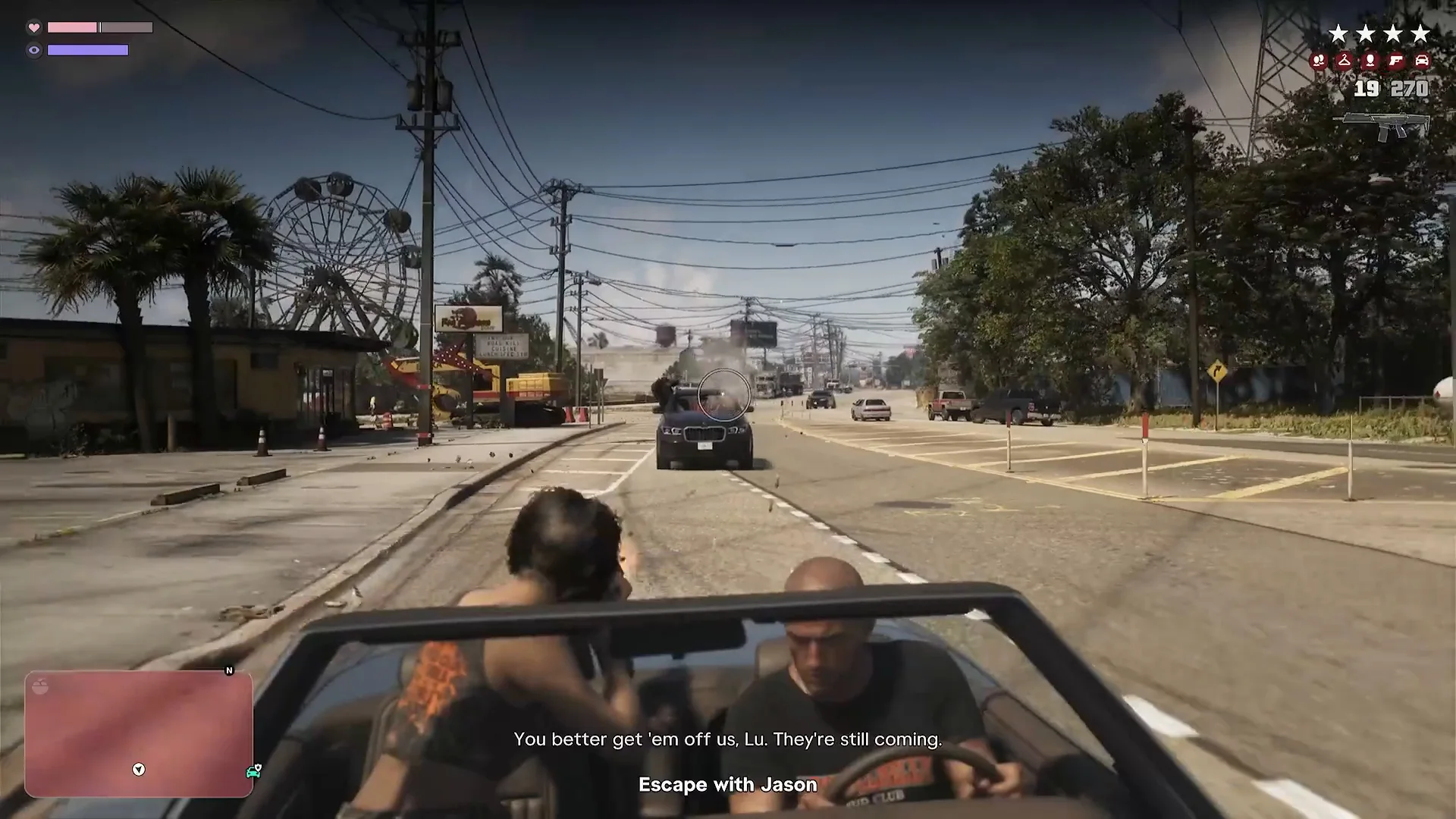
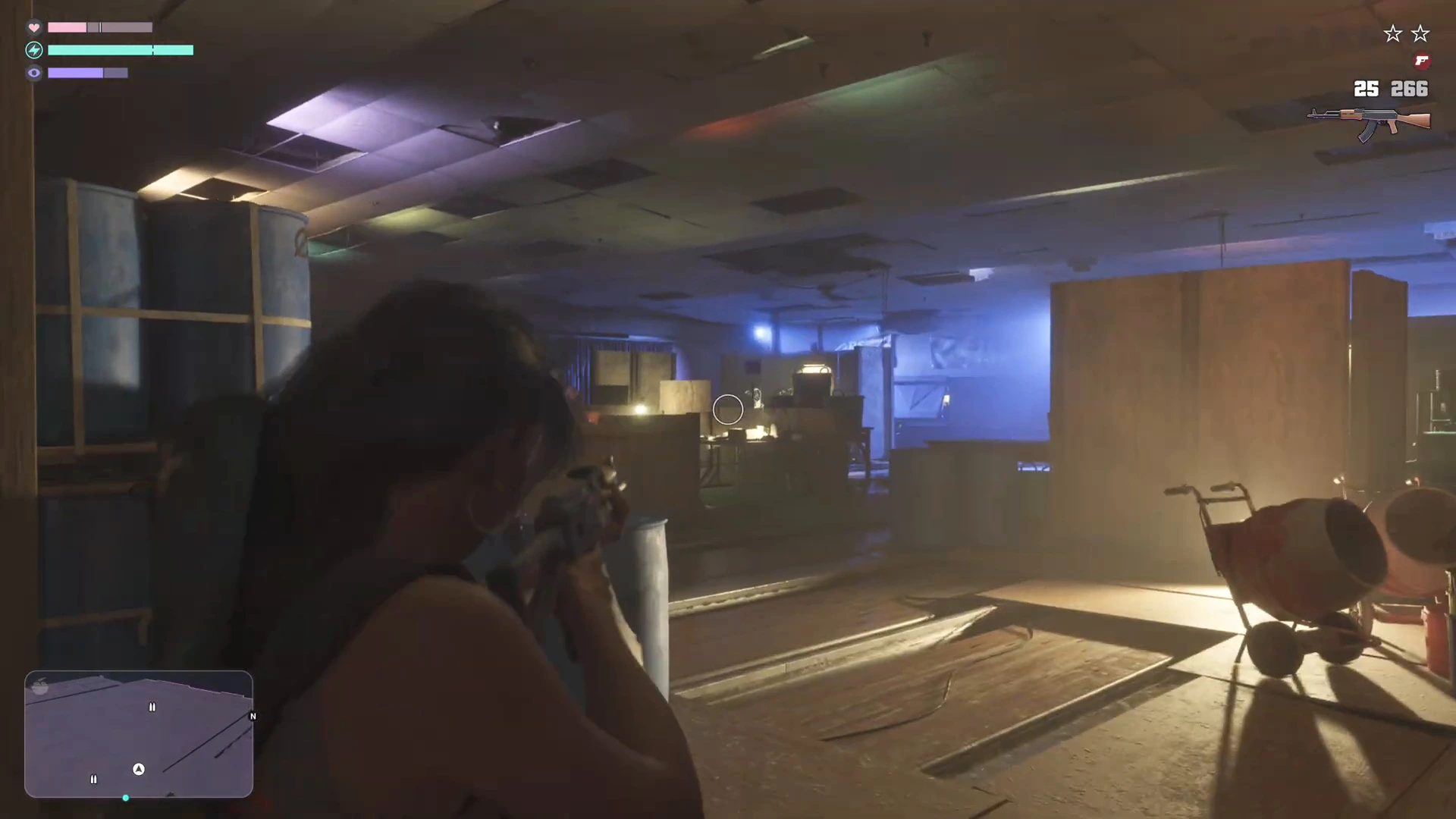
Trigger stops shorten the travel of L2 and R2. Shorter travel means quicker aim-and-fire in shootouts like the motel fight in Checking Out. The catch: shorter travel also reduces the adaptive-trigger resistance you feel, and in cars it reduces how finely you can control throttle. Many players keep R2 at full travel for driving and use the shortest stop for L2 to snap into aim faster.
Profiles let you flip between setups with the Fn button. A “combat” profile with short trigger stops and a “driving” profile with full travel is a good GTA 6 combination.
What the standard DualSense already does well
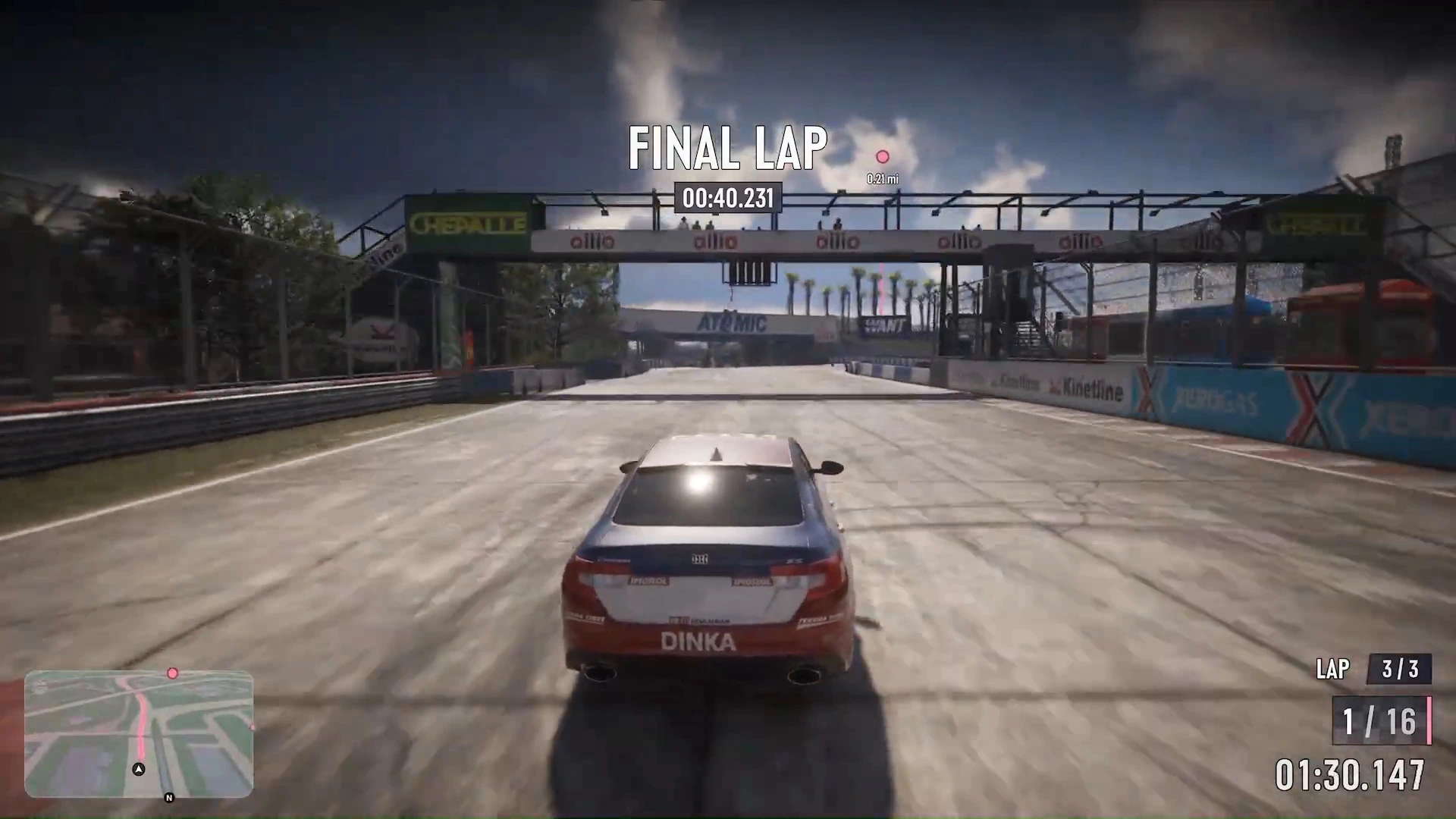
The normal DualSense isn’t a compromise in GTA 6. It has the same haptic feedback and adaptive triggers as the Edge, so you get the full feel of engines, gunfire and surfaces. It also has better battery life than the Edge, which matters in a game where a “quick session” turns into three hours of side activities.
If you mostly drive, explore and do story missions at your own pace, you won’t miss back buttons much. Spend the difference on a better TV or a good headset instead.
The picks
DualSense Edge Wireless Controller
Two remappable back buttons, three-step trigger stops, swappable stick modules and switchable profiles. In GTA 6 that means you can sprint, reload or take cover without lifting your thumb off the camera stick.
- Back buttons for on-foot and combat sections
- Trigger stops for faster aiming
- Replaceable stick modules if drift appears
- Shorter battery life than a standard DualSense
- Costs much more than a standard pad
DualSense Wireless Controller (Midnight Black)
Everything GTA 6 actually uses on PS5: haptics, adaptive triggers and the touchpad. A second one means you can keep playing while the first charges.
- Full GTA 6 haptics and triggers
- Longer battery than the Edge
- Affordable
- No back buttons
DualSense Wireless Controller – Grand Theft Auto VI Limited Edition
A standard DualSense with Vice City styling. It plays exactly like the normal pad, so buy it for the look or as a gift. Stock is limited, so check the seller on the listing.
- Official GTA VI design
- Same haptics and triggers as a standard DualSense
- No back buttons
- Limited stock
Not a Prime member? Start a free Prime trial for fast free delivery.
Keep either controller charged
Because the Edge’s battery is smaller, a charging dock is the most useful accessory to pair with it. Sony’s own station charges two controllers at once and fits both the DualSense and the Edge.
PlayStation DualSense Charging Station
Sony's official dock charges two controllers at the same time with no cables to plug in each night. With two pads in rotation you never stop a GTA 6 session for a low battery warning.
- Official Sony accessory
- Charges two at once
- Takes up a little desk or shelf space
More options are in our best controller charging station for GTA 6 guide.
Which should you buy?
- Buy the DualSense Edge if you play long sessions, love combat and chases, or want the option to replace a drifting stick instead of the whole controller.
- Buy a standard DualSense if you want a spare pad, care most about battery life, or mainly drive and explore.
- Buy the GTA VI Limited Edition if you were going to buy a standard DualSense anyway and want it to match the game.
On Xbox instead? See Xbox Elite Series 2 vs the standard Xbox controller for GTA 6.
More GTA 6 gear guides
- Best controller for GTA 6
- Best thumbstick grips for GTA 6
- Best PS5 accessories for GTA 6
- GTA 6 collector’s and special editions
- All GTA 6 gear and hardware guides