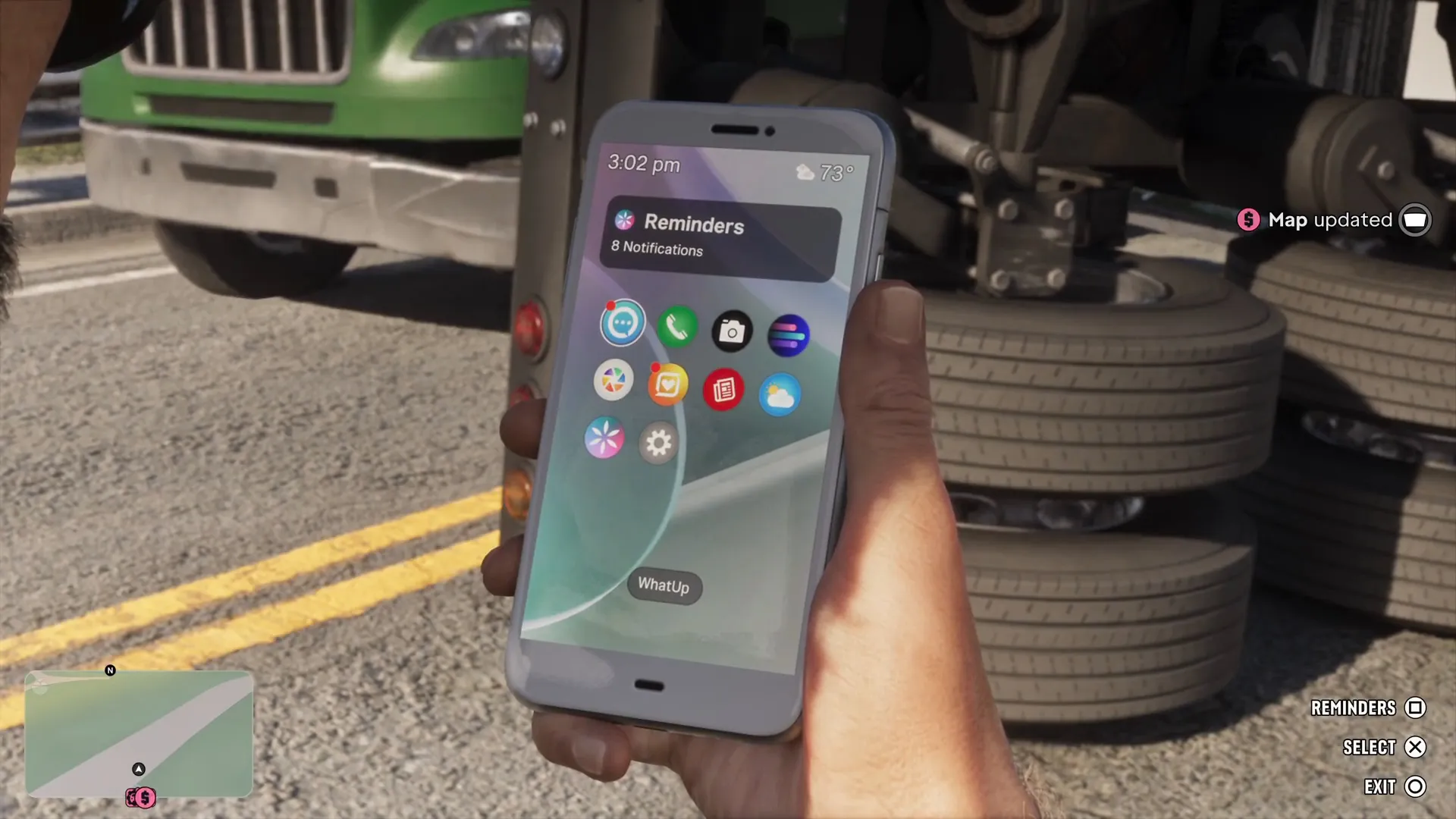
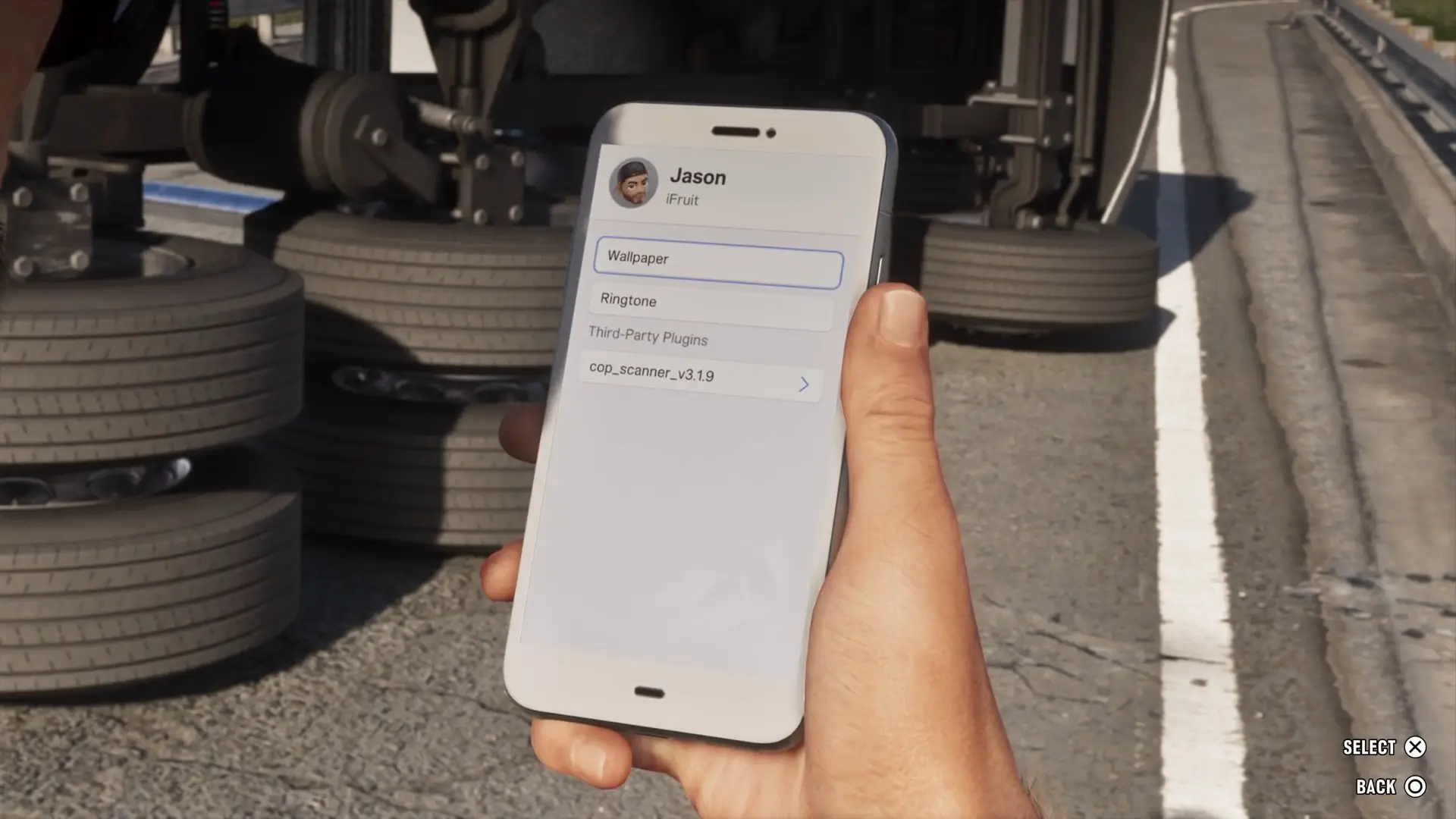
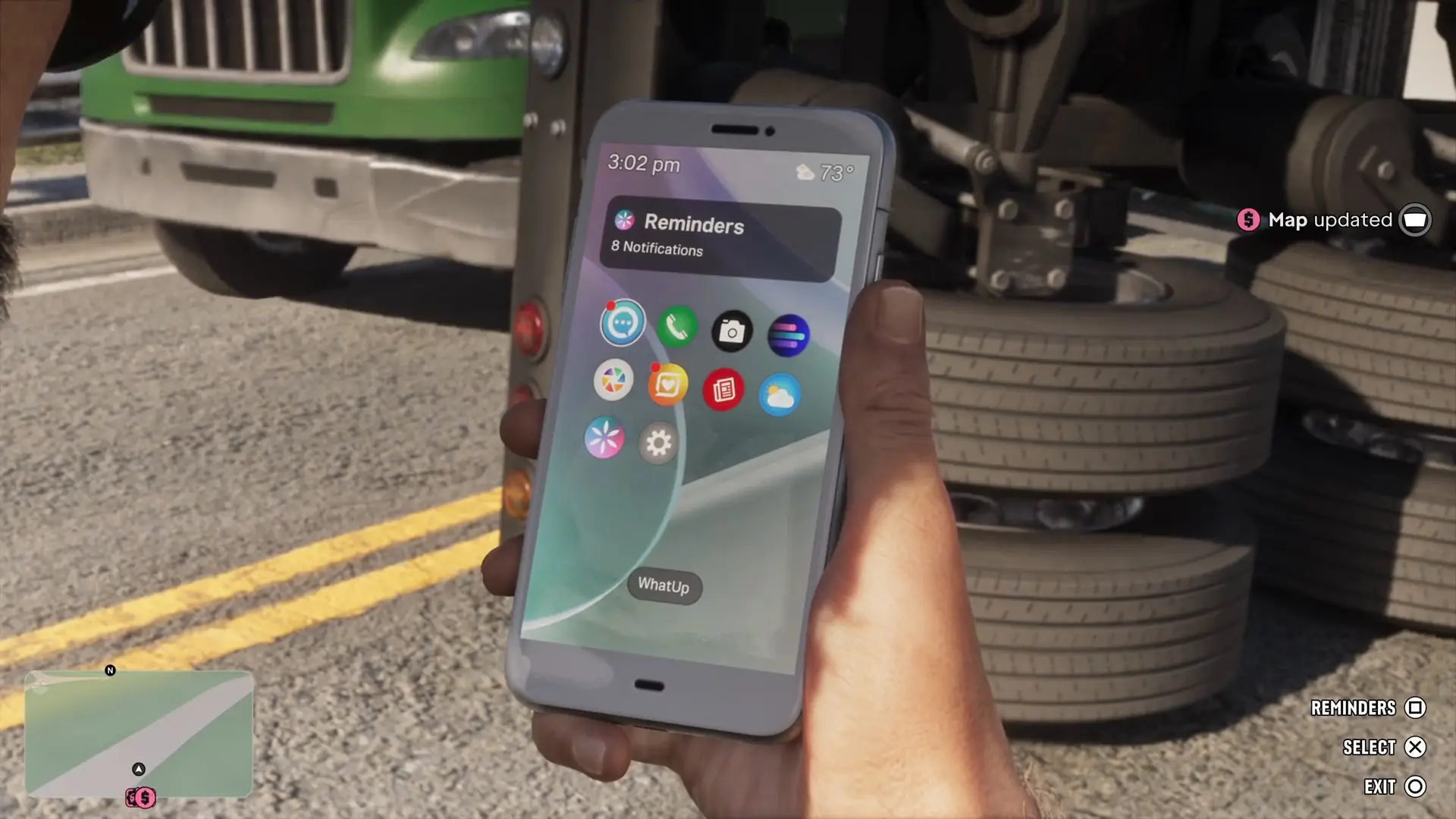
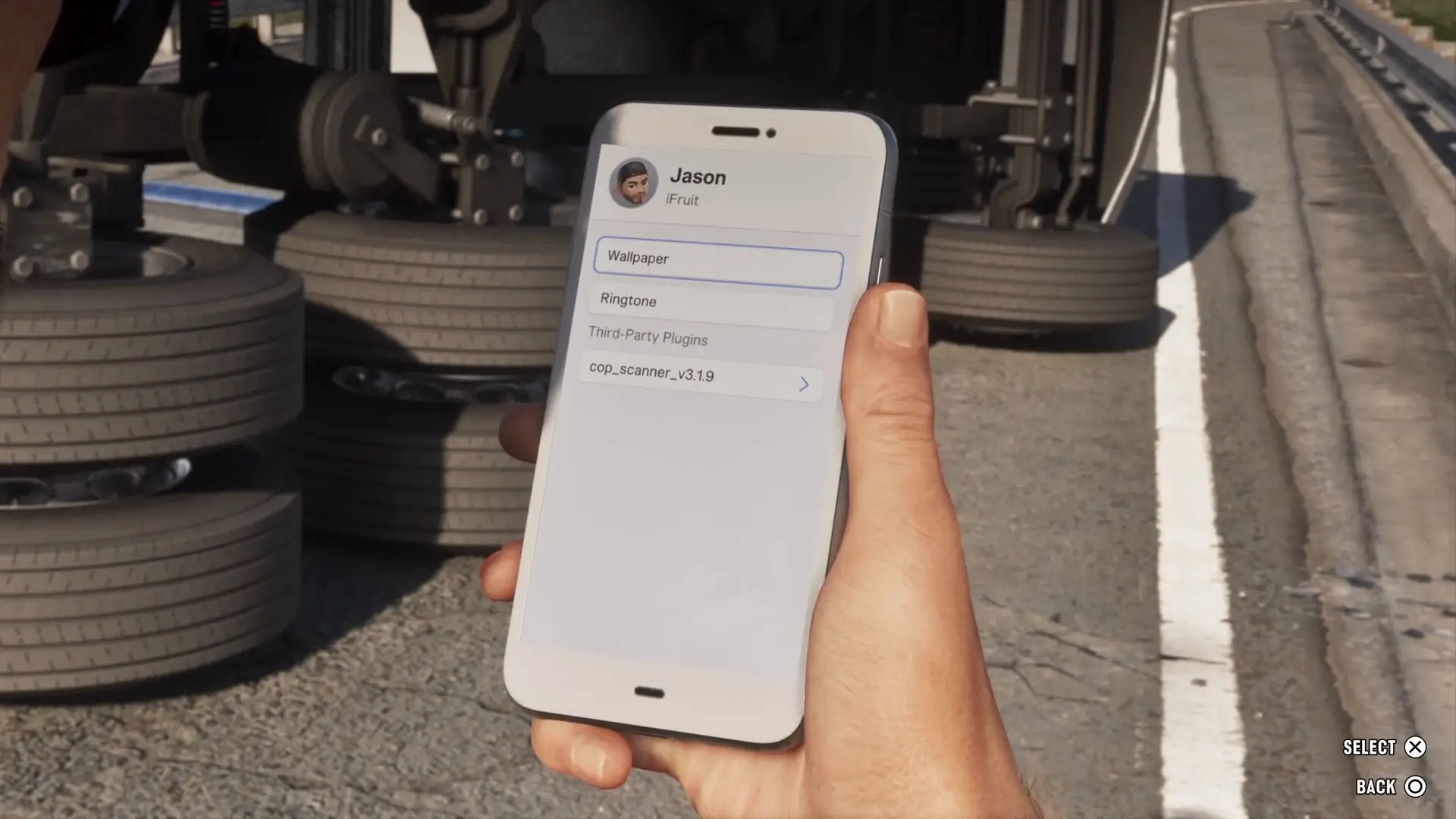
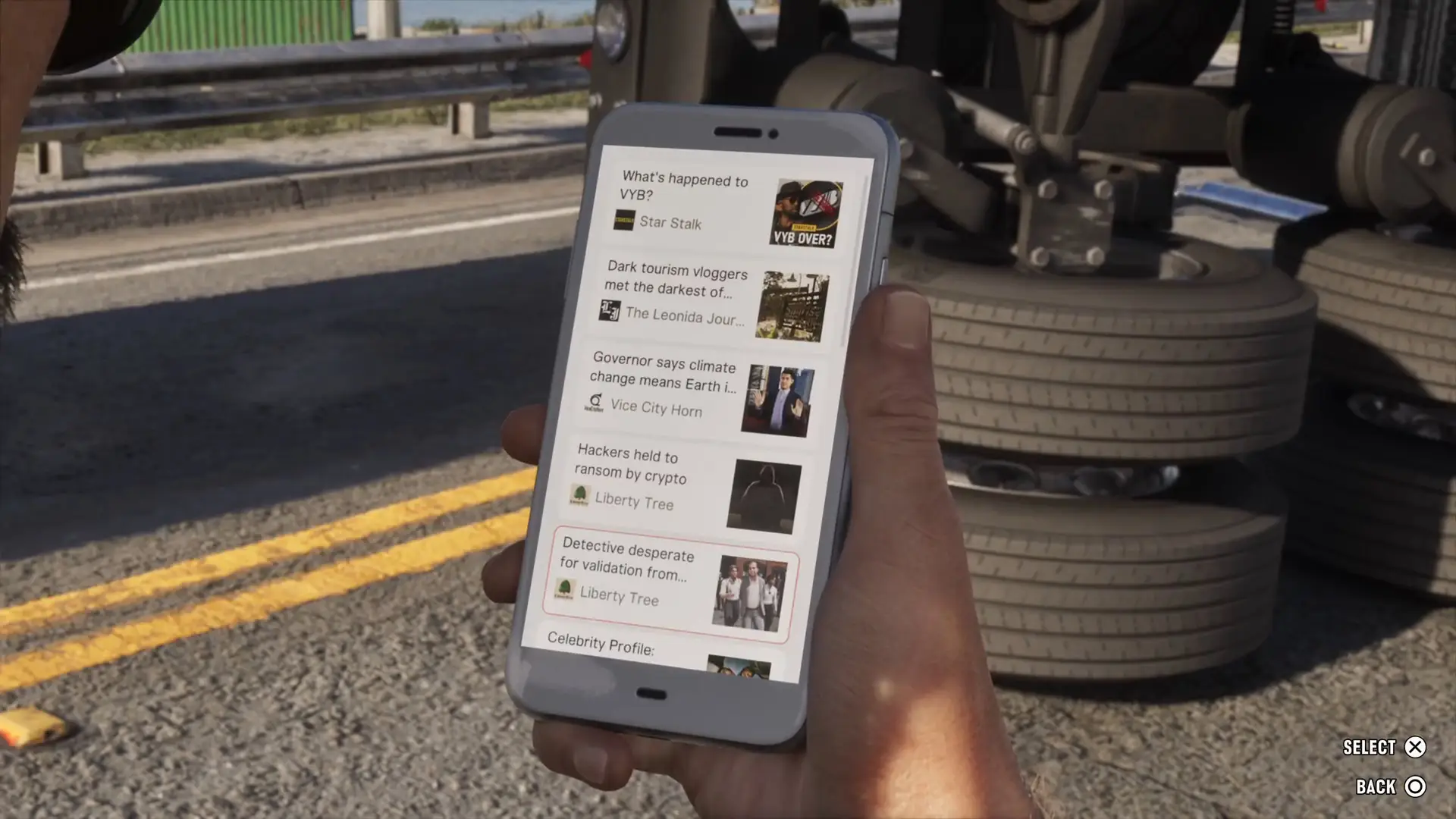
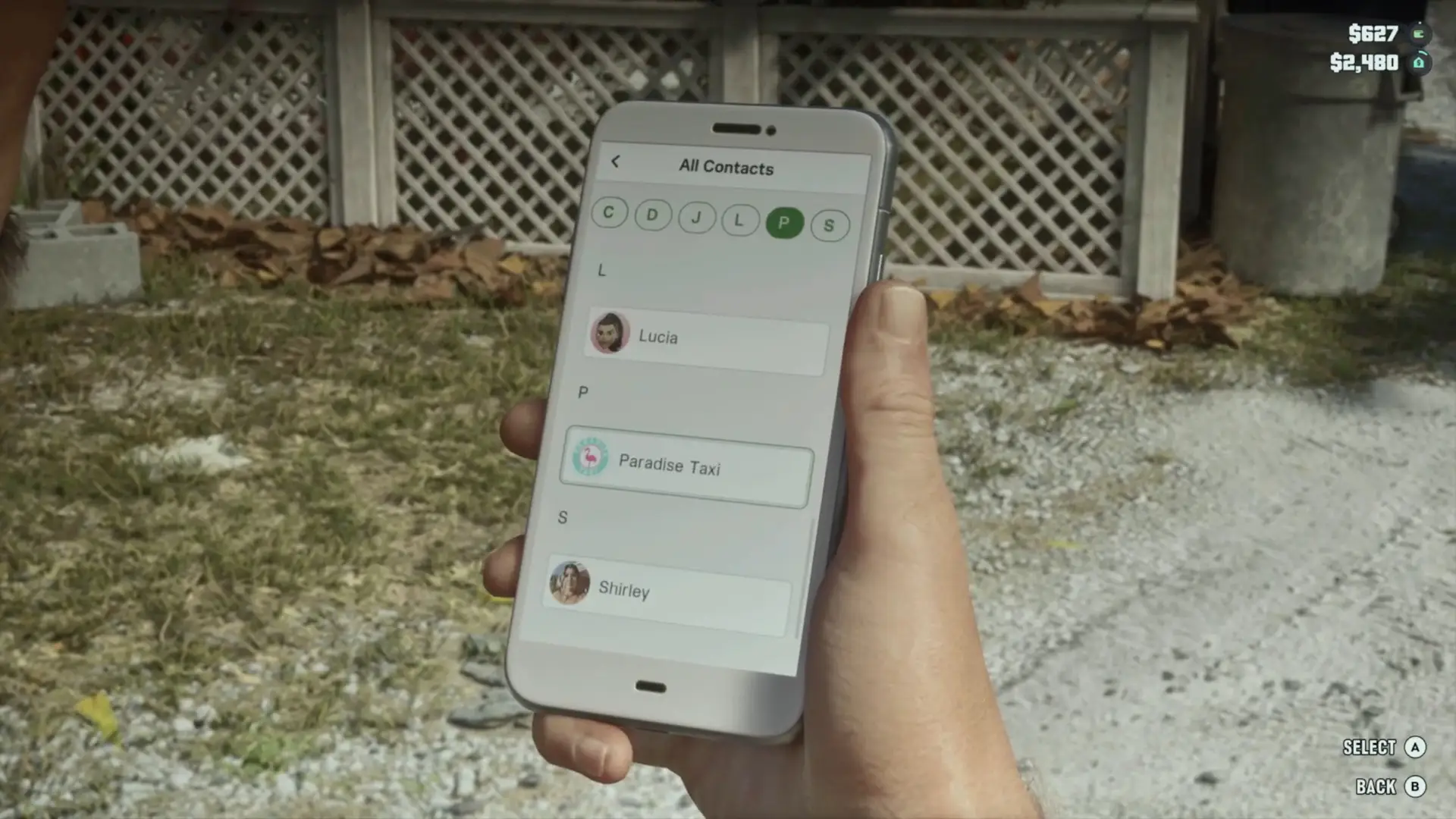
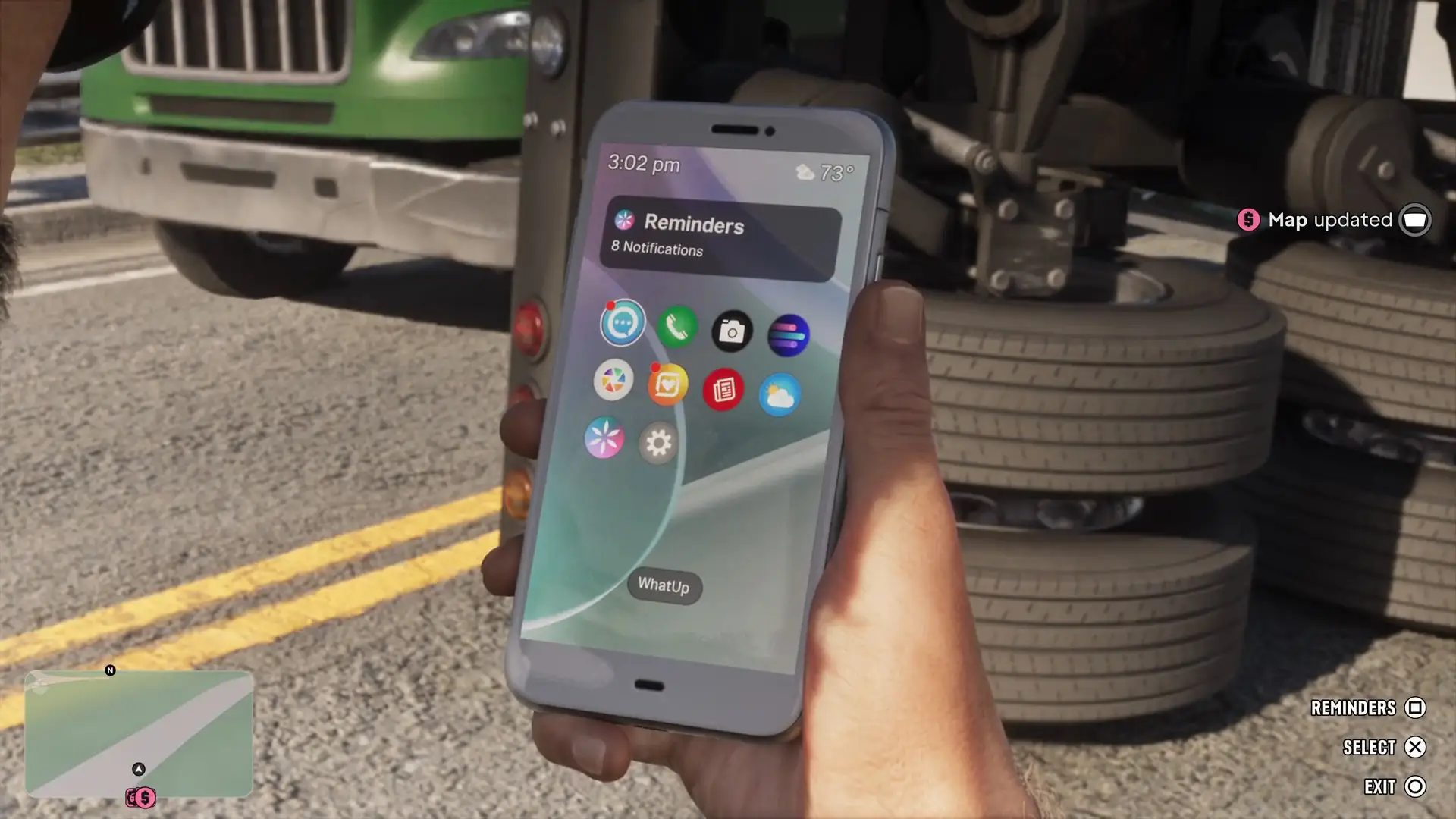
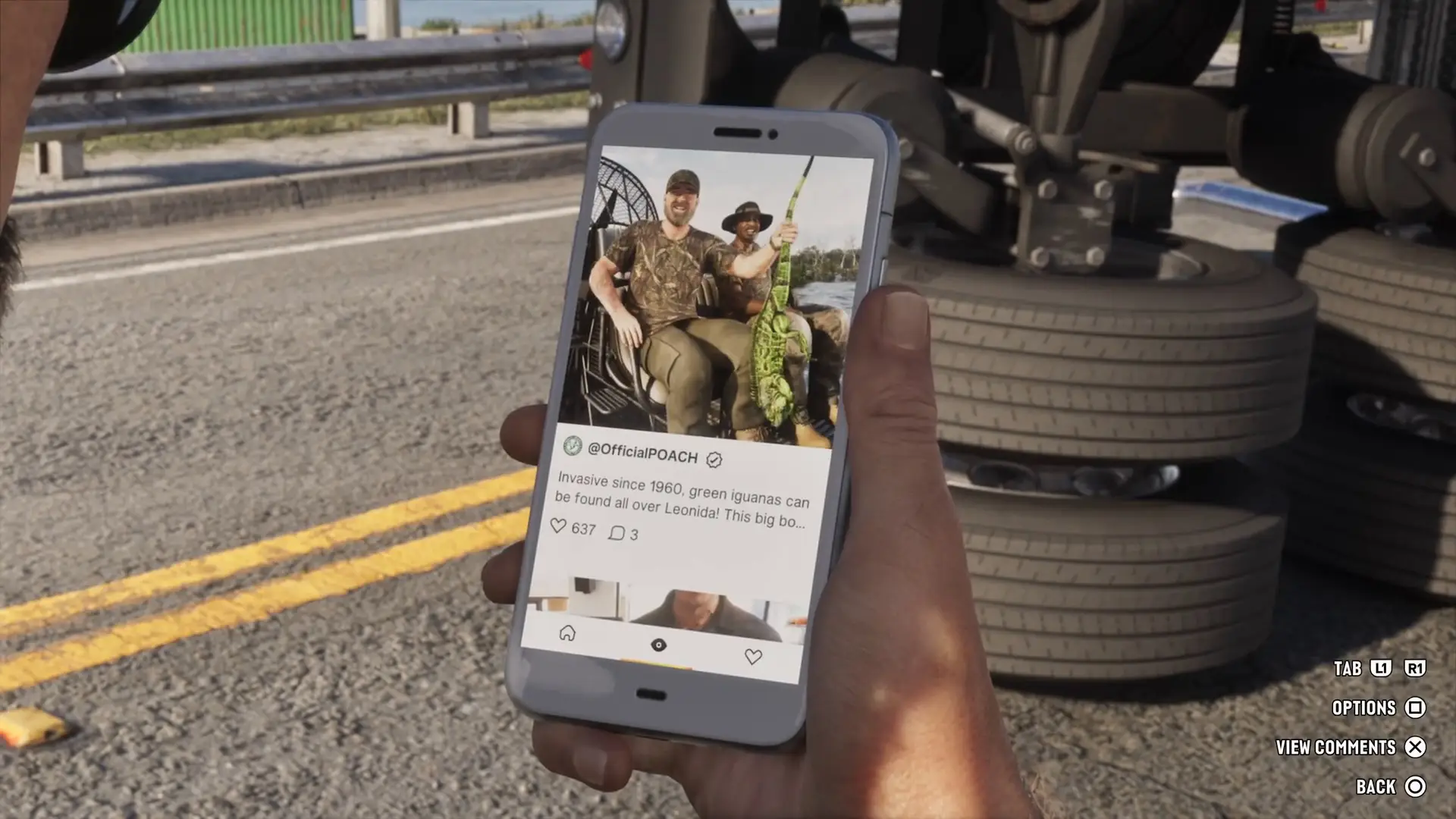
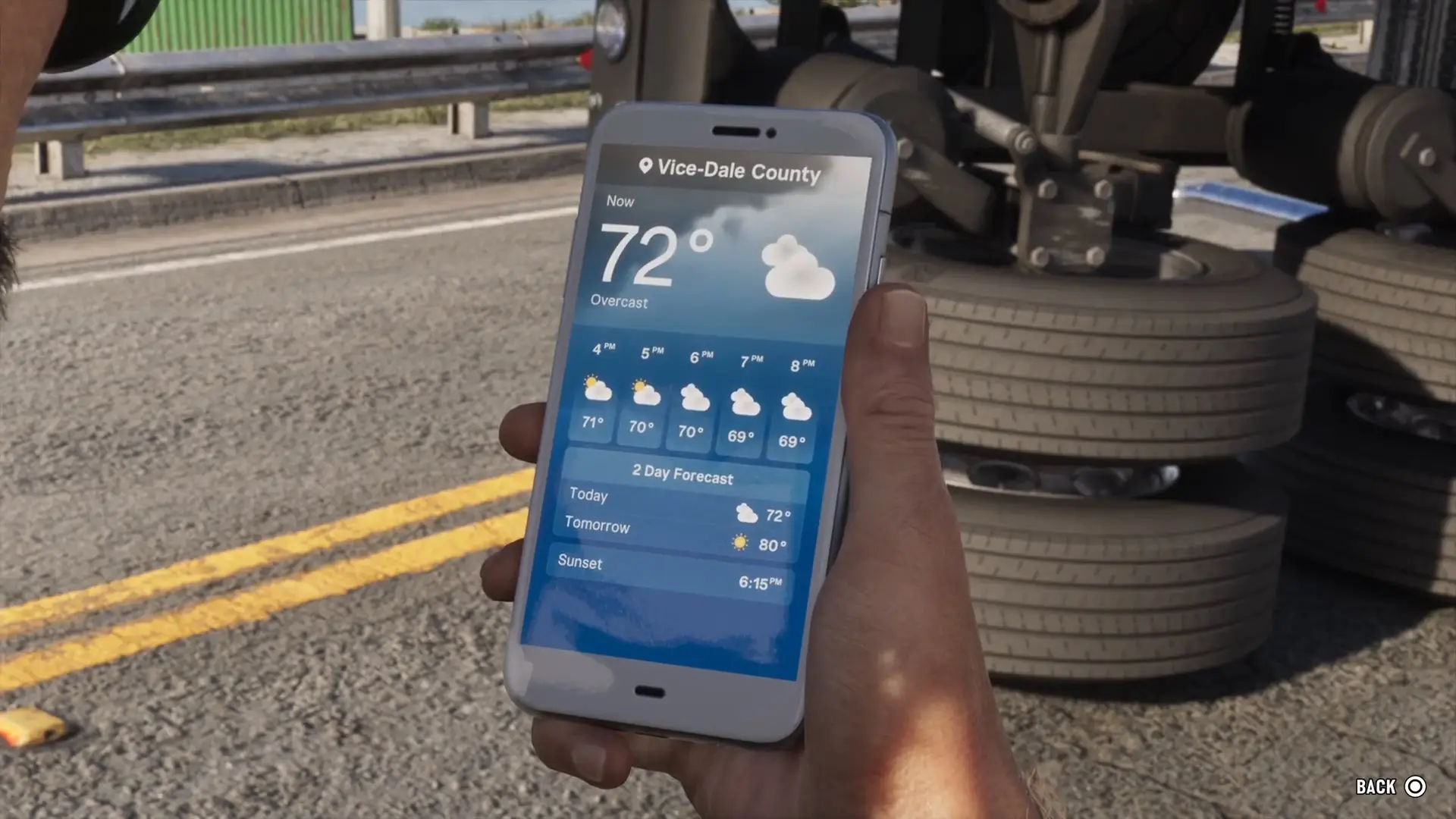
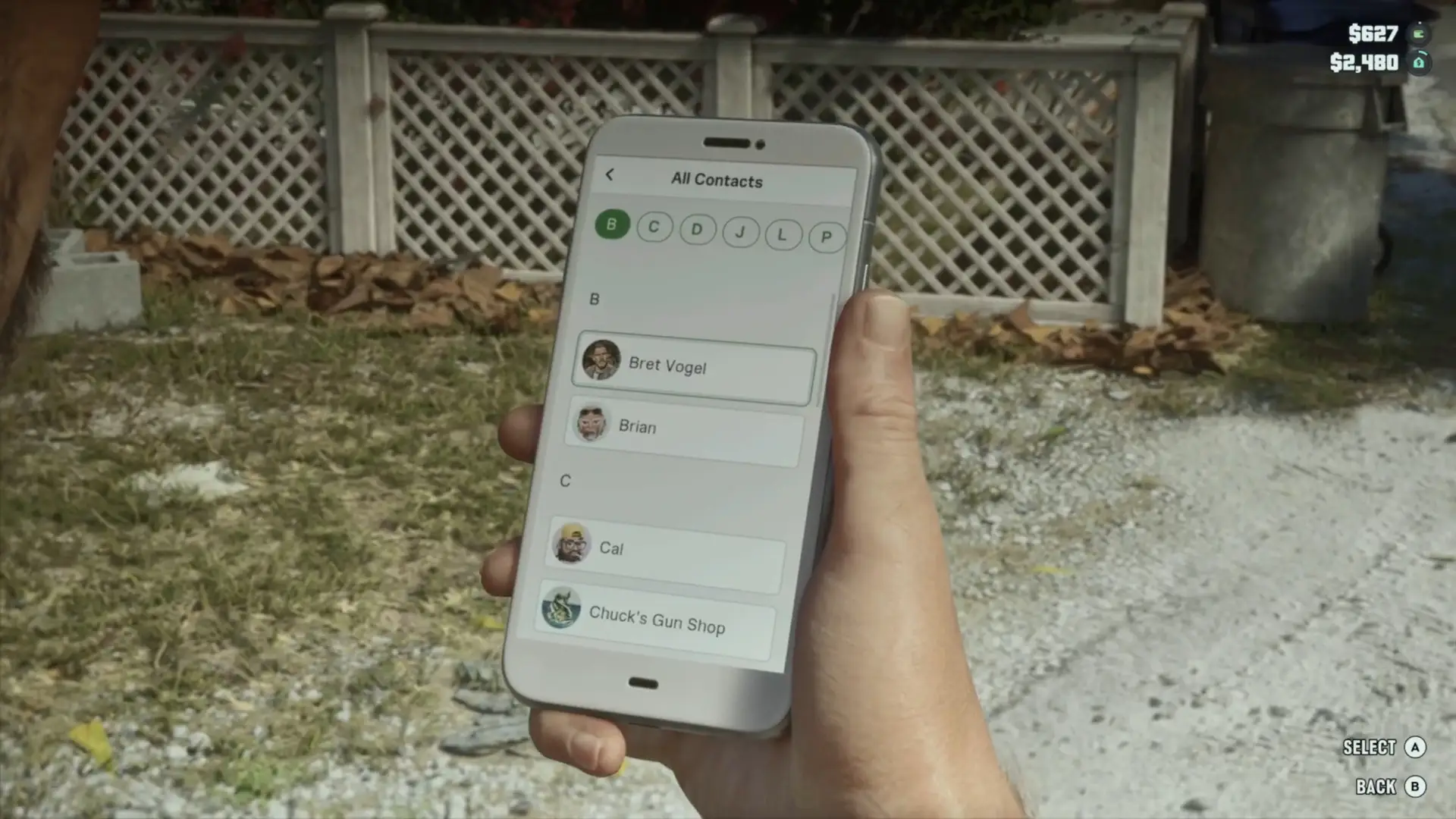
The GTA 6 phone is an iFruit, as its Settings app shows. Press up on the d-pad to open it, highlight an app and press select.
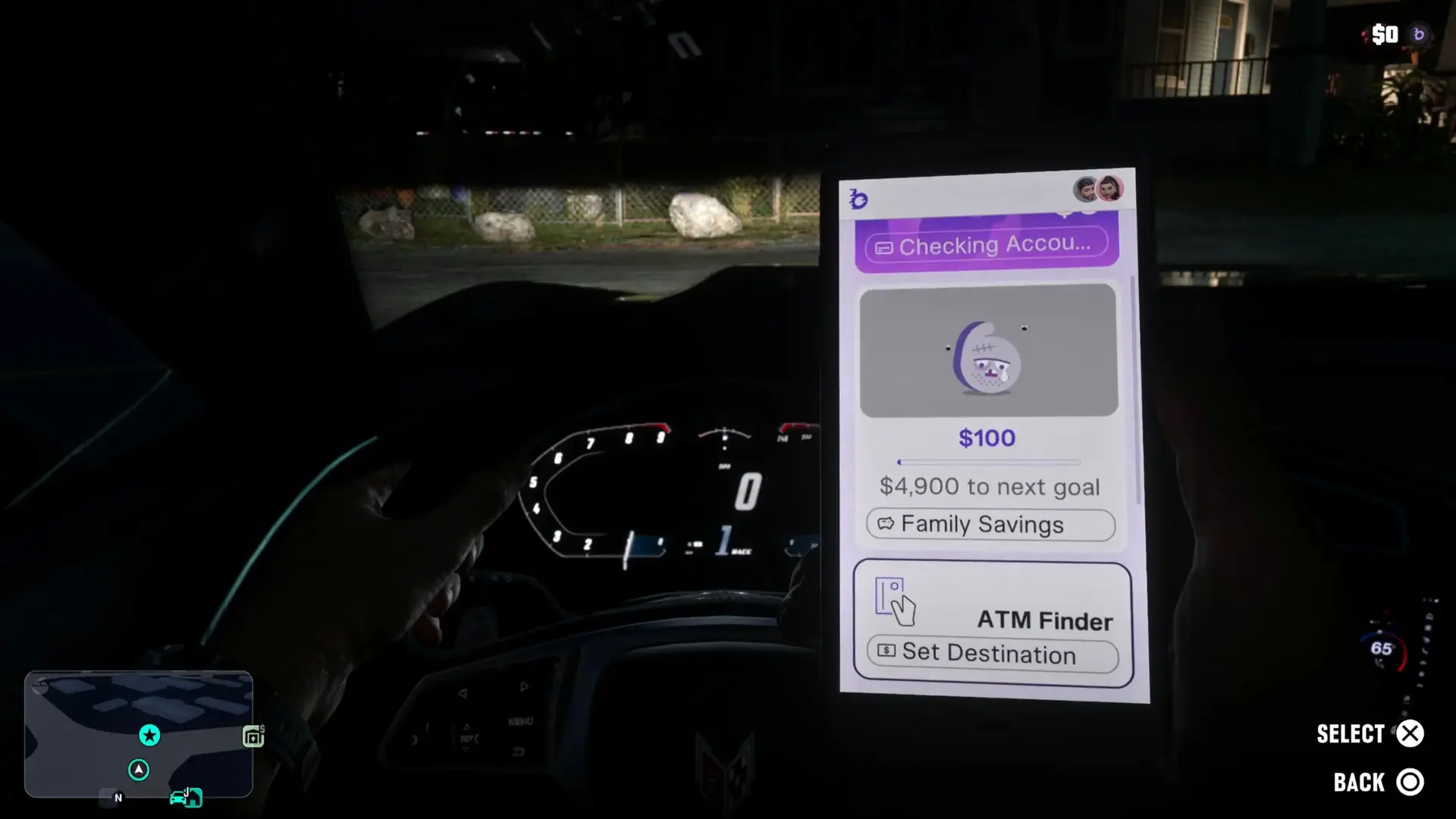
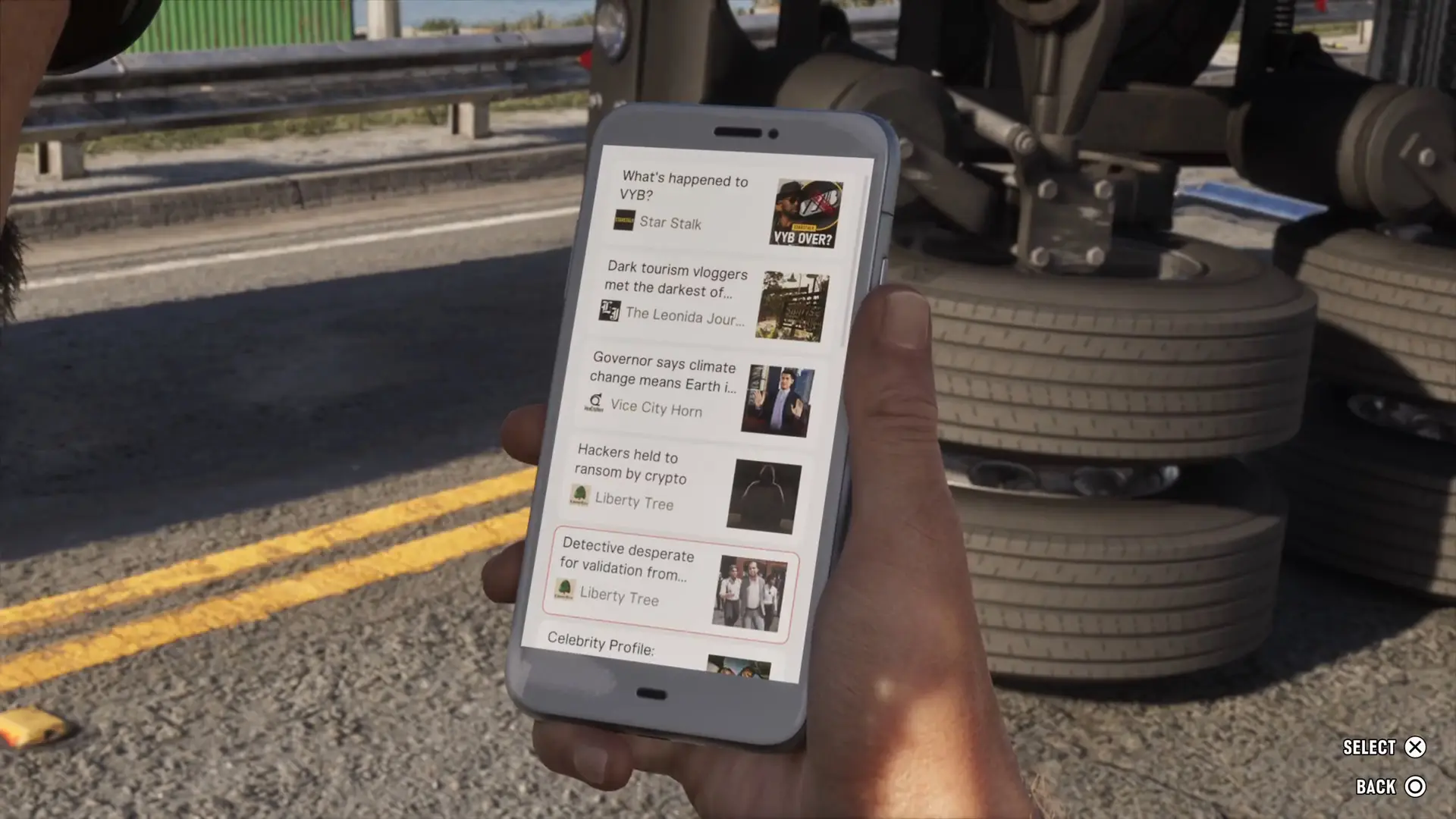
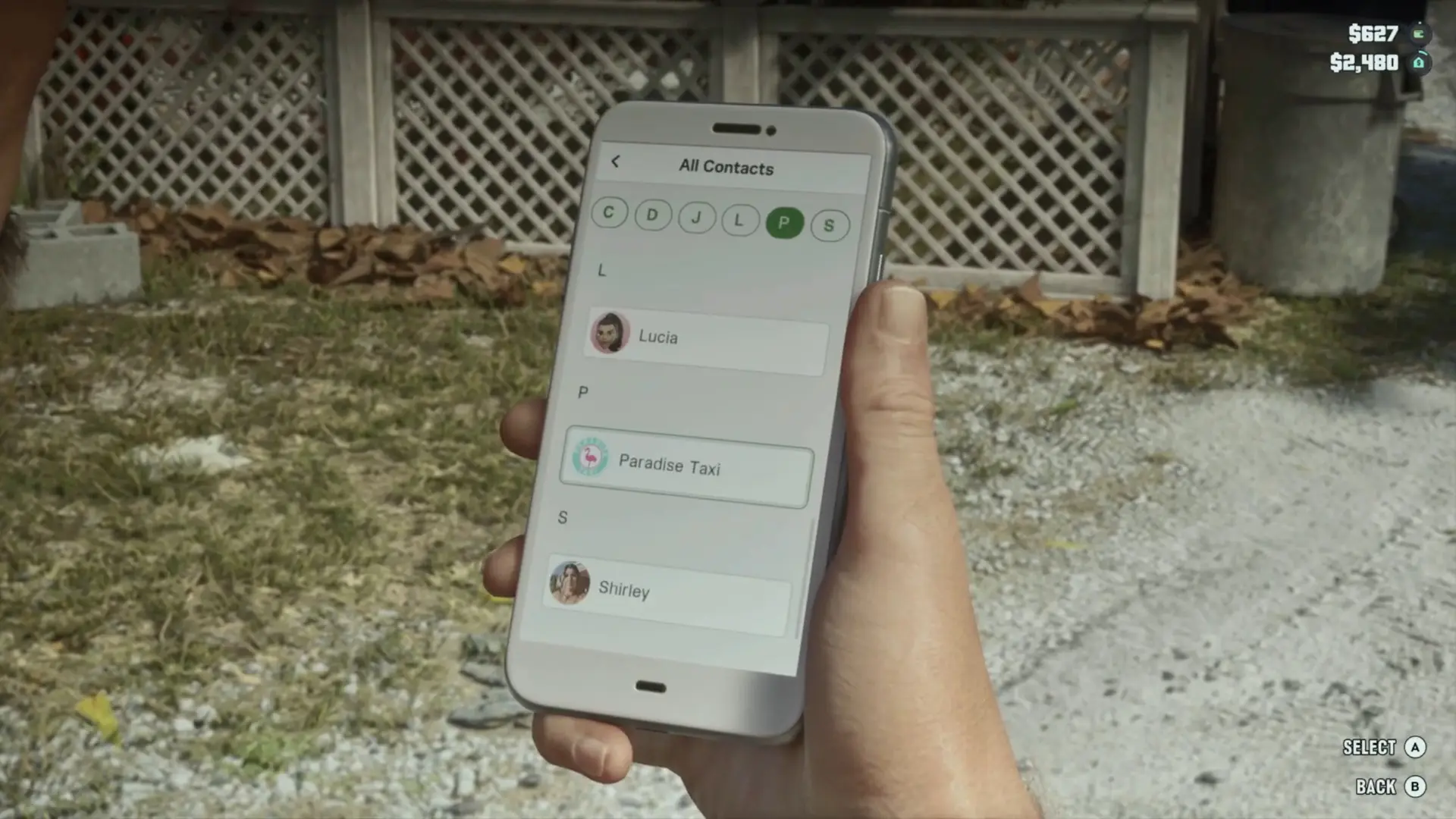
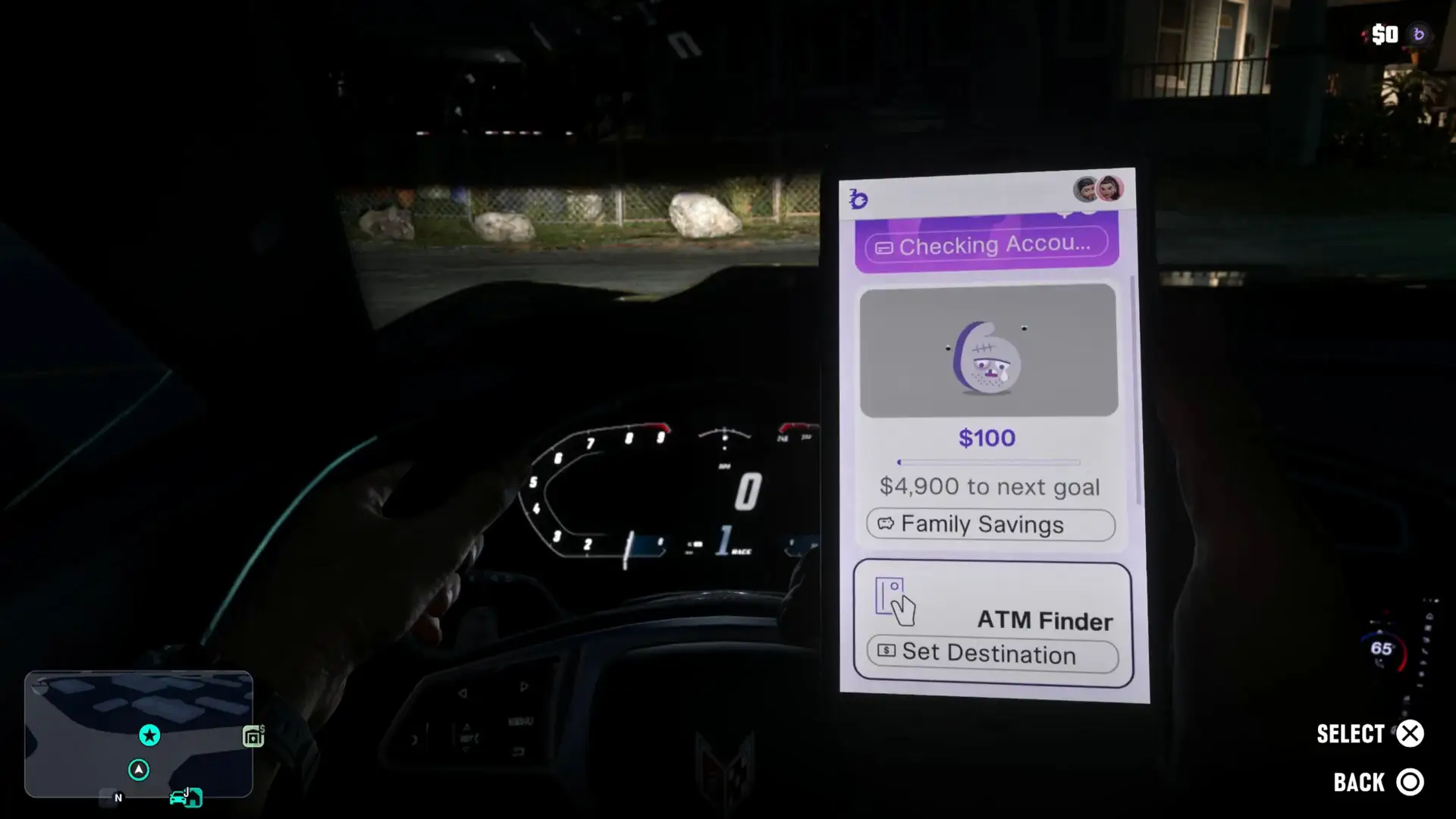
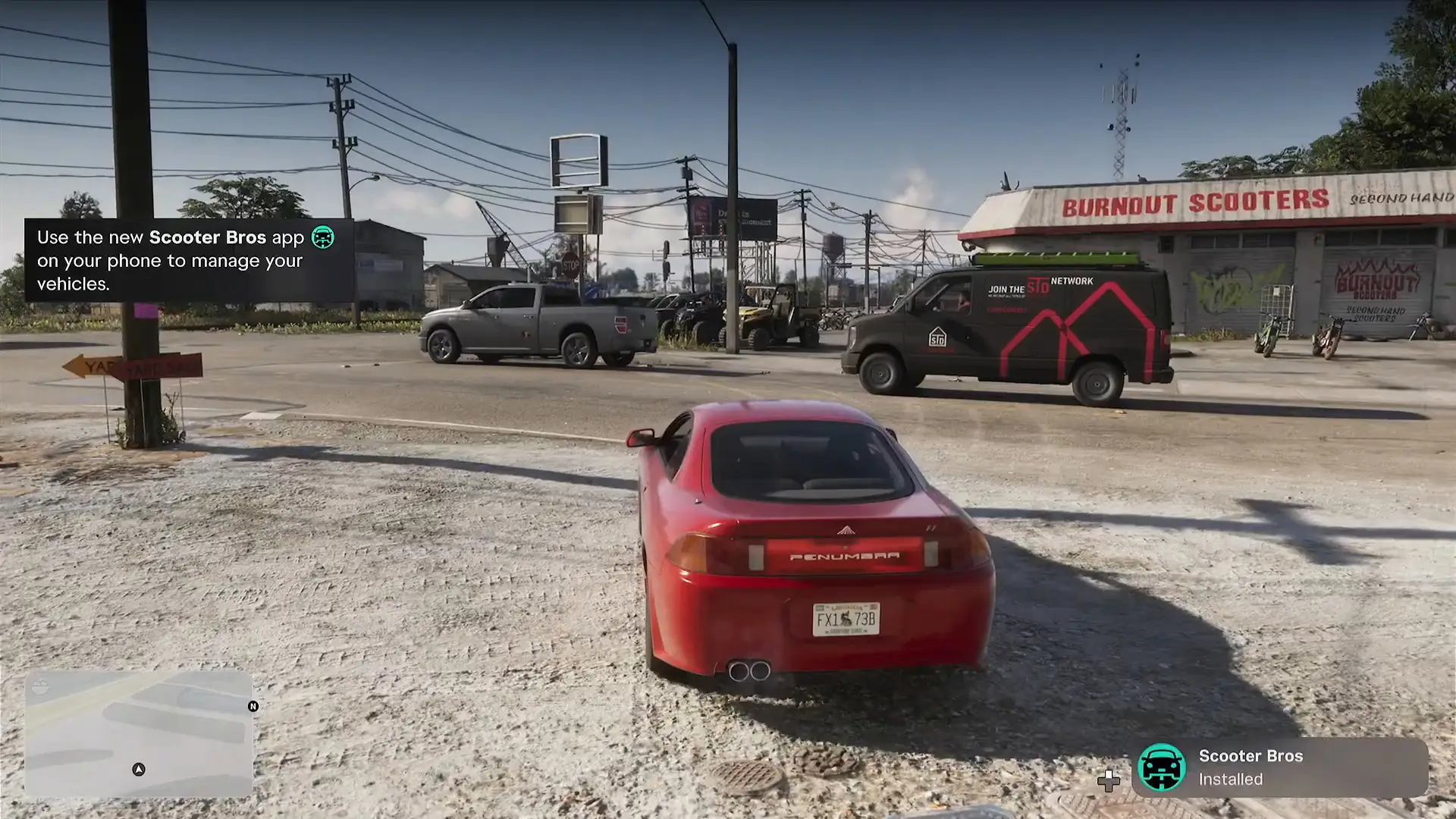
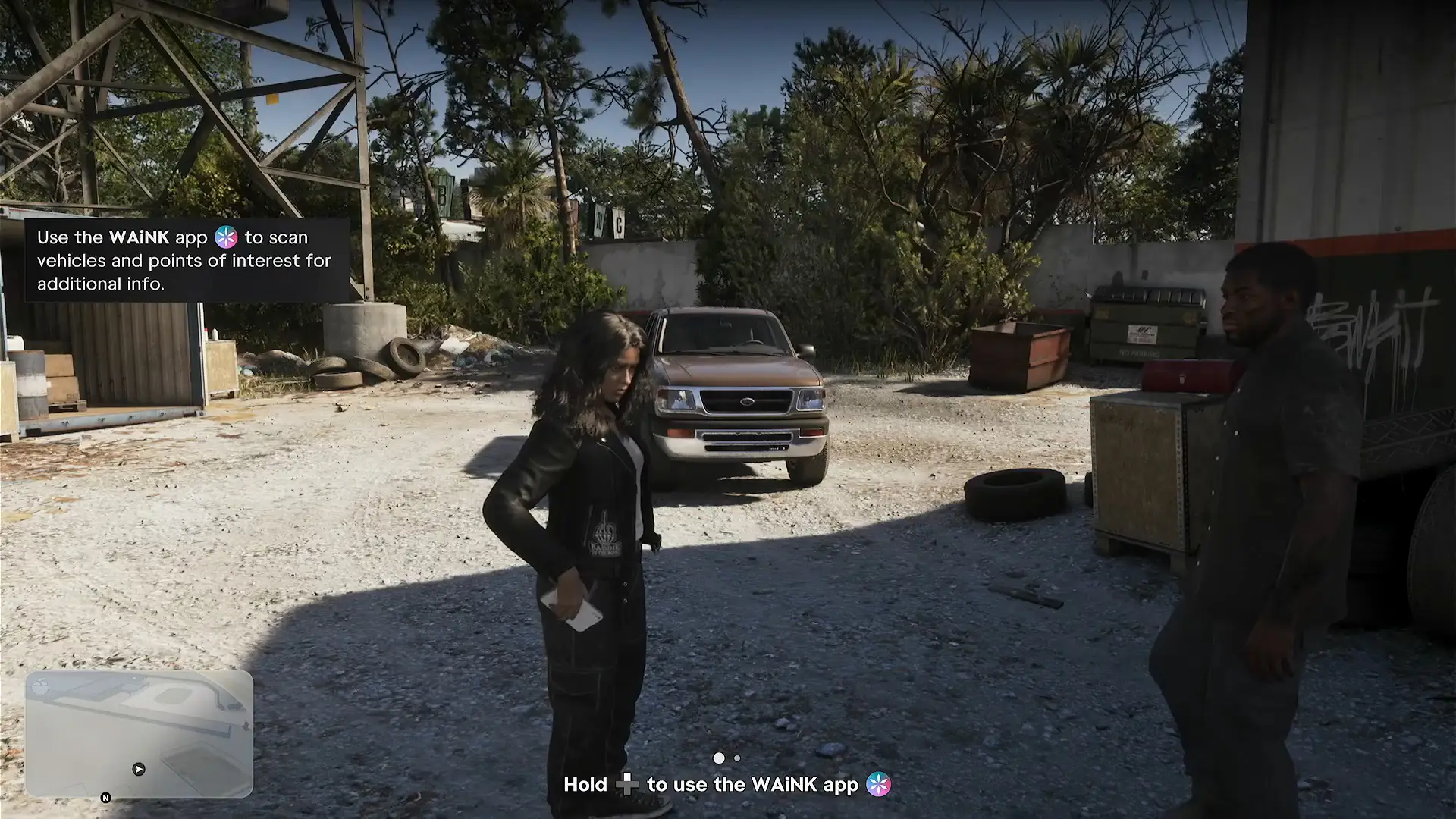
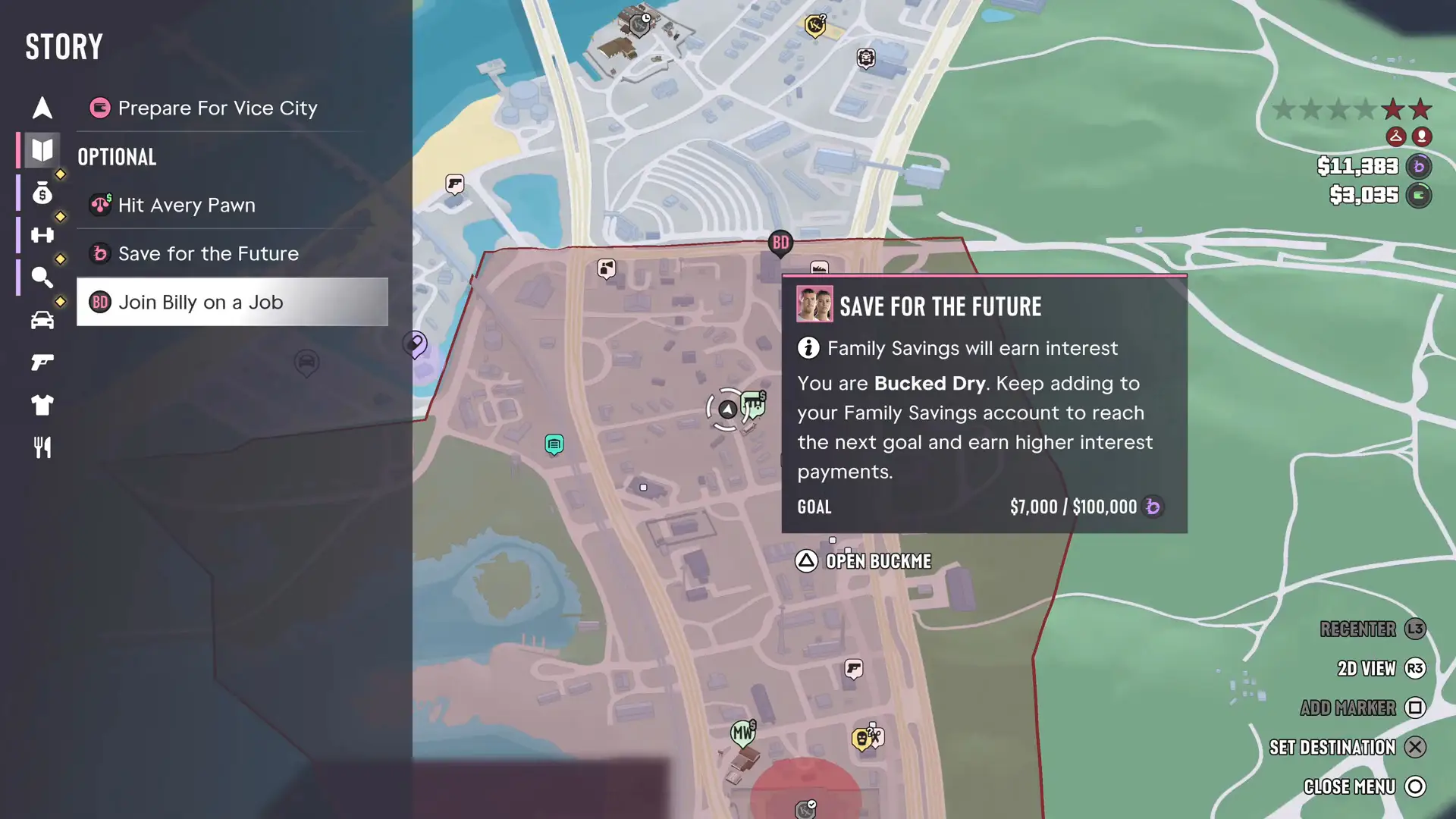
You start with messages, contacts, a camera, social media and a few system apps, and the story then adds the useful ones: BuckMe for banking, WAiNK for scanning cars, Scooter Bros for vehicle delivery and a cop scanner.
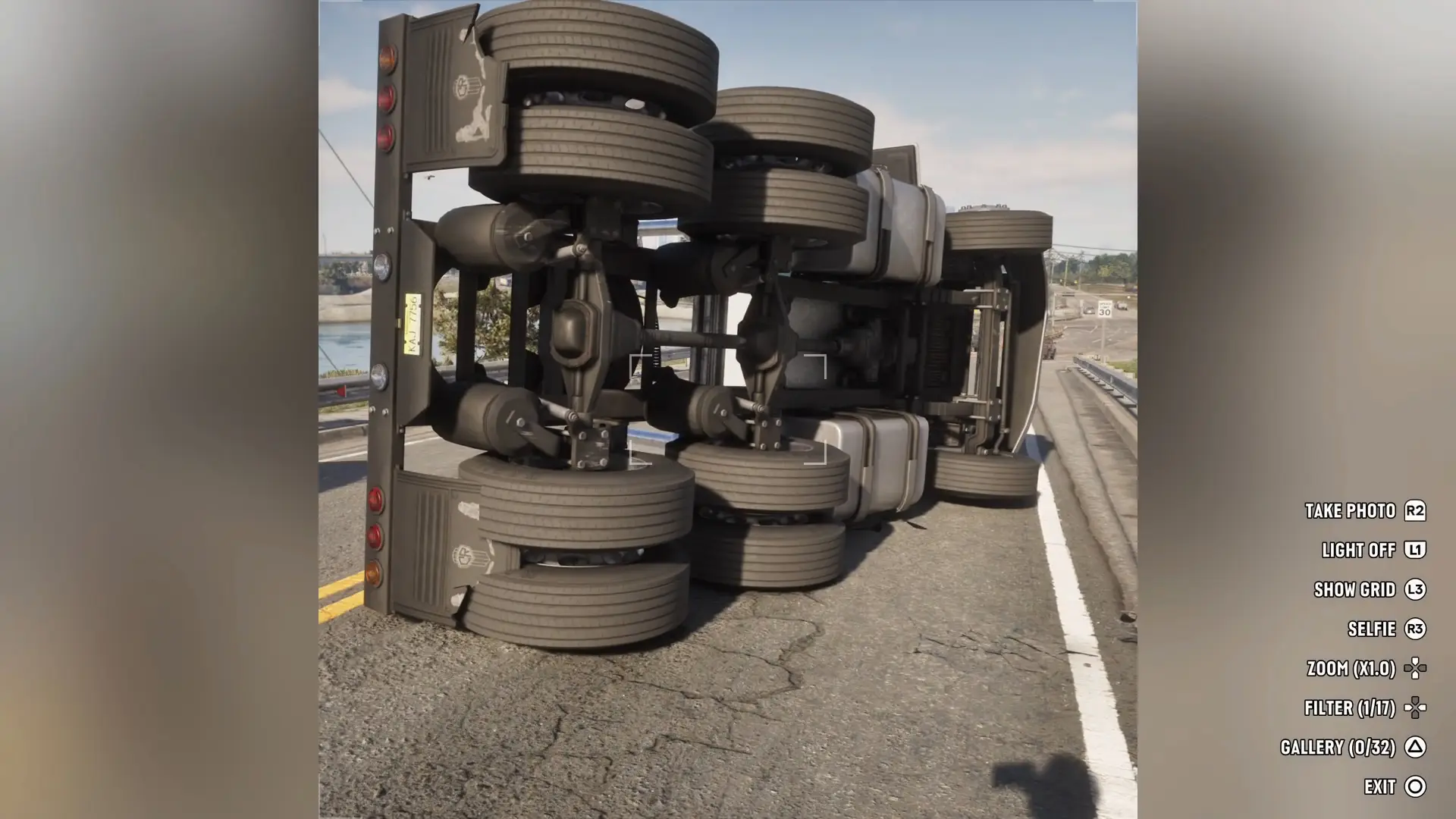
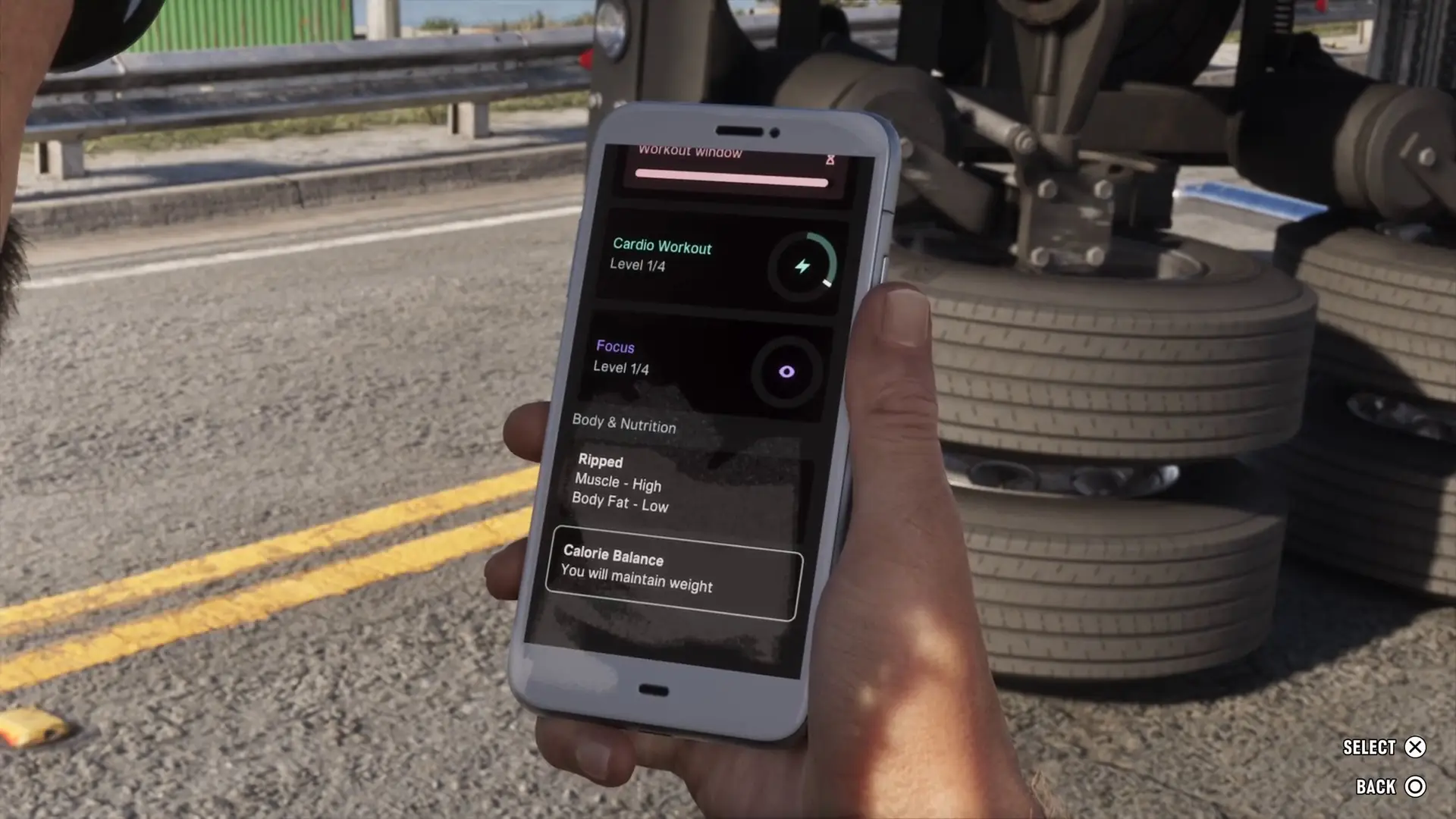
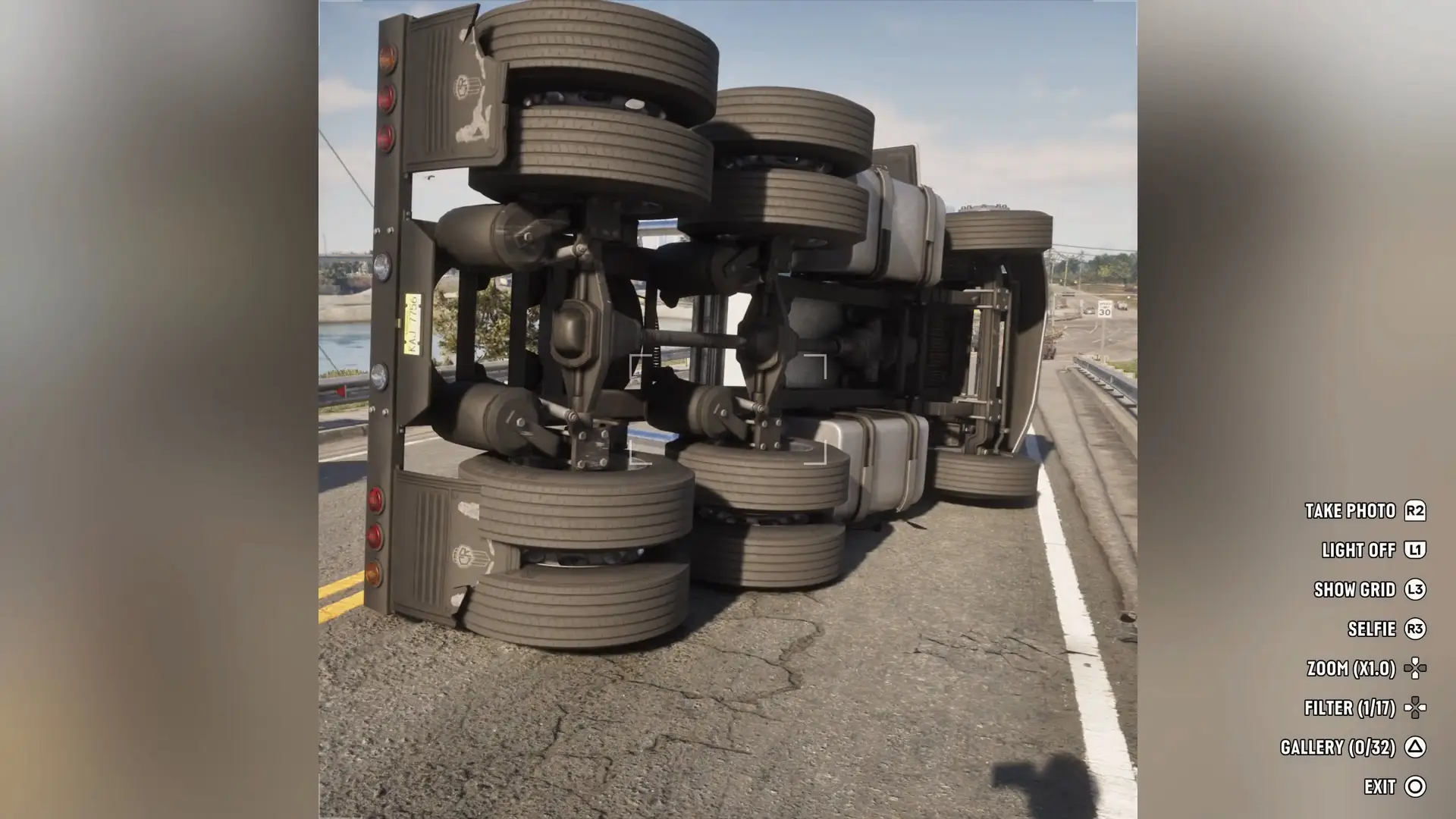
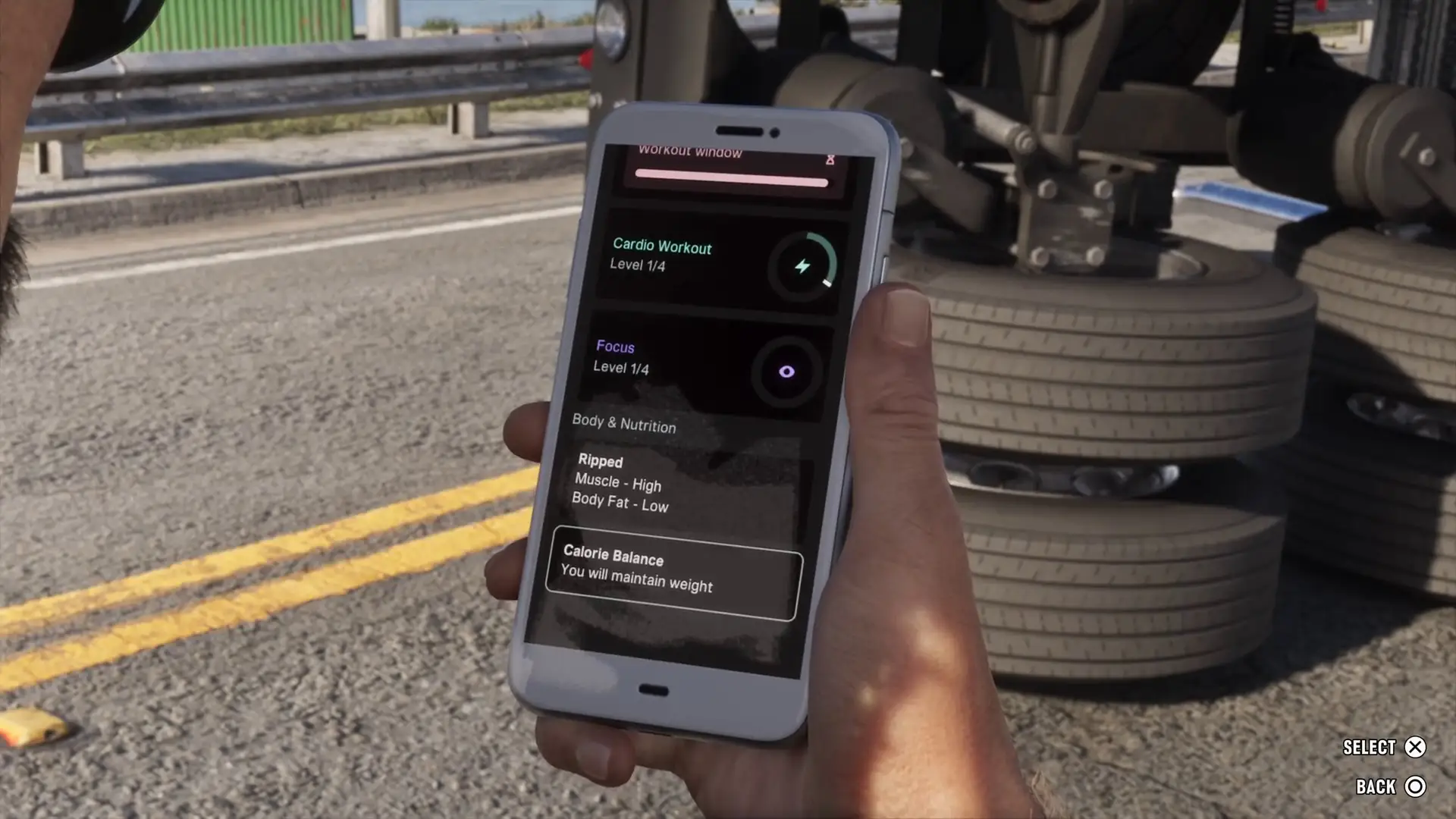
Each row says what the app does, how to open or unlock it and the facts we measured: the camera has 17 filters, the gallery holds 32 photos, and the Fitness app tracks three stats with a level out of 4.
WhatUp is where most jobs and tips arrive, and an address in a text gives you a Set Destination prompt that routes your GPS there.
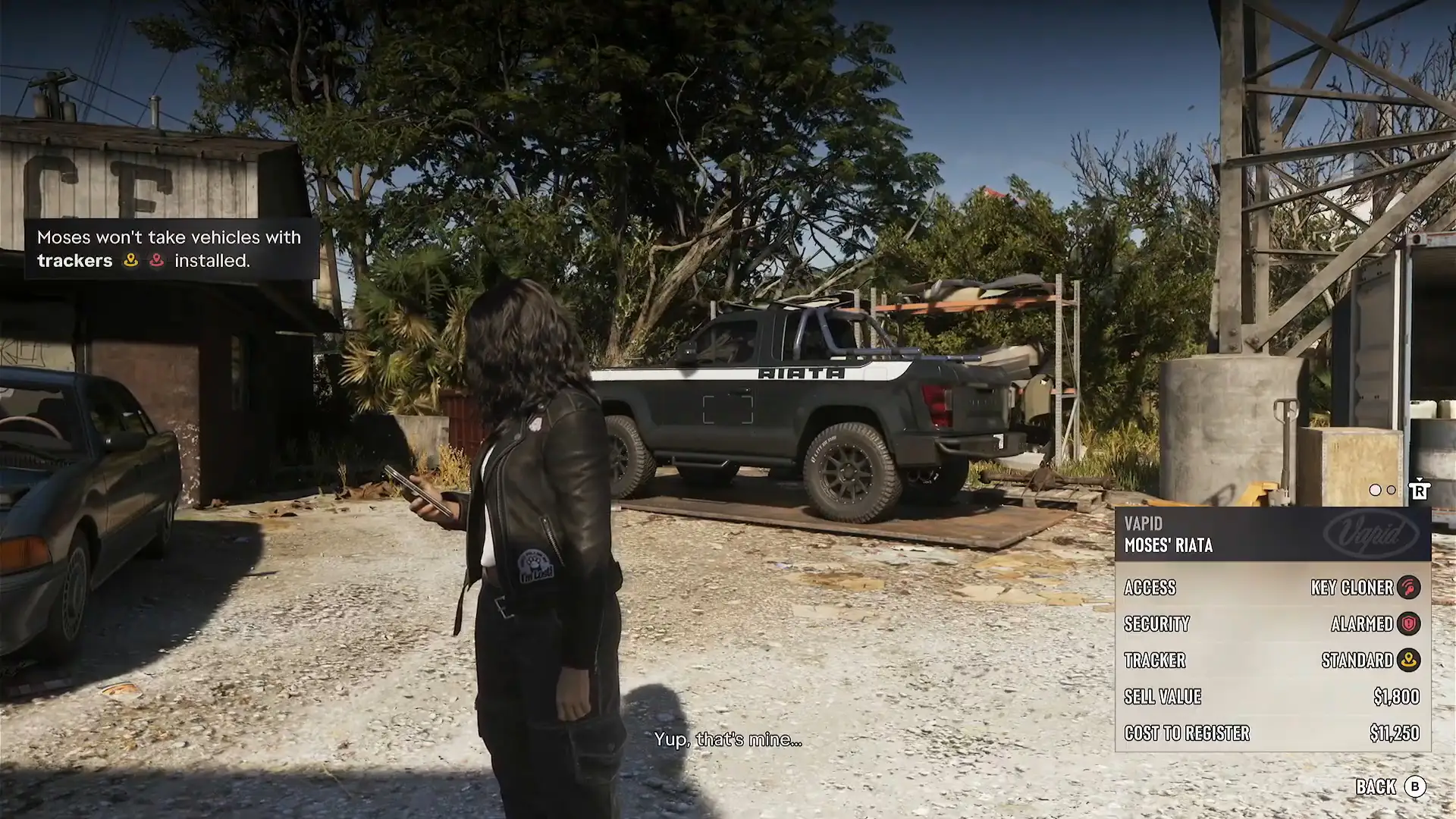
Some apps arrive in specific missions. BuckMe comes in Buck Me with a $100 welcome bonus, the cop scanner in Unwanted Attention, and WAiNK and Scooter Bros in Moses.
RydeMe is reported by PowerPyx to replace Paradise Taxi in Chapter 2, and we have not shown it in footage yet.
How the database is sourced: every record comes from our own guides and mission walkthroughs, which are written from gameplay footage, or from a named outlet. A Confirmed badge means we have seen it on screen or it is on one of our verified pages.
A Reported badge means it comes from Rockstar's announcements, a launch list or another outlet and has not yet been checked against gameplay footage. Each row says which, and links to the page it came from.
A ride-hailing app that a tip after Buck Me says you can use to order a ride. PowerPyx reports it takes over from Paradise Taxi in Chapter 2. We have not shown it in footage yet.
Scans a car for how to get in, its alarm, any tracker and the cost to register, and scans points of interest. You hold the d-pad prompt and aim, without opening the phone.