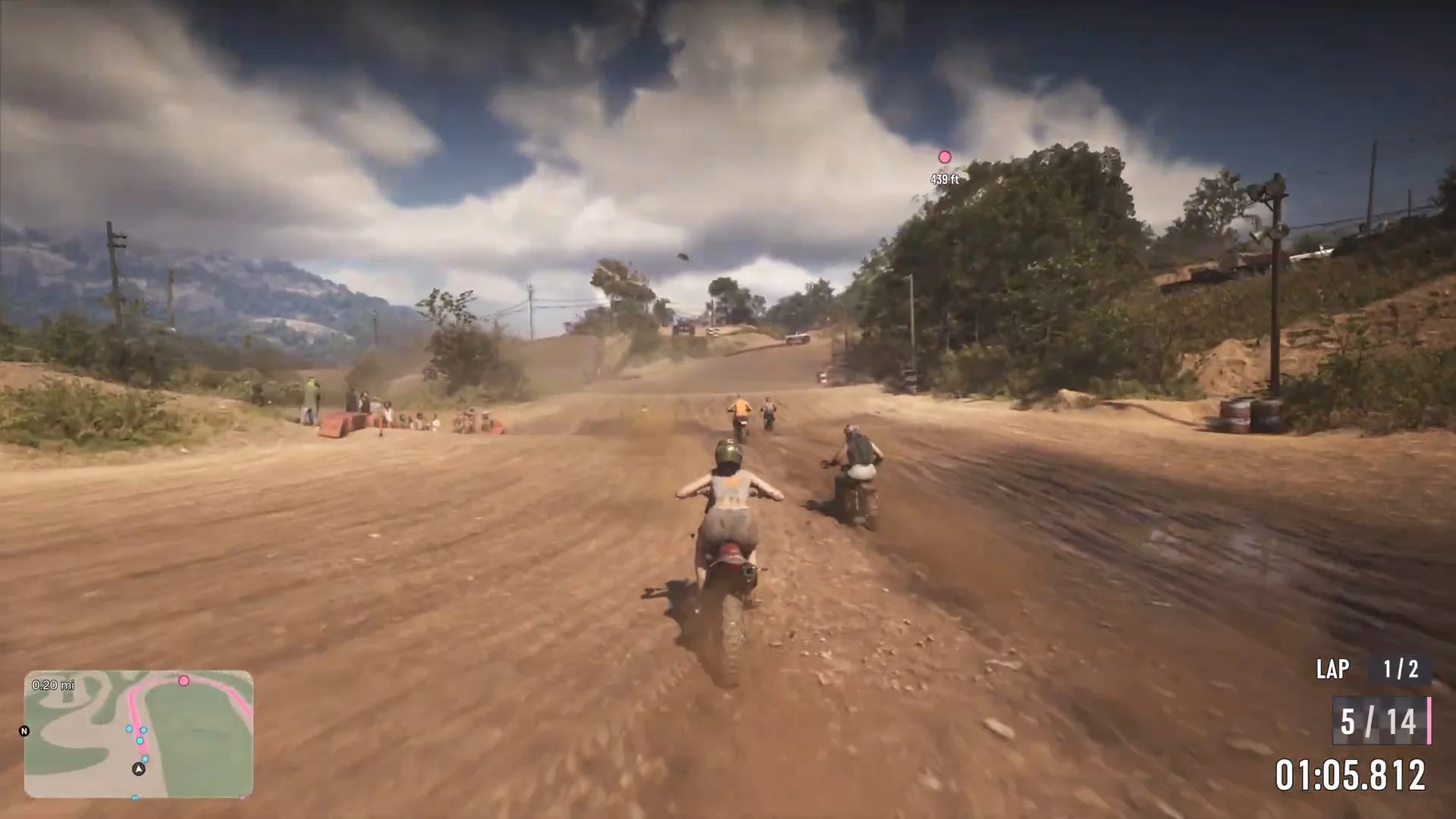
GTA 6 FPS and Performance: 30 vs 60 FPS on PS5, Pro and Series S
GTA 6 runs at 30 fps on every console with no 60 fps performance mode. Reported resolution and frame rate on PS5, PS5 Pro, Series X and Series S, and tips.
Skip to the guideDisclosure: As an Amazon Associate I earn from qualifying purchases. Buying through our links costs you nothing extra. How we pick products.
GTA 6 runs at 30 frames per second on every console, and there is no 60 fps performance mode at launch. PS5, PS5 Pro, Xbox Series X and Xbox Series S all target the same frame rate. What changes between them is the resolution, the upscaling, the ray tracing and how steadily that 30 fps holds in busy scenes. This page puts those differences in one place, explains what you can and can’t change, and says where reports disagree.
Quick version: 30 fps everywhere · no confirmed performance mode or graphics menu · PS5 Pro is the sharpest and steadiest · PS5 and Series X are close to each other · Series S is the weakest and drops into the 20s · no PC version exists.
Is GTA 6 30 fps or 60 fps?
Thirty. Every console targets 30 fps, and Rockstar hasn’t promised a 60 fps mode. That means you can’t pick between a “fidelity” mode and a “performance” mode the way you can in many other big games. There is no confirmed graphics menu with quality or performance options, so the settings that matter are on your TV and console. Our best settings guide lists them.
A later patch could change this. If Rockstar adds a 60 fps mode, the table below will be updated.
GTA 6 performance by console
| Console | Reported resolution | Upscaling | Frame rate | Ray tracing |
|---|---|---|---|---|
| PS5 Pro | 1440p internal, near 4K output | Sony PSSR | Nearly locked 30 fps | Global illumination, reflections and shadows |
| PS5 / PS5 Slim | 1440p internal | Rockstar’s TAA | Mostly 30, high 20s in chases | Global illumination and reflections |
| Xbox Series X | 1440p internal | Rockstar’s TAA | Mostly 30, high 20s in chases | Global illumination and reflections |
| Xbox Series S | About 720p toward 1080p | FSR 4 | Mid 20s driving, about 20 in crowds | Reduced global illumination and reflections |
These numbers come from Digital Foundry’s launch analysis as reported in the tech press, not from our own measurements. Reports agree on the broad picture but differ in detail. For the Series S, some list FSR as the upscaler and others don’t name one, and the lowest dips quoted range from the high teens to about 20 fps. Treat each figure as approximate.
PS5 vs PS5 Pro
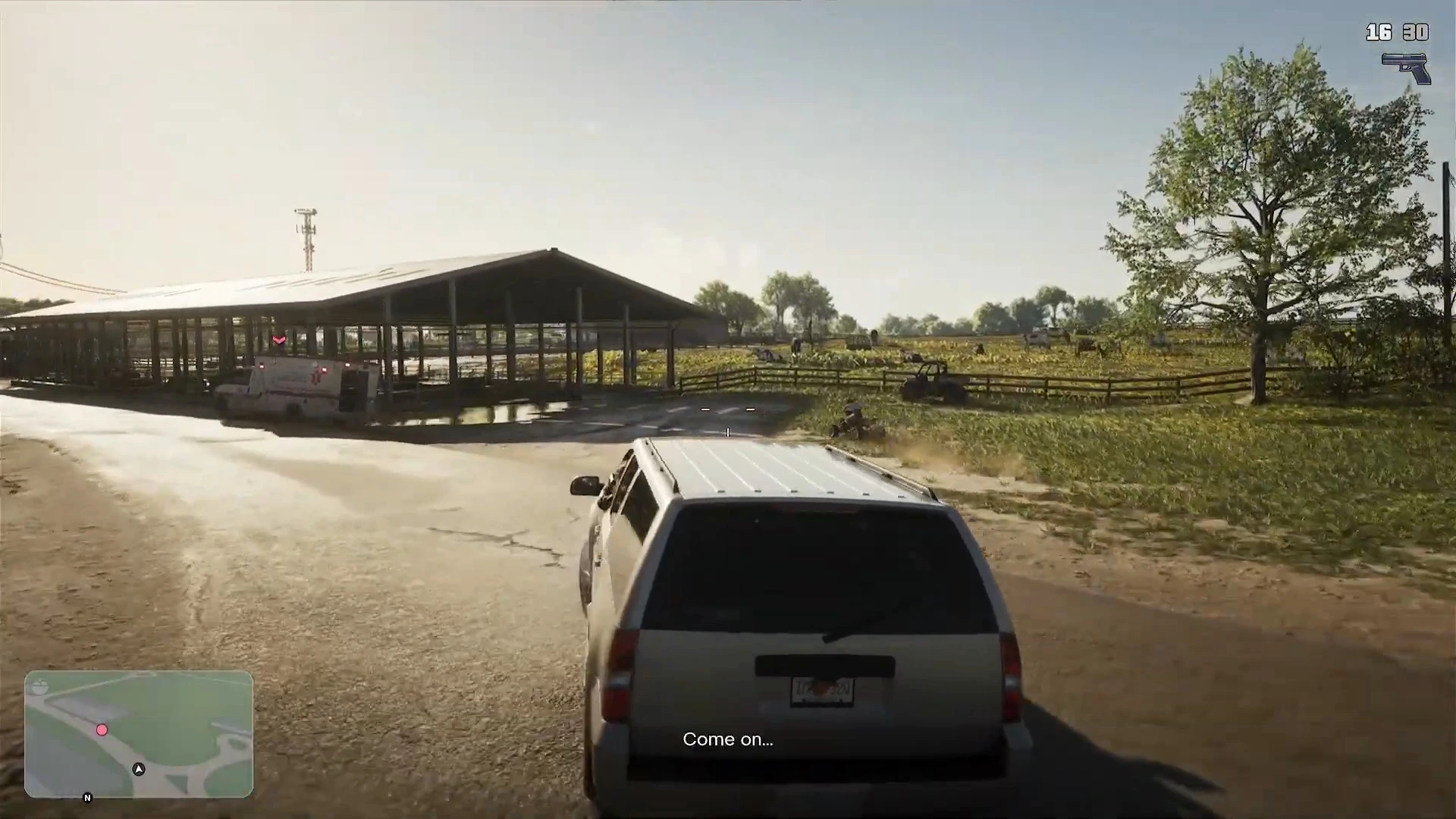
The Pro is labelled PS5 Pro Enhanced. It is the only console reported to have ray-traced shadows, and PSSR gives a sharper image than the standard PS5’s softer upscale. It also holds 30 fps more consistently in chases and crowds. It doesn’t unlock 60 fps, so it won’t feel faster. It looks cleaner and steadier. If you have a good 4K TV, that is worth noticing, and if you are on a 1080p TV you gain less. The full comparison is in our PS5 vs PS5 Pro guide.
Sony promises “near-instant” loading on all PS5 models.
Xbox Series X and Series S
The Series X is reported to match the standard PS5, with the same 1440p internal resolution and the same high-20s dips in chases. The Series S is a different story. At about 720p, with mid-20s frame rates while driving and about 20 fps in heavy action, it is the hardest version to play smoothly. It is playable, and quieter driving looks fine on a 1080p TV, but you will notice the dips. See the Xbox Series S guide for storage and settings, and the PC guide for the current status of a PC version.
What you can do to improve performance
You can’t change the frame rate target, but you can make the game feel better.
- Use your TV’s Game mode. It cuts input lag, which matters when driving and aiming at 30 fps.
- Turn on VRR if your TV supports it. At 30 fps it helps less than in faster games, because console VRR usually starts at 48 Hz, but it does no harm. On the Series S the Xbox setting is under Settings, General, TV and display options and it smooths the dips below 30.
- Turn off motion smoothing and noise reduction. They add lag and smear the image at 30 fps.
- Keep the console ventilated. The Series S in particular is small, and a cramped cabinet doesn’t help.
- Leave storage free. GTA 6 needs a lot of room and patches add to it. See the file size guide.
Our best TV guide explains which TV features matter for a 30 fps game. HDMI 2.1 isn’t essential for GTA 6 itself, but it future-proofs a TV for 120 Hz games and any later performance patch.
What we haven’t confirmed
- A 60 fps mode. Rockstar hasn’t promised one.
- A performance patch for Series S. None has been announced.
- Exact frame rates. We haven’t measured them ourselves, and the quoted dips vary between reports.
- Remote Play and cloud streaming. See the Remote Play and cloud guide for what is known.
More GTA 6 guides
- GTA 6 best settings
- PS5 vs PS5 Pro
- GTA 6 on Xbox Series S
- Best console for GTA 6
- Best TV for GTA 6
- GTA 6 crashing fix