GTA 6 How to Take Cover: R1 / RB, Moving in Cover and Standing Up
How to take cover in GTA 6: press R1 on PS5 or RB on Xbox next to a car or wall, crouch-walk along it, and stand up again. What we have and have not confirmed.
Skip to the guideTaking cover in GTA 6 is a single button press next to something solid. On PS5 you press R1, on Xbox RB, and the character crouches against whatever is in front of him. This guide shows what that looks like in footage, how you move and stand up again, and which parts of the cover system we have not been able to confirm. For the broader fighting picture, read our combat tips and the controls guide.
Quick version: stand beside a car, wall or other solid object · press R1 (PS5) or RB (Xbox) to take cover · move with the left stick and the character stays low · press the button again, or push the stick toward open ground, to stand up · aiming and firing from cover are not confirmed.
How to take cover
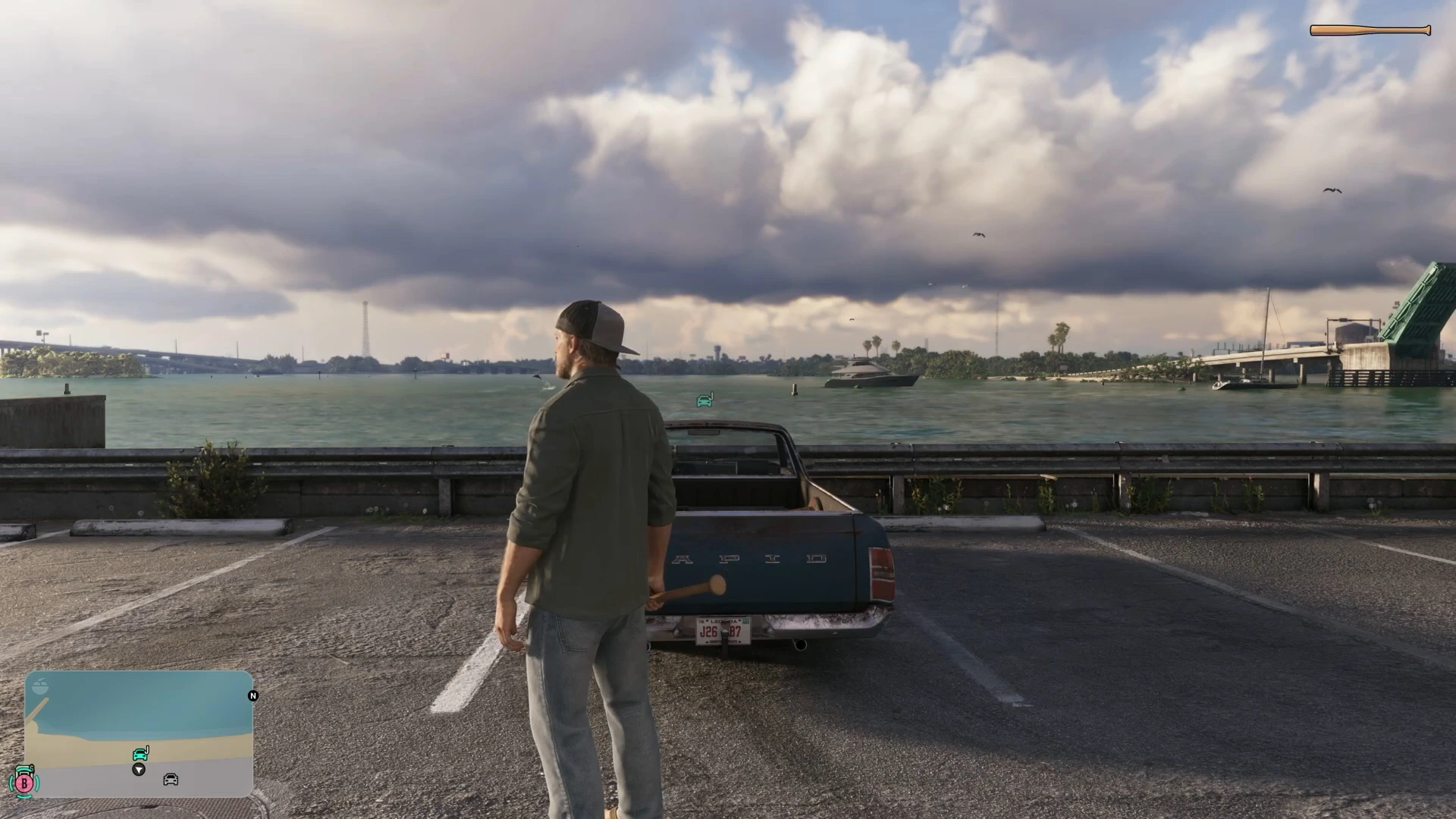
The footage we reviewed was recorded on a PS5 layout, with a narrator explaining the controls. To drop into cover, walk up to a vehicle, wall or similar object and press R1 on PlayStation or RB on Xbox. In the clips Jason is holding a baseball bat and walks up to the tailgate of a blue Vapid pickup. He drops to one knee against it.
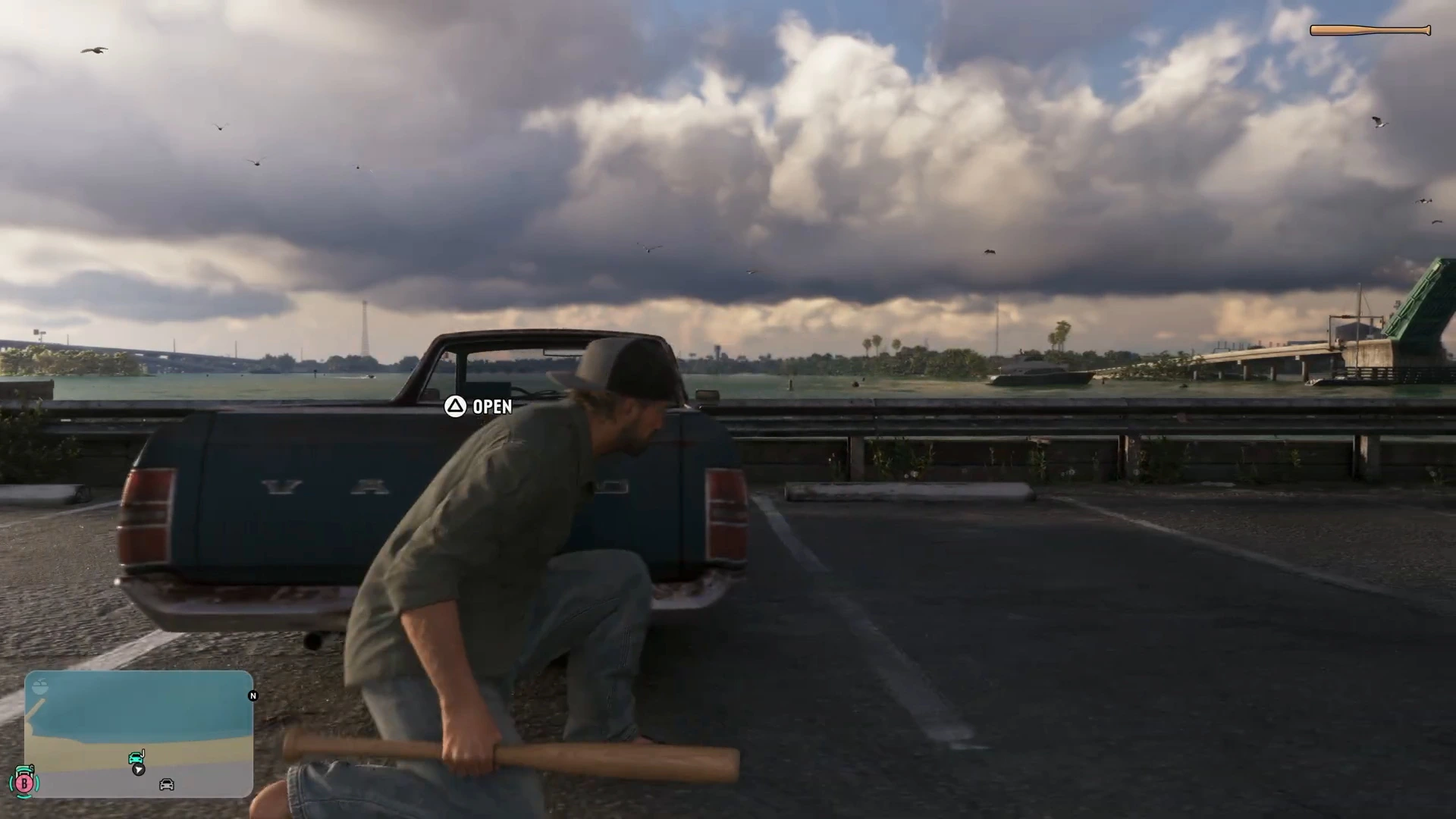
An important detail is that we saw no dedicated cover prompt on screen. Near the pickup the only prompt is a separate Open prompt for the tailgate, shown with the Triangle button on the PS5 layout.
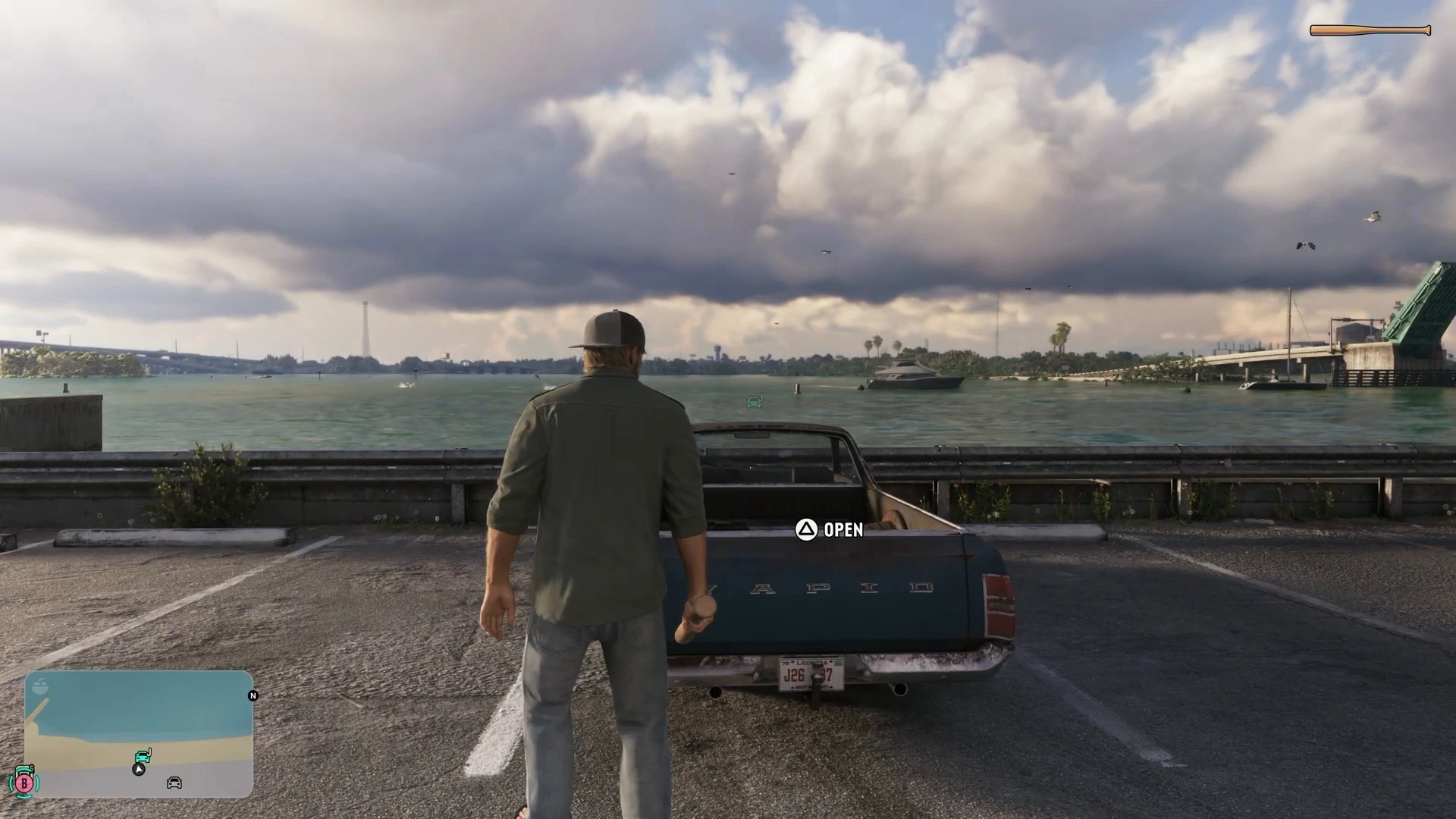
That suggests the cover button works without a prompt, so do not wait for one. If nothing happens, you are probably too far from the object or standing in the open.
Moving while in cover
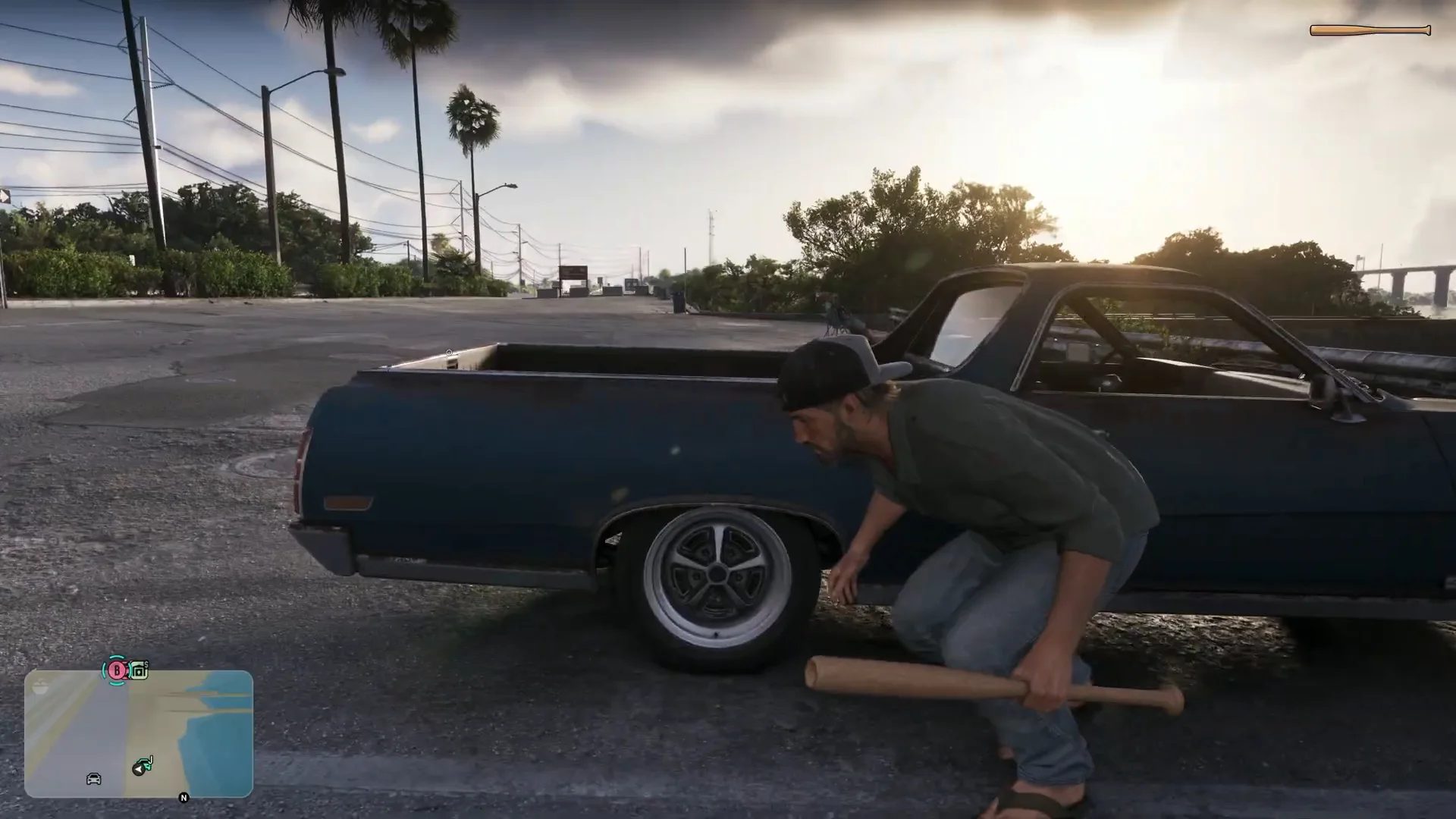
Once you are crouched, you do not have to stay still. The narrator says you can still walk around while in cover, and the footage backs that up. Jason moves in a low crouch along the side of the pickup, past the rear wheel and on toward the front, keeping his body below the line of the truck bed.
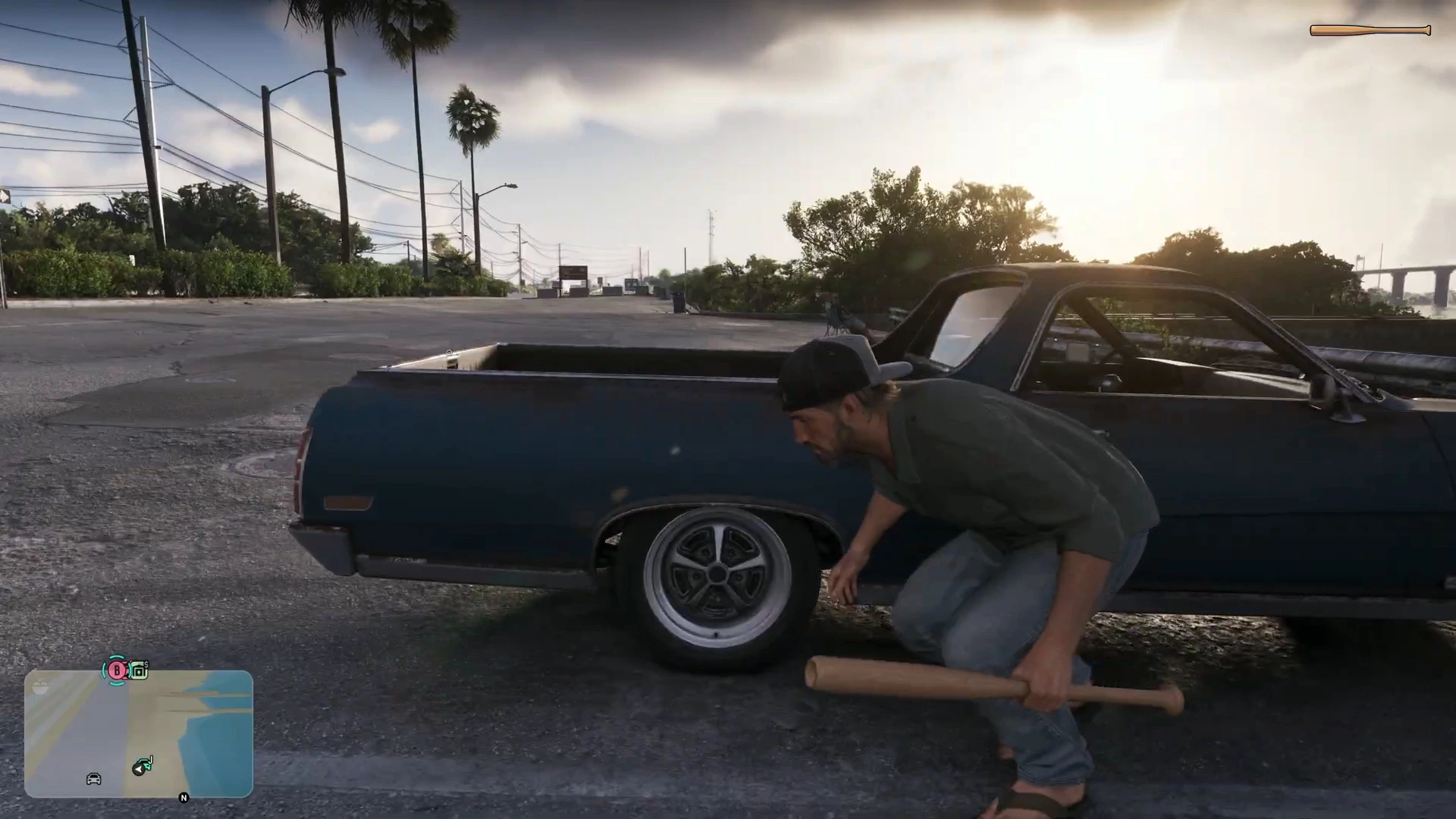
At the end of the vehicle he crouches again at the corner. Another frame shows him low between the car and a roadside guard rail, using both as a screen.
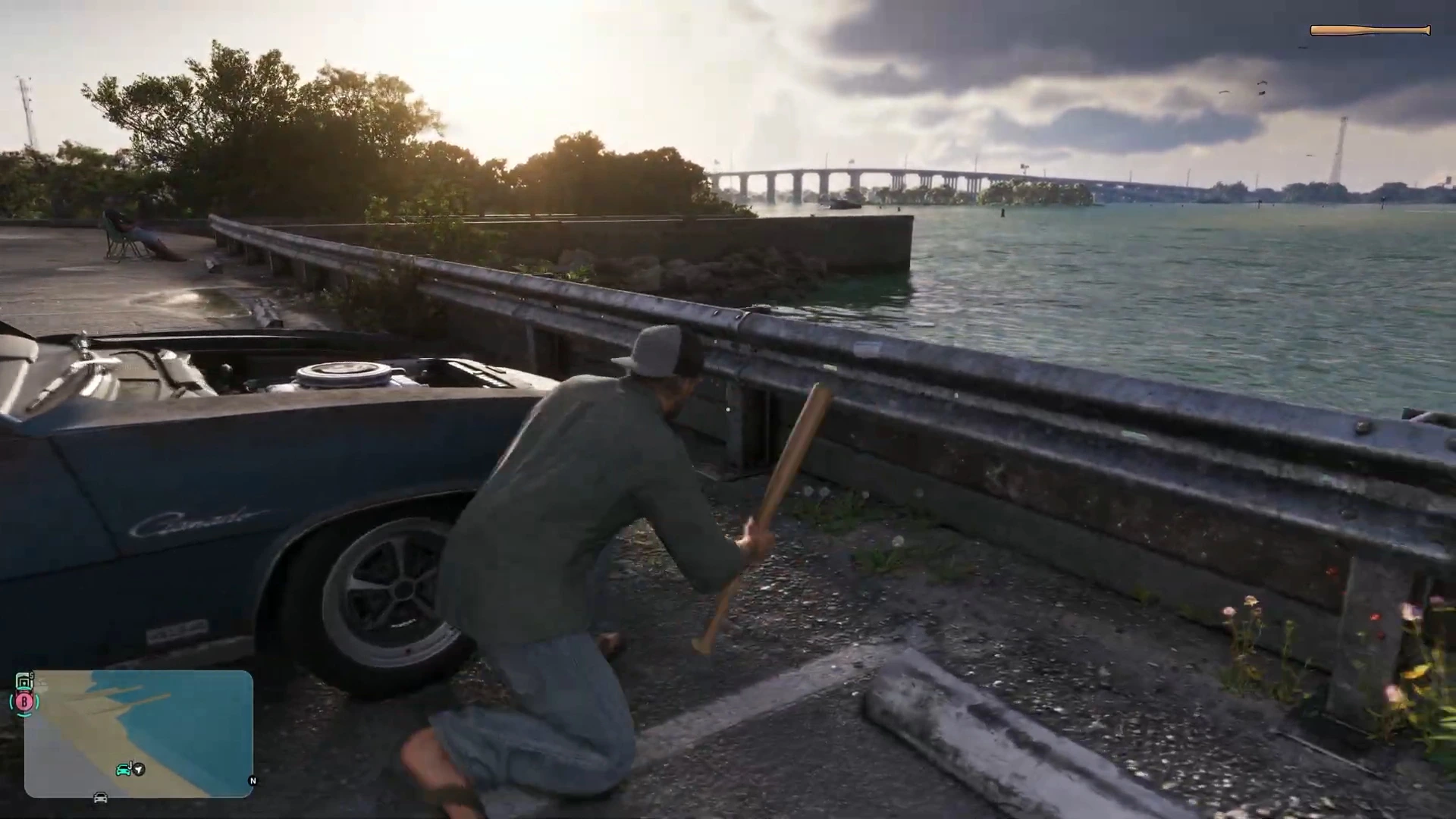
The practical lesson is to slide from one piece of cover to the next while staying low, rather than standing up in between. The melee combat guide covers what to do if you end up close to an enemy with a bat.
How to stand up again
There are two ways out:
- Press the cover button again (R1 on PS5, RB on Xbox). The character stands up and carries on walking.
- Move the left stick toward open ground. Push toward anywhere you would normally stand and the character stands up and moves there, without a second button press.
The clip opens with Jason standing upright beside the pickup, which is the position you return to when you leave cover.
What counts as cover
In the footage the cover is a pickup truck. Elsewhere our early-mission guides show planters, pillars, a low wall by a food truck, ATVs and trailers used the same way. Gone Fishing introduces both quick-equipping your gun and taking cover as you start the escape with Donnie, and later fights are built around it. See the combat tips guide for mission-by-mission examples and how to switch characters for the Jason and Lucia split.
What we haven’t confirmed
- How to aim and fire from cover, including whether you can blind-fire or peek.
- Whether you can vault or roll out of cover, or switch sides of a wall.
- Cover-to-cover movement with a dedicated button, as opposed to simply walking while crouched.
- How enemies react to you being in cover, and whether they flank.
- The Xbox prompt layout. The narrator gives RB, but the footage itself was on a PS5 layout.
More GTA 6 guides
- GTA 6 combat tips
- GTA 6 melee combat
- GTA 6 focus ability
- GTA 6 how to heal
- GTA 6 best early weapons
- GTA 6 beginner tips